Building a Phonics Engine for Automated Text Guidance
- SlideShare title: Building a phonics engine for automated text guidance
- Talk date: Not established
- SlideShare upload: 2015-10-09 (upload date, not the delivery date)
- Event: Not established
- Place: Not established
- Topics: Access & reading
- Language: en
- Slides in the original listing: 22
- Coverage: Full text of all 22 slides, each paired with its original slide image (slide N is section N).
- Original listing: https://www.slideshare.net/slideshow/building-a-phonics-engine-for-automated-text-guidance/53729830
- Cover image: https://slides.dominiklukes.net/readers/building-a-phonics-engine-for-automated-text-guidance/pages/page-01.png
- Reader data (JSON): https://slides.dominiklukes.net/readers/building-a-phonics-engine-for-automated-text-guidance/presentation.json
- TalkWeaver package (outline and images, ZIP): https://slides.dominiklukes.net/building-a-phonics-engine-for-automated-text-guidance/building-a-phonics-engine-for-automated-text-guidance-talkweaver.zip
- TalkWeaver outline: https://slides.dominiklukes.net/building-a-phonics-engine-for-automated-text-guidance/talkweaver/building-a-phonics-engine-for-automated-text-guidance-outline.md
- Markdown copy: https://slides.dominiklukes.net/building-a-phonics-engine-for-automated-text-guidance/index.md
Slide 1: Building a Phonics Engine for Automated Text Guidance
Building a Phonics Engine for Automated Text Guidance

Dominik Lukeš
Dyslexia Action
Chris Litsas
NTUA
www.ilearnrw.eu

Slide 2: Outline
Outline
- Struggling readers needs
- Linguistic background
- Phonics engine need
- Phonics engine specification
- Phonics engine implementation
- Phonics engine applications
- Next steps
Slide 3: Needs of dyslexic people
Needs of dyslexic people
- Identifying the syllables in a word
- Recognising the structure of words (stem, prefix, suffix)
- Highlighting typical or repeated patterns of English orthography
- Identifying phoneme/grapheme correspondence
- Learning the pronunciation of a word
- Learning the meaning of a word
Slide 4: Linguistic background
Linguistic background
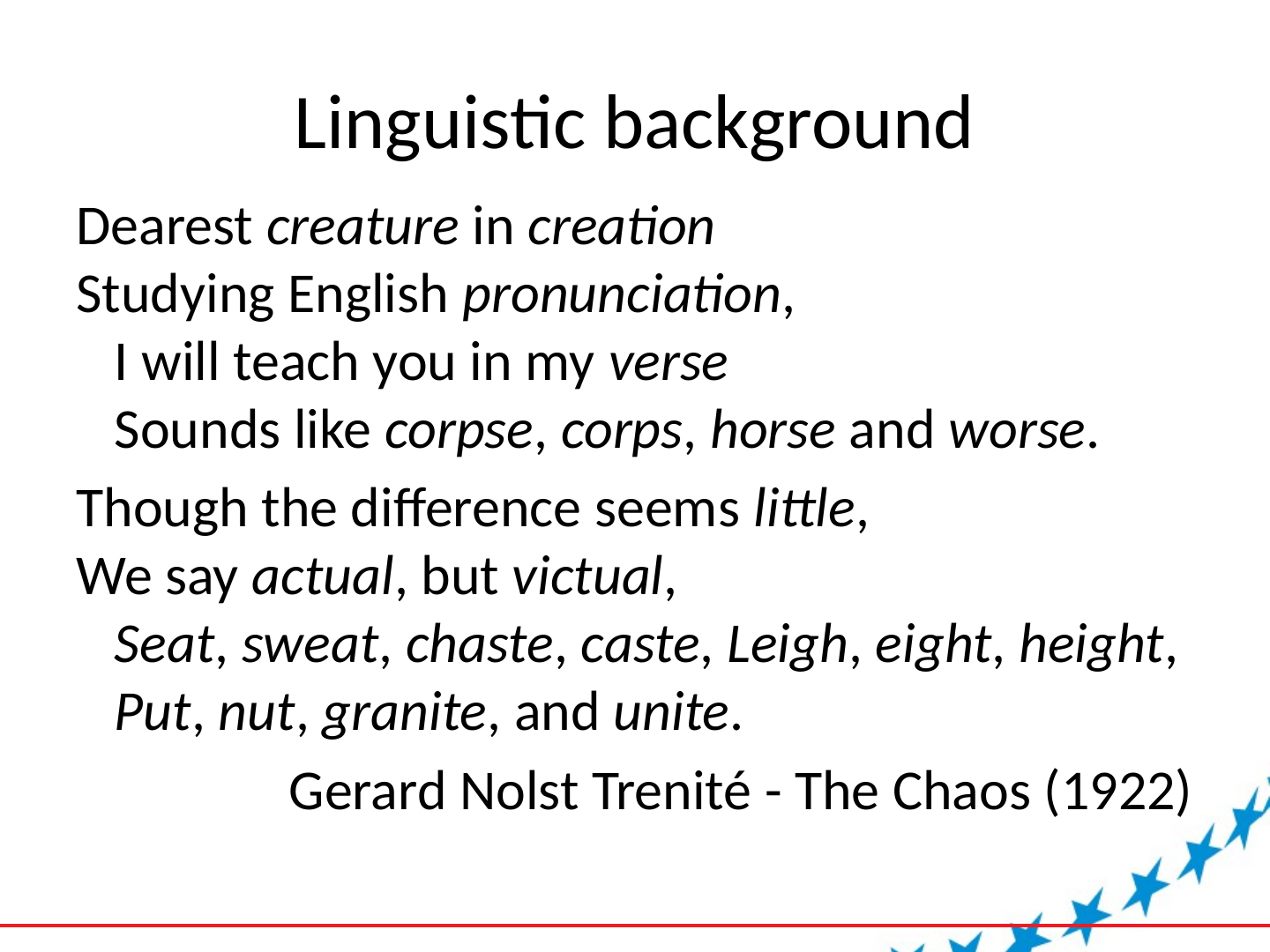
Dearest creature in creation
Studying English pronunciation,
I will teach you in my verse
Sounds like corpse, corps, horse and worse.Though the difference seems little,
We say actual, but victual,
Seat, sweat, chaste, caste, Leigh, eight, height,
Put, nut, granite, and unite.Gerard Nolst Trenité - The Chaos (1922)
Slide 5: Linguistic background
Linguistic background
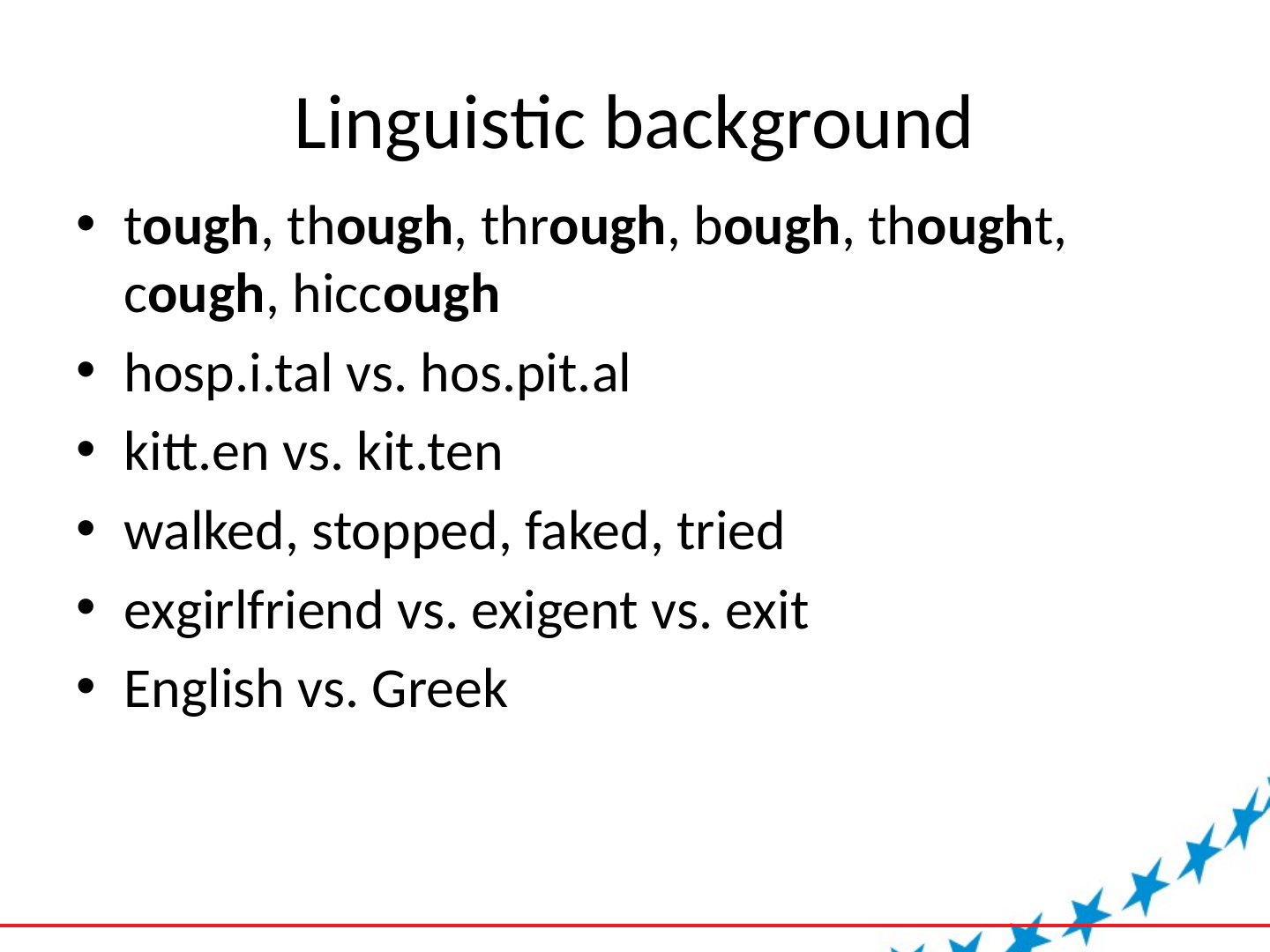
- tough, though, through, bough, thought, cough, hiccough
- hosp.i.tal vs. hos.pit.al
- kitt.en vs. kit.ten
- walked, stopped, faked, tried
- exgirlfriend vs. exigent vs. exit
- English vs. Greek
Slide 6: Phonics engine need
Phonics engine need
- Finding all examples of ‘a’ spelled to rhyme with ‘hay’ in a text or a corpus.
- Sorting words by their phoneme/grapheme ratio.
- Identifying appropriate syllable boundaries in the written form of a multi-syllable word based on knowledge of the syllable boundaries in pronunciation
Slide 7: Phonics engine specification
Phonics engine specification
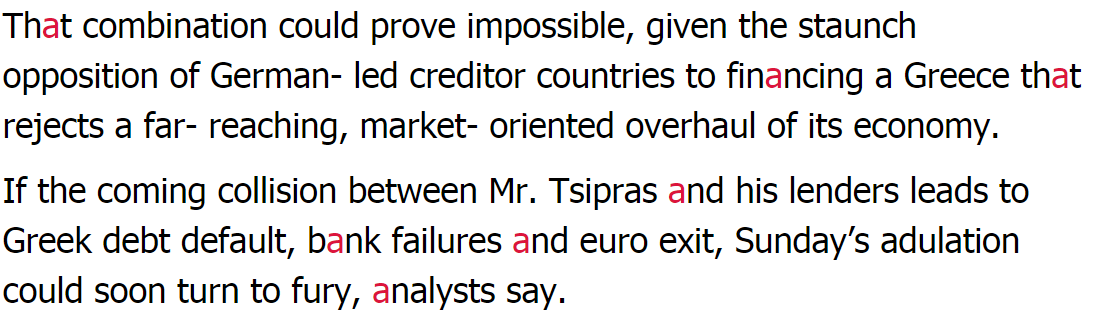
- provide automated guidance to students and teachers reading texts (using highlighting as well as explicit information)
- generate more extensive word lists for practice activities within the serious games
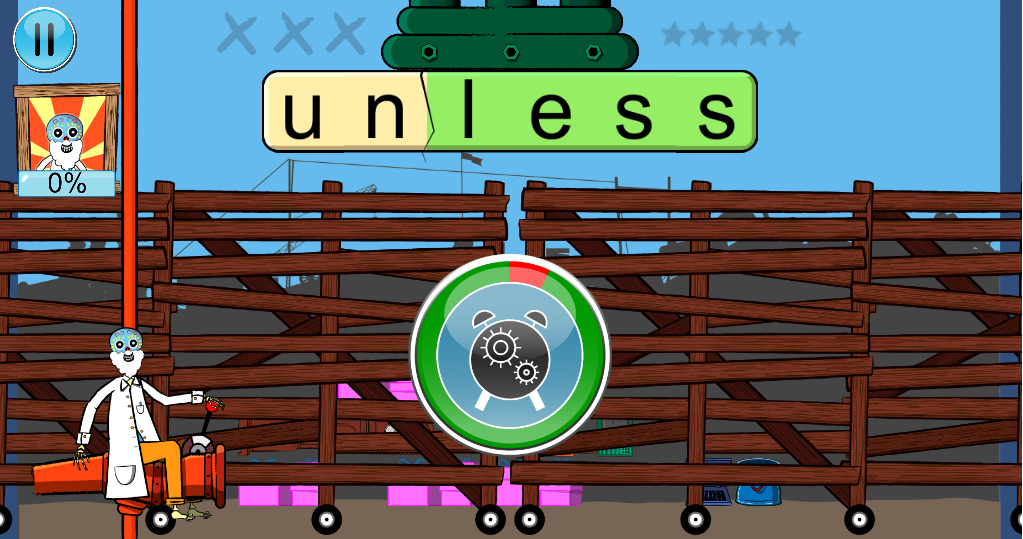
- provide information about word structure to the game engine
Slide 8: Phonics engine implementation
Phonics engine implementation
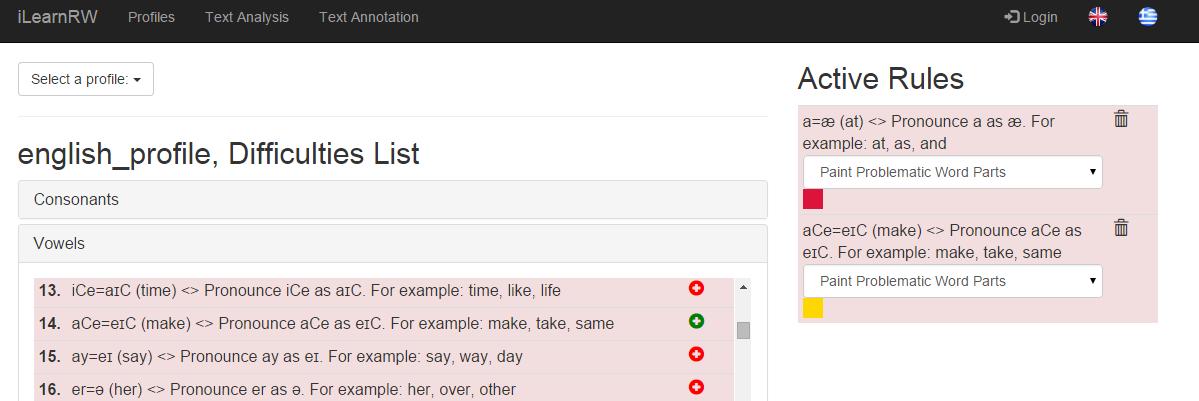
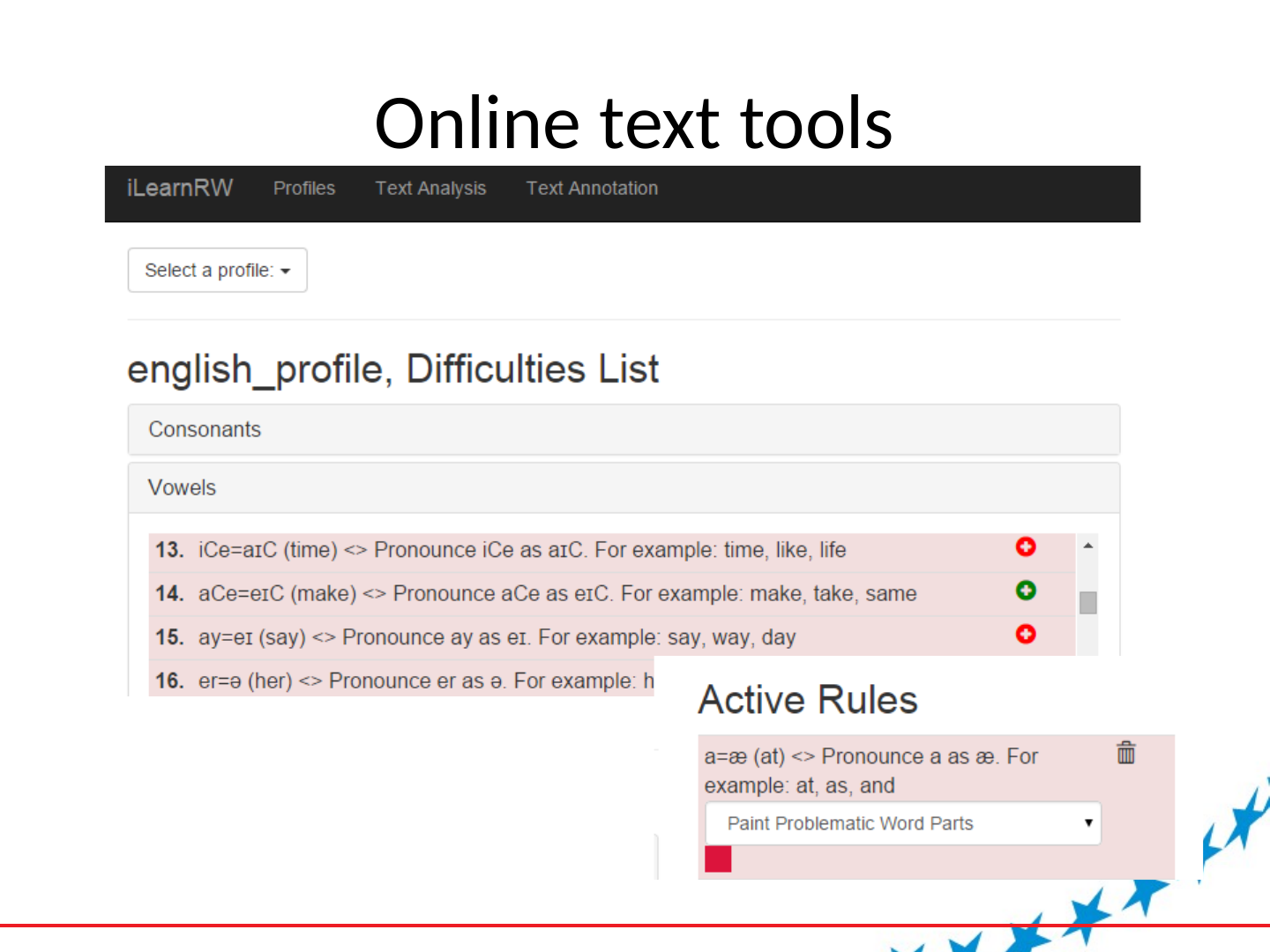
- Profile of phonic difficulties
- Annotated phonic dictionary
- Look up routines
Slide 9: Phonics profile - categories
Phonics profile - categories
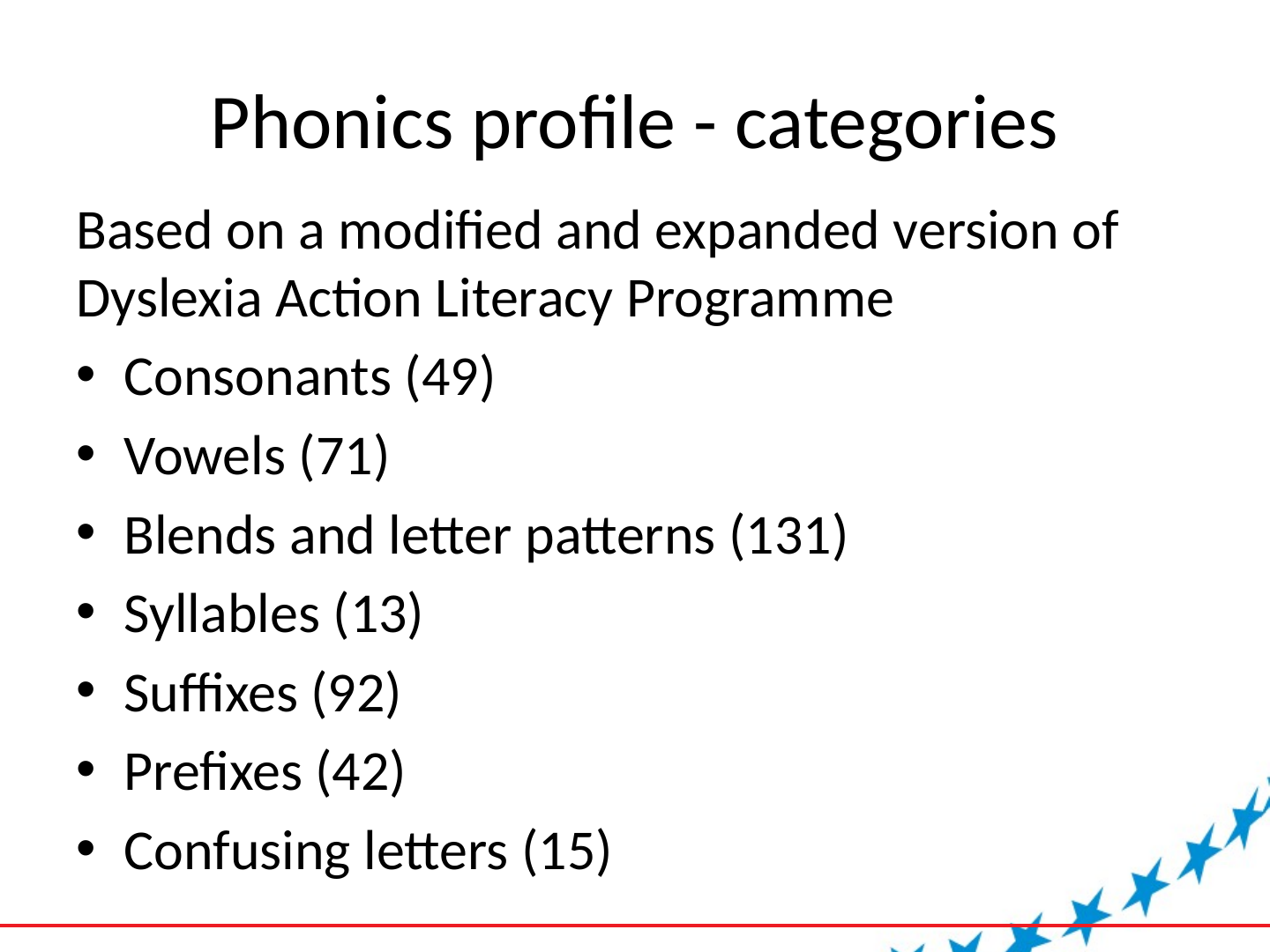
Based on a modified and expanded version of Dyslexia Action Literacy Programme
- Consonants (49)
- Vowels (71)
- Blends and letter patterns (131)
- Syllables (13)
- Suffixes (92)
- Prefixes (42)
- Confusing letters (15)
Slide 10: Phonics profile (JSON)
Phonics profile (JSON)
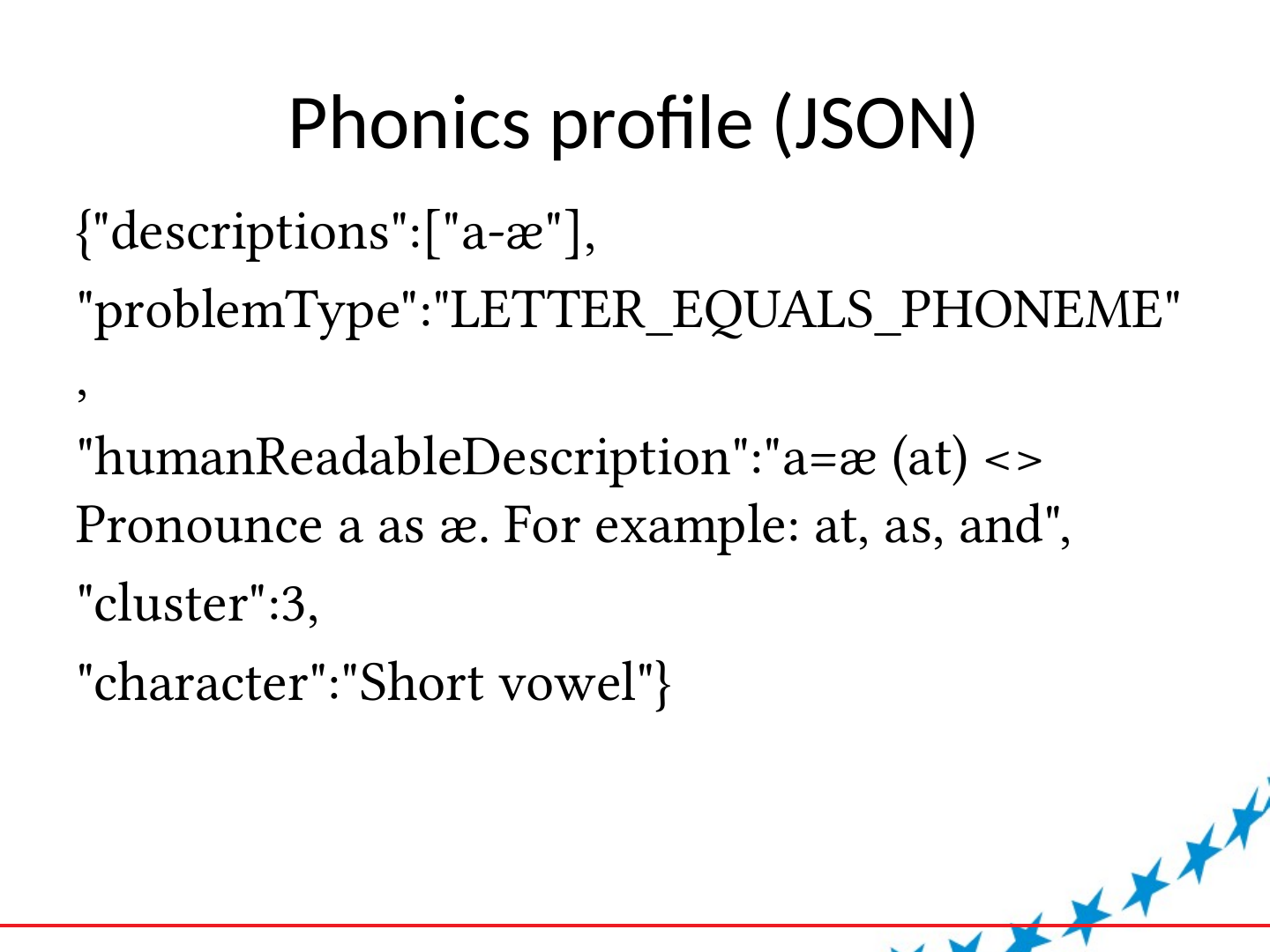
{"descriptions":["a-æ"],
"problemType":"LETTER_EQUALS_PHONEME",
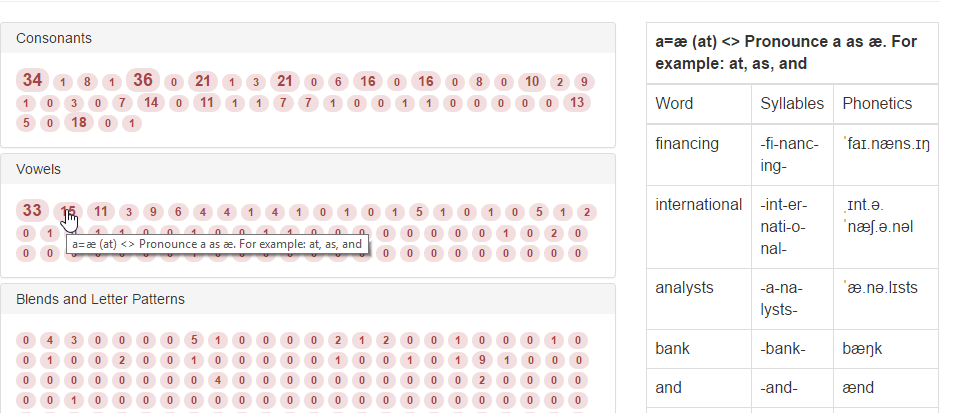
"humanReadableDescription":"a=æ (at) <> Pronounce a as æ. For example: at, as, and",
"cluster":3,
"character":"Short vowel"}
Slide 11: Phonic dictionary
Phonic dictionary
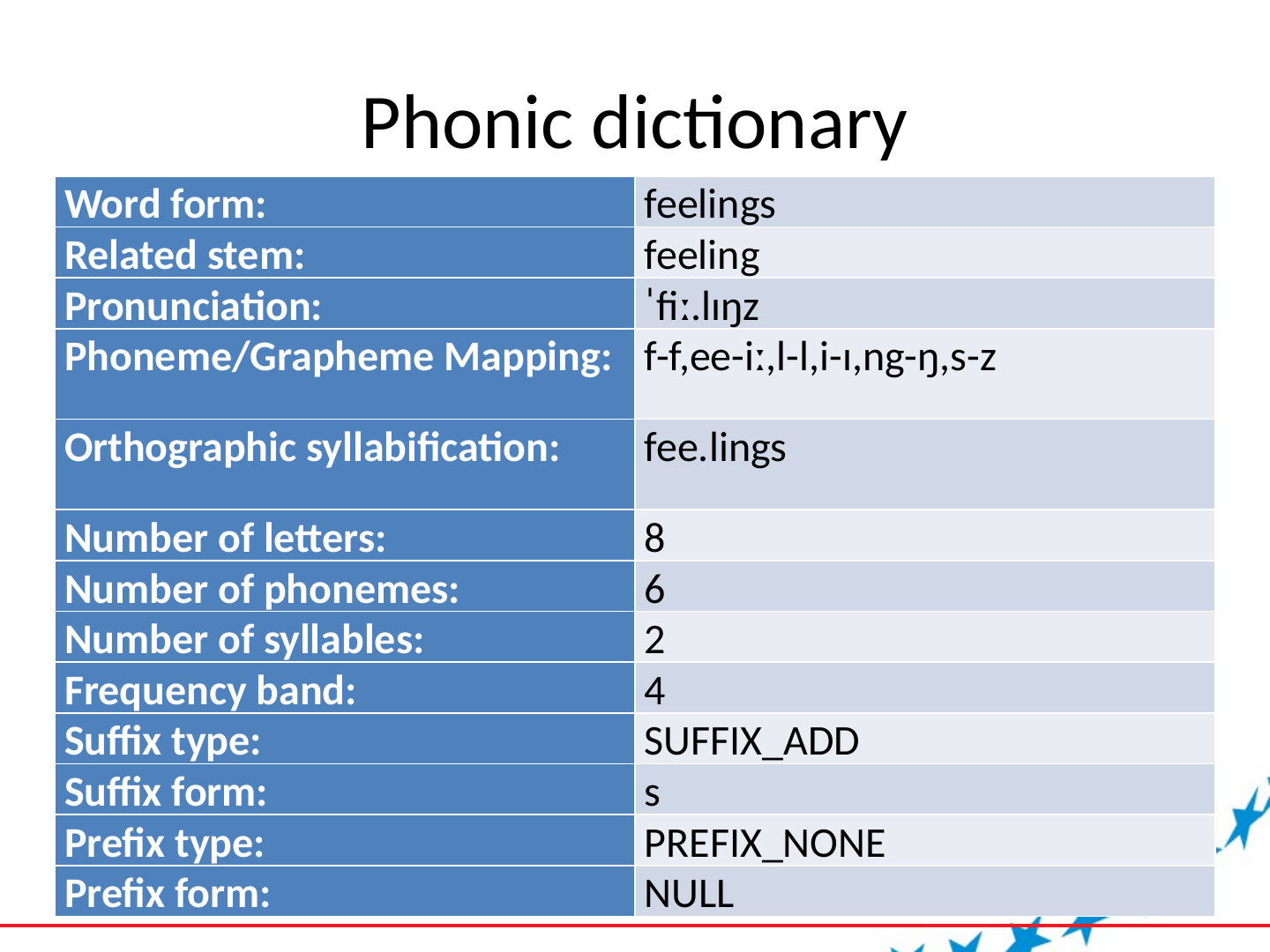
| Word form: | feelings |
| Related stem: | feeling |
| Pronunciation: | ˈfiː.lɪŋz |
| Phoneme/Grapheme Mapping: | f-f,ee-iː,l-l,i-ɪ,ng-ŋ,s-z |
| Orthographic syllabification: | fee.lings |
| Number of letters: | 8 |
| Number of phonemes: | 6 |
| Number of syllables: | 2 |
| Frequency band: | 4 |
| Suffix type: | SUFFIX_ADD |
| Suffix form: | s |
| Prefix type: | PREFIX_NONE |
| Prefix form: | NULL |
Slide 12: Building the phonic dictionary
Building the phonic dictionary
- 5,000 most frequent words based on COCA
- Generated derived forms by reversing hunspell
- Used online tool to generate pronunciation
- Create rules for matching pronunciation with spelling patterns
- Create rules for displaying
- Mark suffixes and prefixes and types
- Adjust frequencies
- Manual fine tuning (lots of regex)
Slide 13: Phonics engine applications
Phonics engine applications
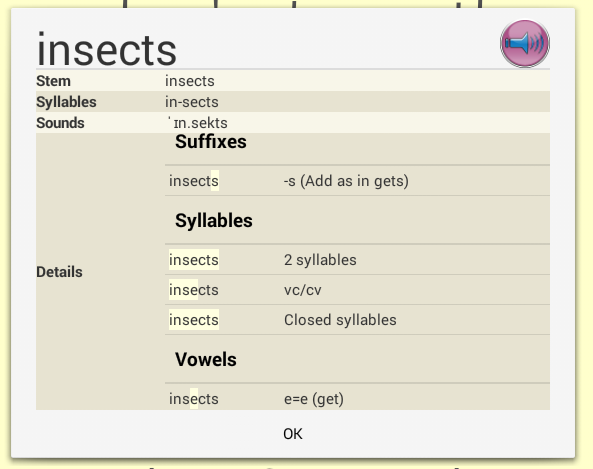
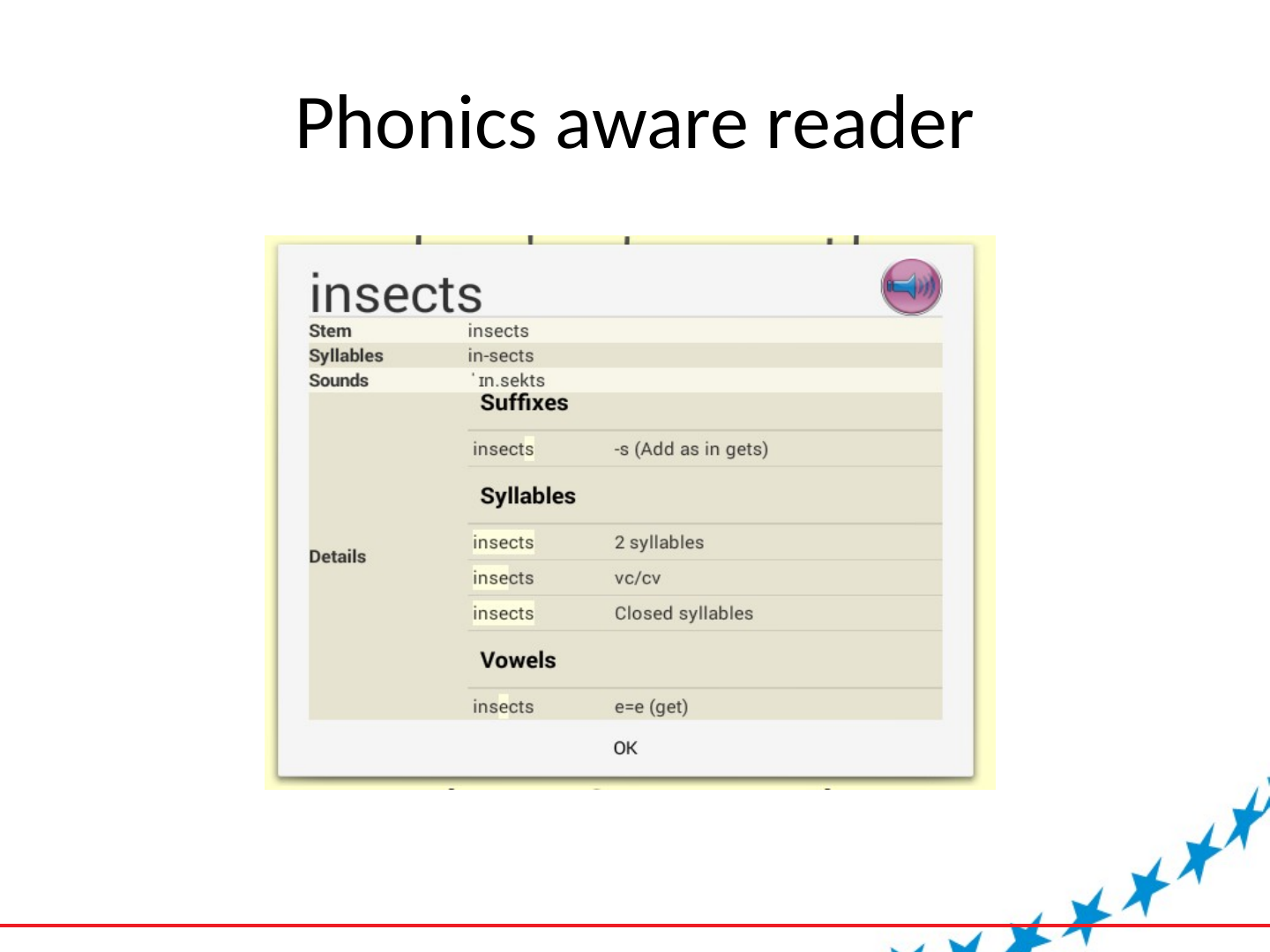
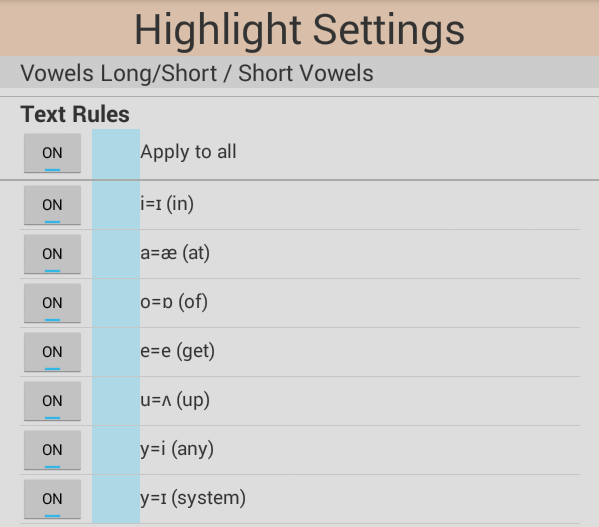
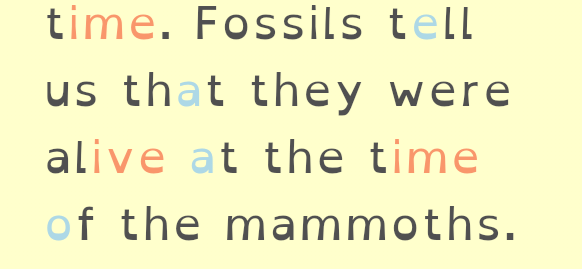
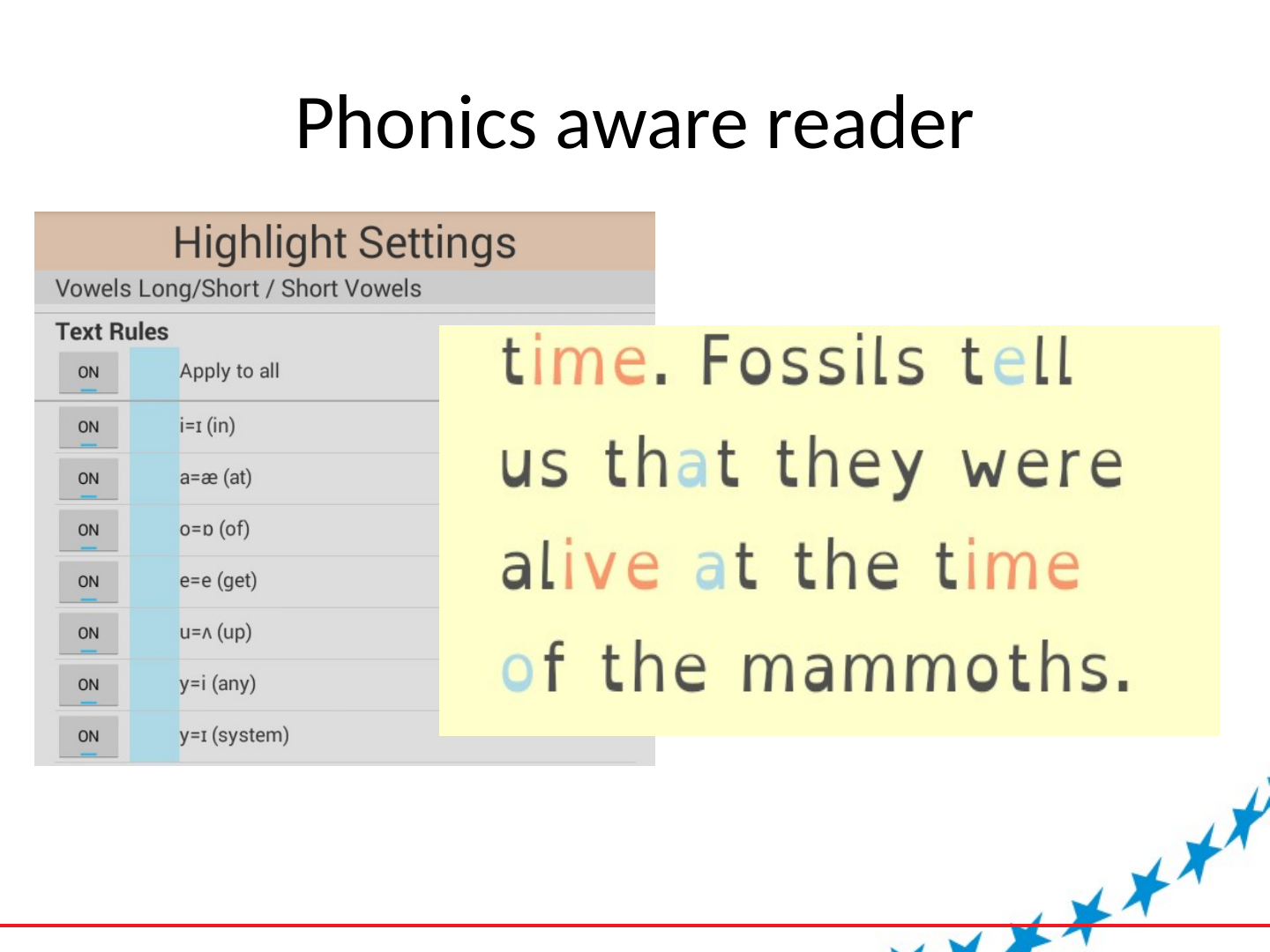
- Phonics aware reader
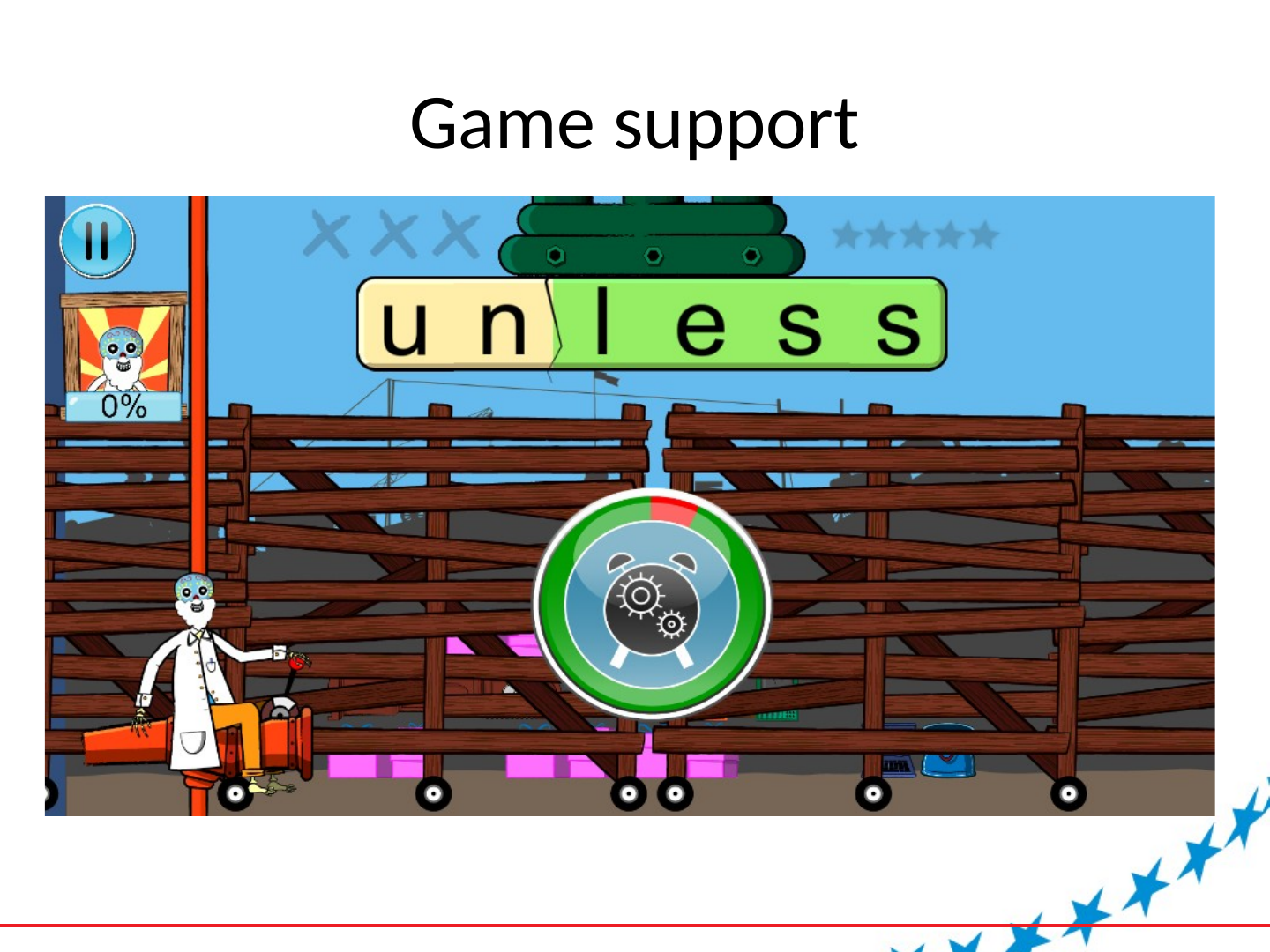
- Game support – generating word lists
- Game support – provide word structure
- Game support – link word structures to profile
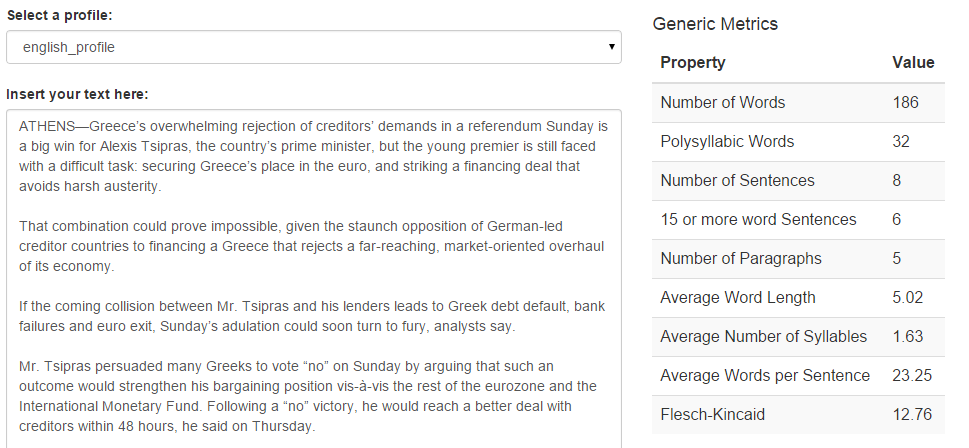
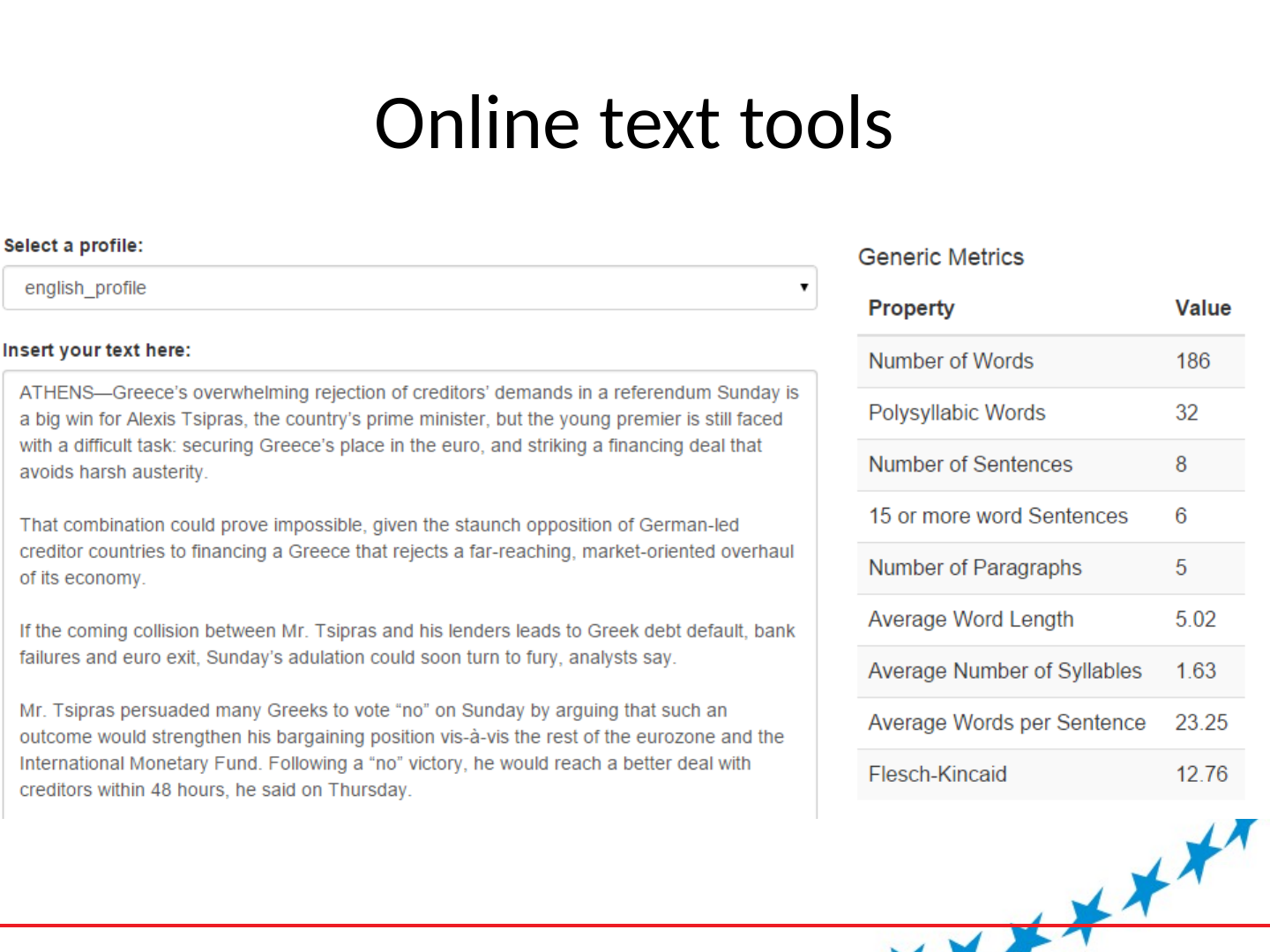
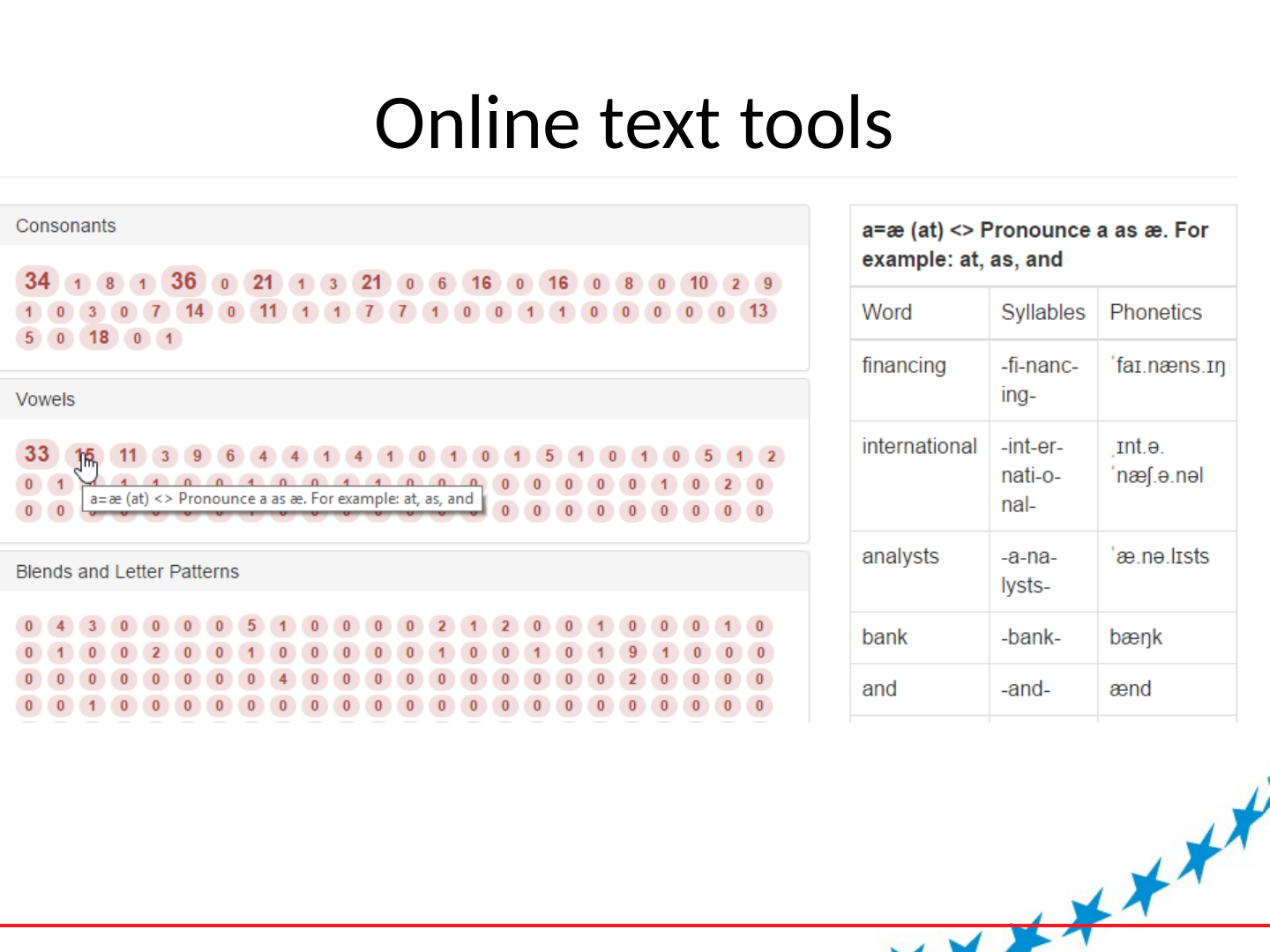
- Text classification tool
- Online text annotation tool
Slide 14: Phonics aware reader
Phonics aware reader
Slide 15: Phonics aware reader
Phonics aware reader
Slide 16: Game support
Game support
Slide 17: Online text tools
Online text tools
Slide 18: Online text tools
Online text tools
Slide 19: Online text tools
Online text tools
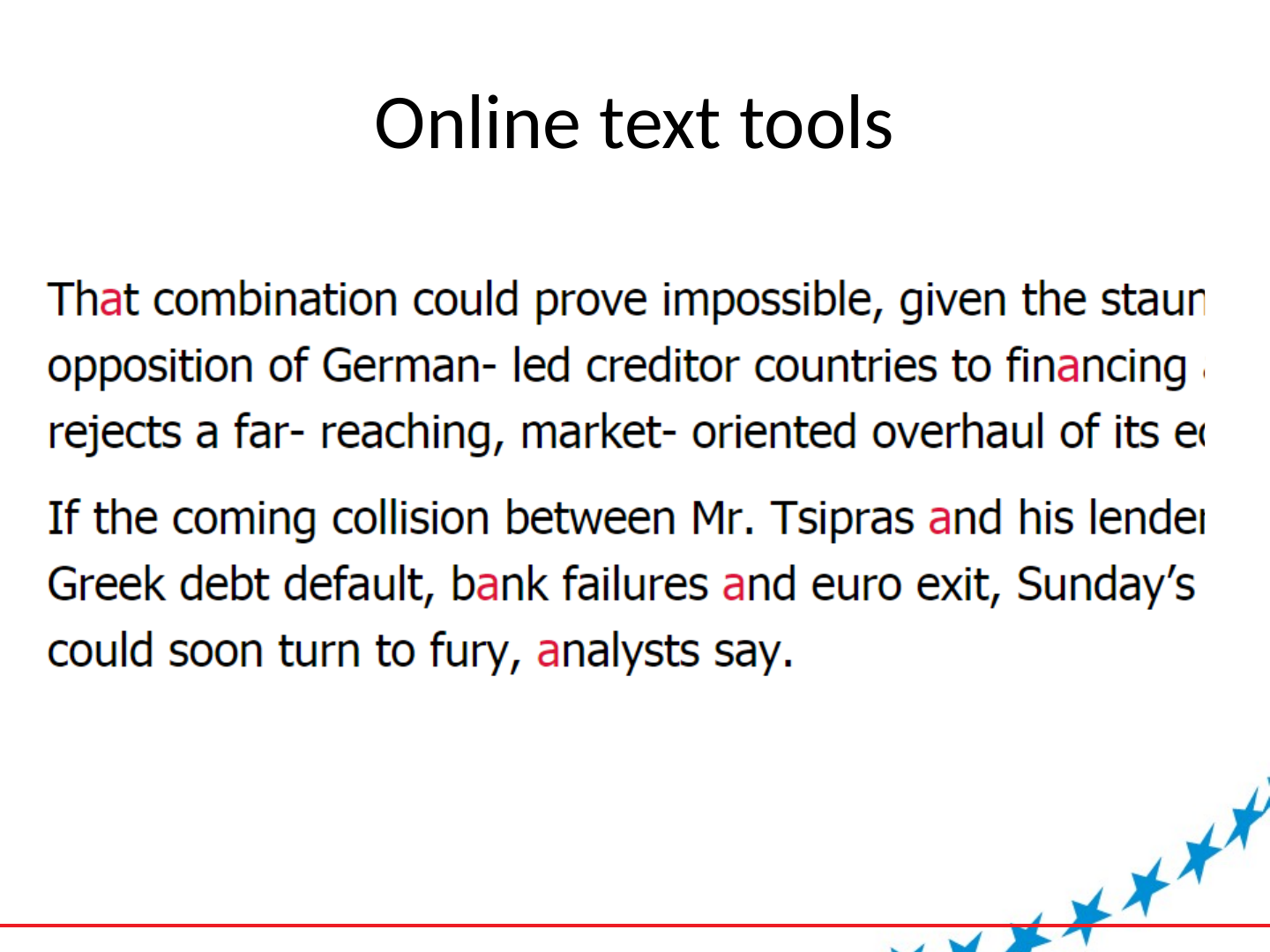
Slide 20: Online text tools
Online text tools
Slide 21: Next steps
Next steps
- Bigger dictionary with more information on words
- Finetuning of look up routines
- More sophisticated highlighting routines
- More sophisticated NLP
- PoS
- Sentence structure
- Semantics
- WordNet, Framenet
- Named Entities
- Collocations