Copyright and Creative Commons for Teachers: How to get legal resources for your PowerPoints and other teaching materials
- SlideShare title: Copyright and Creative Commons for Teachers Making PowerPoints and Other Teac...
- Talk date: Not established
- SlideShare upload: 2015-04-14 (upload date, not the delivery date)
- Event: Not established
- Place: Not established
- Topics: Access & reading
- Language: en
- Slides in the original listing: 94
- Coverage: Full text of all 94 slides, each paired with its original slide image (slide N is section N).
- Original listing: https://www.slideshare.net/slideshow/copyright-and-creative-commons-for-teachers-making-powerpoints-and-other-teaching-resources/46993066
- Cover image: https://slides.dominiklukes.net/readers/copyright-and-creative-commons-for-teachers-making-powerpoints-and-other-teaching-resources/pages/page-01.png
- Reader data (JSON): https://slides.dominiklukes.net/readers/copyright-and-creative-commons-for-teachers-making-powerpoints-and-other-teaching-resources/presentation.json
- TalkWeaver package (outline and images, ZIP): https://slides.dominiklukes.net/copyright-and-creative-commons-for-teachers-making-powerpoints-and-other-teaching-resources/copyright-and-creative-commons-for-teachers-making-powerpoints-and-other-teaching-resources-talkweaver.zip
- TalkWeaver outline: https://slides.dominiklukes.net/copyright-and-creative-commons-for-teachers-making-powerpoints-and-other-teaching-resources/talkweaver/copyright-and-creative-commons-for-teachers-making-powerpoints-and-other-teaching-resources-outline.md
- Markdown copy: https://slides.dominiklukes.net/copyright-and-creative-commons-for-teachers-making-powerpoints-and-other-teaching-resources/index.md
Slide 1: Copyright and Creative Commons for Teachers: How to get legal resources for your PowerPoints and other teaching materials
Copyright and Creative Commons for Teachers: How to get legal resources for your PowerPoints and other teaching materials

Slide 2: This is NOT legal advice!
This is NOT legal advice!
Slide 3: Advice by Dominik Lukes
Advice by Dominik Lukes
for teachers creating content
based on years of experience of dealing with content and following discussions about copyright and licensing
Slide 4: What is free of copyright?
What is free of copyright?
Slide 5: Everything has a copyright
Everything has a copyright
Slide 6: What is copyright?
What is copyright?
Slide 7: Right to control how your work is copied, distributed, modified or reused.
Right to control how your work is copied, distributed, modified or reused.
Slide 8: How can I use copyrighted content?
How can I use copyrighted content?
Slide 9: Slide 9
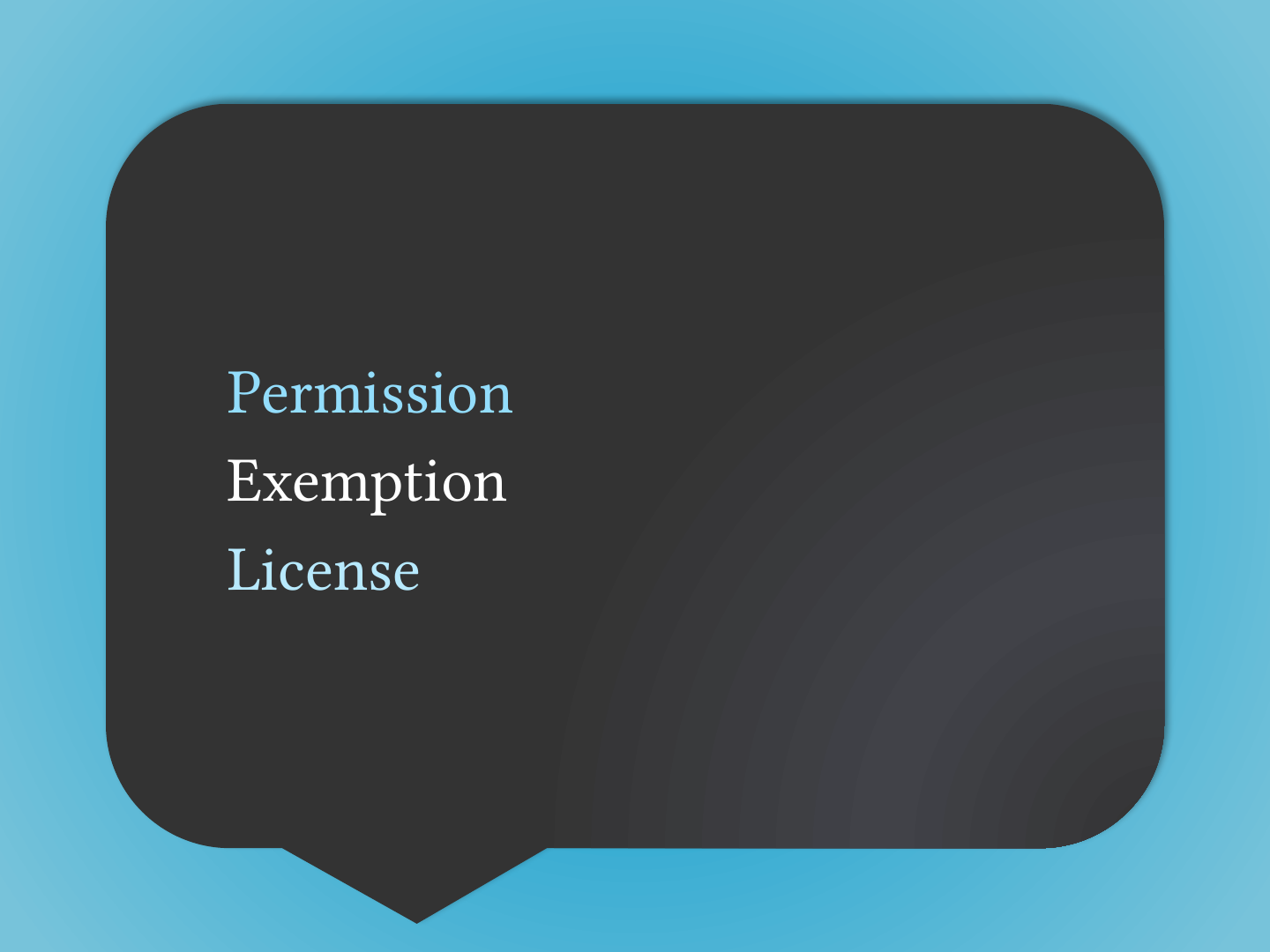
- Permission
- Exemption
- License
Slide 10: Exemption for Print Disabilities
Exemption for Print Disabilities
Slide 11: Make accessible copies for someone with a print disability.
Make accessible copies for someone with a print disability.
Slide 12: Made Load2Learn possible but has many restrictions
Made Load2Learn possible but has many restrictions
Slide 13: Can I copy 10% of anything for educational purposes?
Can I copy 10% of anything for educational purposes?
Slide 14: No!
No!

Slide 15: Schools must buy a CLA license to allow them to make copies for educational purposes
Schools must buy a CLA license to allow them to make copies for educational purposes
Slide 16: Can I use a copyrighted image if I give attribution?
Can I use a copyrighted image if I give attribution?
Slide 17: No!
No!

Slide 18: You must have a proper licence or permission to use copyrighted work.
You must have a proper licence or permission to use copyrighted work.
Slide 19: Your license may include a requirement of attribution.
Your license may include a requirement of attribution.
Slide 20: Attribution on its own does not constitute a license.
Attribution on its own does not constitute a license.
Slide 21: Don’t I have right for fair use?
Don’t I have right for fair use?
Slide 22: No!
No!

Slide 23: Slide 23
Fair use a US doctrine,
the UK has fair dealing which is similar but not the same!
Slide 24: Fair dealing
Fair dealing
Slide 25: Fair dealing is not a right it is a defence!
Fair dealing is not a right it is a defence!
Slide 26: Slide 26
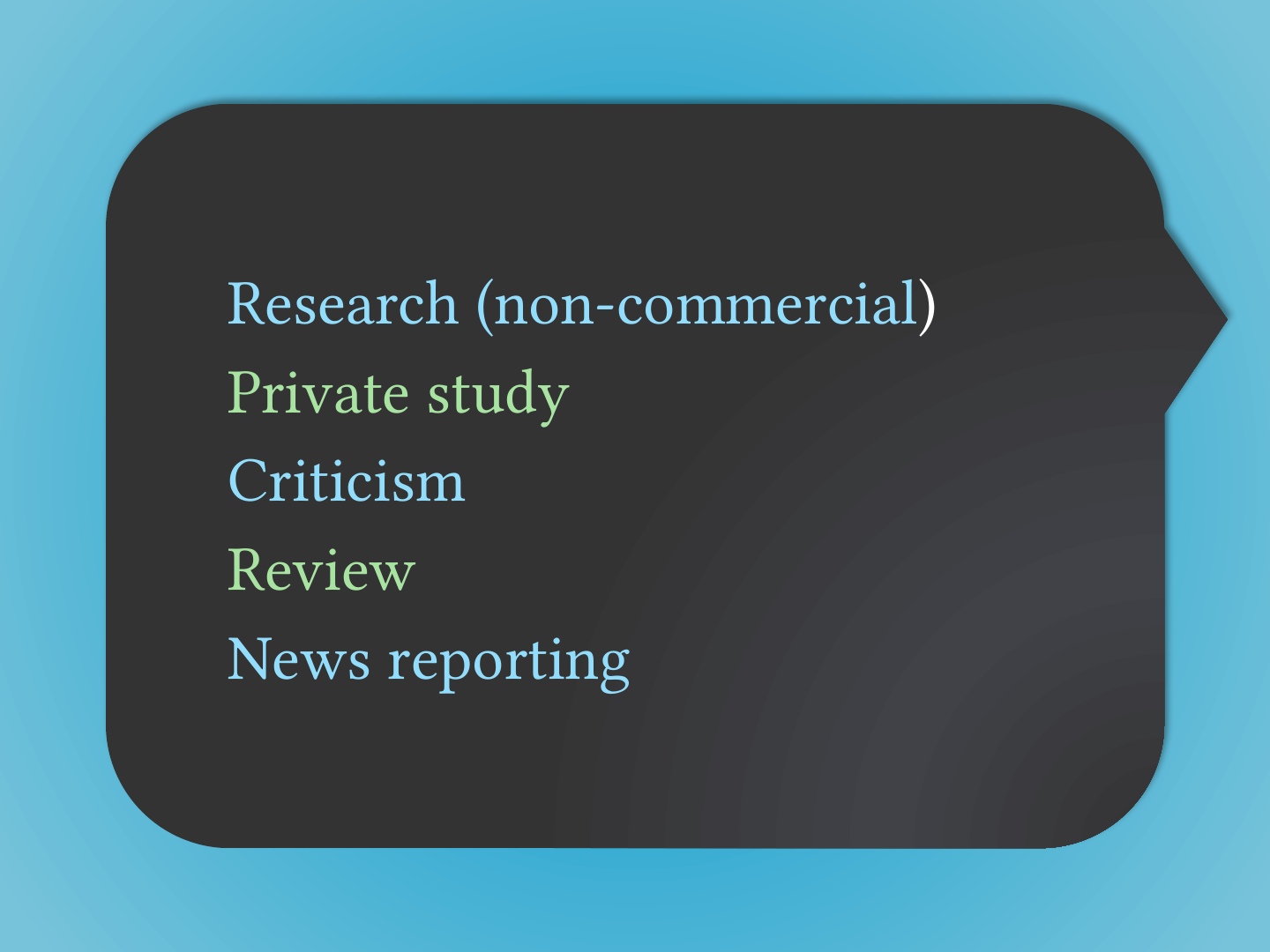
- Research (non-commercial)
- Private study
- Criticism
- Review
- News reporting
Slide 27: Never to distribute to another person
Never to distribute to another person
(e.g. make photocopies for all students)
Slide 28: Public domain
Public domain
Slide 29: Slide 29
- Copyright term has expired
- Copyright is not applicable
- Has been marked as public domain by creator
Slide 30: Differs by country, type of work, etc.
Differs by country, type of work, etc.
Slide 31: Works in the public domain in the US, may not be public domain in the UK.
Works in the public domain in the US, may not be public domain in the UK.
Slide 32: US federal government works in the public domain but UK government under crown license.
US federal government works in the public domain but UK government under crown license.
Slide 33: Unreliable. Better to use works with an explicit license.
Unreliable. Better to use works with an explicit license.
Slide 34: Creative Commons
Creative Commons
Slide 35: Slide 35
Slide 36: License to copy, distribute, modify or reuse a copyrighted work!
License to copy, distribute, modify or reuse a copyrighted work!
Slide 37: 4 options to license
4 options to license
Slide 38: Slide 38
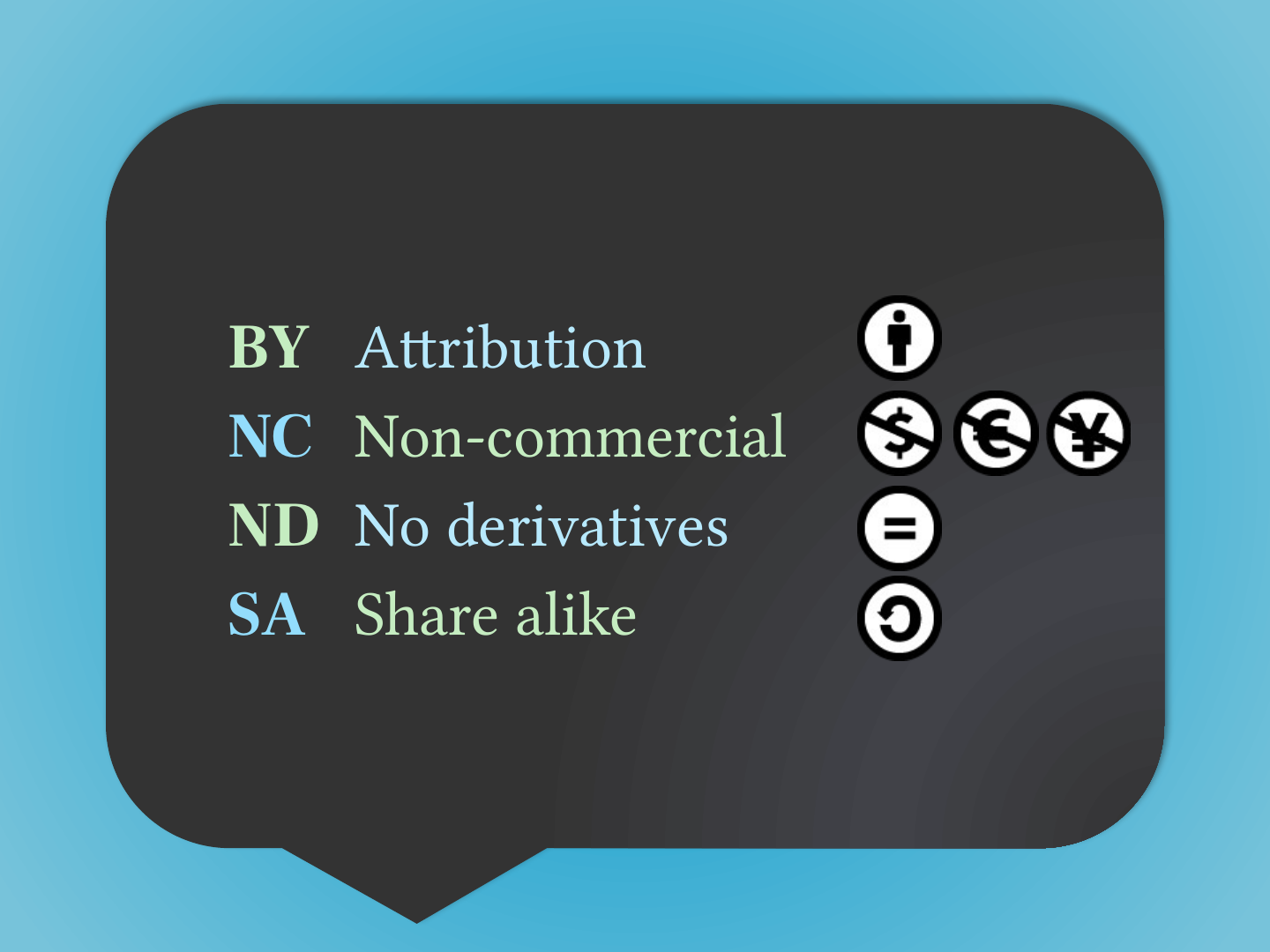
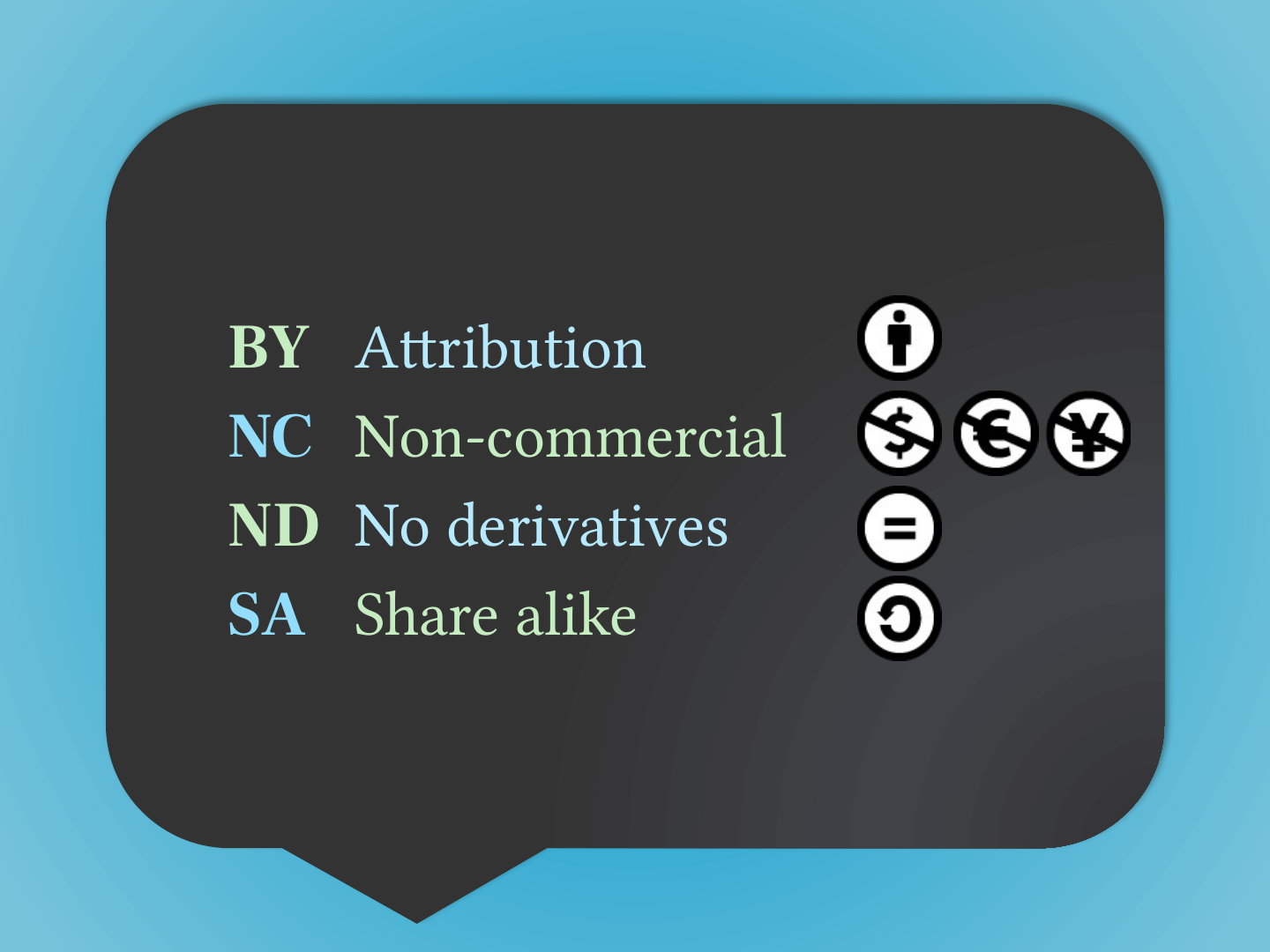
- BY Attribution
- NC Non-commercial
- ND No derivatives
- SA Share alike
Slide 39: Slide 39
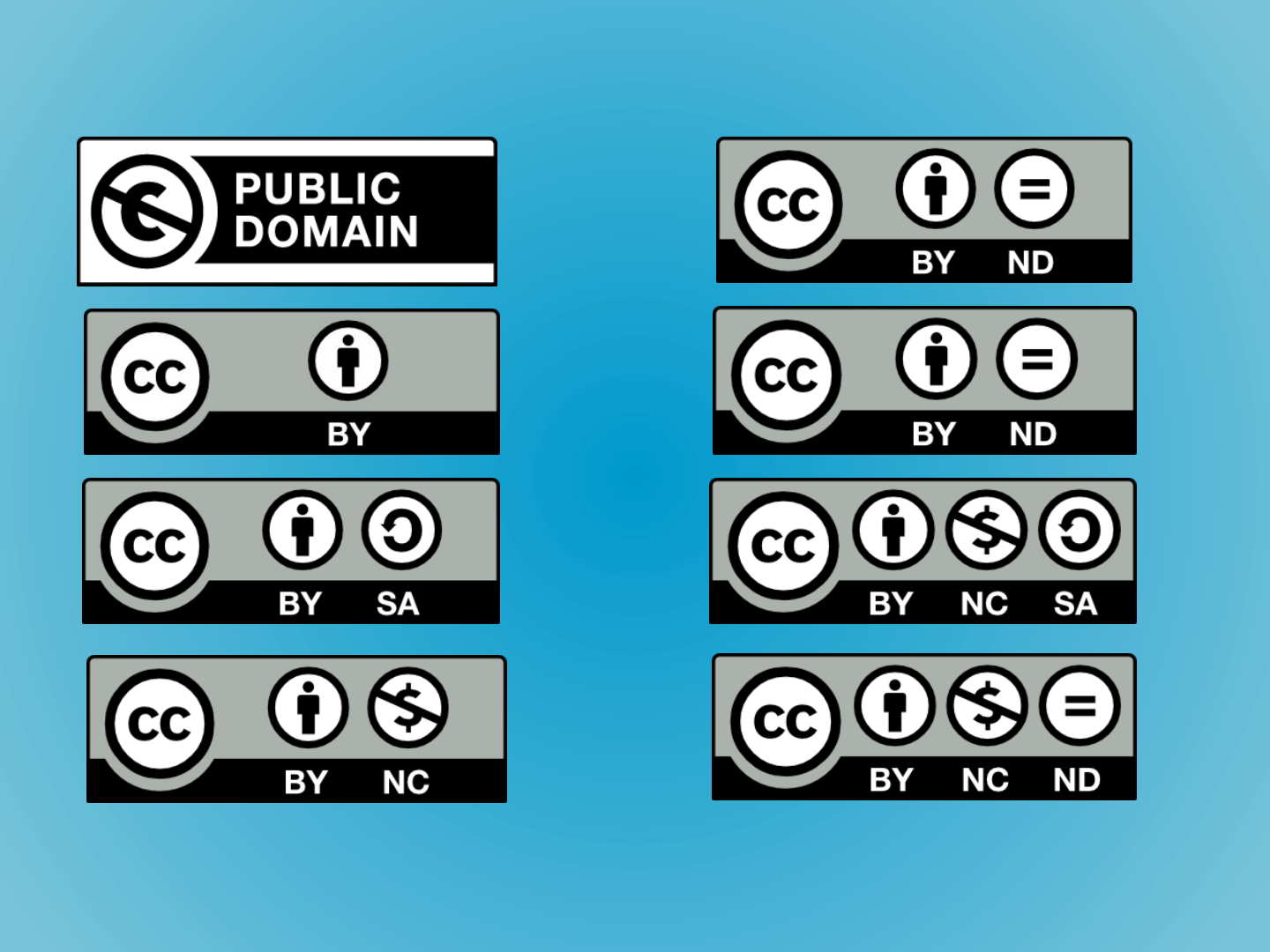
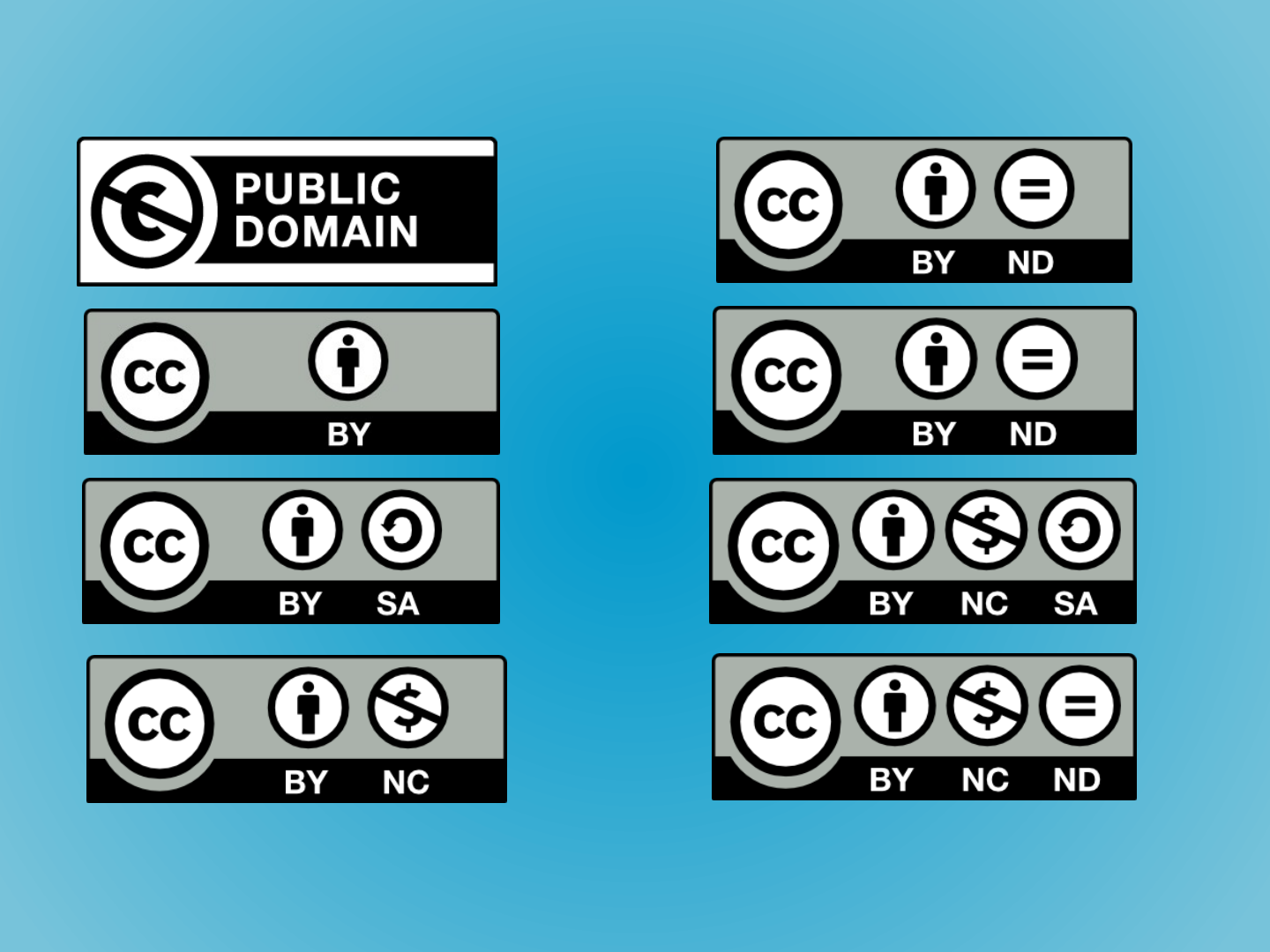
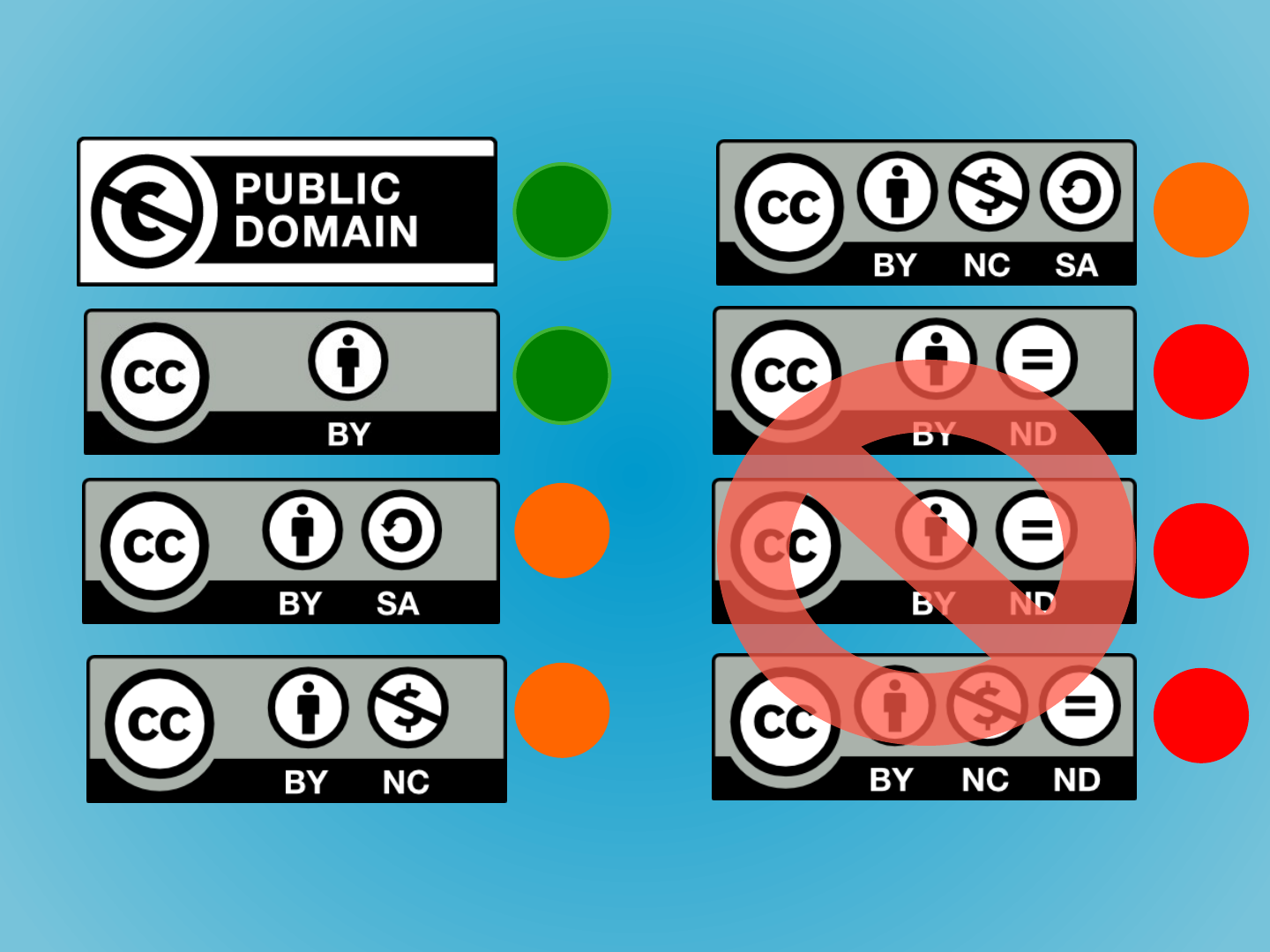
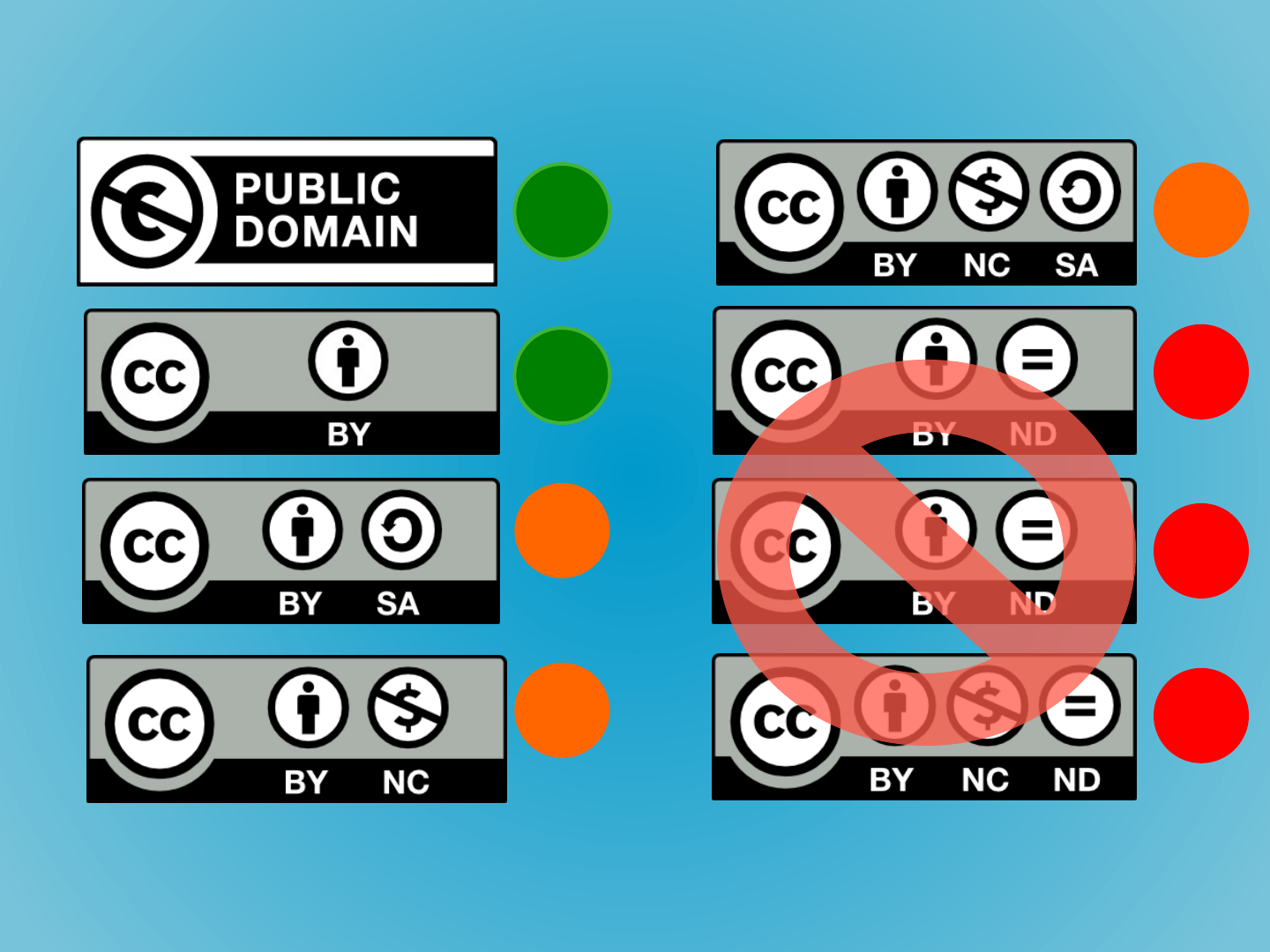
- Public domain
- CC BY
- CC BY-SA
- CC BY-NC
- CC BY-ND
- CC BY-NC-SA
- CC BY-NC-ND
Slide 40: Rules of thumb
Rules of thumb

CC BY Approve designed by Venkatesh Aiyulu from the Noun Project
Slide 41: Slide 41
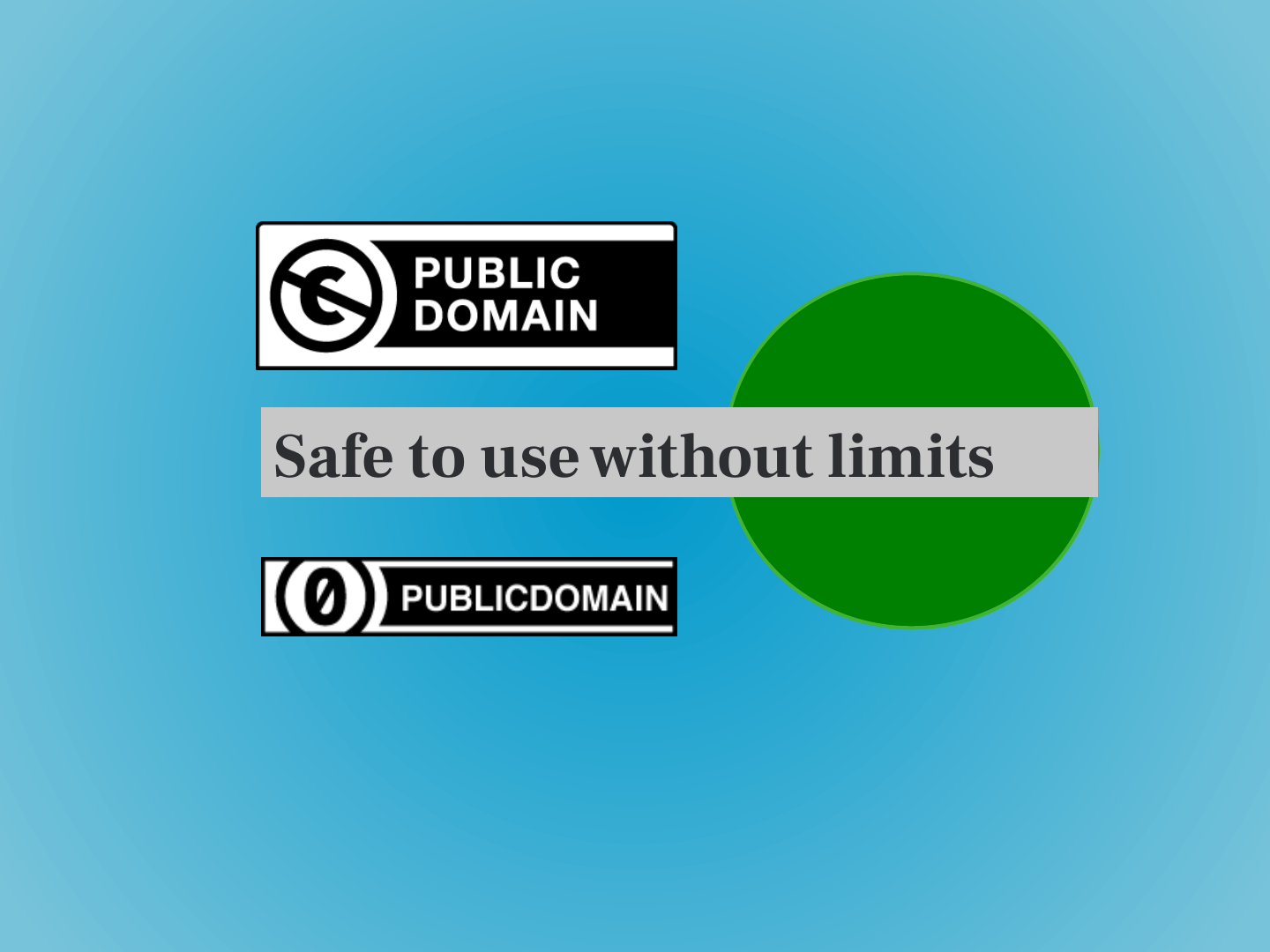
Slide 42: Safe to use without limits
Safe to use without limits


Slide 43: Slide 43
Always keep a record of where your got the image from and with what licence!
Slide 44: Safe to use with attribution
Safe to use with attribution

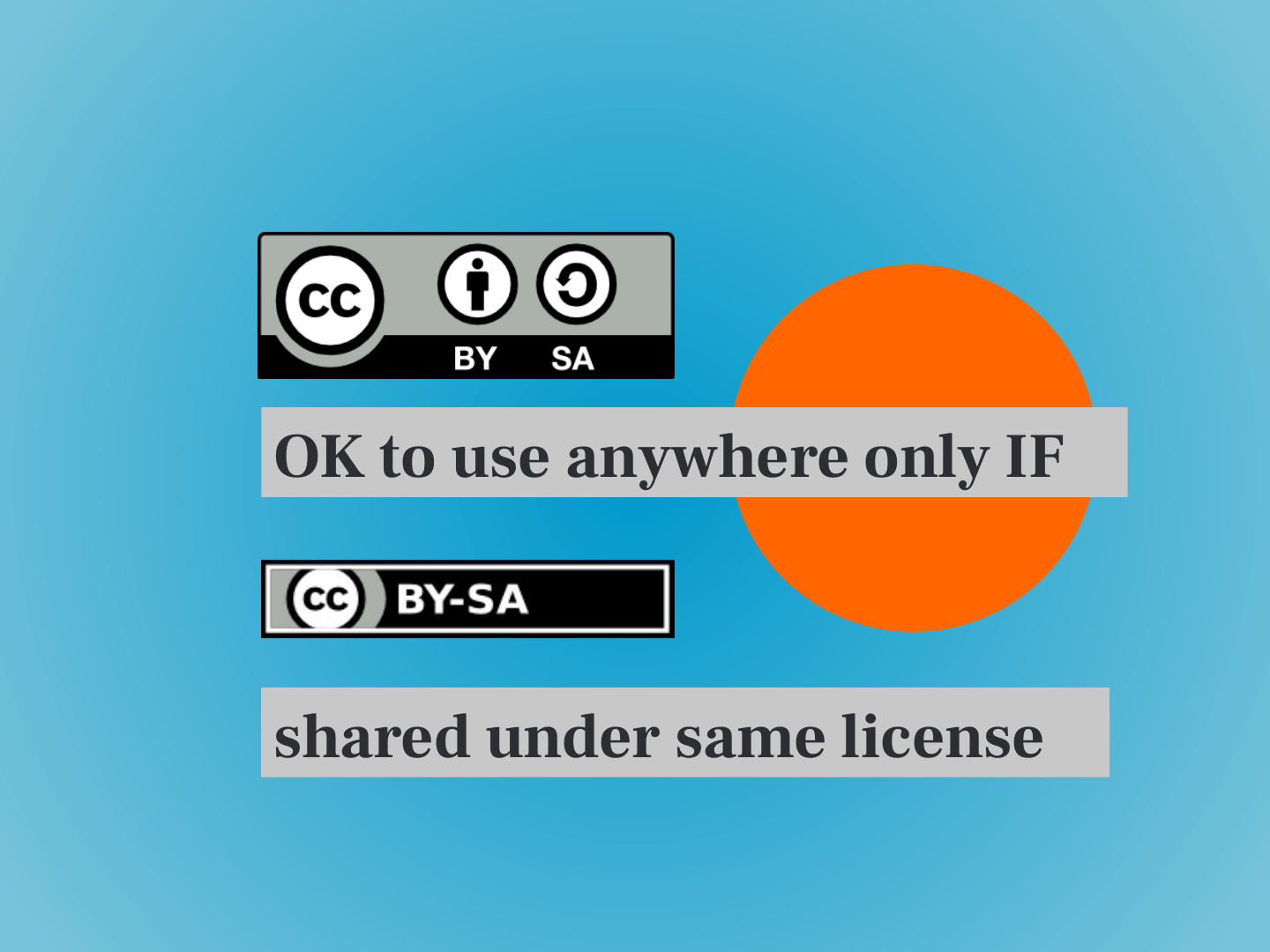
Slide 45: OK to use anywhere only IF
OK to use anywhere only IF
shared under same license

Slide 46: Slide 46
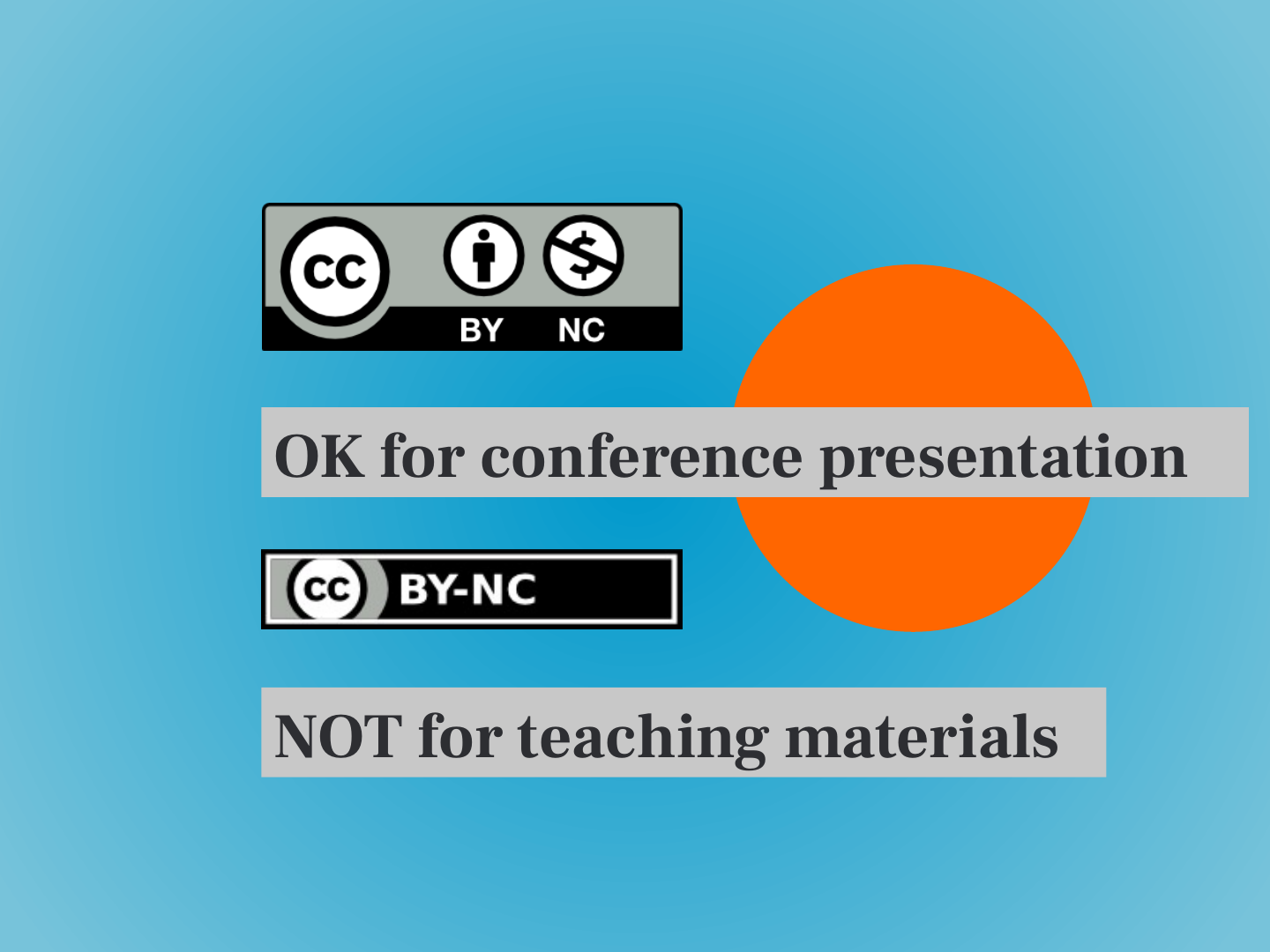
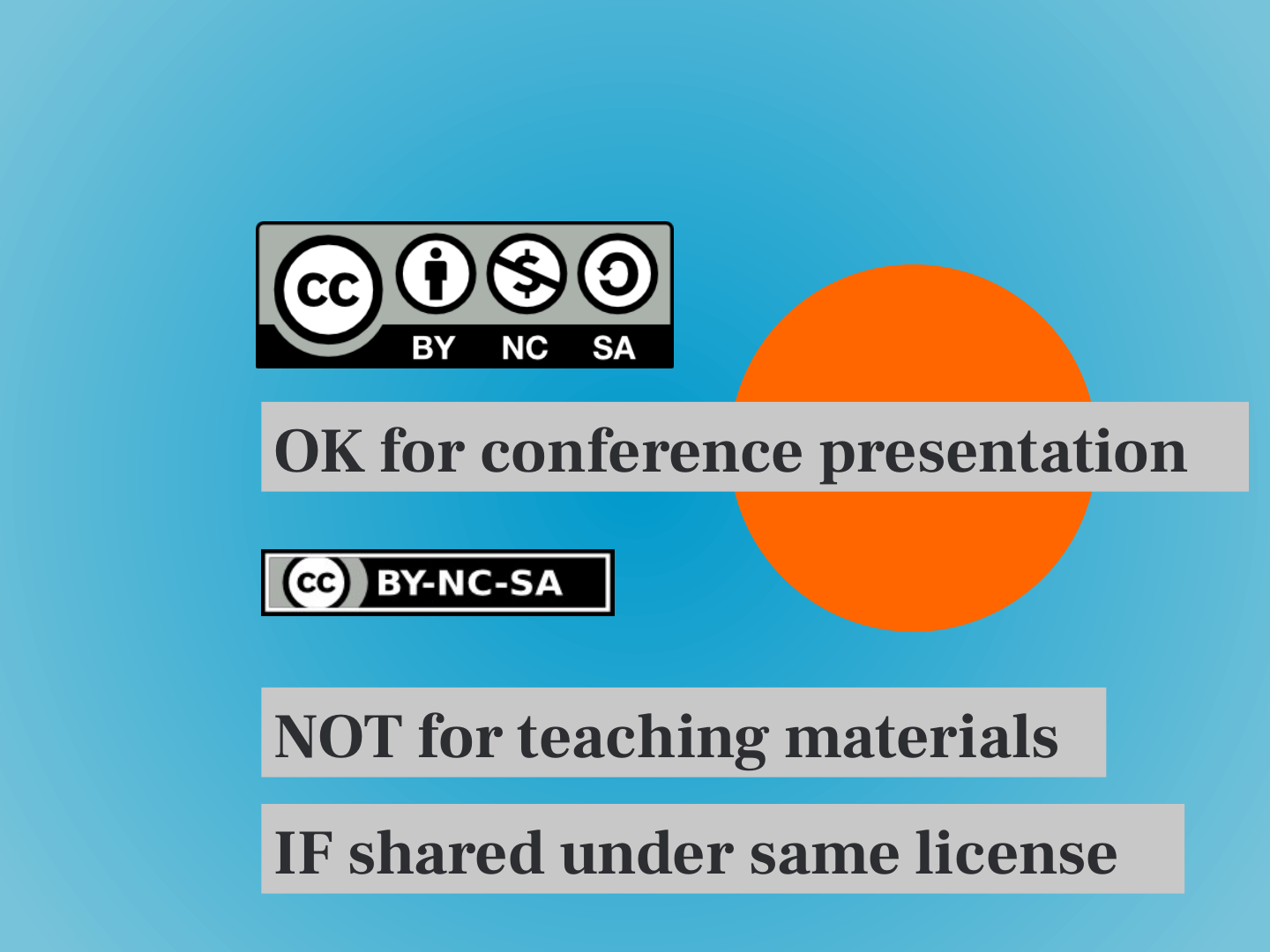
- OK for conference presentation
- NOT for teaching materials

Slide 47: Slide 47
- OK for conference presentation
- NOT for teaching materials
- IF shared under same license

Slide 48: How to reference creative commons images
How to reference creative commons images
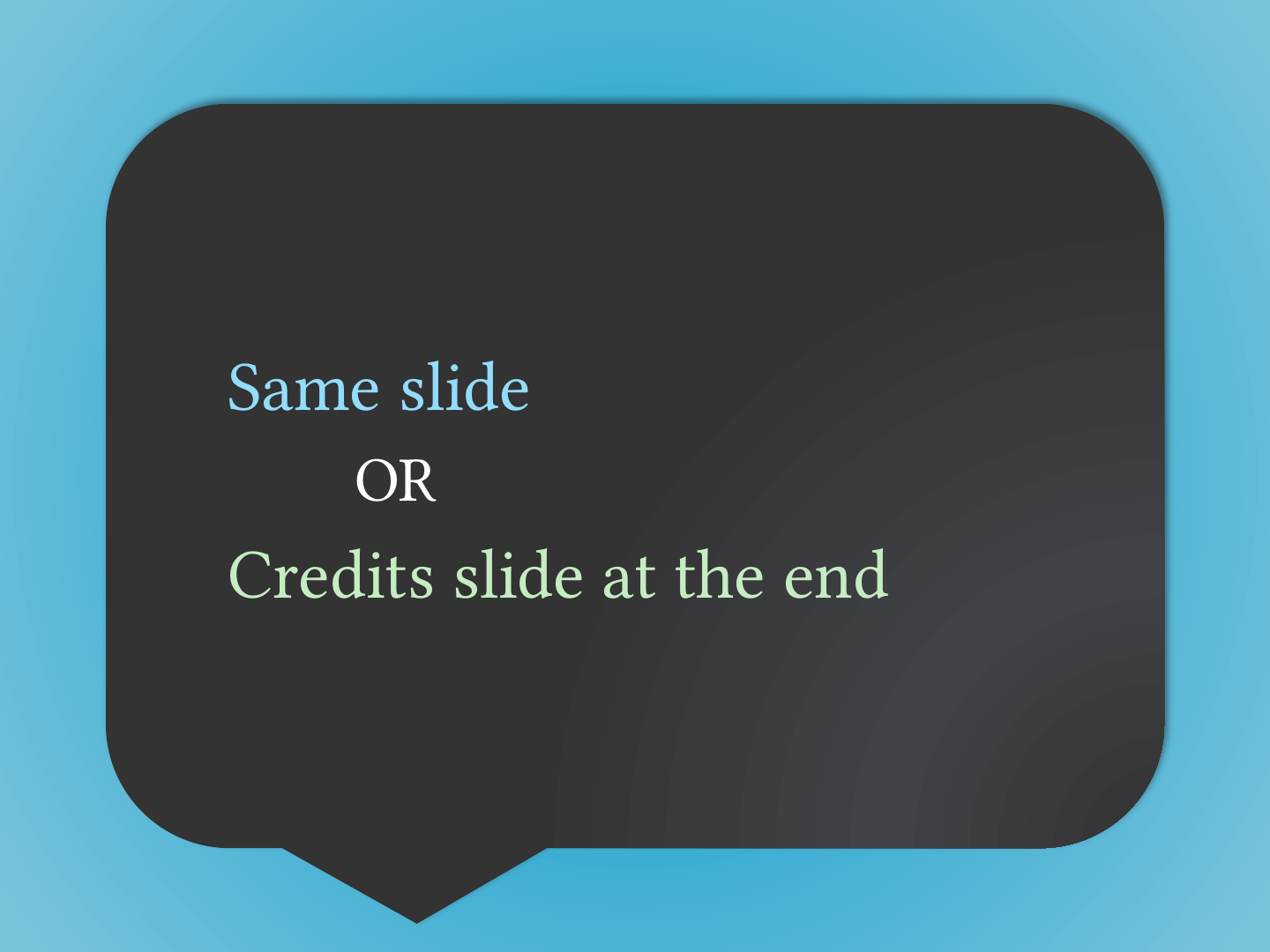
Slide 49: Slide 49
Same slide
OR
Credits slide at the end
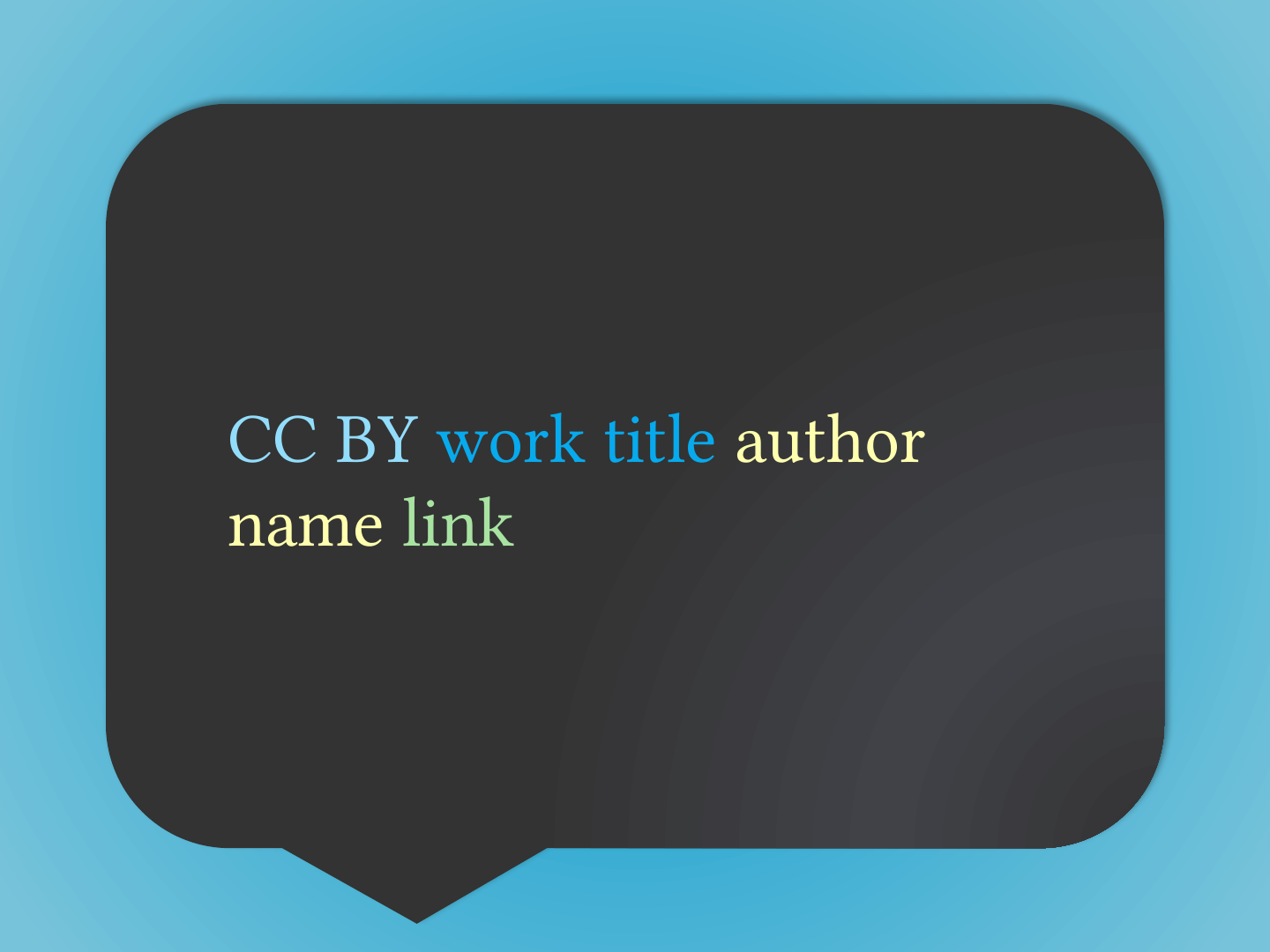
Slide 50: CC BY work title author name link
CC BY work title author name link
Slide 51: Slide 51
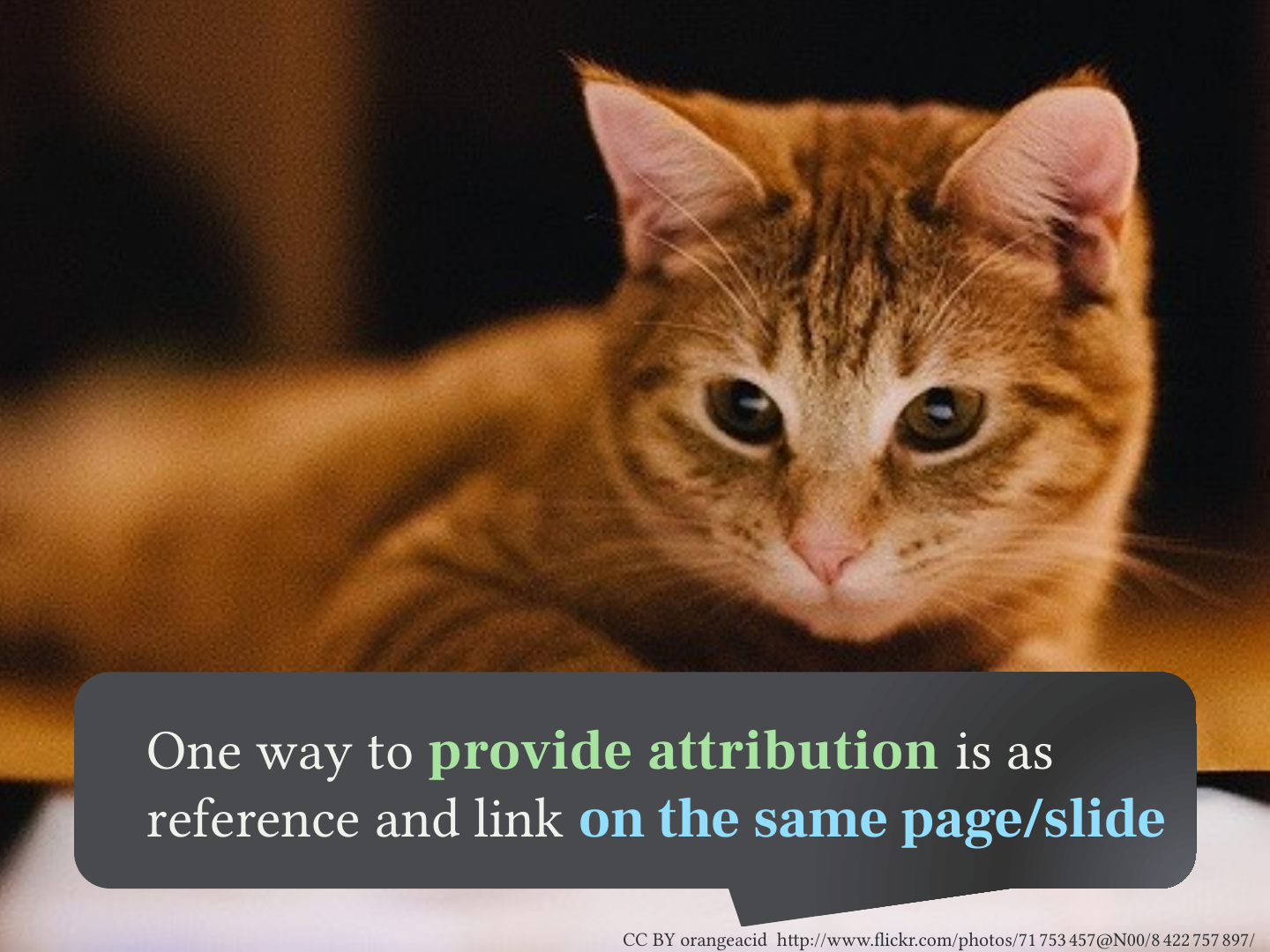
One way to provide attribution is as reference and link on the same page/slide
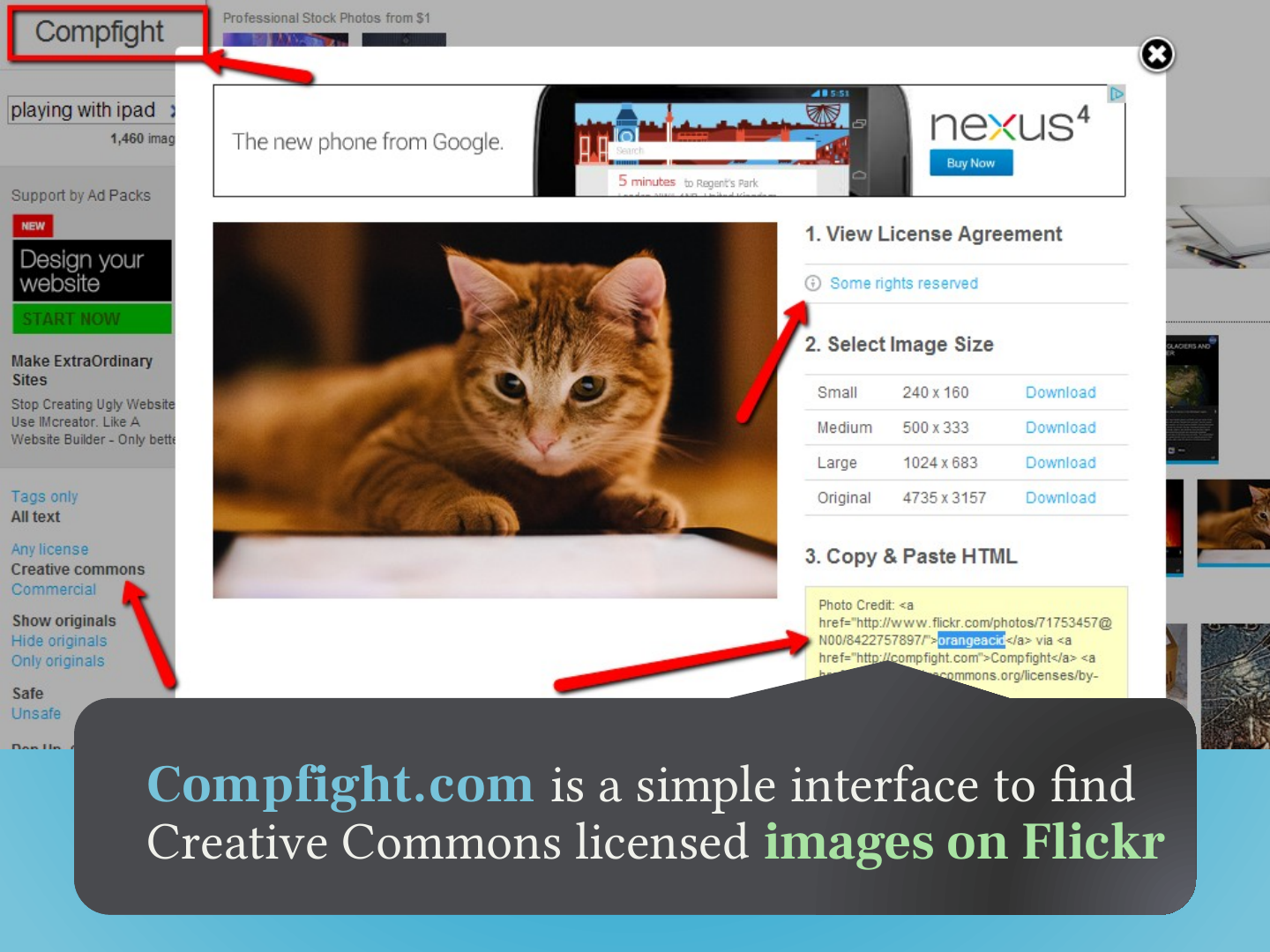
CC BY orangeacid http://www.flickr.com/photos/71753457@N00/8422757897/
Slide 52: Slide 52
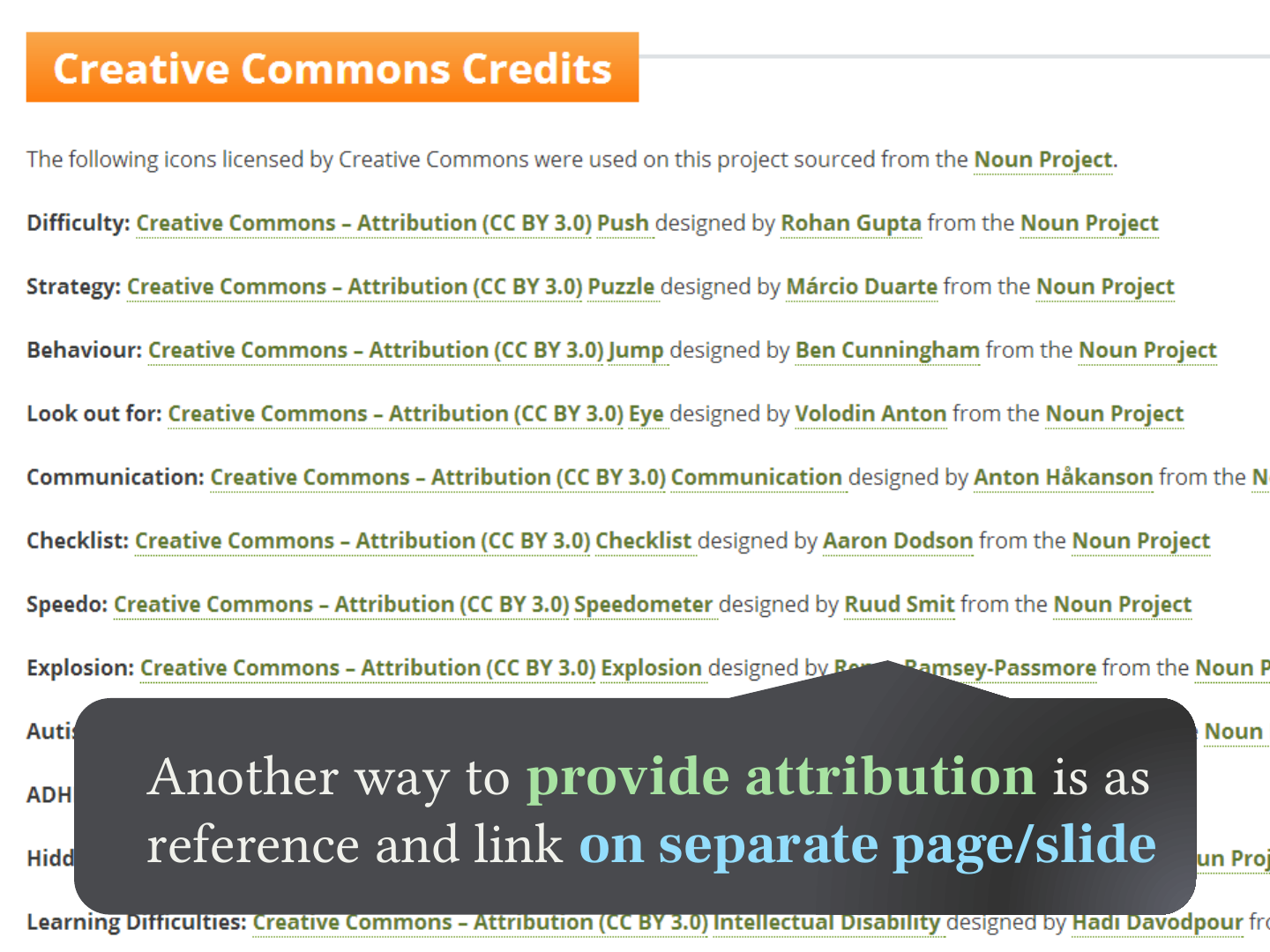
Another way to provide attribution is as reference and link on separate page/slide
Slide 53: Where to get creative commons images?
Where to get creative commons images?
Slide 54: Interfaces to Flickr and other repositories do not store images themselves
Interfaces to Flickr and other repositories do not store images themselves
Slide 55: Slide 55
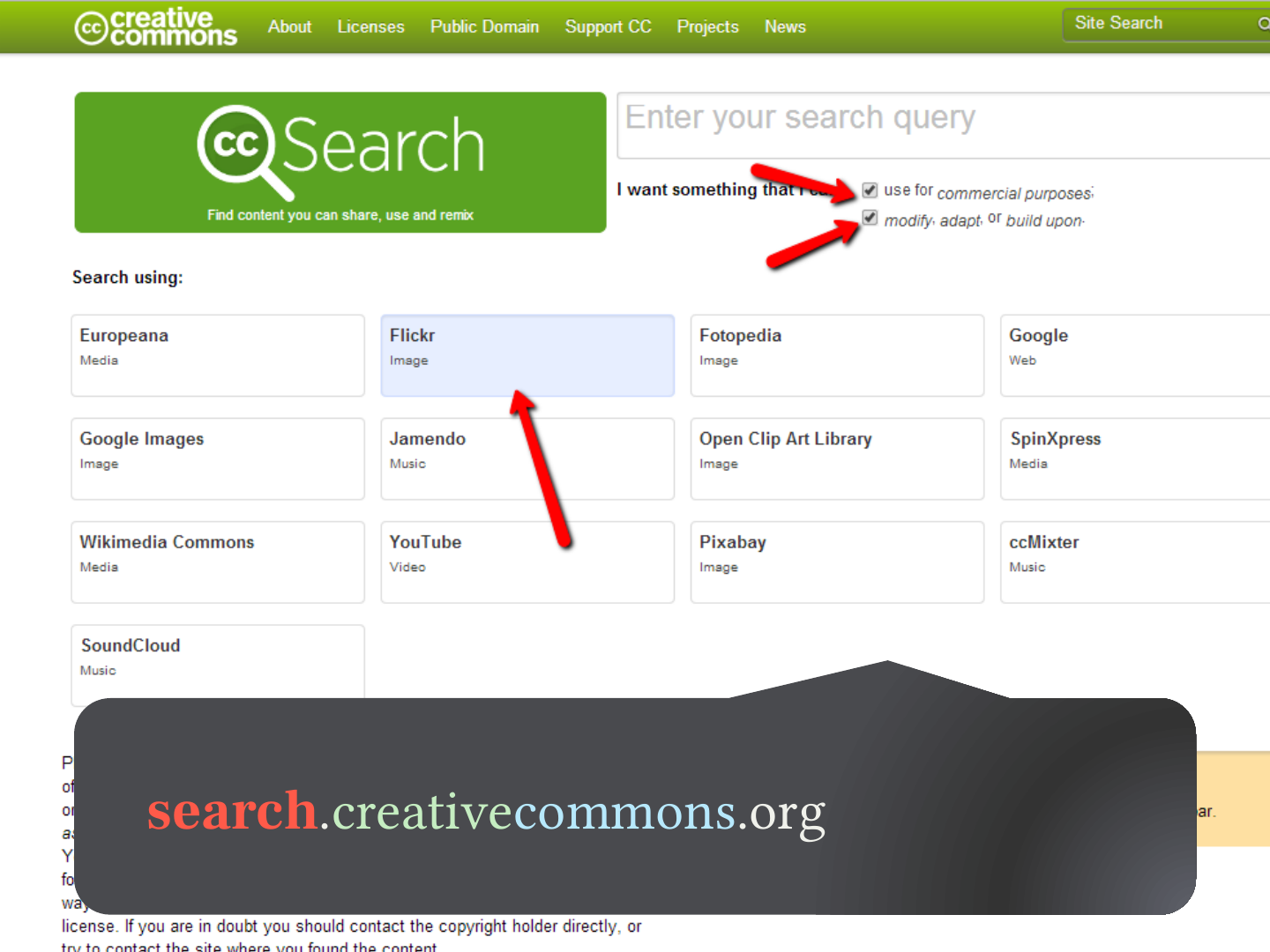
- search.creativecommons.org
- compfight.com
Slide 56: Slide 56
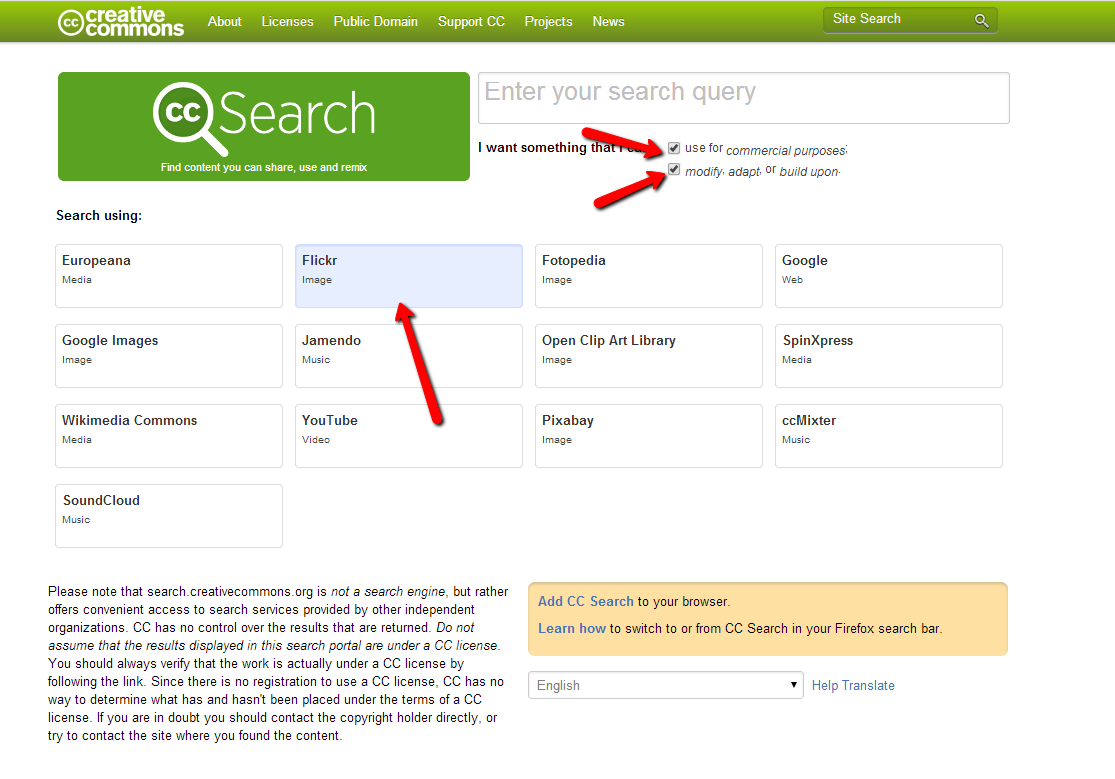
search.creativecommons.org
Slide 57: Slide 57
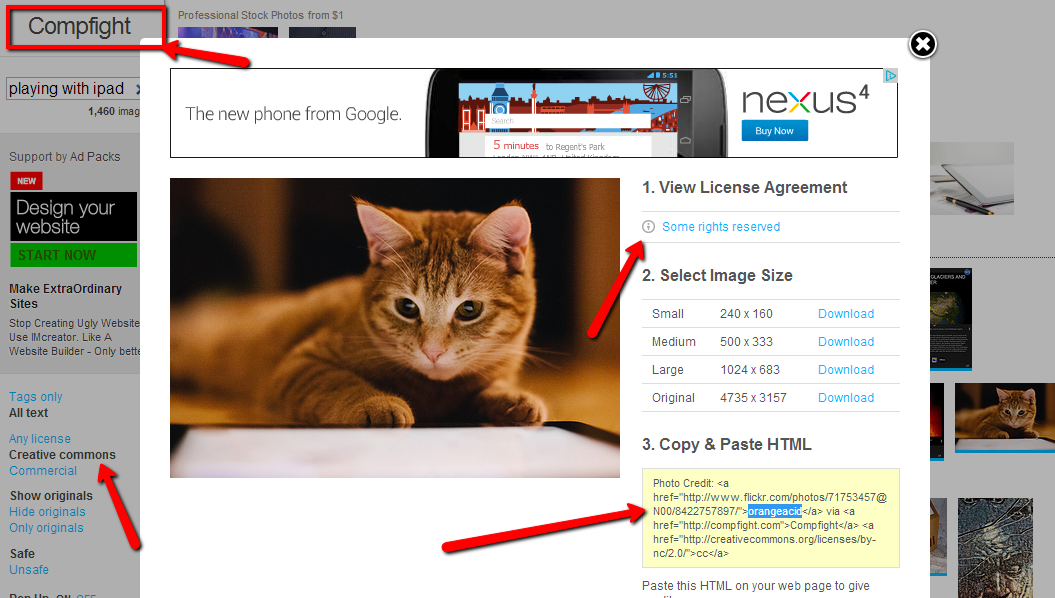
Compfight.com is a simple interface to find Creative Commons licensed images on Flickr
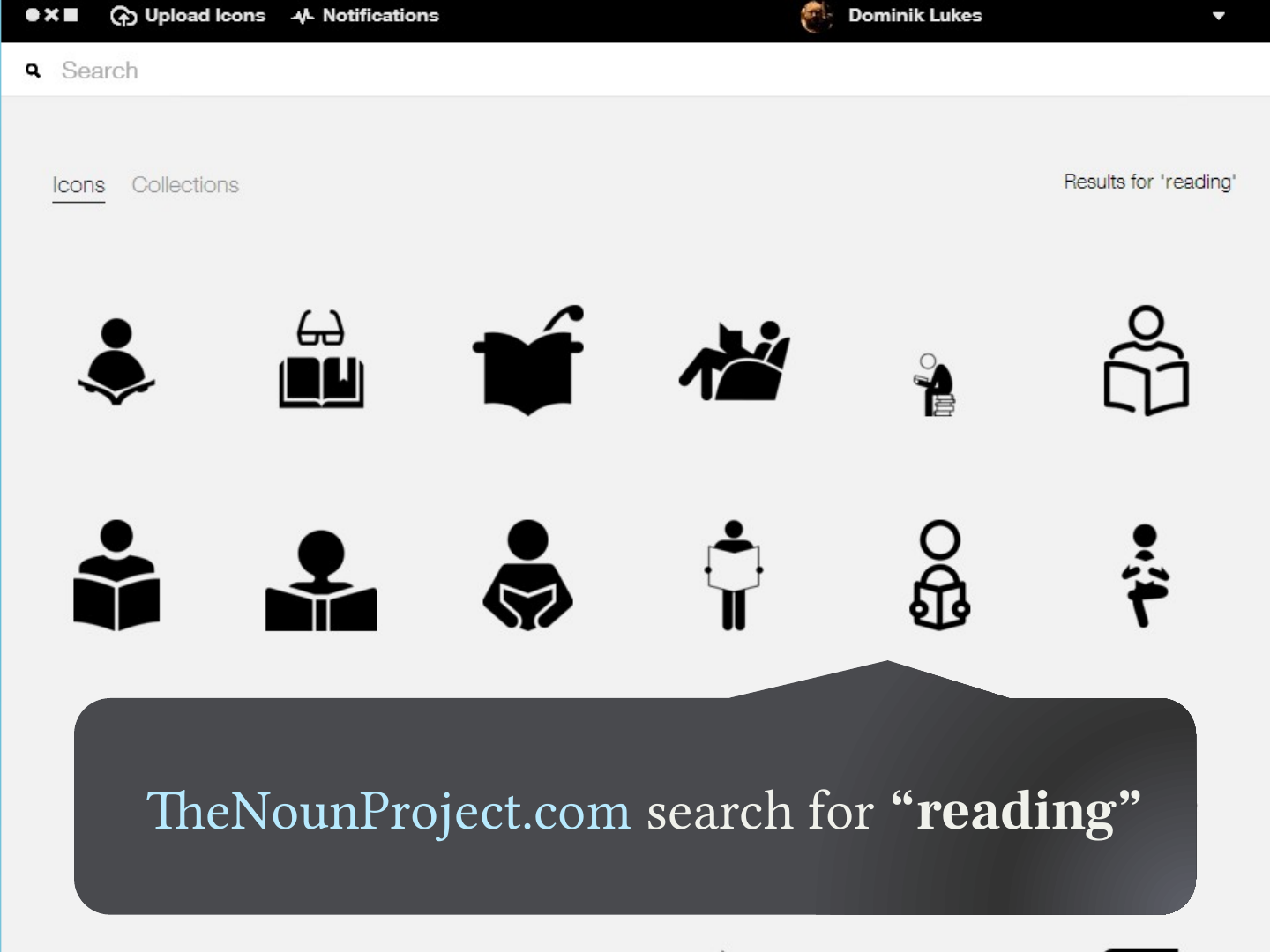
Slide 58: The Noun Project has great CC icons
The Noun Project has great CC icons
Slide 59: Slide 59
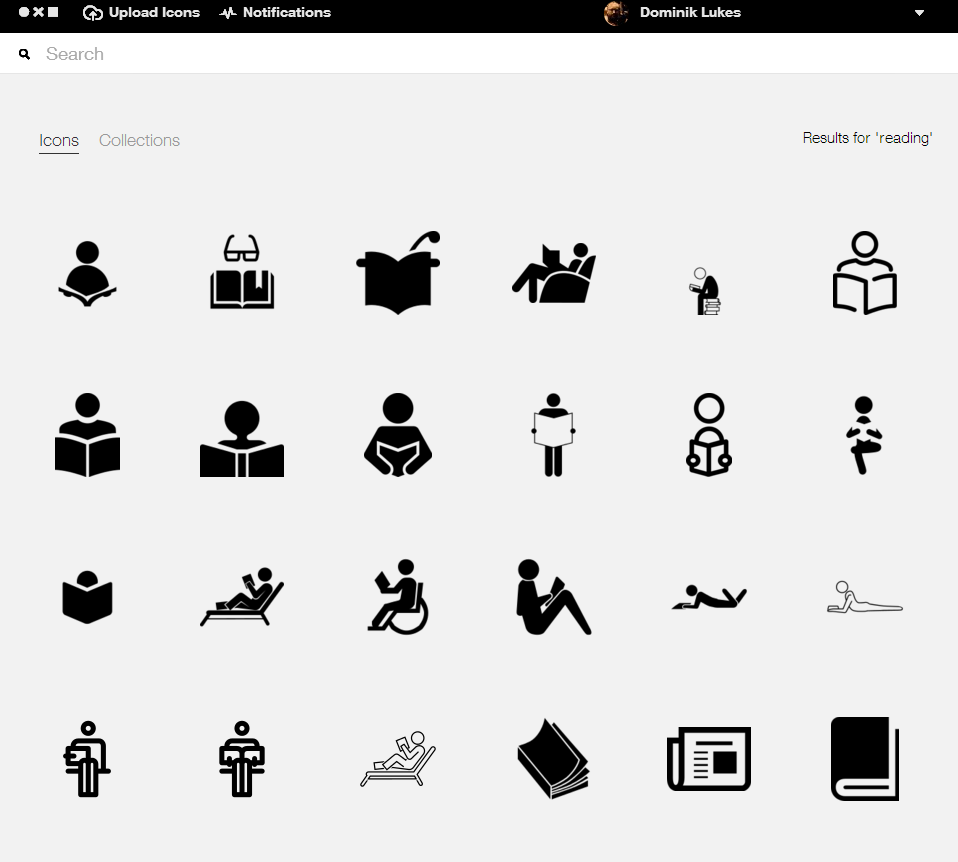
TheNounProject.com search for “reading”
Slide 60: Slide 60
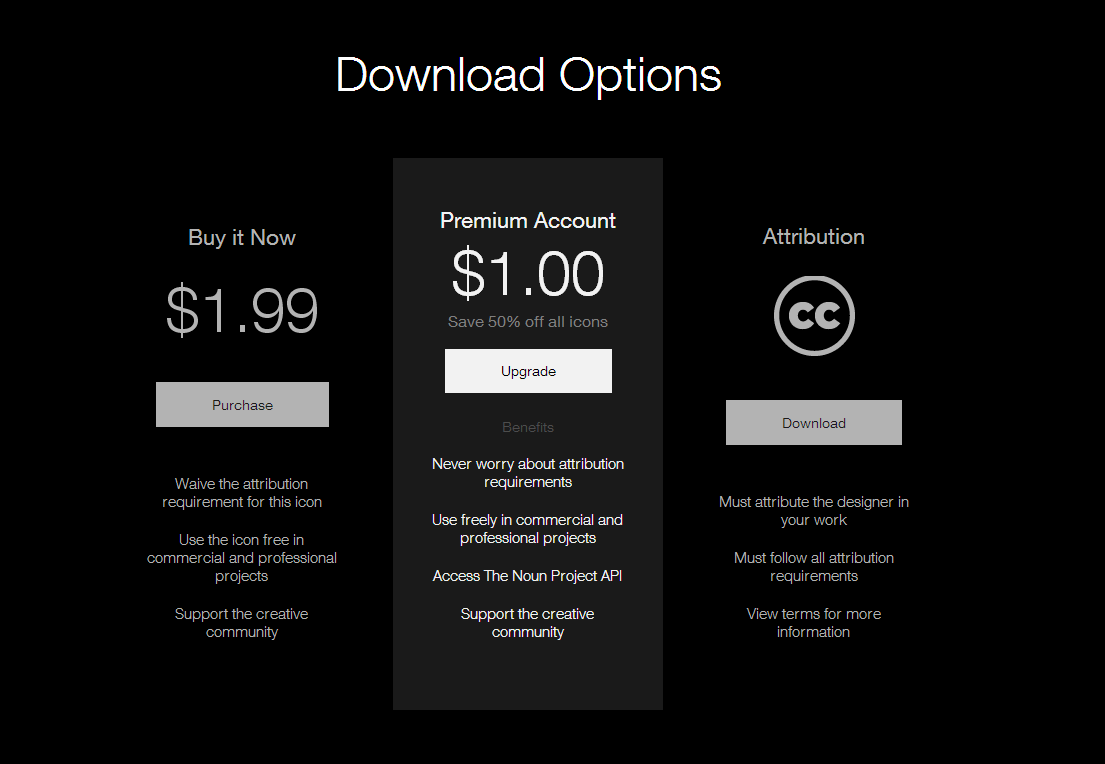
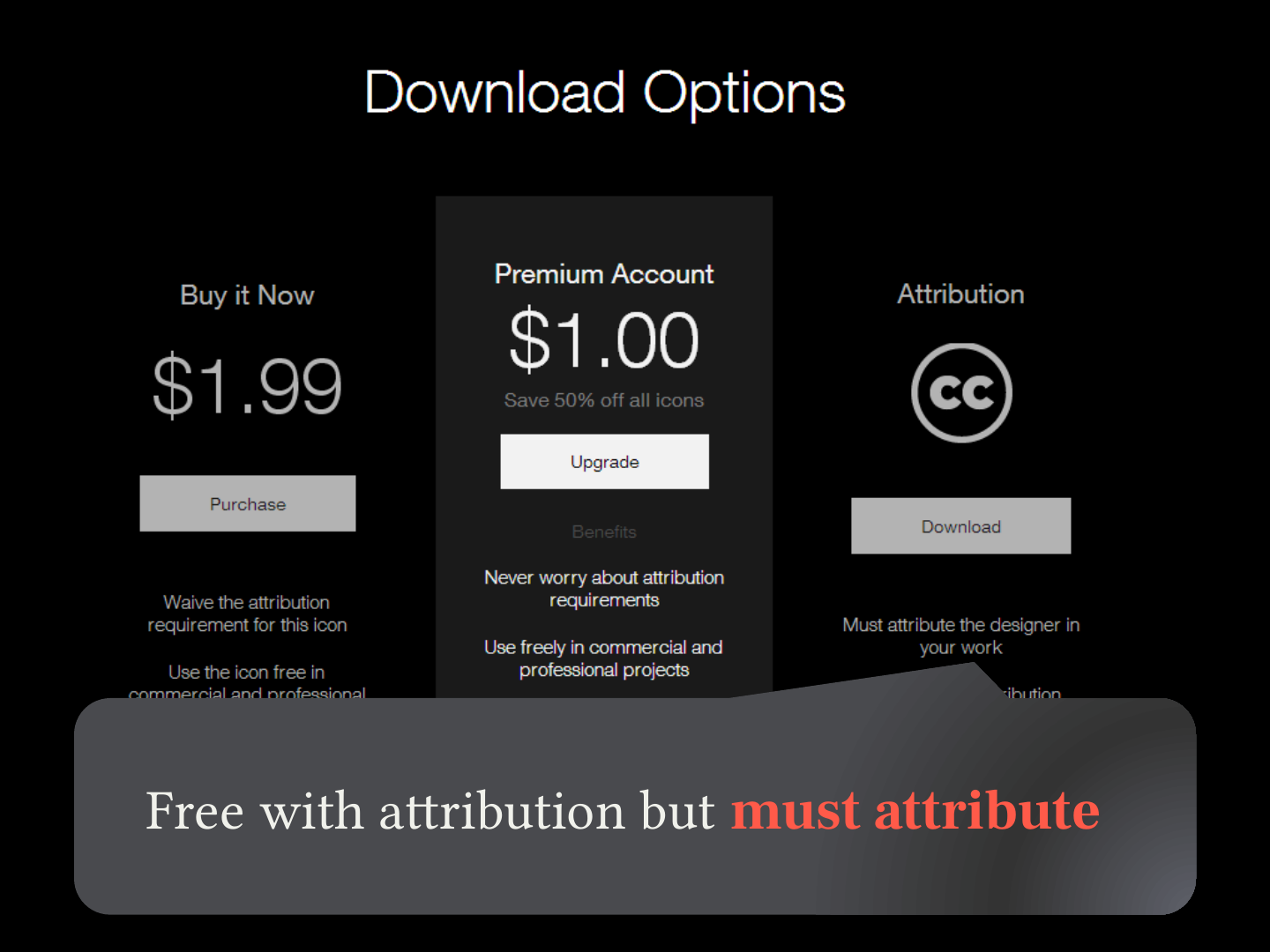
Free with attribution but must attribute
Slide 61: Slide 61
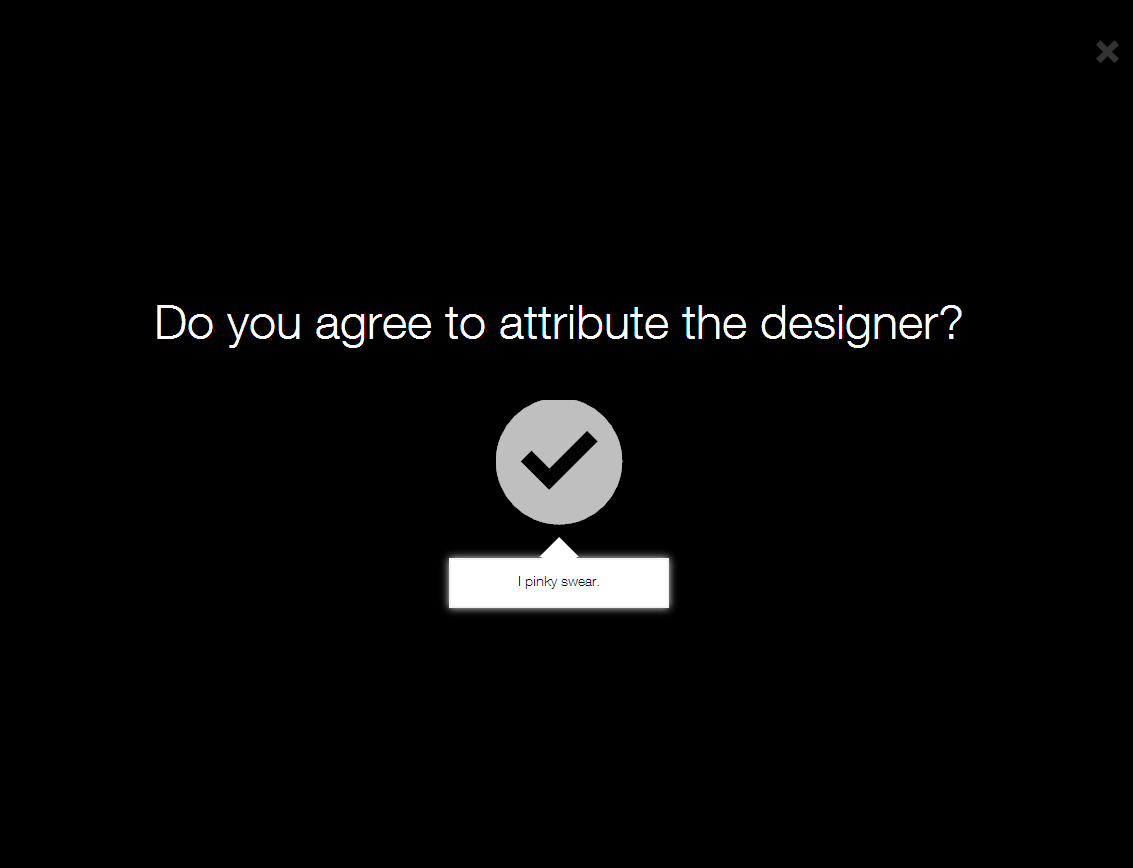
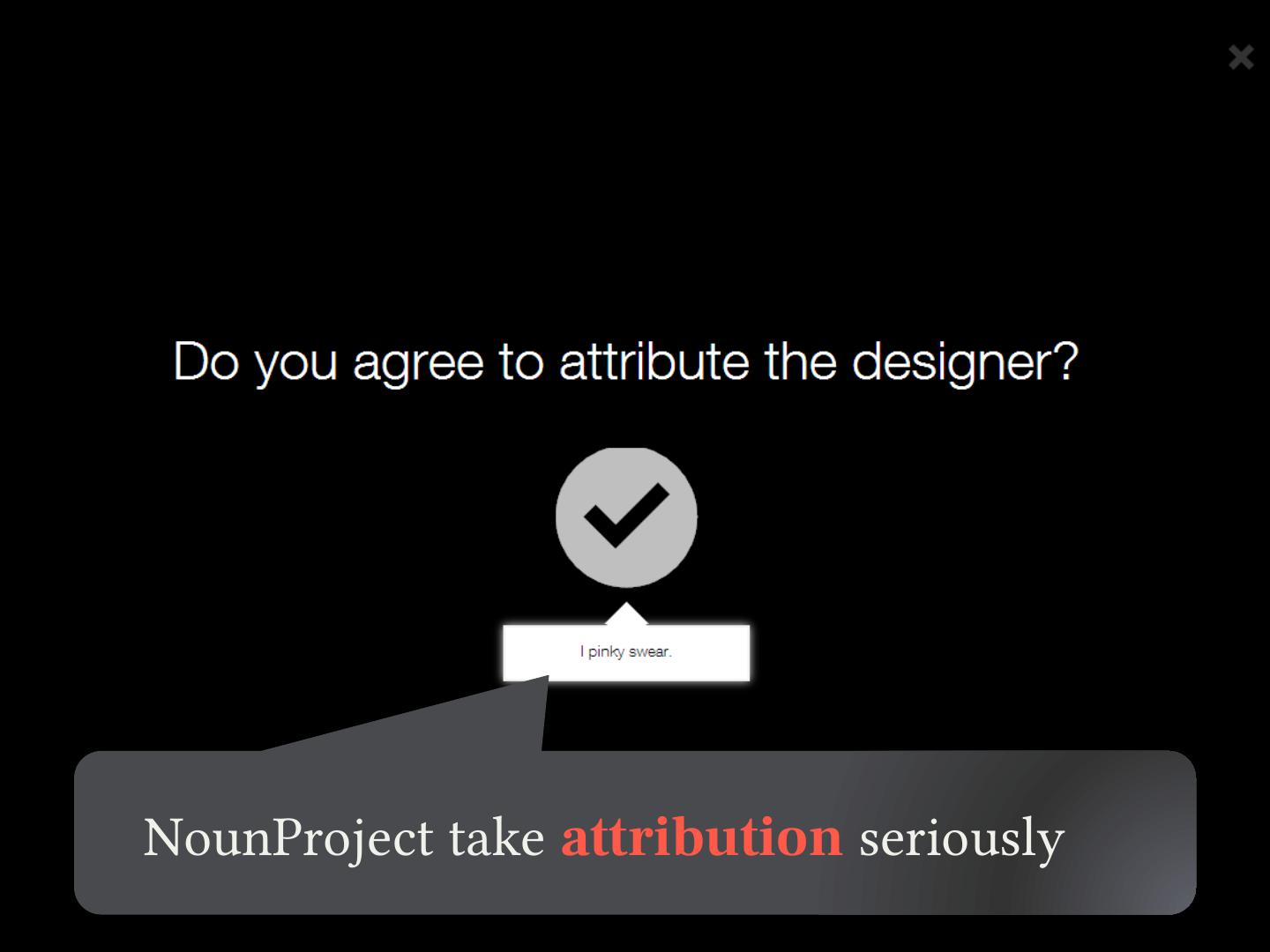
NounProject take attribution seriously
Slide 62: Open Government Licence
Open Government Licence
Slide 63: Slide 63
UK equivalent to Creative Commons
Slide 64: Slide 64
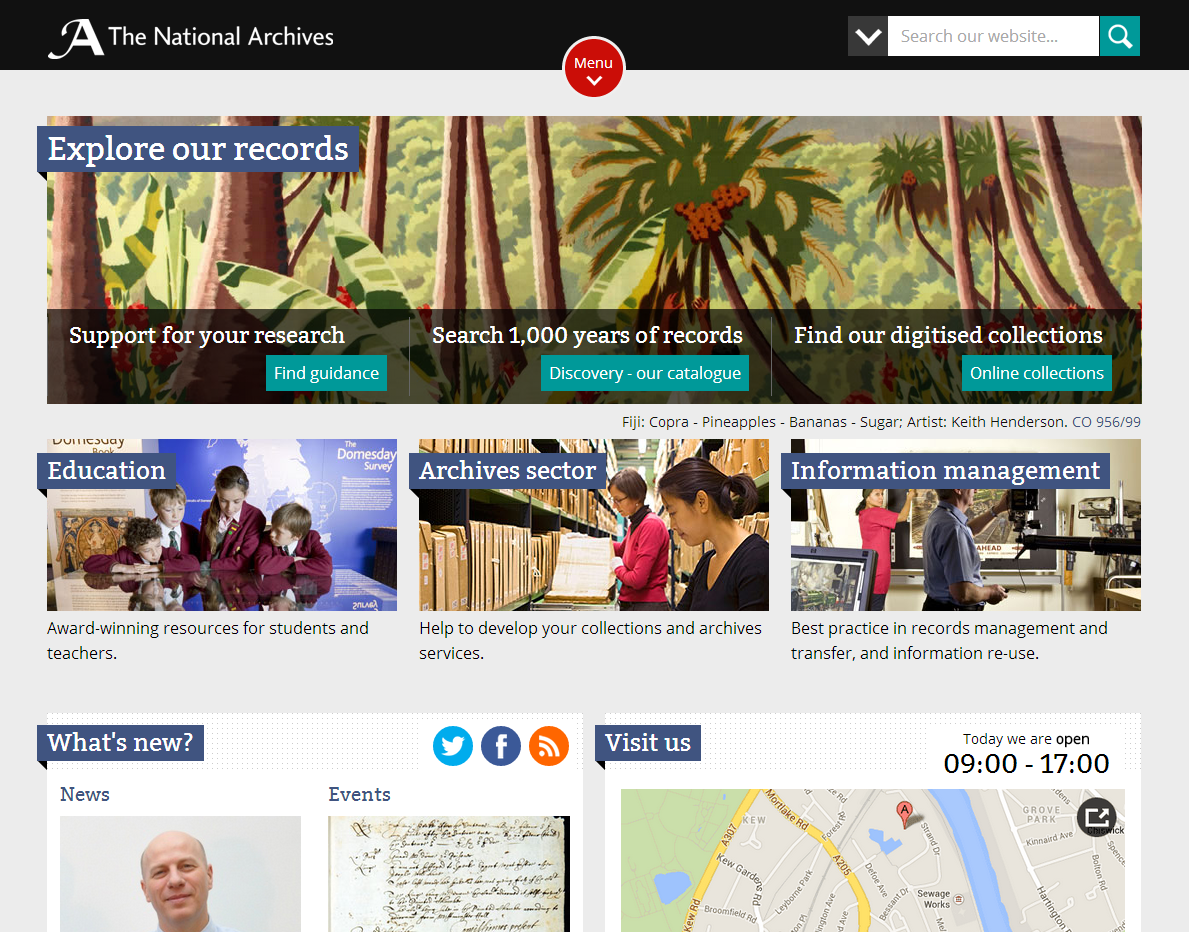
NationalArchives.gov.uk not all open
Slide 65: Stock photography
Stock photography
Slide 66: Professional photos made available royalty free for limited commercial purposes
Professional photos made available royalty free for limited commercial purposes
Slide 67: What is royalty free?
What is royalty free?
Slide 68: Royalty-free images may be used multiple times for multiple projects without paying additional fees.
Royalty-free images may be used multiple times for multiple projects without paying additional fees.
Slide 69: Restrictions on royalty free?
Restrictions on royalty free?
Slide 70: Varies by stock photo provider but…
Varies by stock photo provider but…
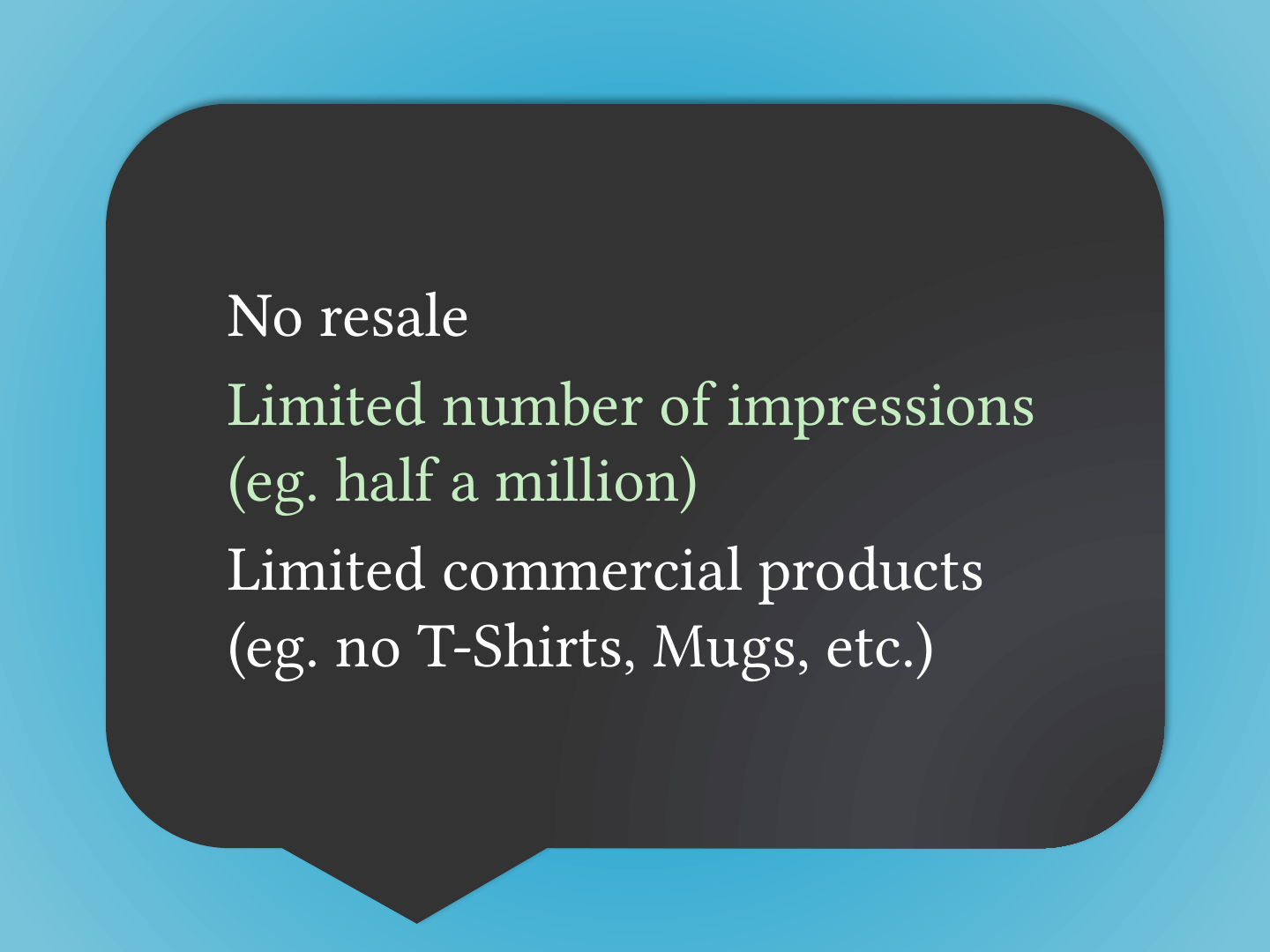
Slide 71: Slide 71
- No resale
- Limited number of impressions (eg. half a million)
- Limited commercial products (eg. no T-Shirts, Mugs, etc.)
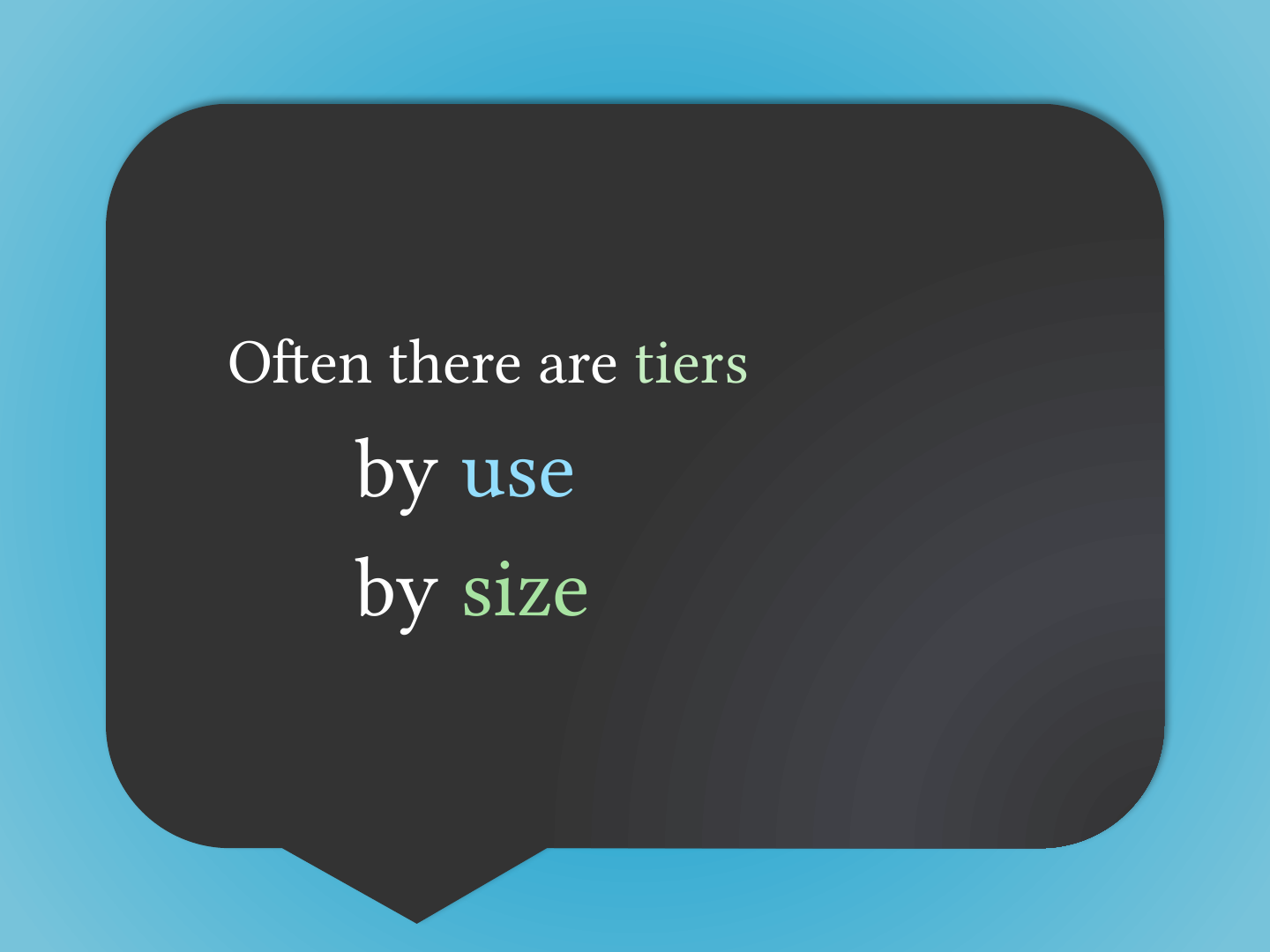
Slide 72: Often there are tiers
Often there are tiers
- by use
- by size
Slide 73: How much does it cost?
How much does it cost?
Slide 74: Slide 74
- Credits
- Subscriptions
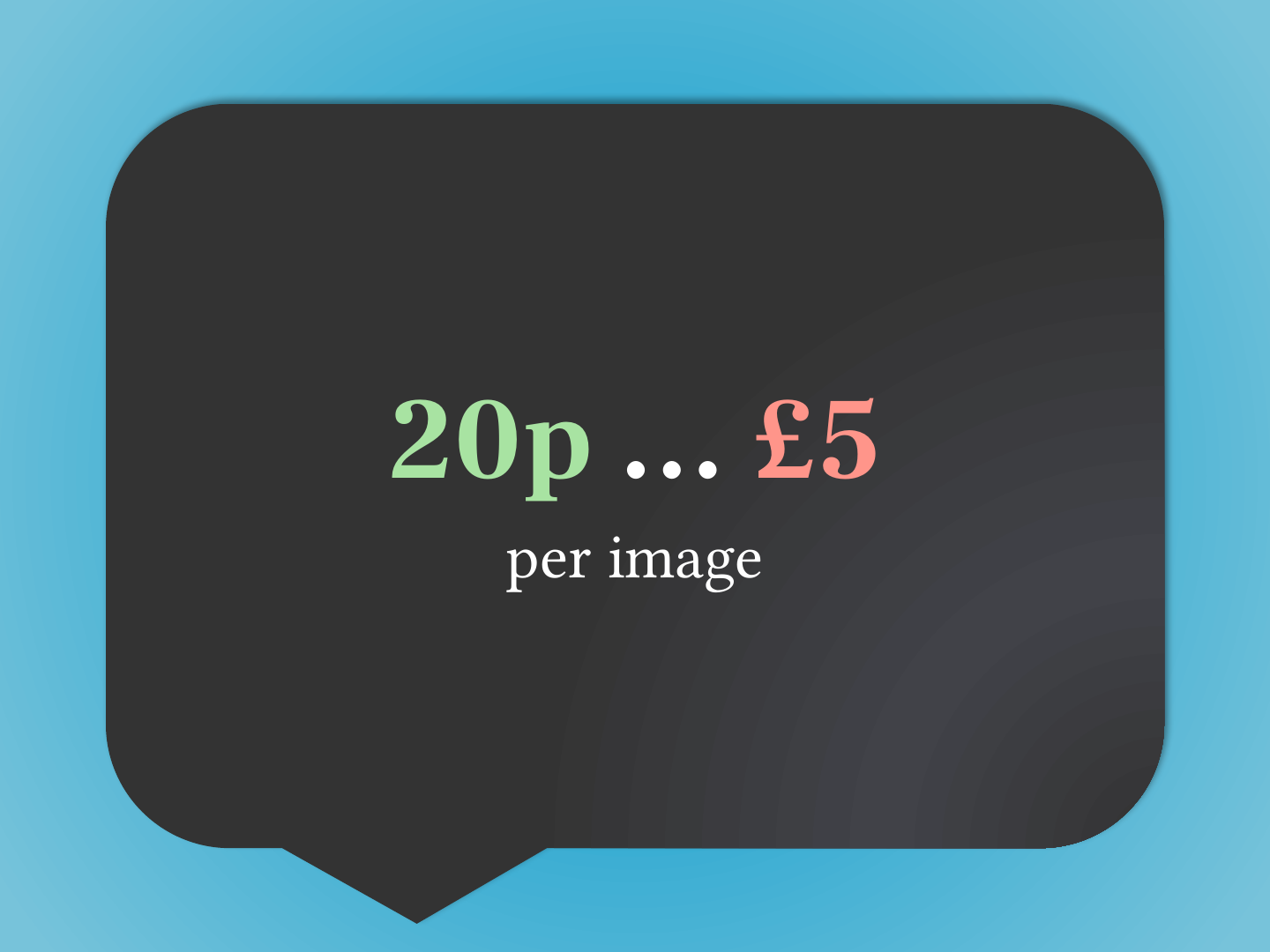
Slide 75: 20p … £5
20p … £5
per image
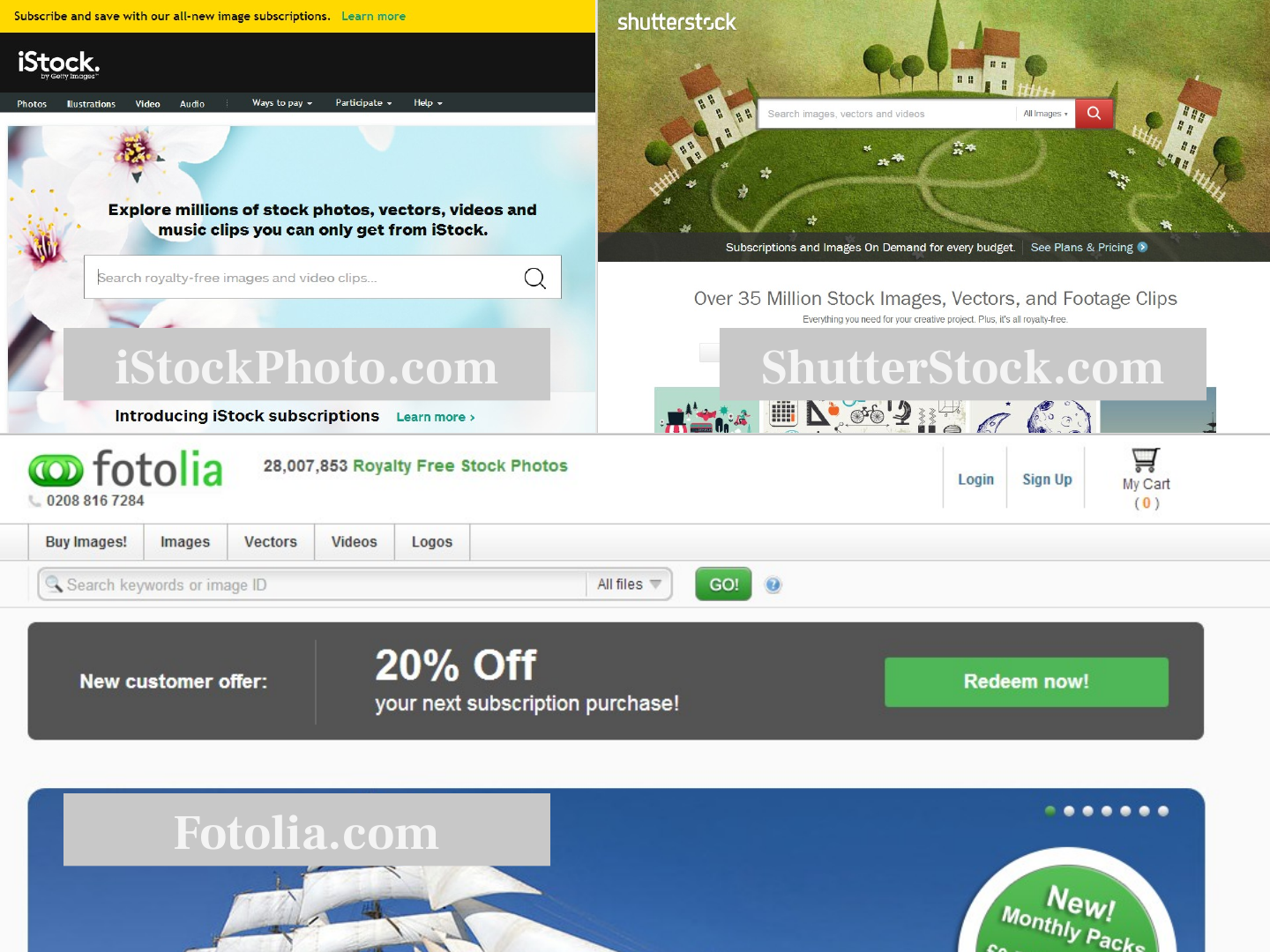
Slide 76: Stock photo sources
Stock photo sources
Slide 77: Slide 77
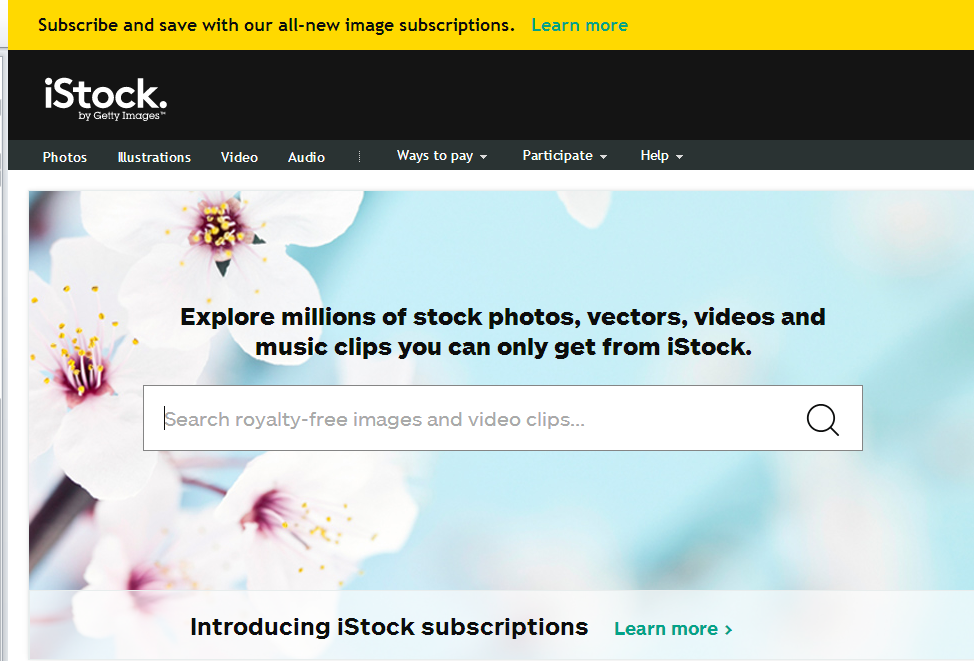
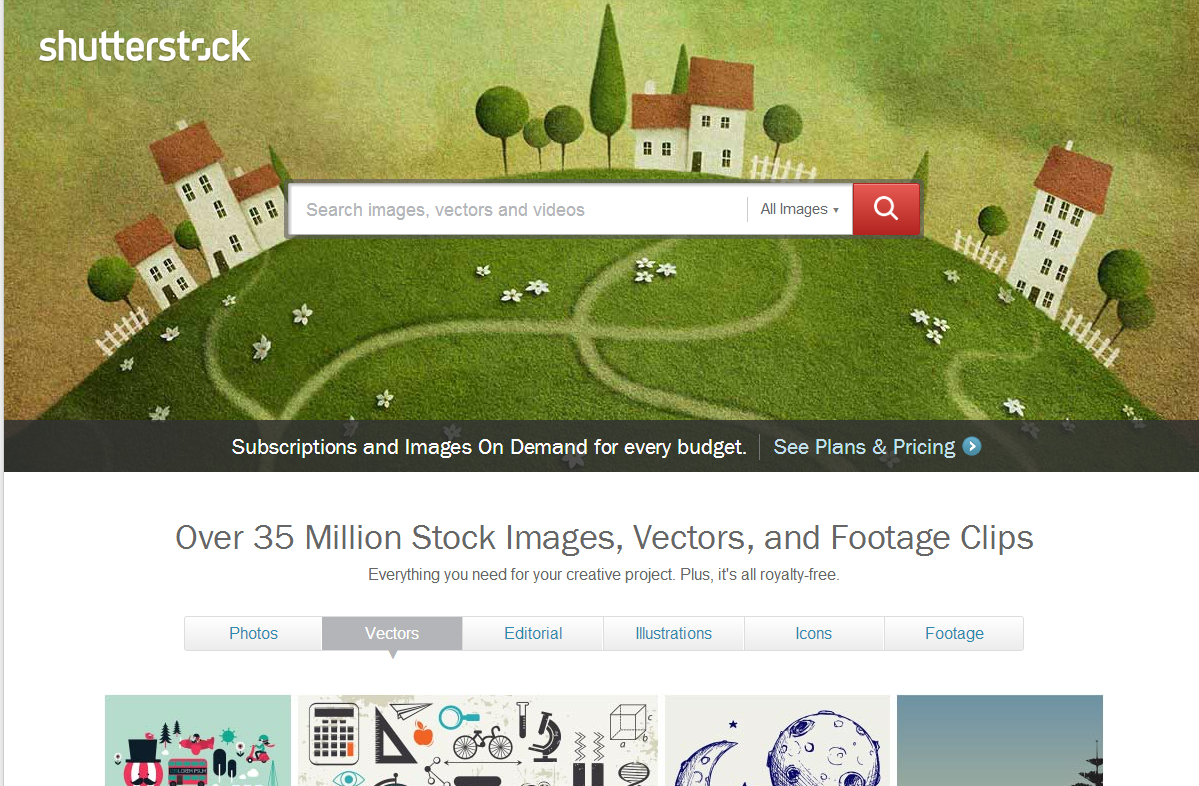
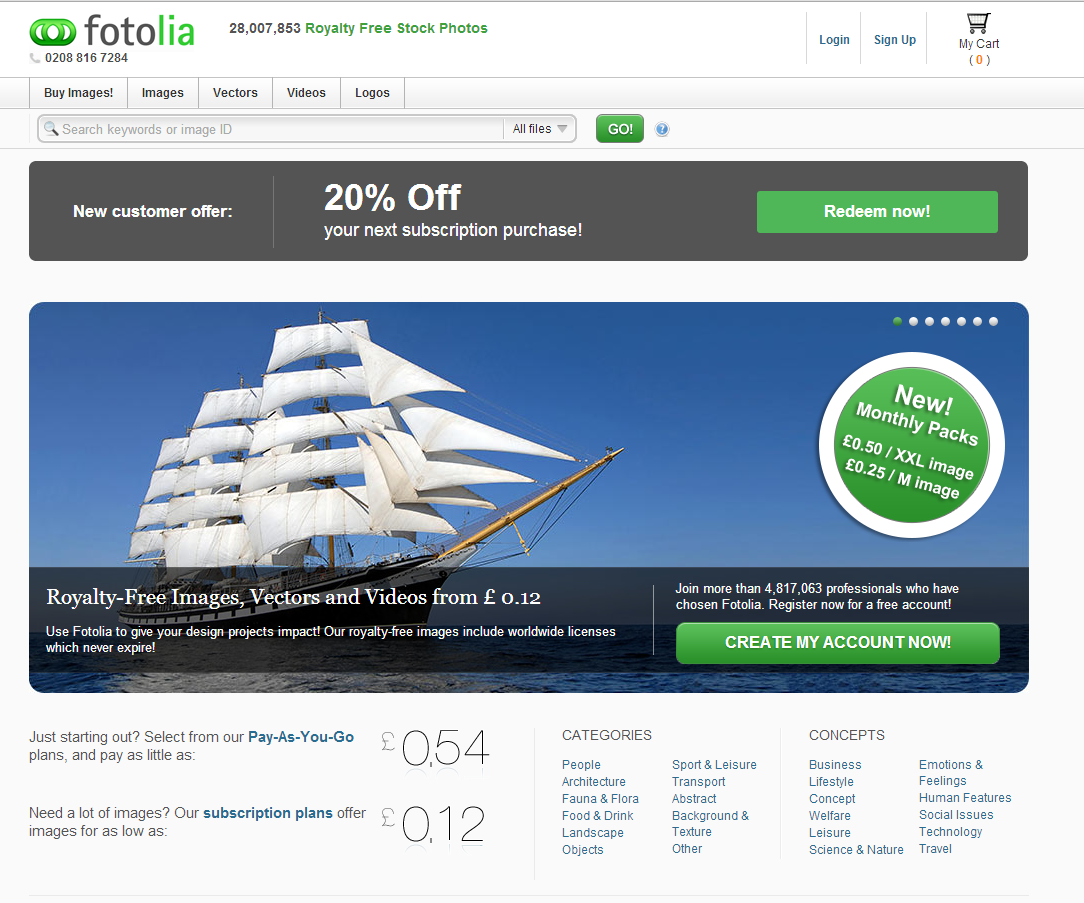
- iStockPhoto.com
- ShutterStock.com
- Fotolia.com
Slide 78: Can I use (Microsoft) clipart?
Can I use (Microsoft) clipart?
Slide 79: No
No
Slide 80: Slide 80
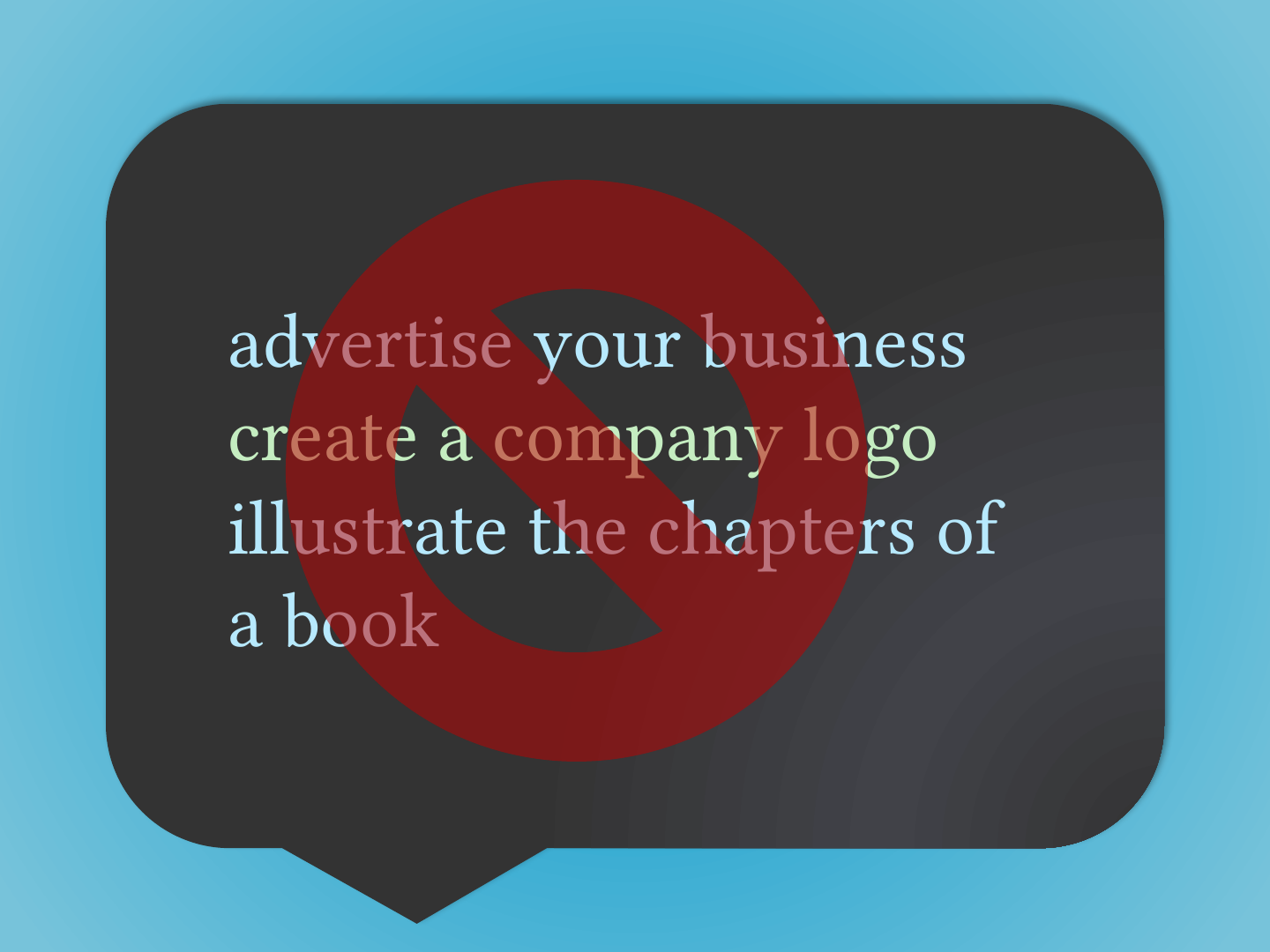
- advertise your business
- create a company logo
- illustrate the chapters of a book
The red prohibition sign on the slide covers all three items.
Slide 81: Yes
Yes

Slide 82: Slide 82
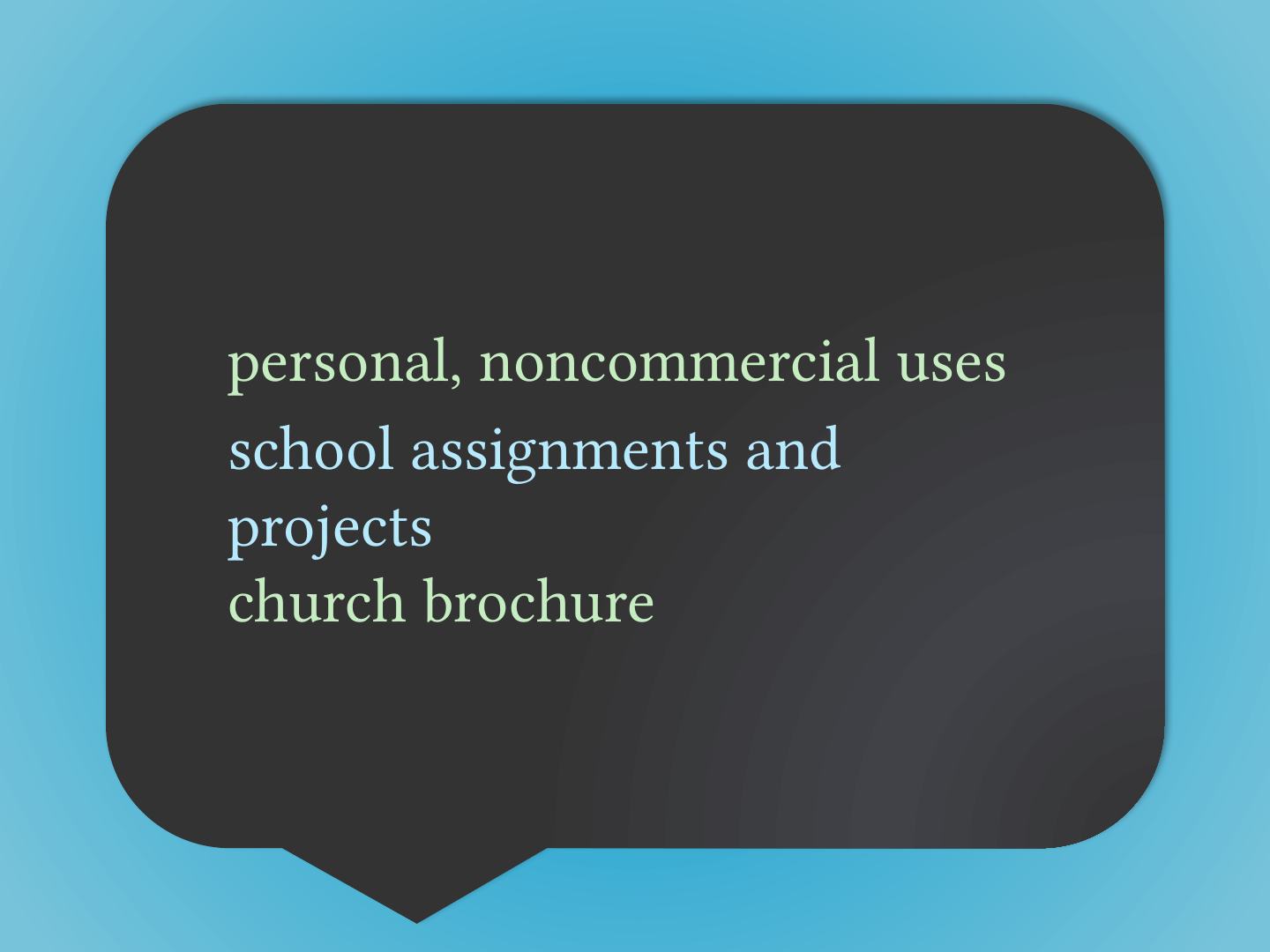
- personal, noncommercial uses
- school assignments and projects
- church brochure
Slide 83: Work I create as part of my job?
Work I create as part of my job?
Slide 84: Through contract agreement copyright may be owned by your institution.
Through contract agreement copyright may be owned by your institution.
Slide 85: Personal work I/friend want to share with my institution?
Personal work I/friend want to share with my institution?
Slide 86: Slide 86
- Permission (non-exclusive license)
- Creative Commons license (CC BY)
Slide 87: Other sources of Open Content
Other sources of Open Content
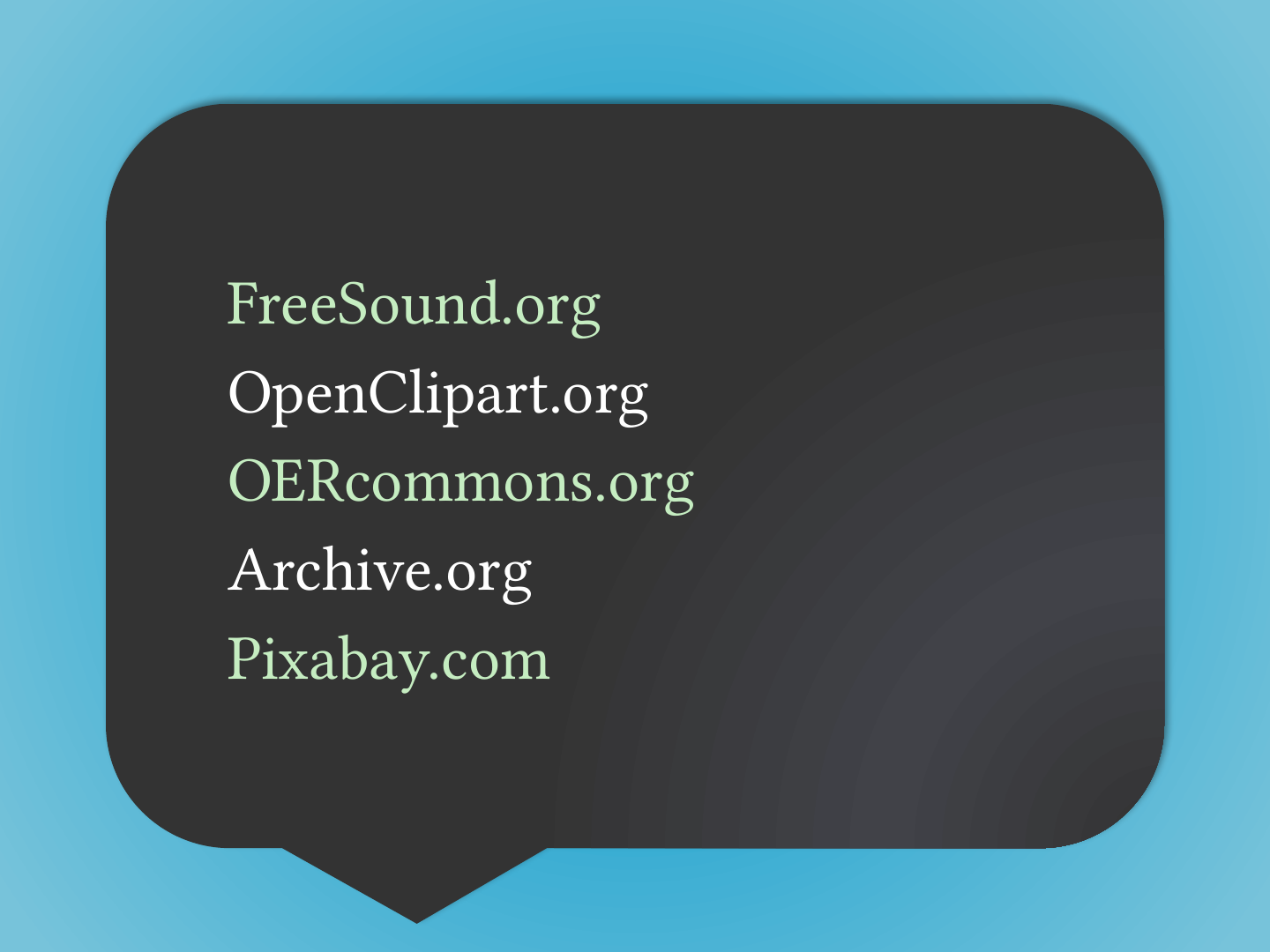
Slide 88: Slide 88
- FreeSound.org
- OpenClipart.org
- OERcommons.org
- Archive.org
- Pixabay.com
Slide 89: Sources with some Open Content
Sources with some Open Content
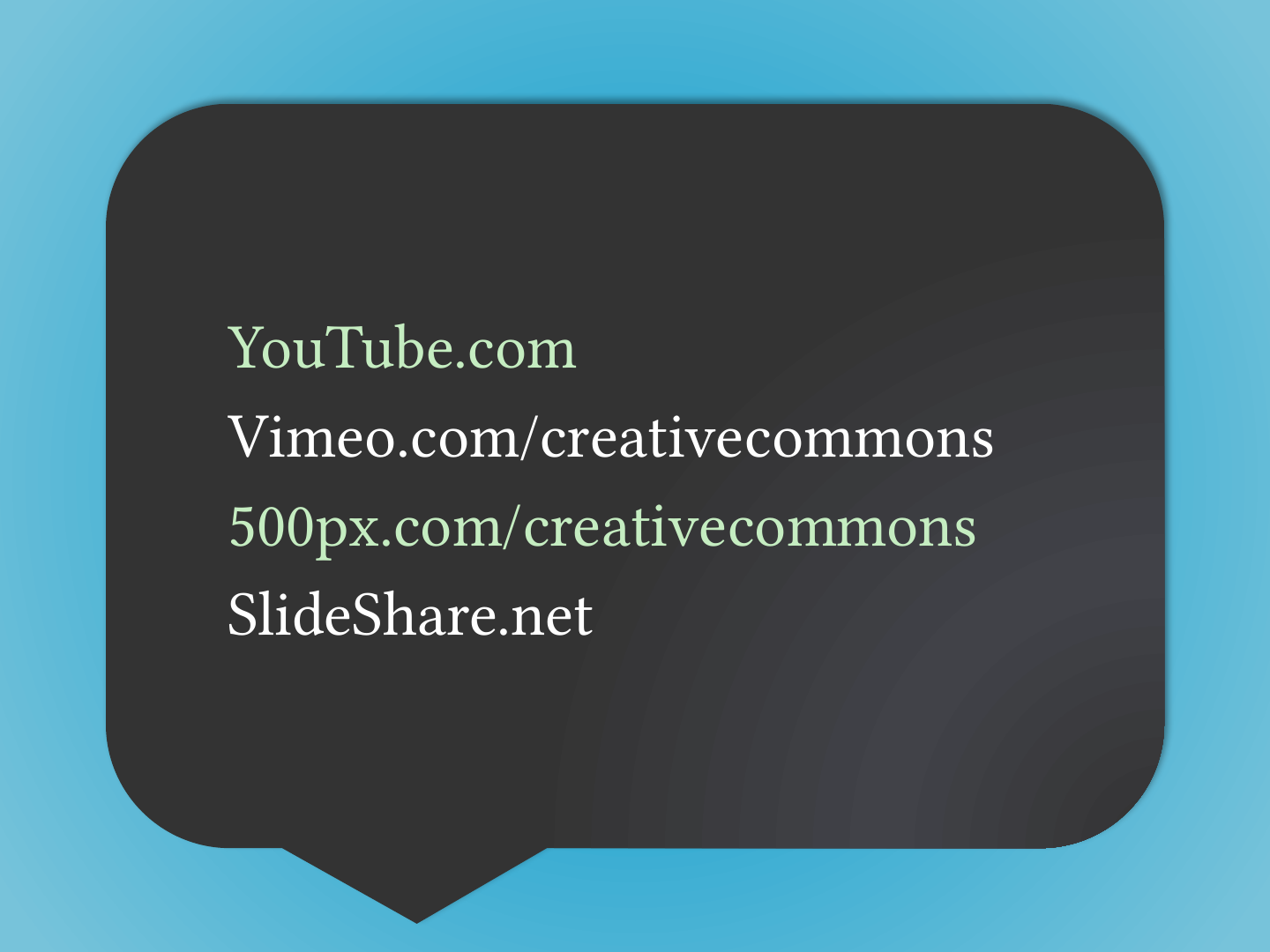
Slide 90: Slide 90
- YouTube.com
- Vimeo.com/creativecommons
- 500px.com/creativecommons
- SlideShare.net
Slide 91: Slide 91
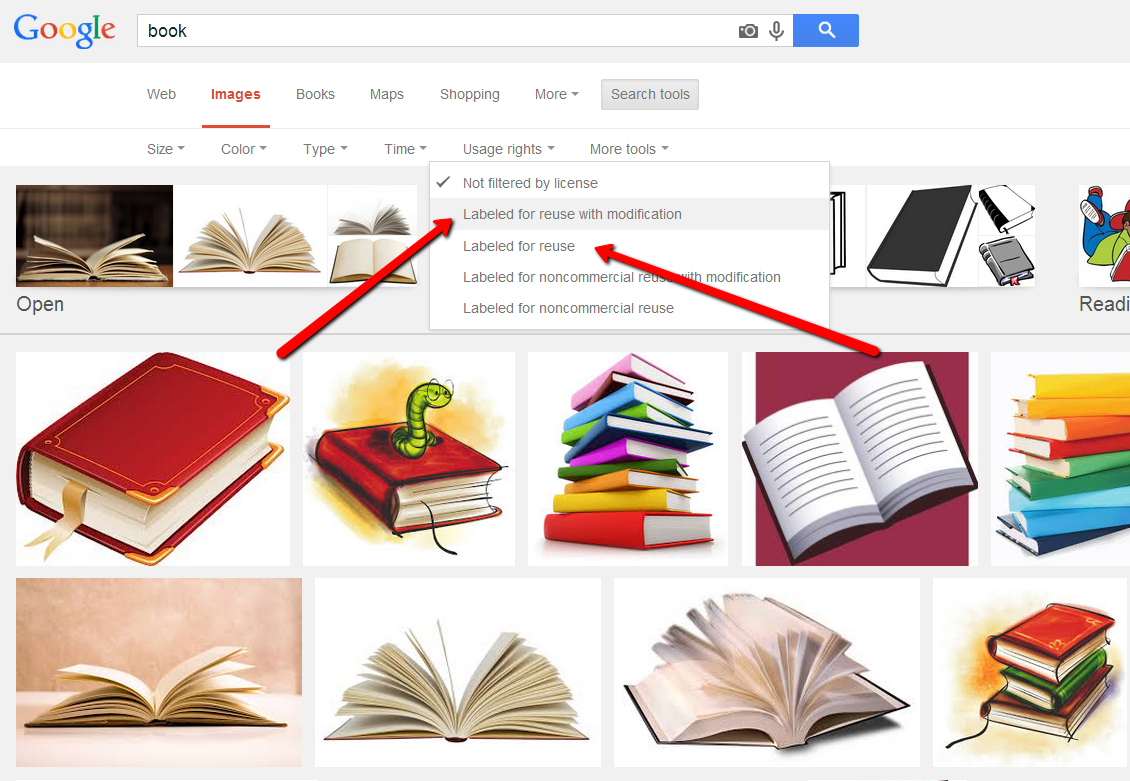
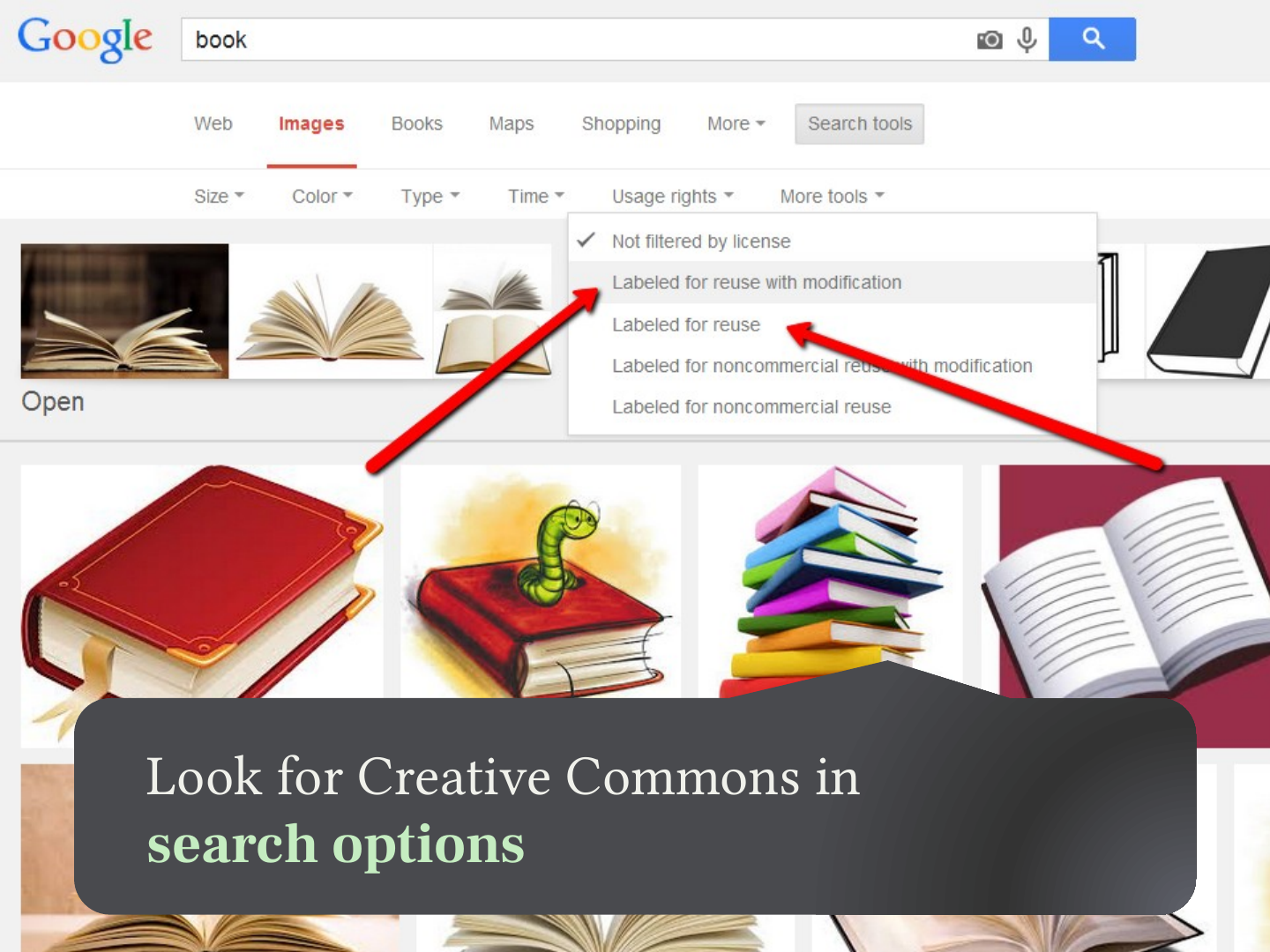
Look for Creative Commons in search options
Slide 92: Summary
Summary
Slide 93: Slide 93
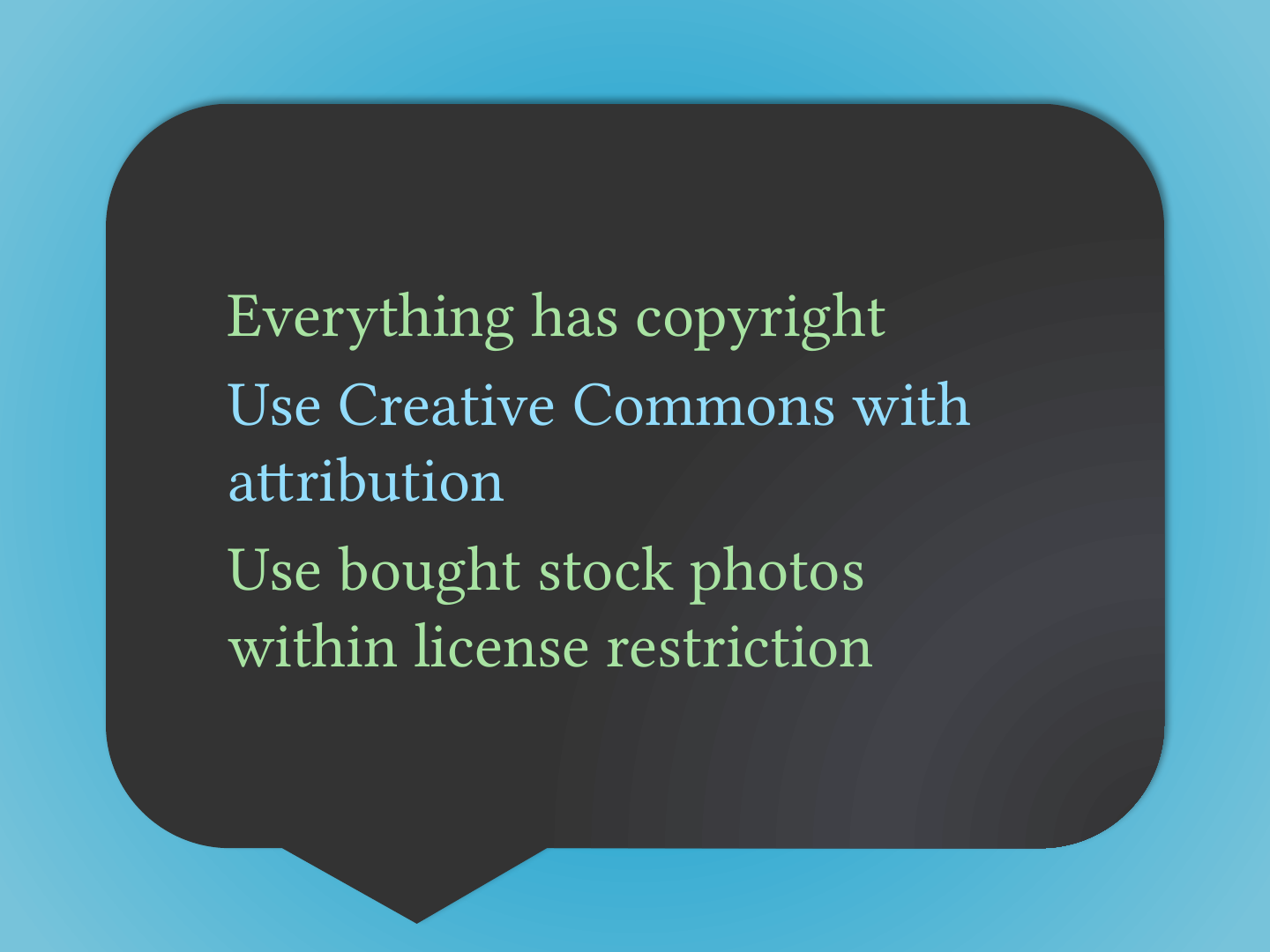
- Everything has copyright
- Use Creative Commons with attribution
- Use bought stock photos within license restriction
Slide 94: Creative Commons Attribution ShareAlike
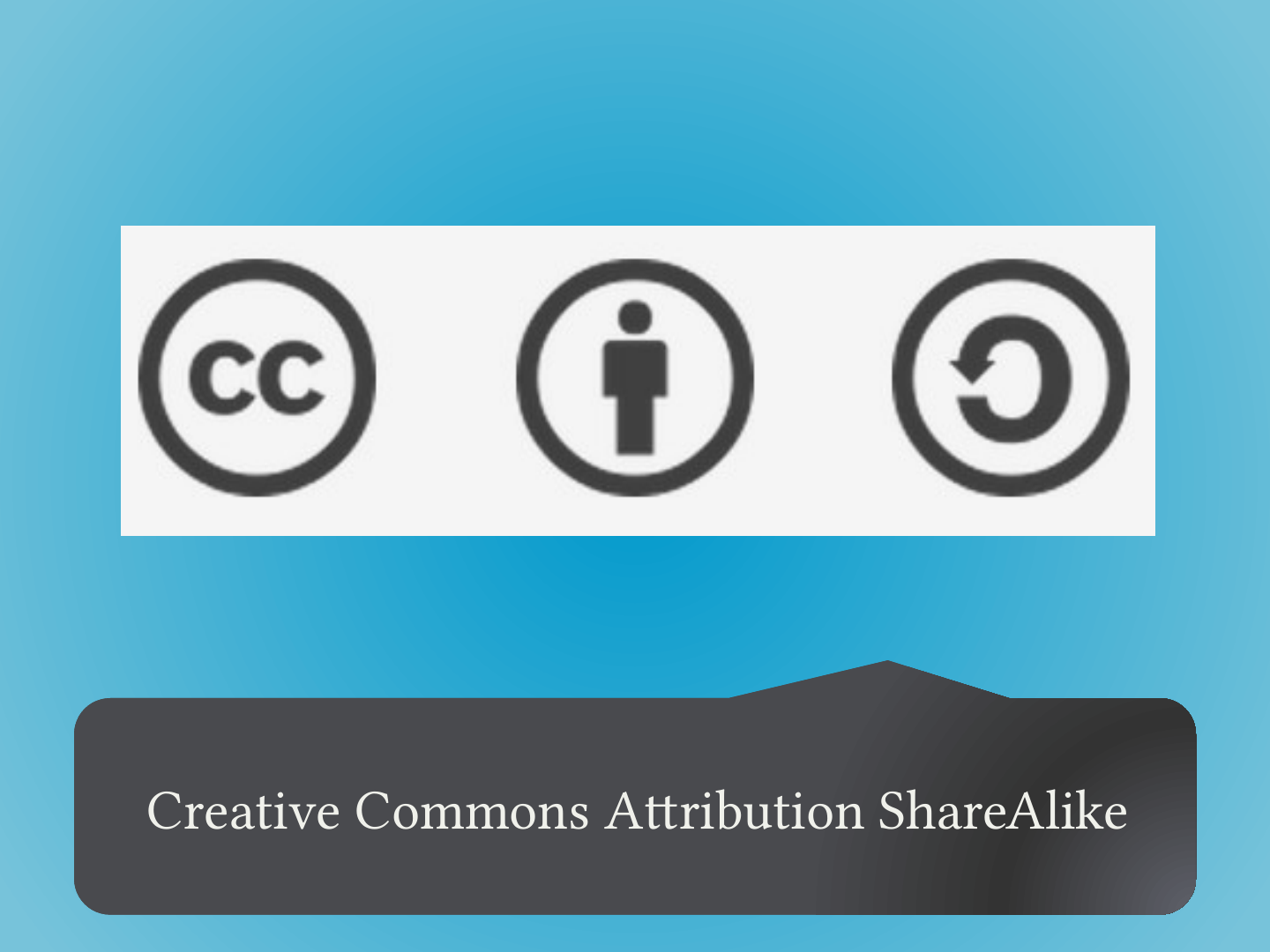
Creative Commons Attribution ShareAlike