Load2Learn, Alternative Formats and Affordable Technologies for Dyslexic Readers
- Talk date: 2014 (year only; exact date not established)
- SlideShare upload: 2014-03-28 (upload date, not the delivery date)
- Event: BDA International Conference 2014
- Place: Not established
- Topics: Access & reading
- Language: en
- Slides in the original listing: 42
- Coverage: Full text in 42 reading sections. The 42 original pages are a separate sequence: no verified map links sections to pages.
- Original listing: https://www.slideshare.net/slideshow/l2l-alternative-formats-and-affordable-tech-bda-2014/32840998
- Cover image: https://slides.dominiklukes.net/readers/load2learn-alternative-formats-affordable-technology-2014/pages/page-01.png
- Reader data (JSON): https://slides.dominiklukes.net/readers/load2learn-alternative-formats-affordable-technology-2014/presentation.json
- TalkWeaver package (outline and images, ZIP): https://slides.dominiklukes.net/load2learn-alternative-formats-affordable-technology-2014/load2learn-alternative-formats-affordable-technology-2014-talkweaver.zip
- TalkWeaver outline: https://slides.dominiklukes.net/load2learn-alternative-formats-affordable-technology-2014/talkweaver/load2learn-alternative-formats-affordable-technology-2014-outline.md
- Markdown copy: https://slides.dominiklukes.net/load2learn-alternative-formats-affordable-technology-2014/index.md
Section 1:  , Alternative Formats and Affordable Technologies for Dyslexic Readers
Dominik Lukeš
BDA International Conference 2014
Section 2: What technology do you use to support your learners?
Help to improve literacy skills?
Help in their every-day access to text?
Section 3: What do we know about reading difficulties?
Many children are able to understand but just cannot read
- This leads to learnt helplessness
- Inability to access text effects behaviour and attendance
There is a need to develop independence from both the learner and the school
Section 4: What is the answer?
Research has demonstrated that the use of accessible formats can support pupils with a print disability in becoming independent learners, reducing their reliance on adult support.
Section 5: Key new terms to remember
- Print disability: New term covering existing disabilities and reflected in copyright regulation.
- Accessible documents: Can be modified to suit learners’ needs and can be converted into alternative formats.
Section 6: Print disability – what is it?
What do you understand when you hear the words “print disability”?
Section 7: Definition and legal provisions for print disabilities
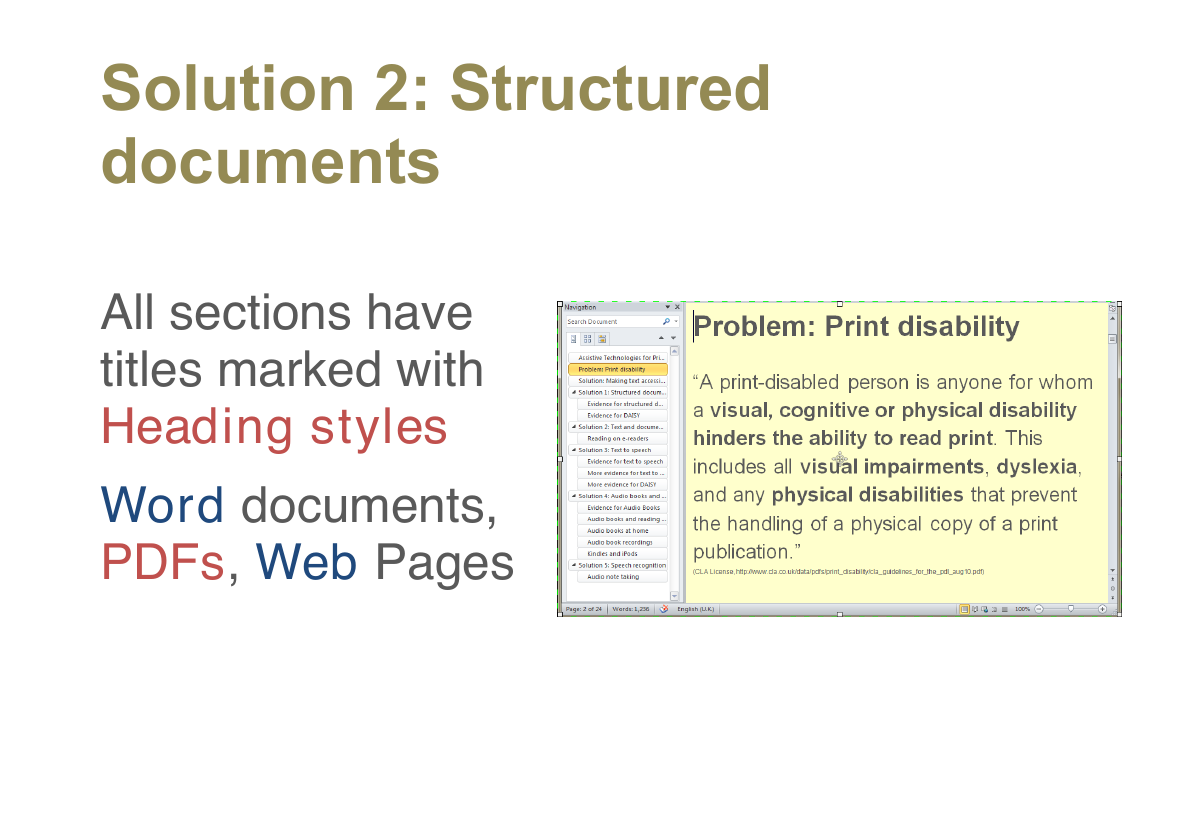
“A print-disabled person is anyone for whom a visual, cognitive or physical disability hinders the ability to read print. This includes all visual impairments, dyslexia, and any physical disabilities that prevent the handling of a physical copy of a print publication.” -- CLA License
(CLA License, http://www.cla.co.uk/data/pdfs/print_disability/cla_guidelines_for_the_pdl_aug10.pdf)
Section 8: Key provisions
- Make an accessible copy of a document for a print disabled person under the CLA PD Licence
- Accessible document: large print, electronic copy, audio version (MP3), Braille
- Unless a commercial alternative exists
- Not derogatory or changing author’s intention
- Must own physical copy of the book
Section 9: Question for teachers:
How many print disabled students are there in an average classroom?
Section 10: Accessible documents
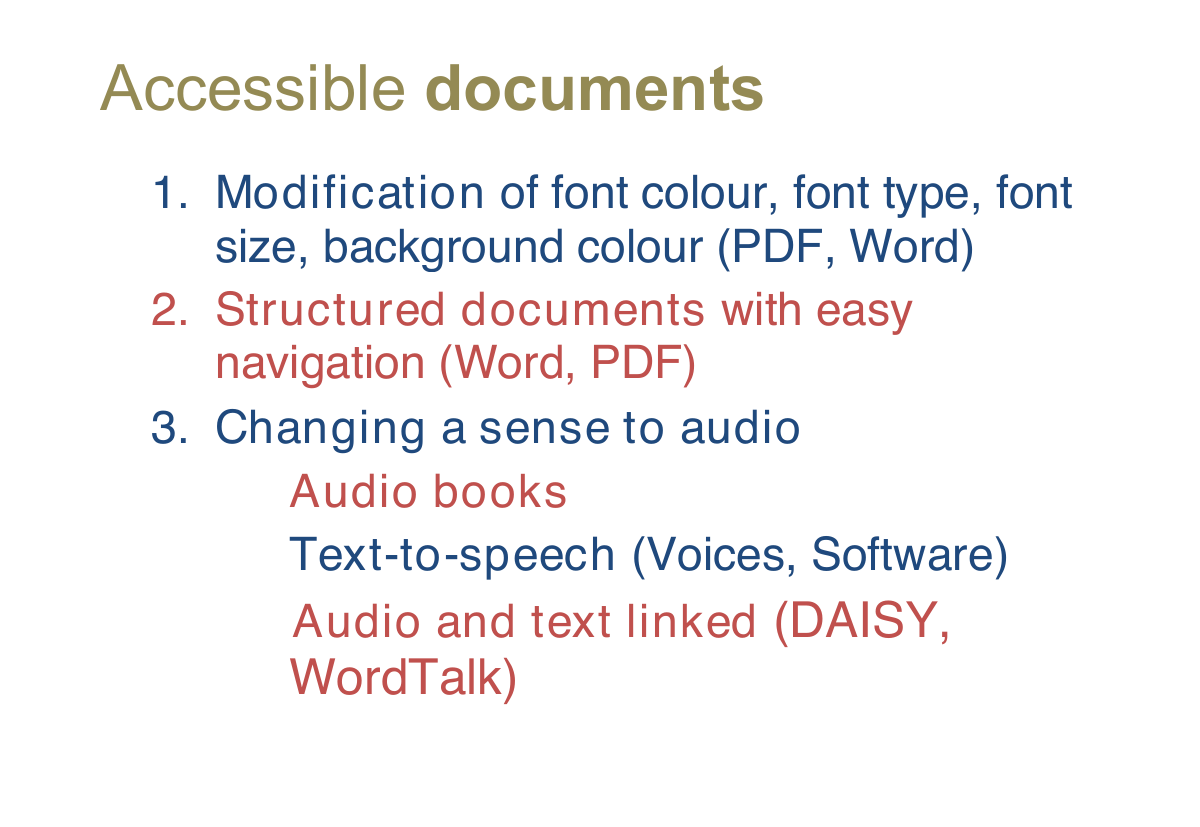
- Modification of font colour, font type, font size, background colour (PDF, Word)
- Structured documents with easy navigation (Word, PDF)
- Changing a sense to audio
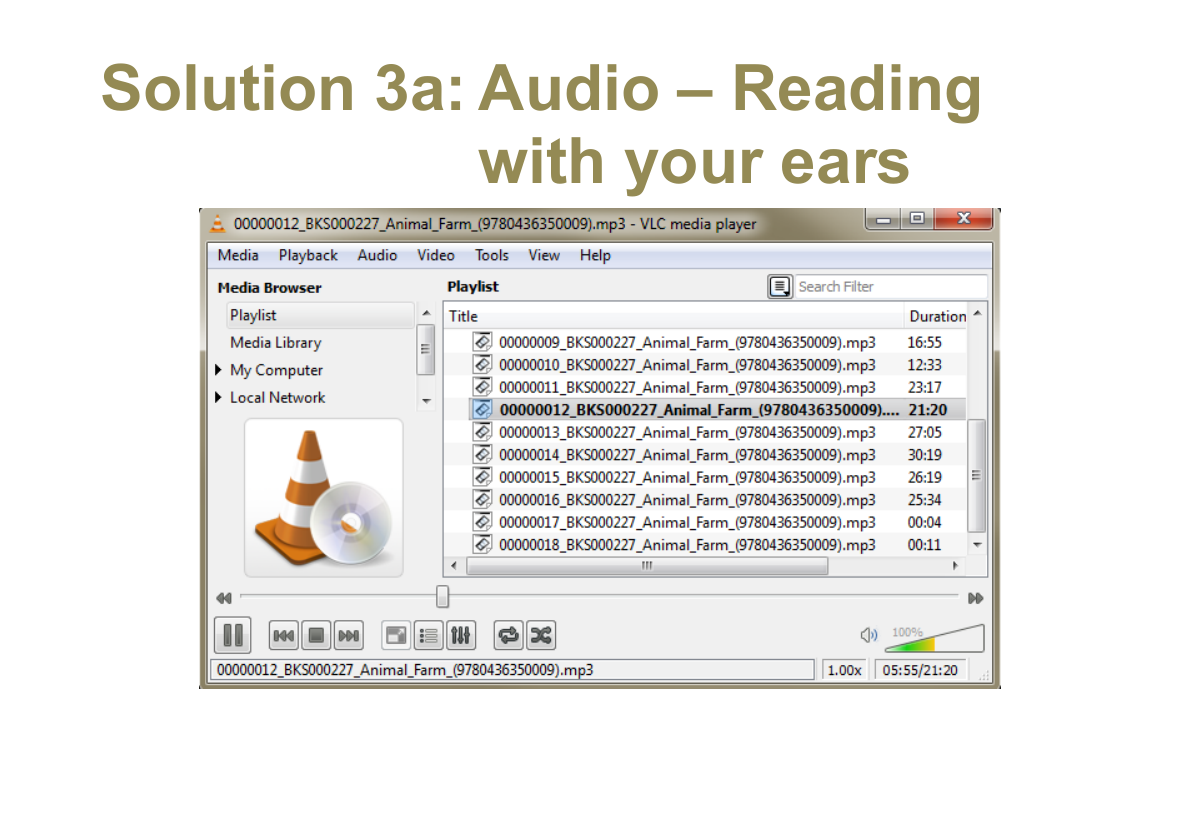
- Audio books
- Text-to-speech (Voices, Software)
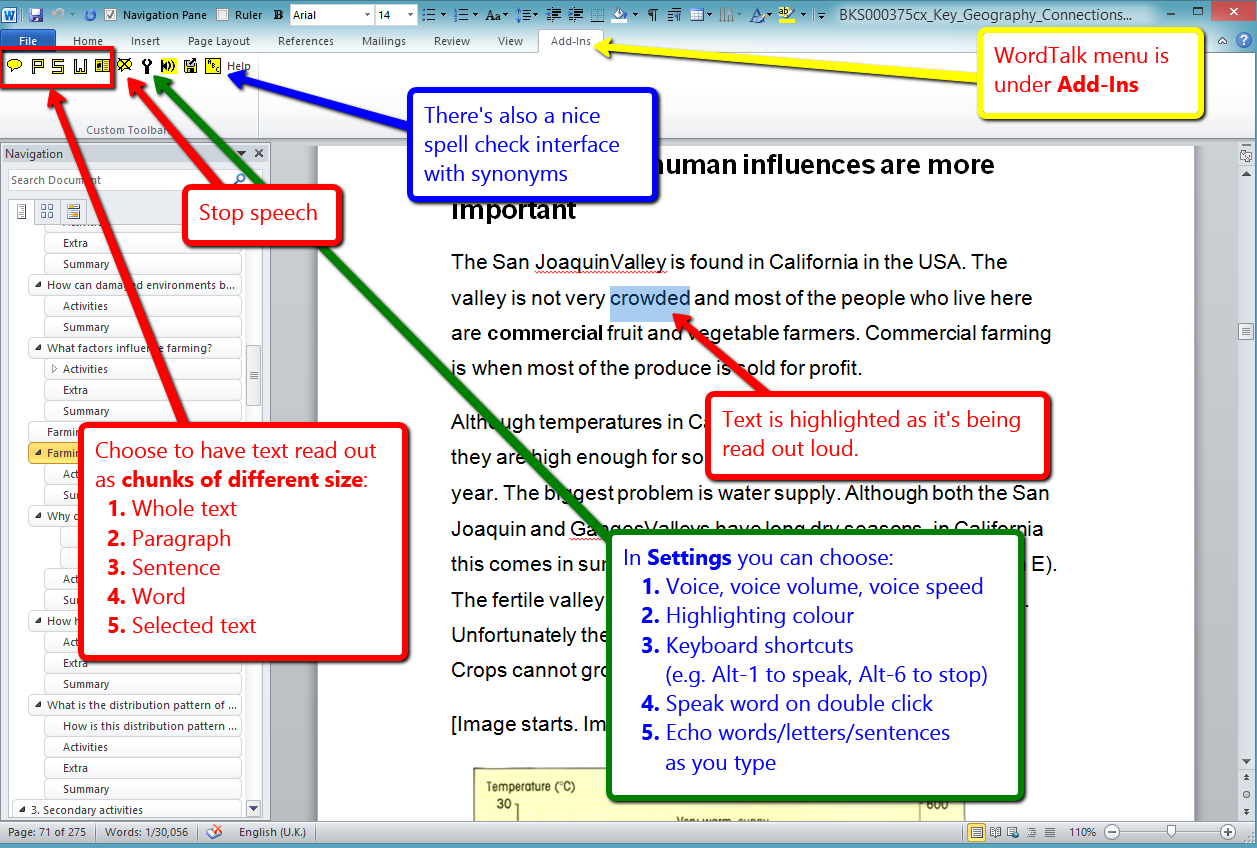
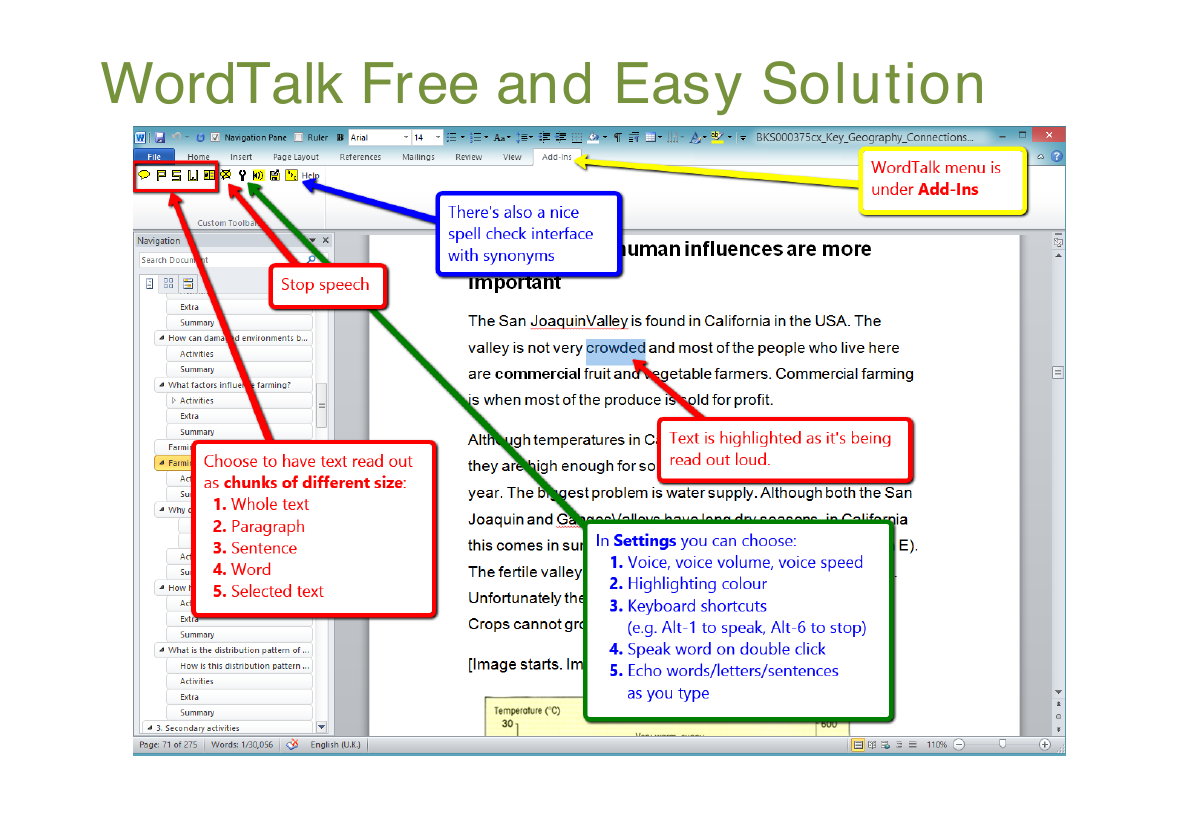
- Audio and text linked (DAISY, WordTalk)
Section 11: Introducing Load2Learn
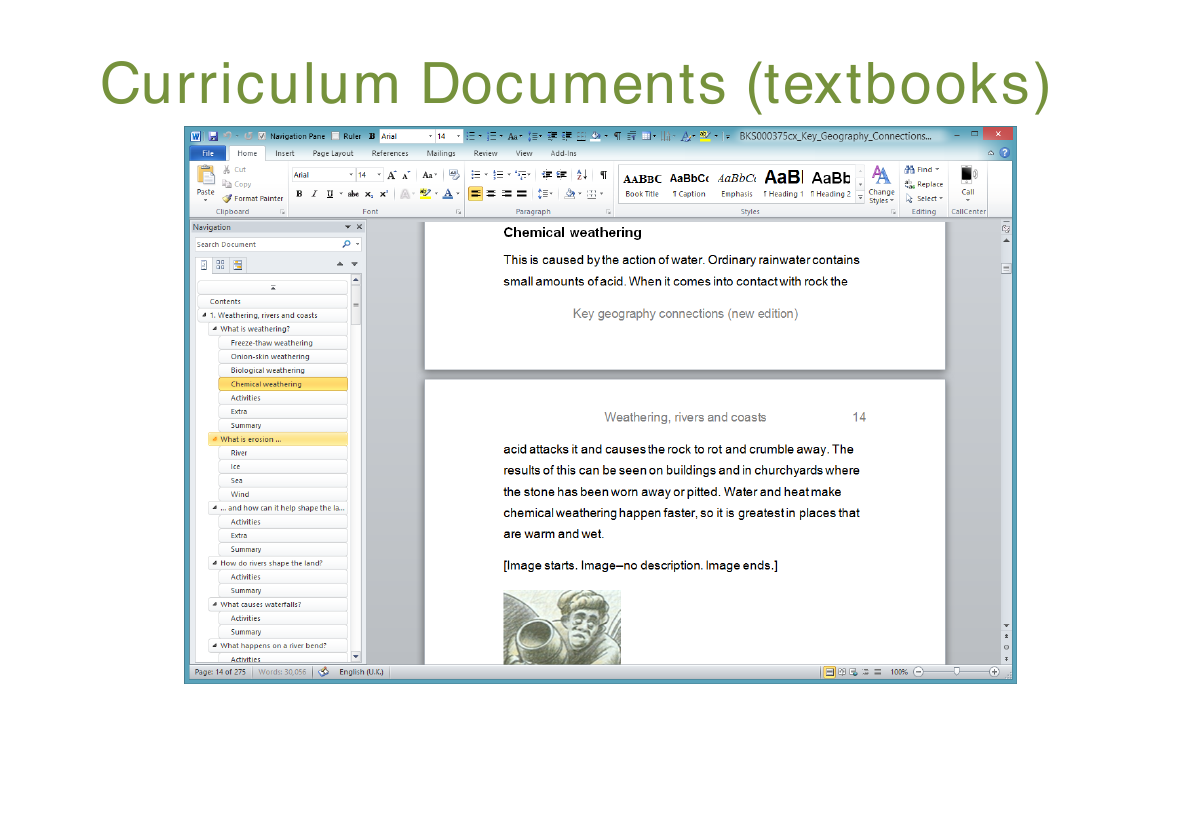
Project to create an online resource of downloadable adapted (secondary) curriculum books and images for learners with print disabilities.

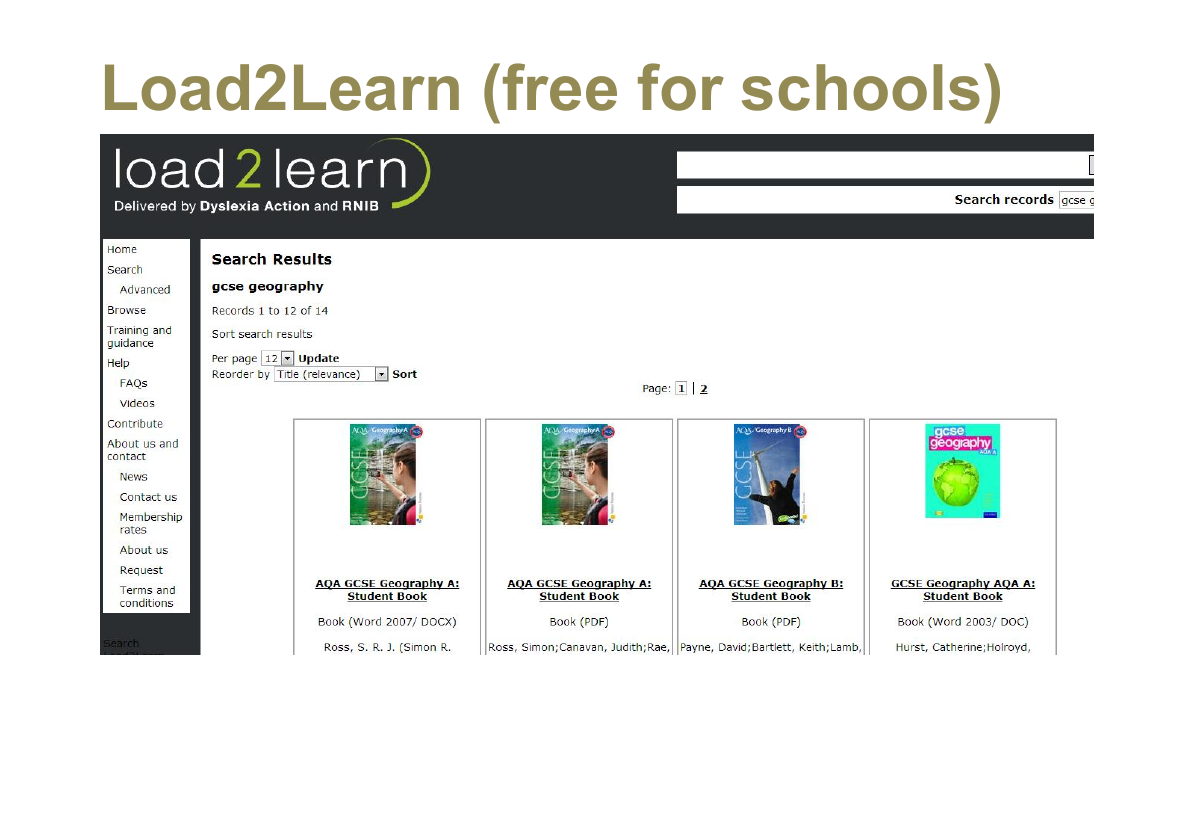
Section 12: Load2Learn (free for schools)
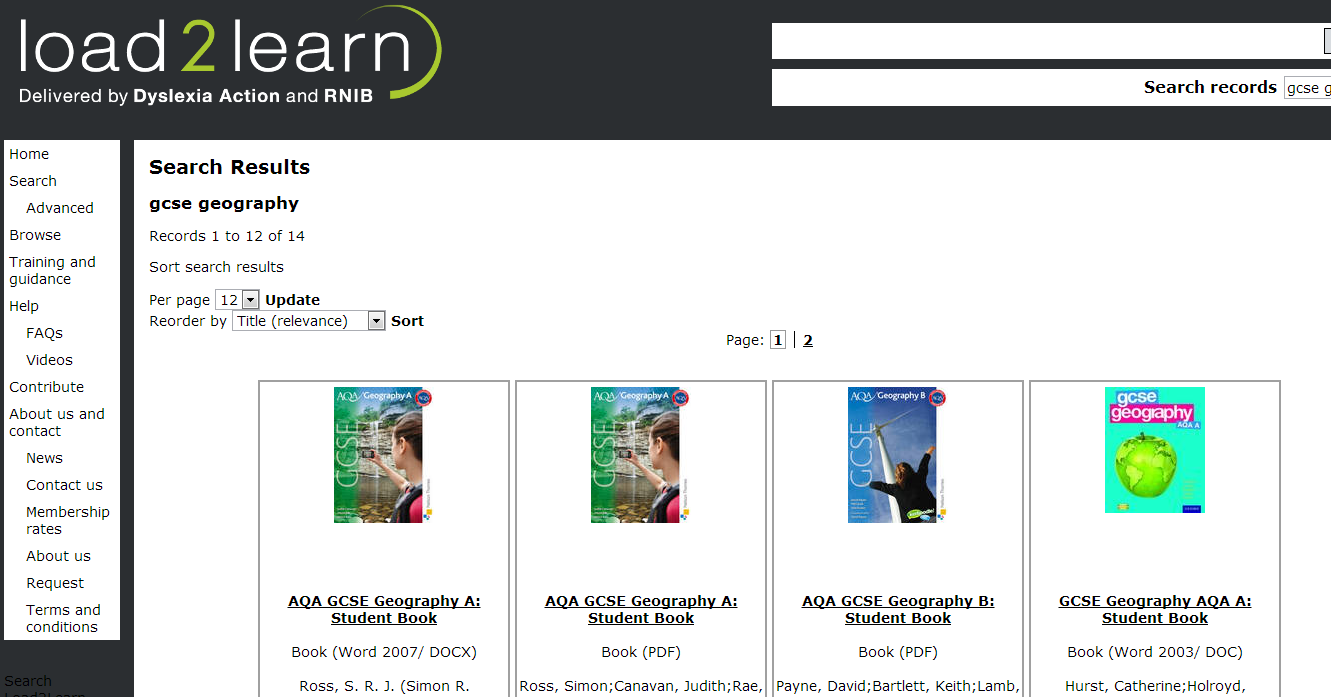
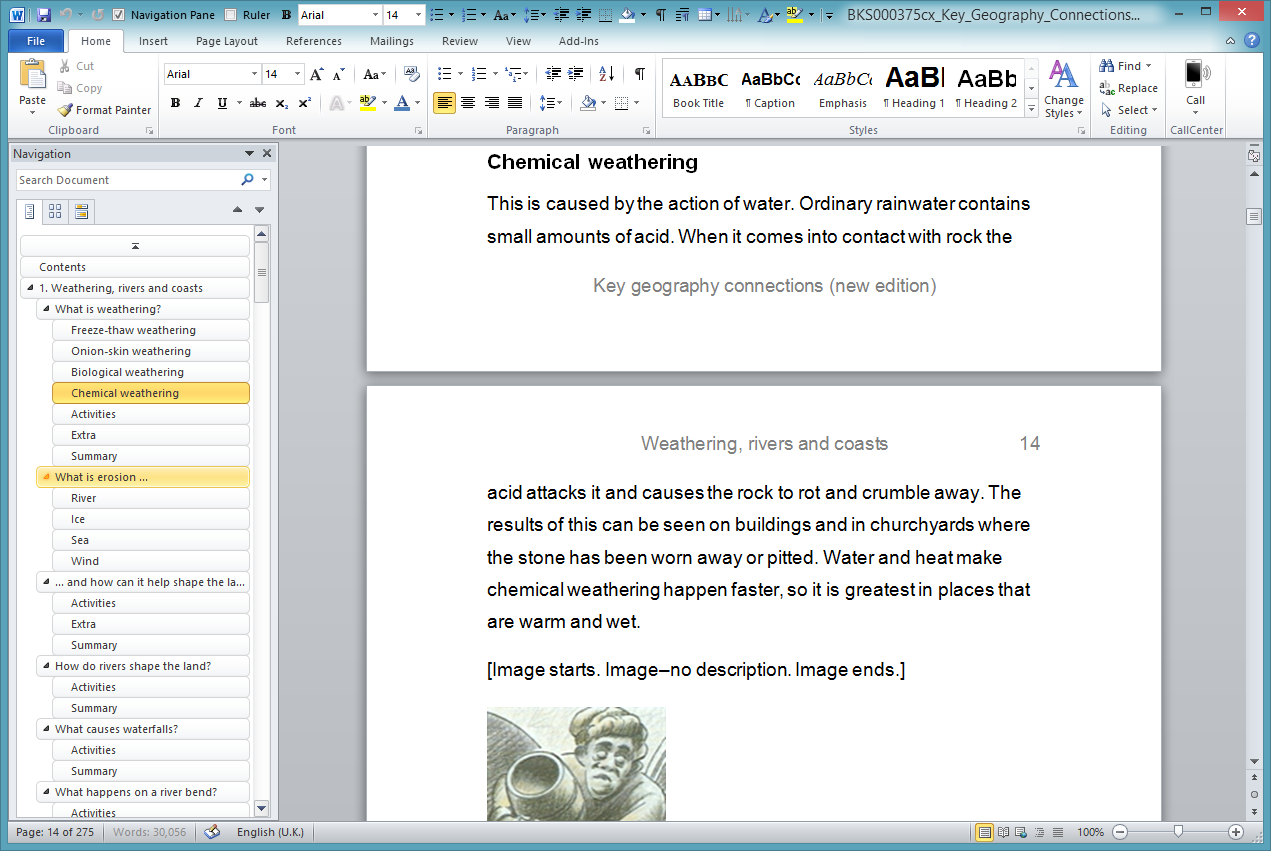
Section 13: Curriculum Documents (textbooks)
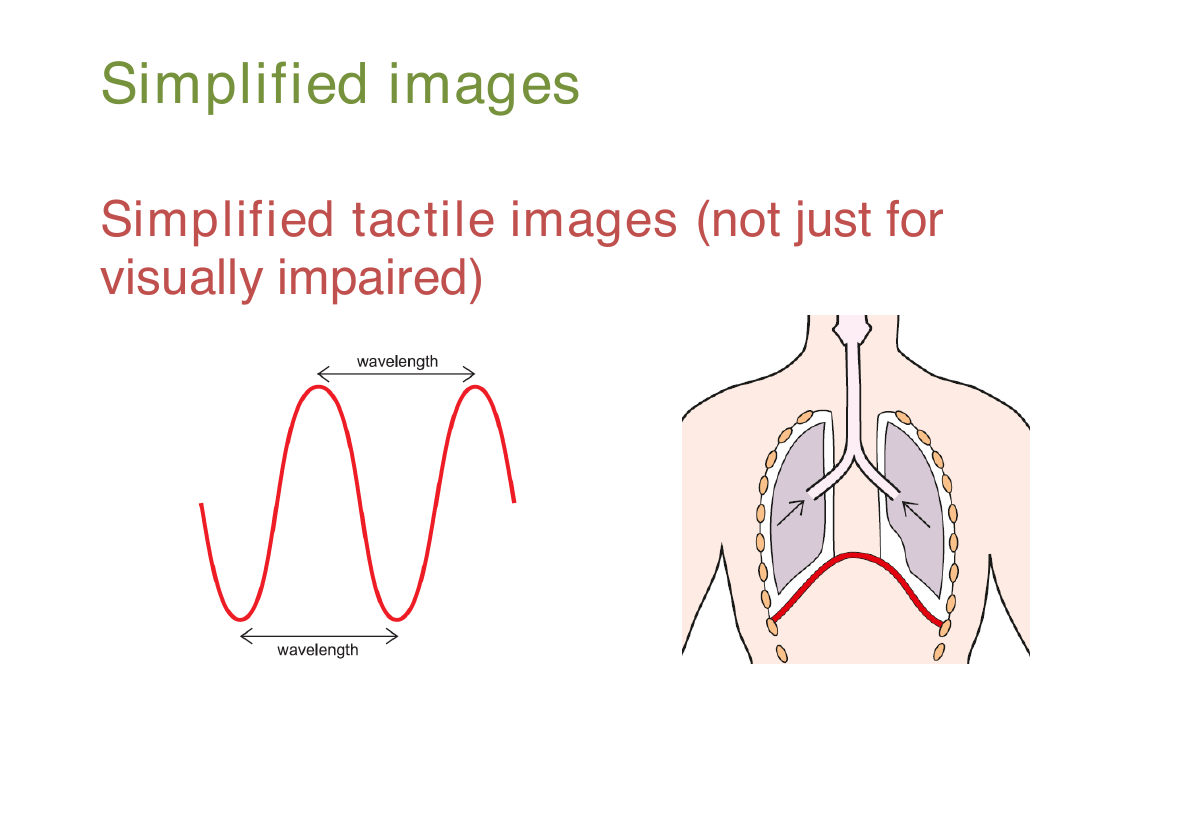
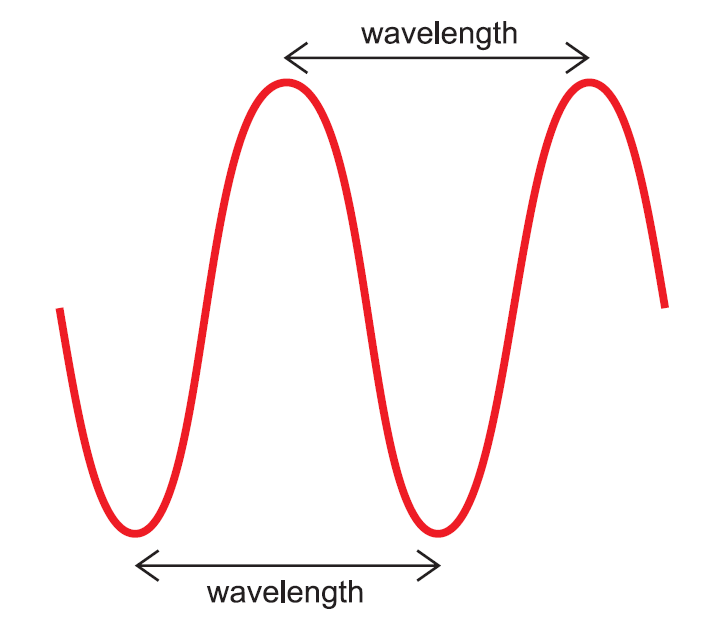
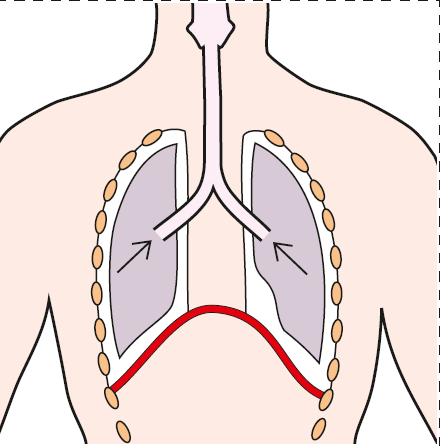
Section 14: Simplified images
Simplified tactile images (not just for visually impaired)
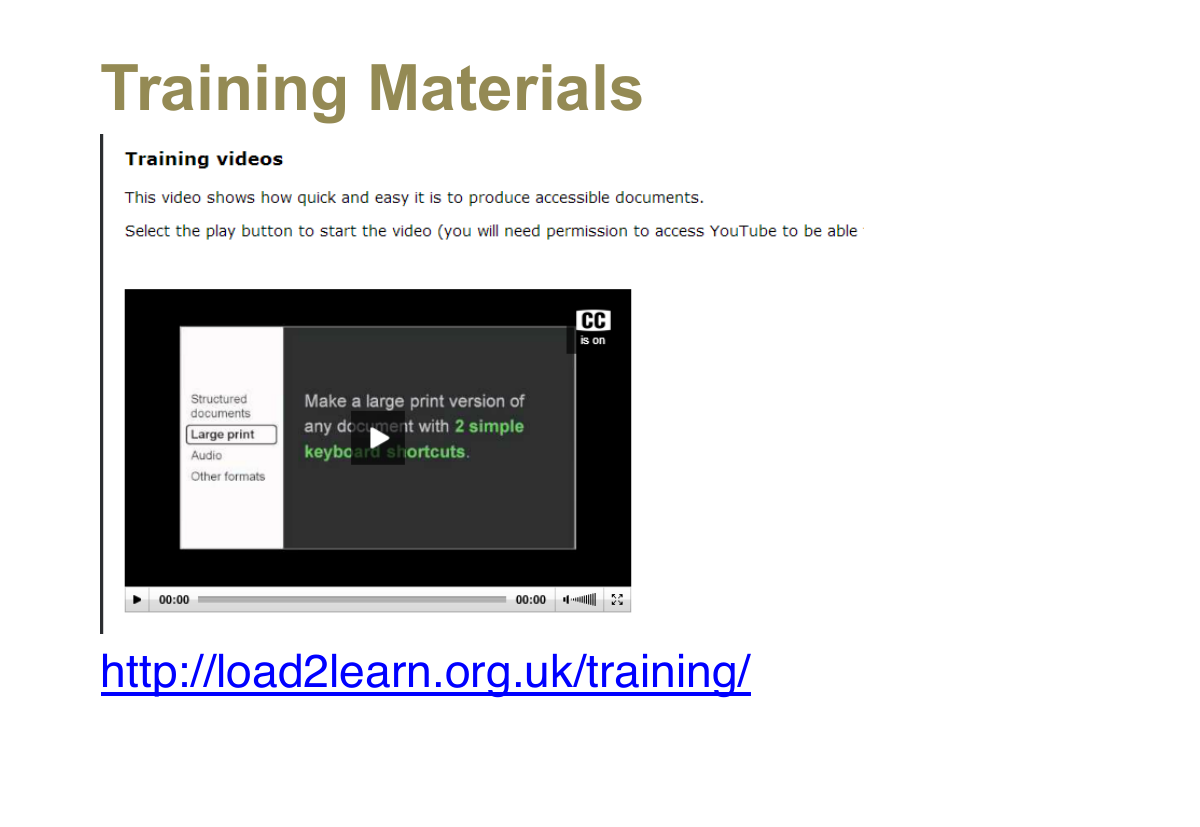
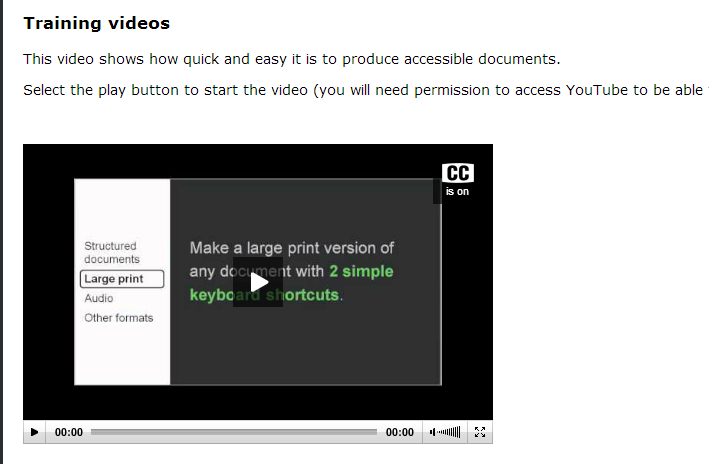
Section 15: Training Materials
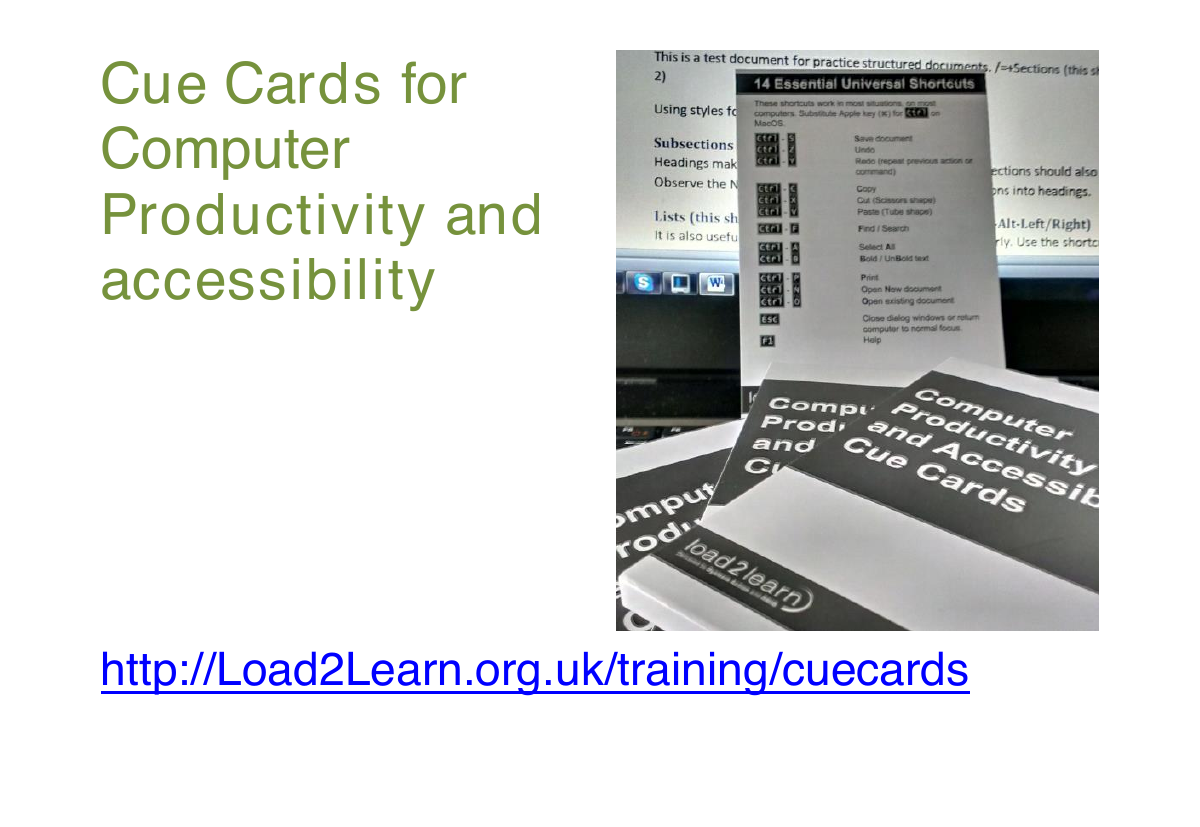
Section 16: 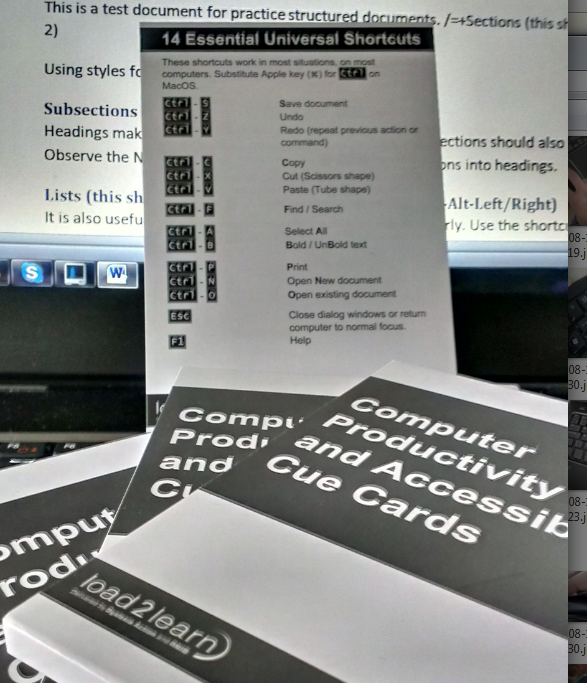 Cue Cards for Computer Productivity and accessibility
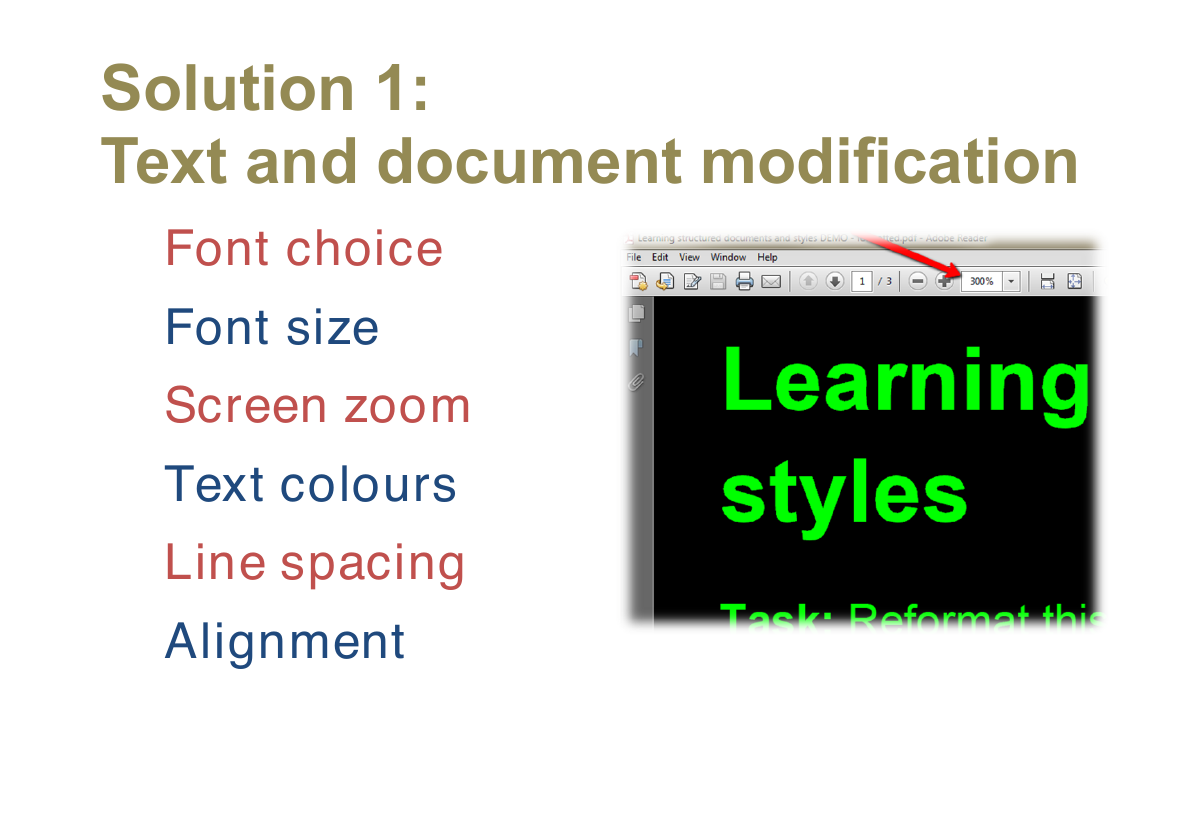
Section 17: Solution 1: Text and document modification
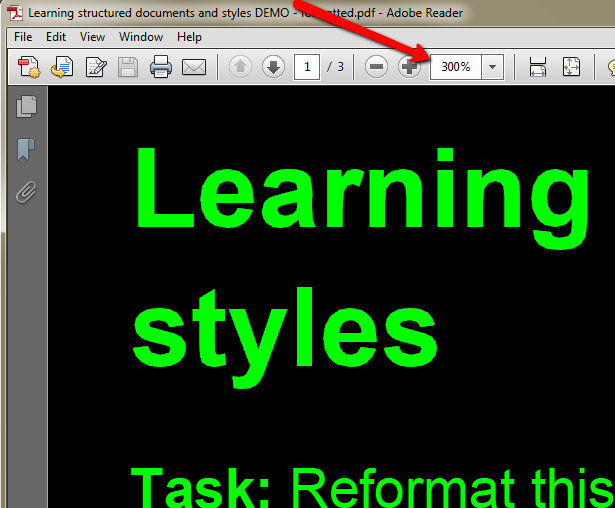
- Font choice
- Font size
- Screen zoom
- Text colours
- Line spacing
- Alignment
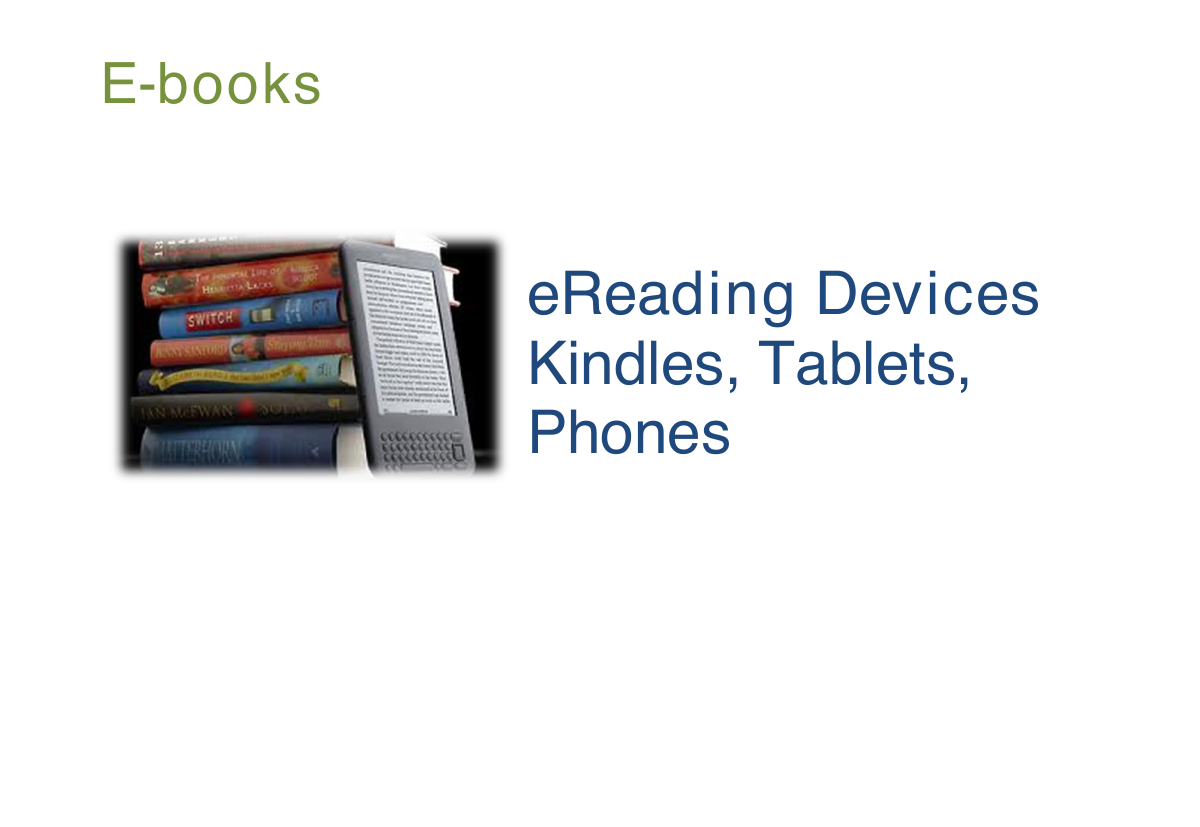
Section 18: E-books

eReading Devices
Kindles, Tablets, Phones
Section 19: Reading on e-Readers
Response from student in study carried out by Larson (2010) into the use of e-books:
"I would rather read an e-book [than a regular book] because there are so many cool tools to use and choose from. I still haven't used them all, and I'm done with the book."
Section 20: Opportunities from e-Readers
‘Digital readers show promise in supporting struggling readers through multiple tools and features, including manipulation of font size, text-to-speech options, expandable dictionary, and note capabilities.’ (Larson, 2010, p.15).
Section 21: Evidence for Kindles and iPods
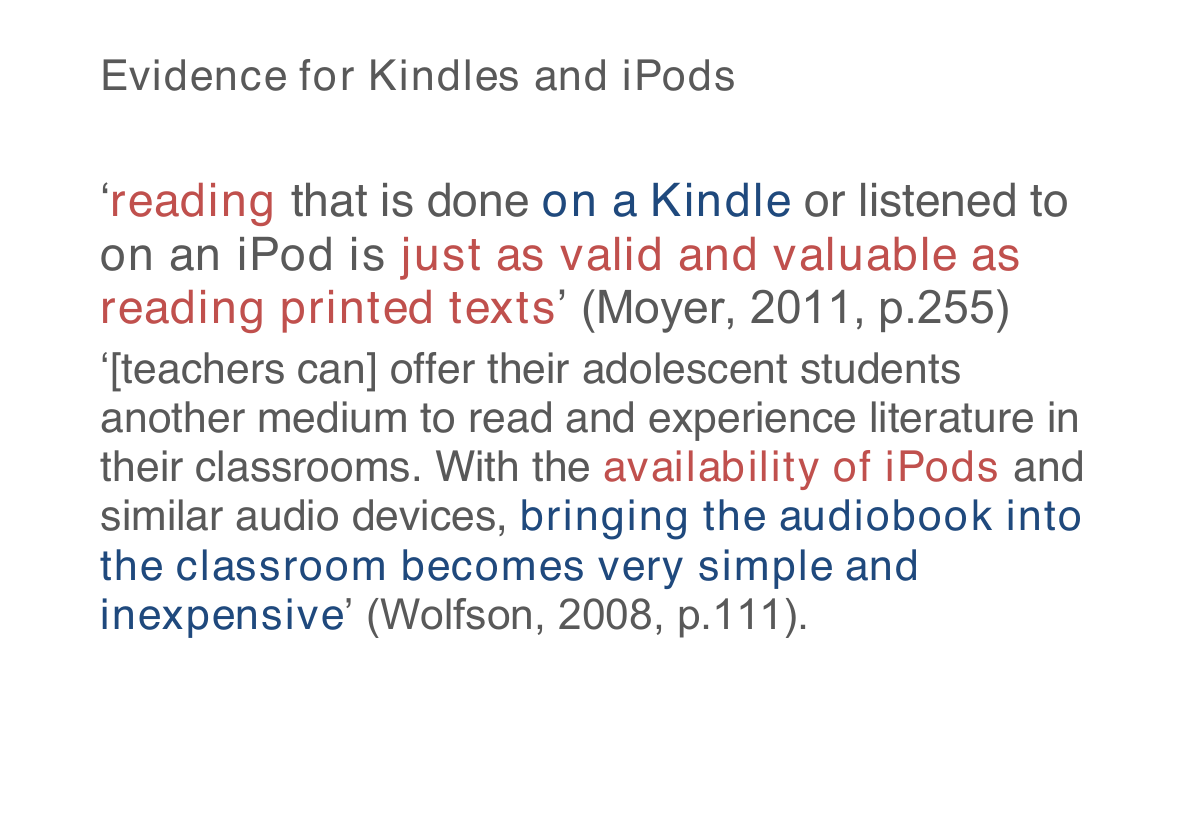
‘reading that is done on a Kindle or listened to on an iPod is just as valid and valuable as reading printed texts’ (Moyer, 2011, p.255)
‘[teachers can] offer their adolescent students another medium to read and experience literature in their classrooms. With the availability of iPods and similar audio devices, bringing the audiobook into the classroom becomes very simple and inexpensive’ (Wolfson, 2008, p.111).
Section 22: Solution 2: Structured documents
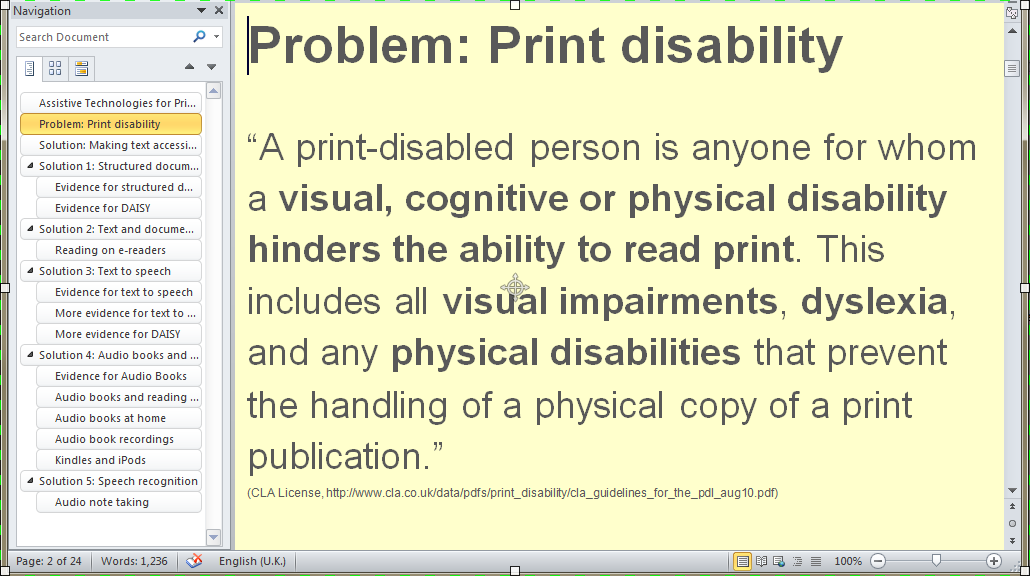
- All sections have titles marked with Heading styles
- Word documents, PDFs, Web Pages
Section 23: Structured documents save lives
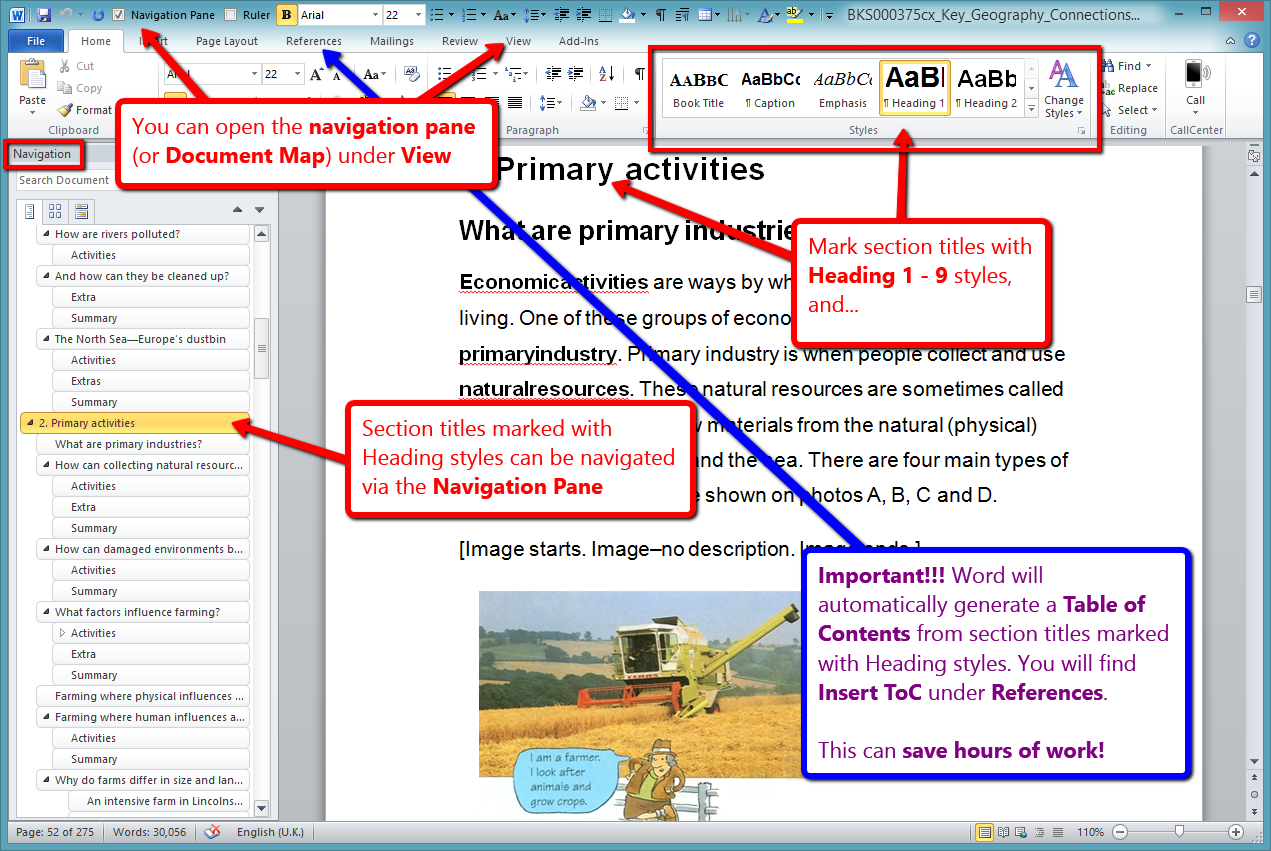
- Navigate
- Outline
- Map
Section 24: Structured documents big picture
Section 25: Solution 3a: Audio – Reading with your ears
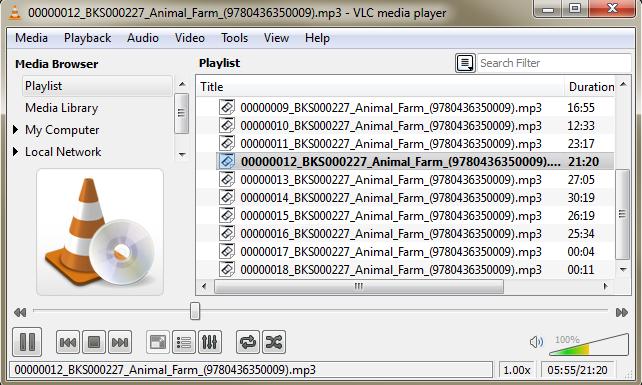
Section 26: Evidence for Audio Books
- Boys found audio-reading enjoyable and their self-confidence as readers improved.
- ‘a marked reduction in the quantity of errors … when reading independently’
- The boys found audio reading was relatively effortless yet they perceived that they were reading books appropriate to their age and could read ‘hard words’ like their peers (Byrom, 1998, p.5)
Section 27: Audio books and performance
The effects of a CD-ROM audio textbook on the academic performance of secondary students in history lessons: using the audio text students ‘performed significantly higher on context area assessments than students in the control condition’ (Boyle et al, 2003, p. 203).
Section 28: Audio books in the classroom
Furthermore, teachers that participated in the study also reported the benefits of student’s utilising audio-books within a classroom environment:
‘Students used the technology to access additional history readings as well as other available relevant academic textual material (e.g. additional history text, other subjects such as science and citizenship). This technological support allowed the teachers to provide greater assistance to students experiencing difficulties accessing higher-level print material’ (Boyle et al, 2003, p.213).
Section 29: Audio books at home
parents reported that audio-books appeared to have ‘a positive influence in reducing emotional– behavioural problems’
and that the use of audio-books within the home environment appeared to reduce their child’s sense of frustration and distractibility attributed to greater ease in studying. (Milani et al, 2003, p.93)
Section 30: Audio as spectacles
‘By the same token that some children require spectacles to enable them to read a book, others may require an audio tape to enable them to read the same book in order that they might all contribute to a stimulating discussion about the content’ (Byrom, 1998, p. 6)
‘Today some of these people with dyslexia even regard the computer as their equivalent to the glasses of the weak-sighted’. (Tank & Frederikson, 2007, p.947)
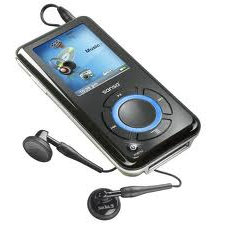
Section 31: Portable audio
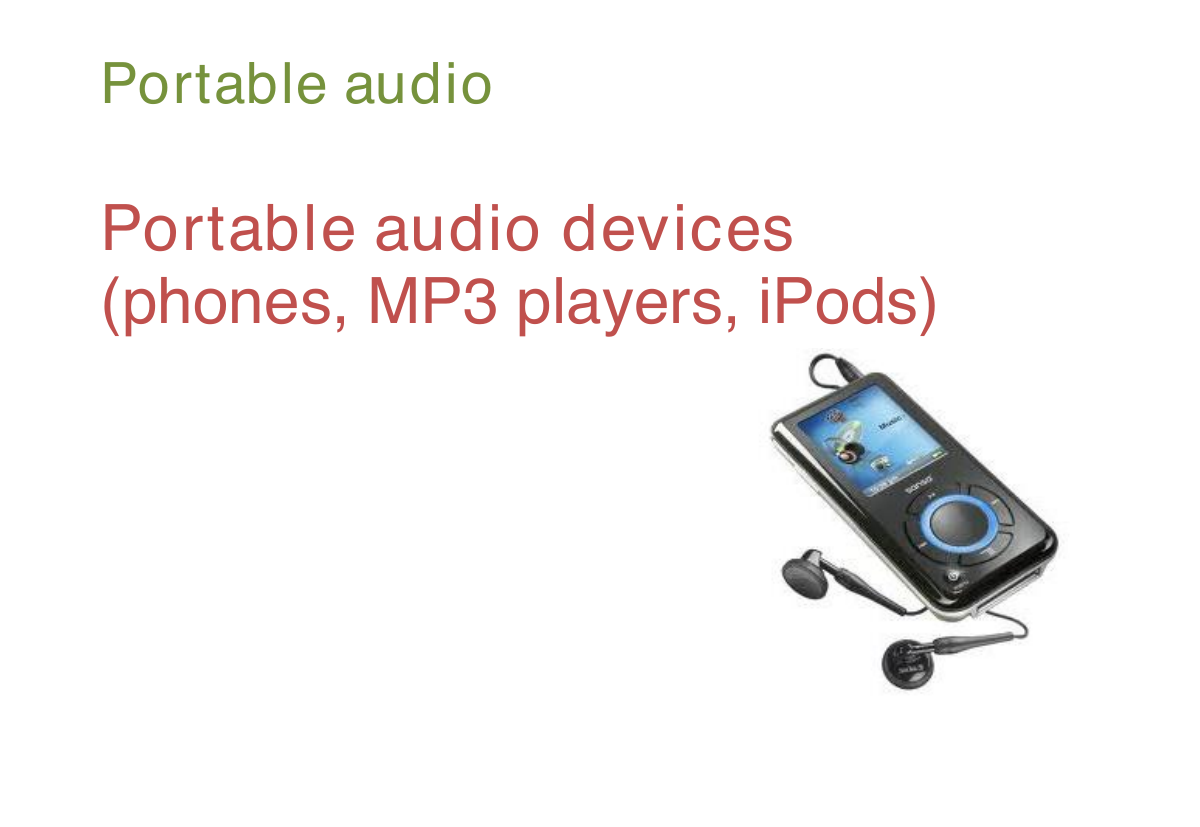
Portable audio devices
(phones, MP3 players, iPods)
Section 32: Audio notetaking
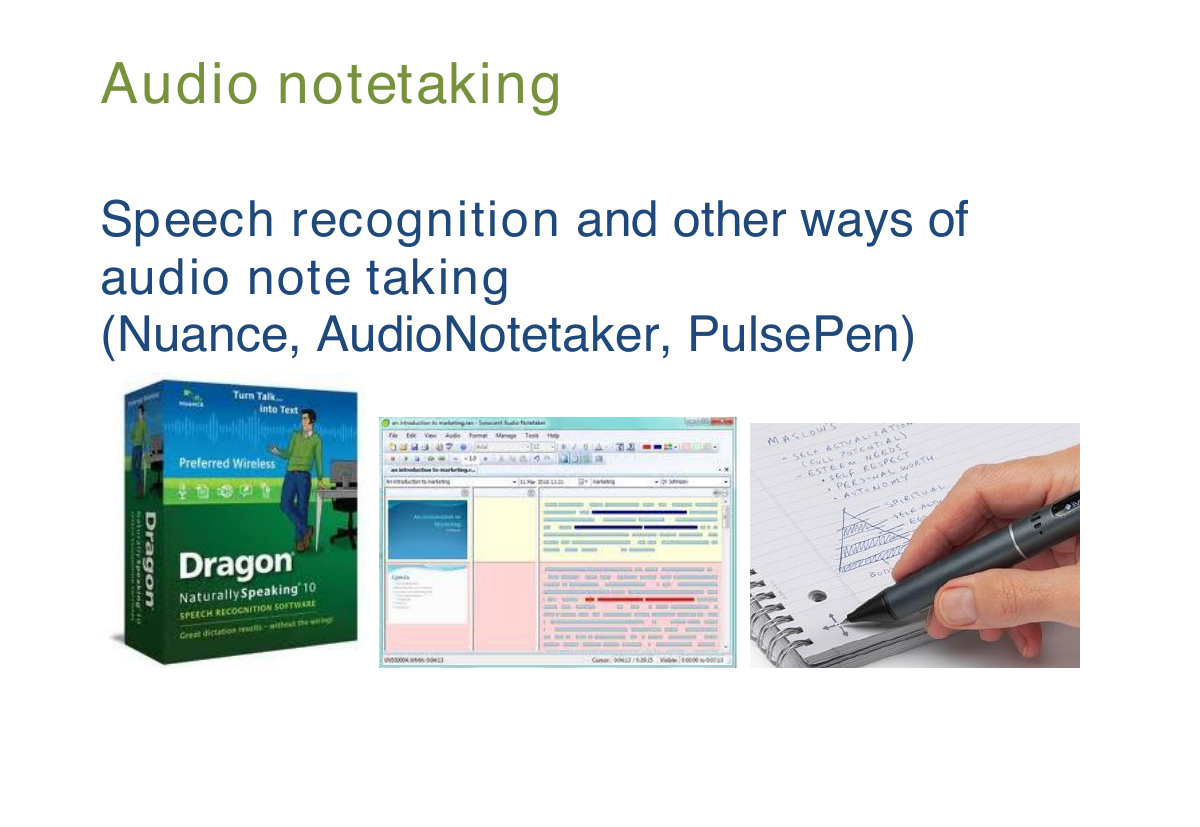
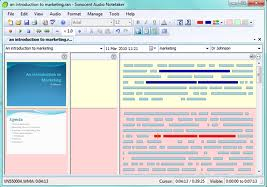
Speech recognition and other ways of audio note taking
(Nuance, AudioNotetaker, PulsePen)
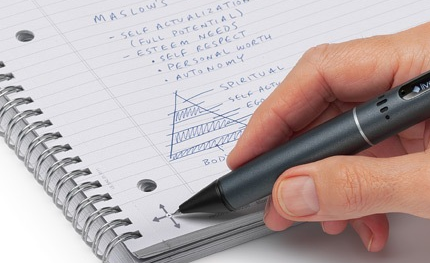
Section 33: Evidence for audio note taking
‘By using the note tool, they engaged in new literacy practices by envisioning new ways to access their thought processes to engage in spontaneous, instantaneous response to the e-books’ (Larson, 2009, p. 256)
Section 34: What do you do for your learners?
Do you recommend your students
- audio books?
- podcasts?
Section 35: What do you do for yourself?
Do you listen to
- audio books?
- podcasts?
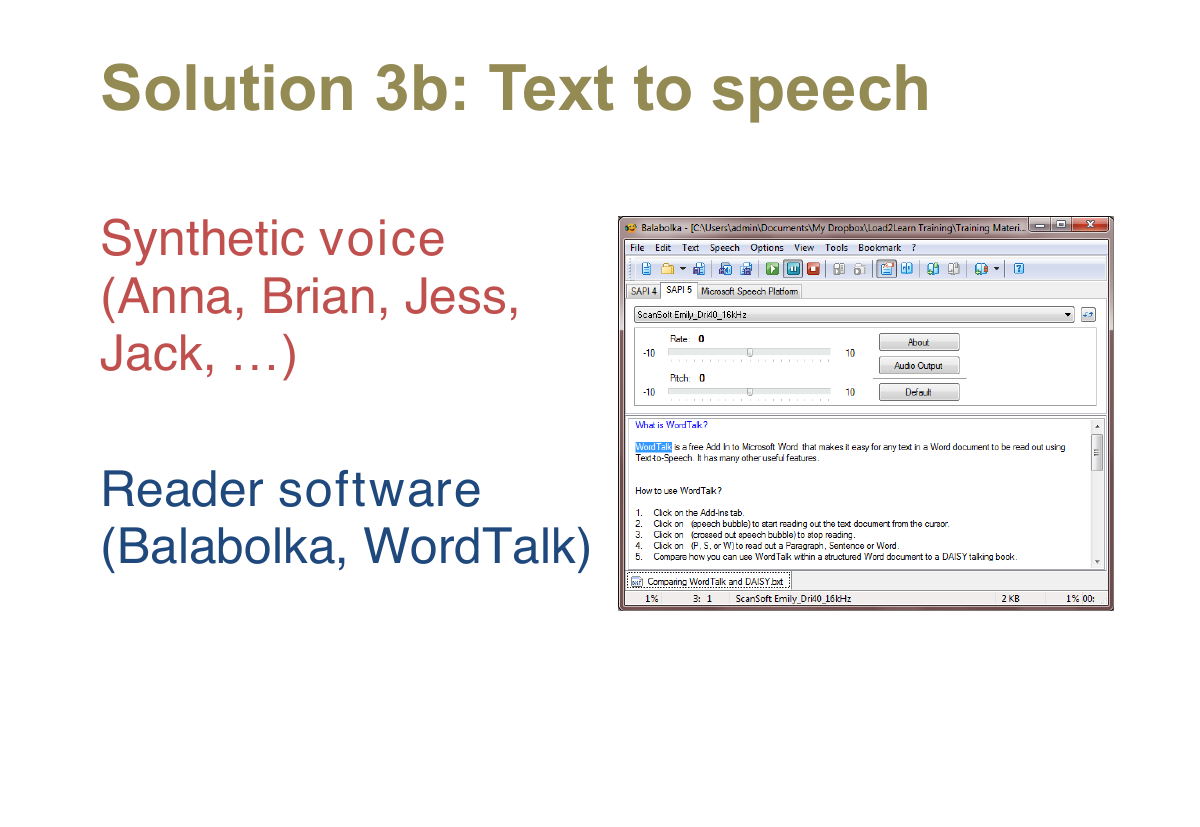
Section 36: Solution 3b: Text to speech
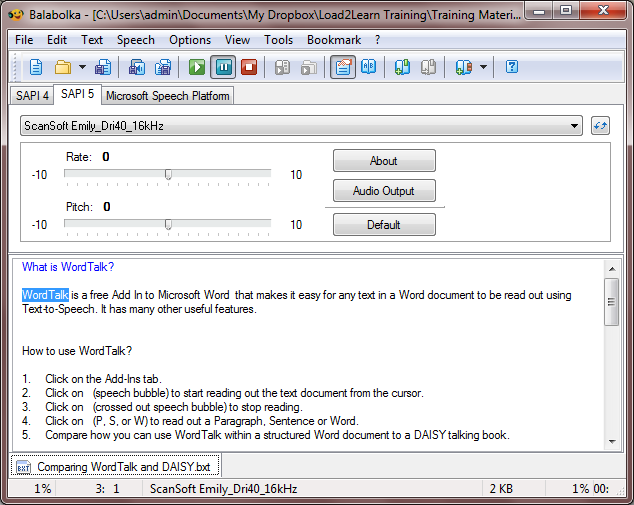
- Synthetic voice
(Anna, Brian, Jess, Jack, …) - Reader software (Balabolka, WordTalk)
Section 37: Evidence for text to speech
Students took their SQA standard grade examinations in ‘Accessible PDF’ format.
- Staff praised “independence offered by the electronic format.”
- Students “all found them easier to use than a scribe.”
- “mean score was 8.93 compared with 8.00 for scribes.” (Nisbet et al, 2005, p.1)
Section 38: More evidence for text to speech
- Text to speech can ‘relieve the burden of decoding for struggling readers, allowing them to focus on comprehension.’ (Wise, Ring, and Olson, 2000).
- students ‘could double or triple the time that they could sustain reading’ (Elkind et al, 1996, p.160).
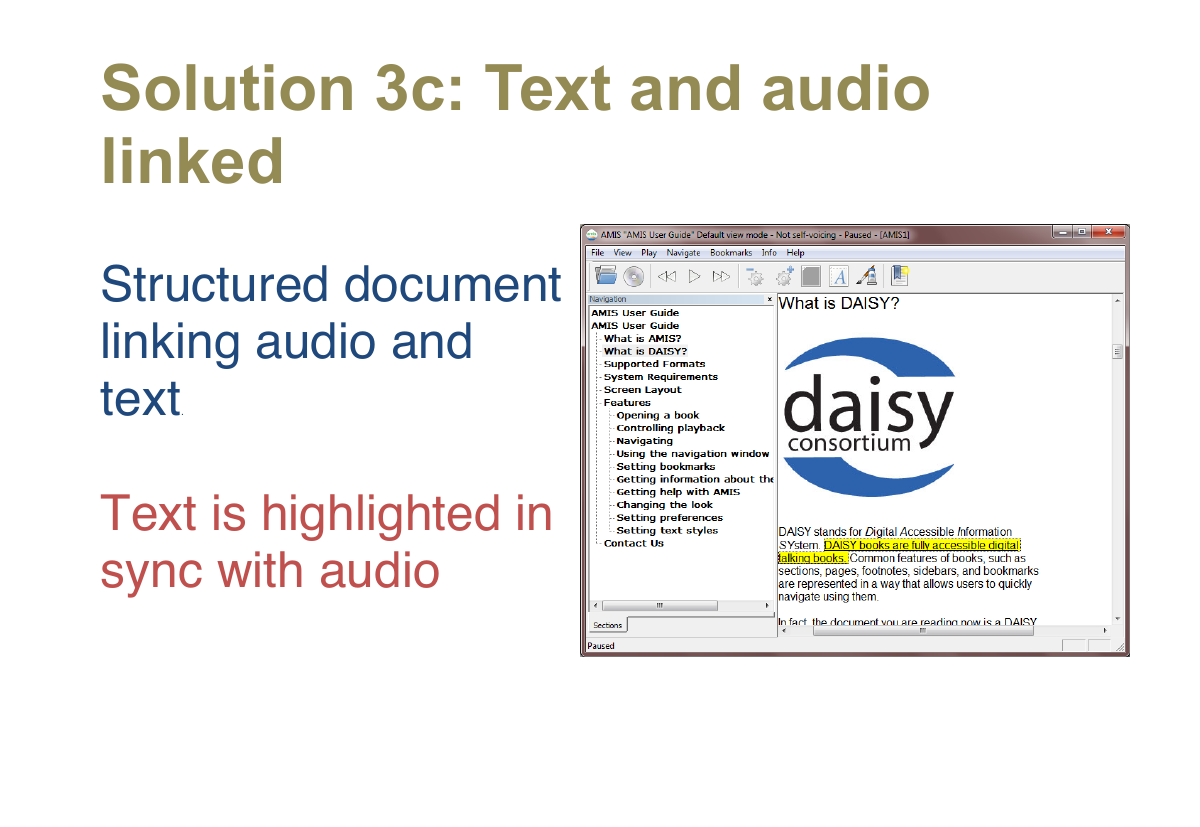
Section 39: Solution 3c: Text and audio linked
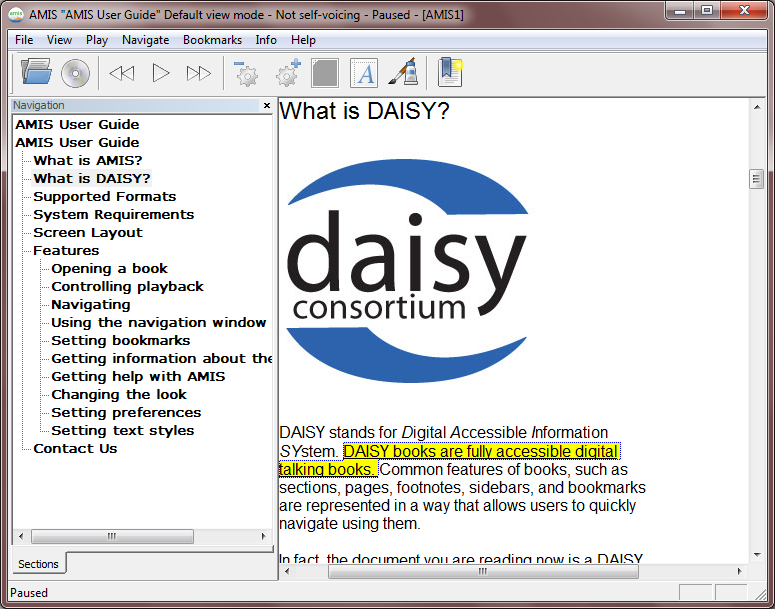
- Structured document linking audio and text.
- Text is highlighted in sync with audio
Section 40: Evidence for DAISY
‘Research by Allinder, Dunse, Brunken, and Obermiller-Krolikowski (2001) and Meyer and Felton (1999) confirms that highlighting text as it is spoken can help learners pay attention and remember more’ (cited in Silver-Pacuilla and Fleischman, 2006, p. 84)
Section 41: More evidence for DAISY
Lewandski and Montali (1996) studied ‘the learning of poor readers and skilled readers who were both taught through a text-to speech application with simultaneous on-screen highlighting of the spoken word’ and found that experiencing the text bimodally (visually and aurally) enabled poor readers to perform as well as skilled readers in word recognition and retention.
Section 42: WordTalk Free and Easy Solution