Speech recognition: Art of the possible
- SlideShare title: Speech Recognition: Art of the possible - DigiFest 2022
- Talk date: Not established
- SlideShare upload: 2022-03-17 (upload date, not the delivery date)
- Event: Not established
- Place: Not established
- Topics: Access & reading
- Language: en
- Slides in the original listing: 61
- Coverage: Full text of all 61 slides, each paired with its original slide image (slide N is section N).
- Original listing: https://www.slideshare.net/slideshow/speech-recognition-art-of-the-possible-digifest-2022-251369803/251369803
- Cover image: https://slides.dominiklukes.net/readers/speech-recognition-art-of-the-possible-digifest-2022-251369803/pages/page-01.png
- Reader data (JSON): https://slides.dominiklukes.net/readers/speech-recognition-art-of-the-possible-digifest-2022-251369803/presentation.json
- TalkWeaver package (outline and images, ZIP): https://slides.dominiklukes.net/speech-recognition-art-of-the-possible-digifest-2022-251369803/speech-recognition-art-of-the-possible-digifest-2022-251369803-talkweaver.zip
- TalkWeaver outline: https://slides.dominiklukes.net/speech-recognition-art-of-the-possible-digifest-2022-251369803/talkweaver/speech-recognition-art-of-the-possible-digifest-2022-251369803-outline.md
- Markdown copy: https://slides.dominiklukes.net/speech-recognition-art-of-the-possible-digifest-2022-251369803/index.md
Slide 1: Speech recognition: Art of the possible
Speech recognition: Art of the possible
[email protected] @techczech

Slide 2: Dominik’s journey
Dominik’s journey
1990–1995
- Computational linguistics
- Cognitive linguistics
- Language teaching
1995–2008
- Language teacher training
- Translation
- Metaphor / discourse studies
2009 – present
- Readability
- Learning / Assistive technology
- Dyslexia teacher training
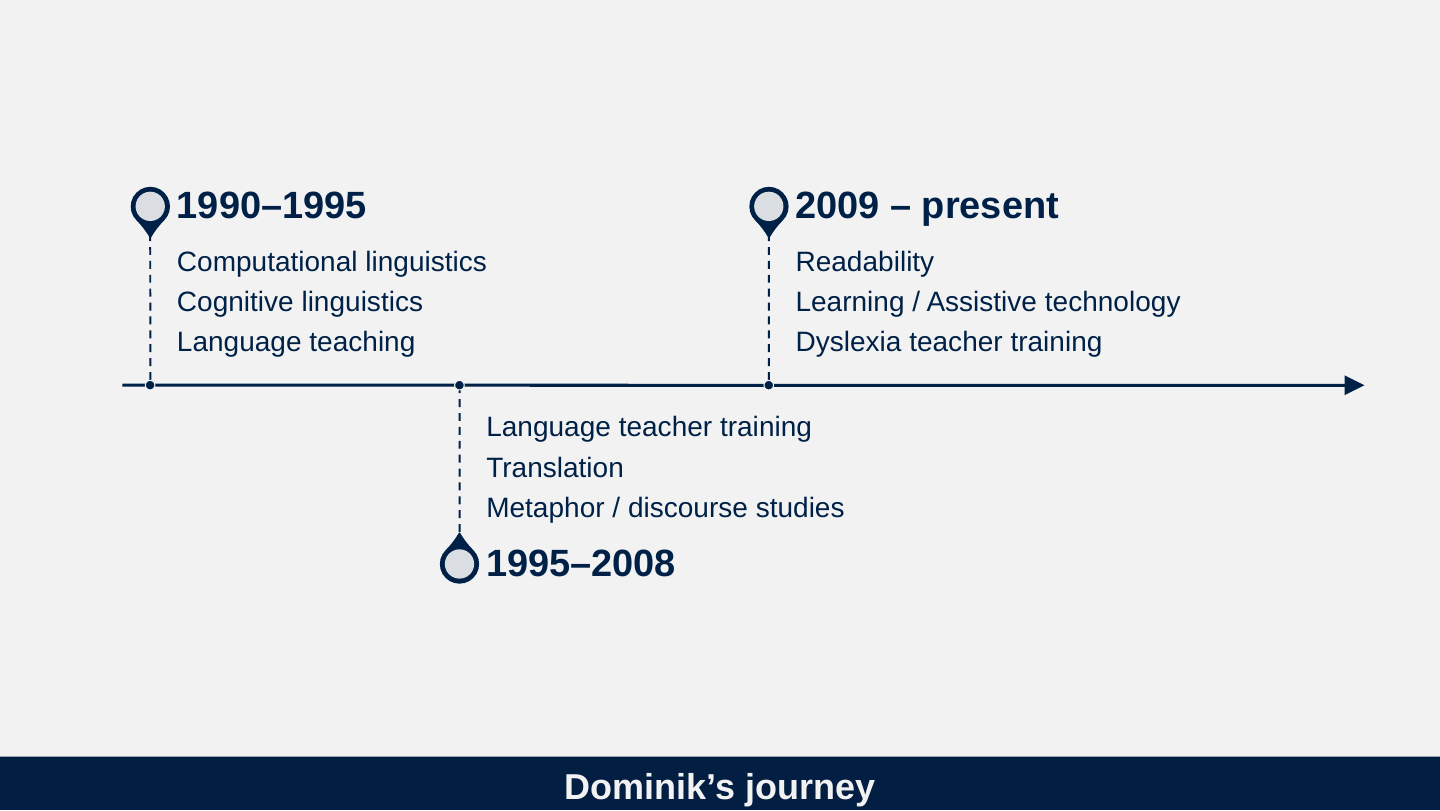
Slide 3: Bill Gates in 2011
Bill Gates in 2011
“The next big thing is definitely speech and voice recognition.”

Slide 4: What do we want to know?
What do we want to know?
- What is the current state of the art?
- How we got here?
- Where are going?
Slide 5: Are we asking the right questions?
Are we asking the right questions?
Slide 6: Tasks for speech recognition by difficulty
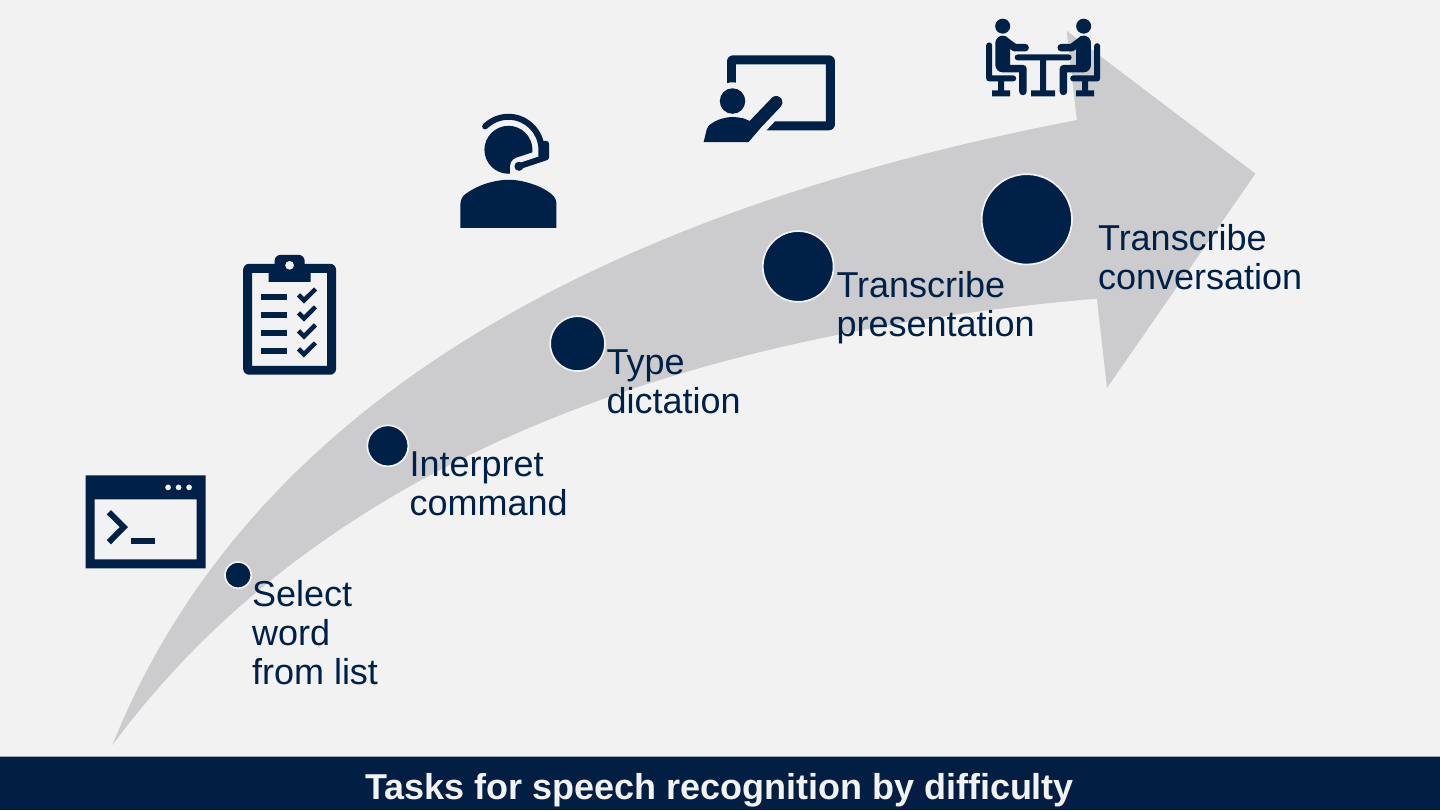
Tasks for speech recognition by difficulty
- Select word from list
- Interpret command
- Type dictation
- Transcribe presentation
- Transcribe conversation
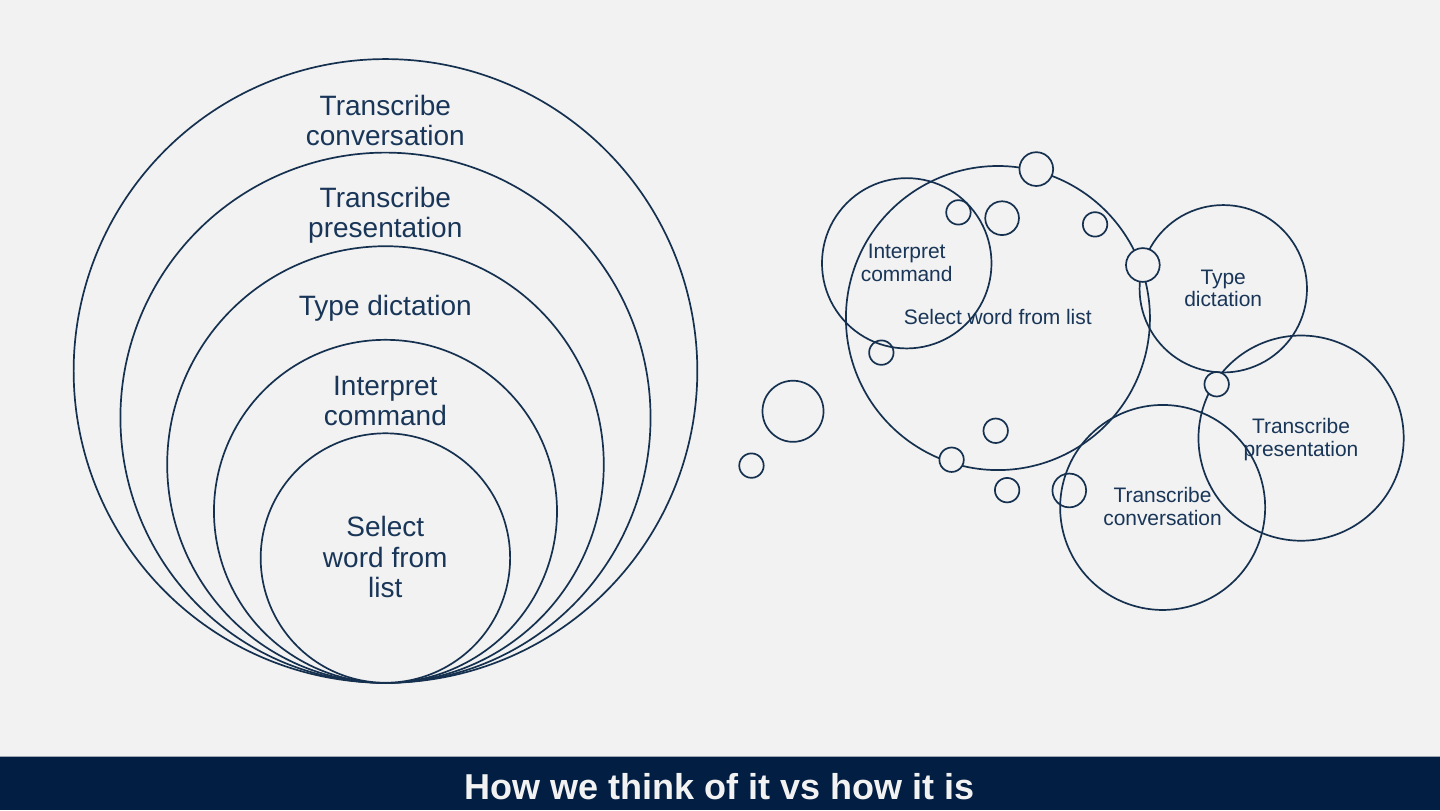
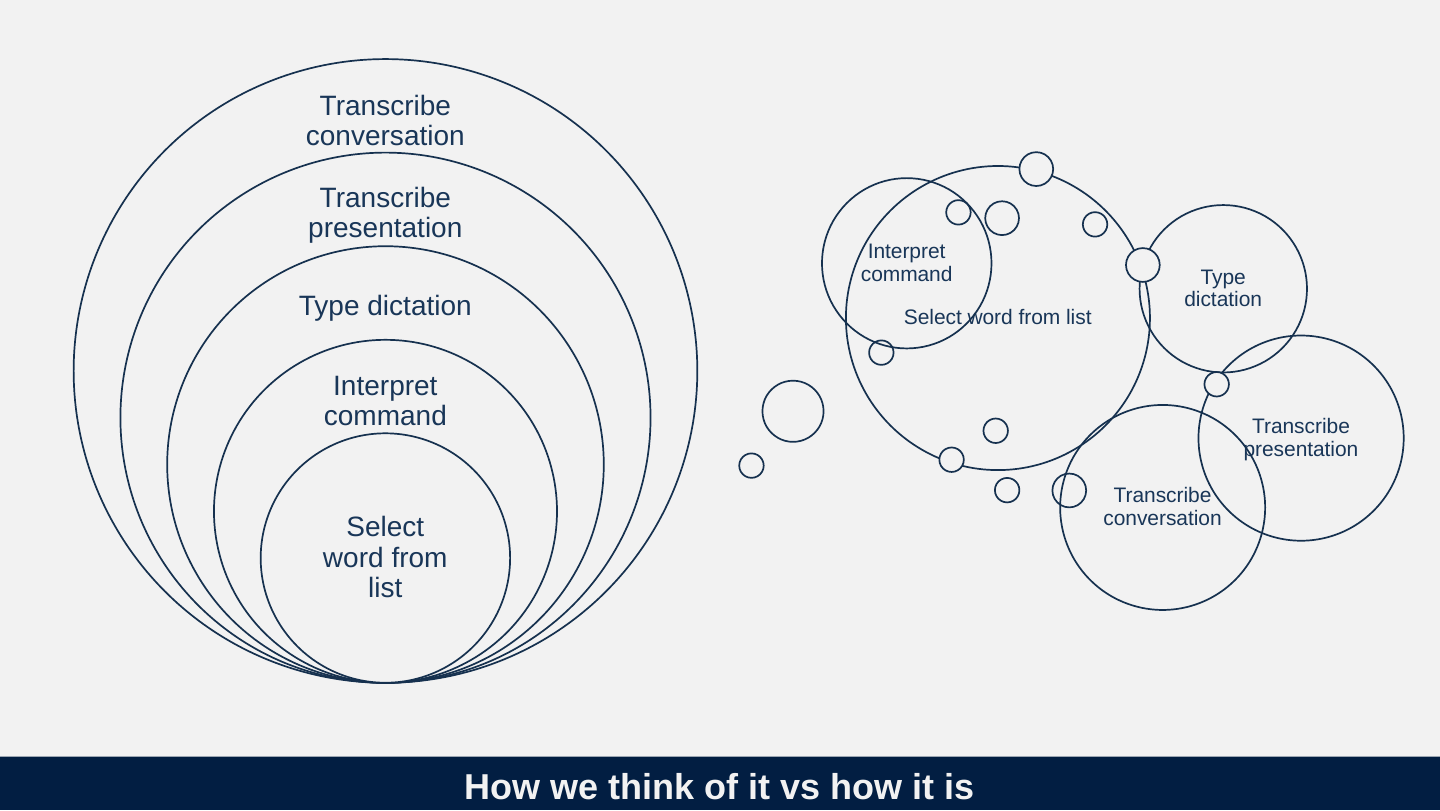
Slide 7: How we think of it vs how it is
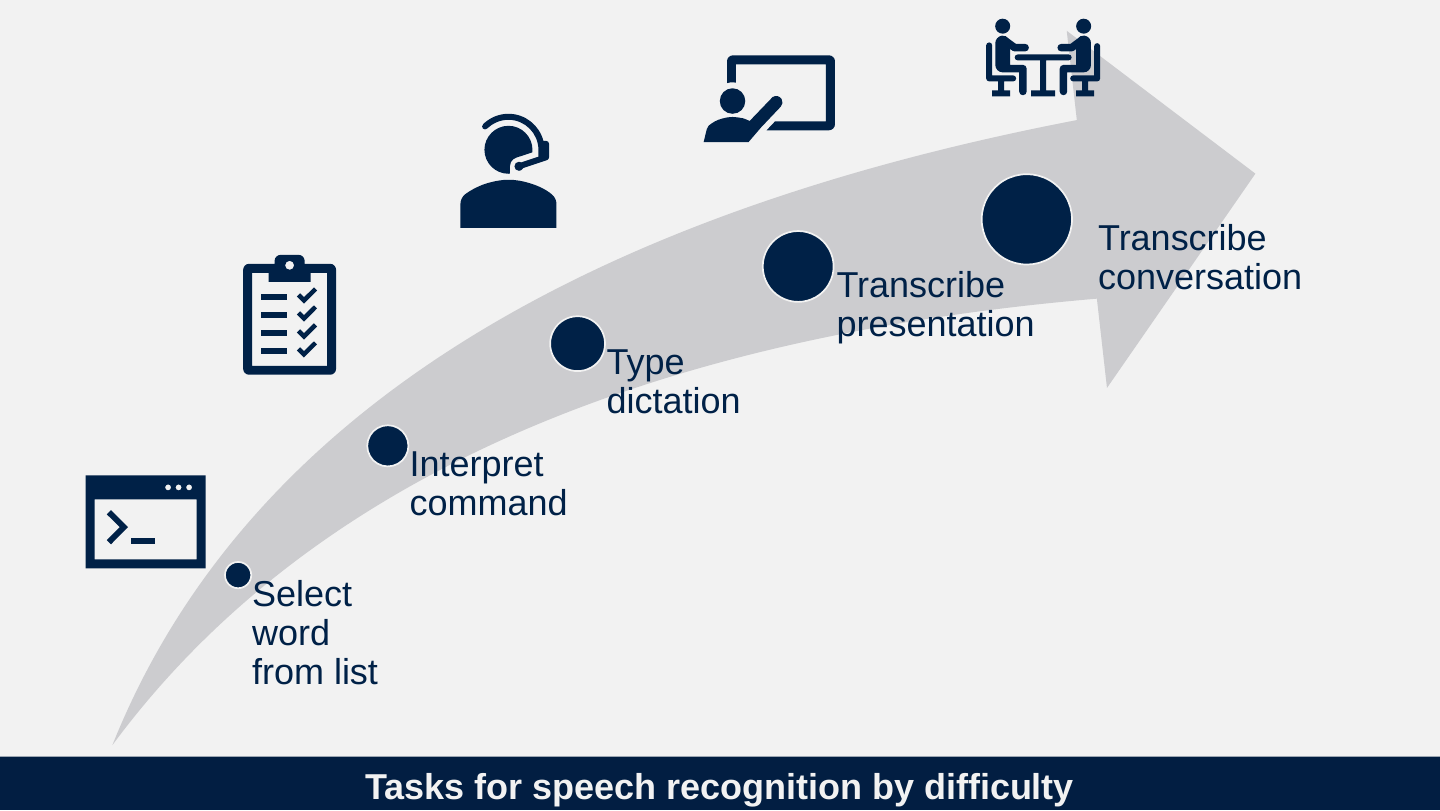
How we think of it vs how it is
- Select word from list
- Interpret command
- Type dictation
- Transcribe presentation
- Transcribe conversation
Slide 8: Speech recognition approximate timeline
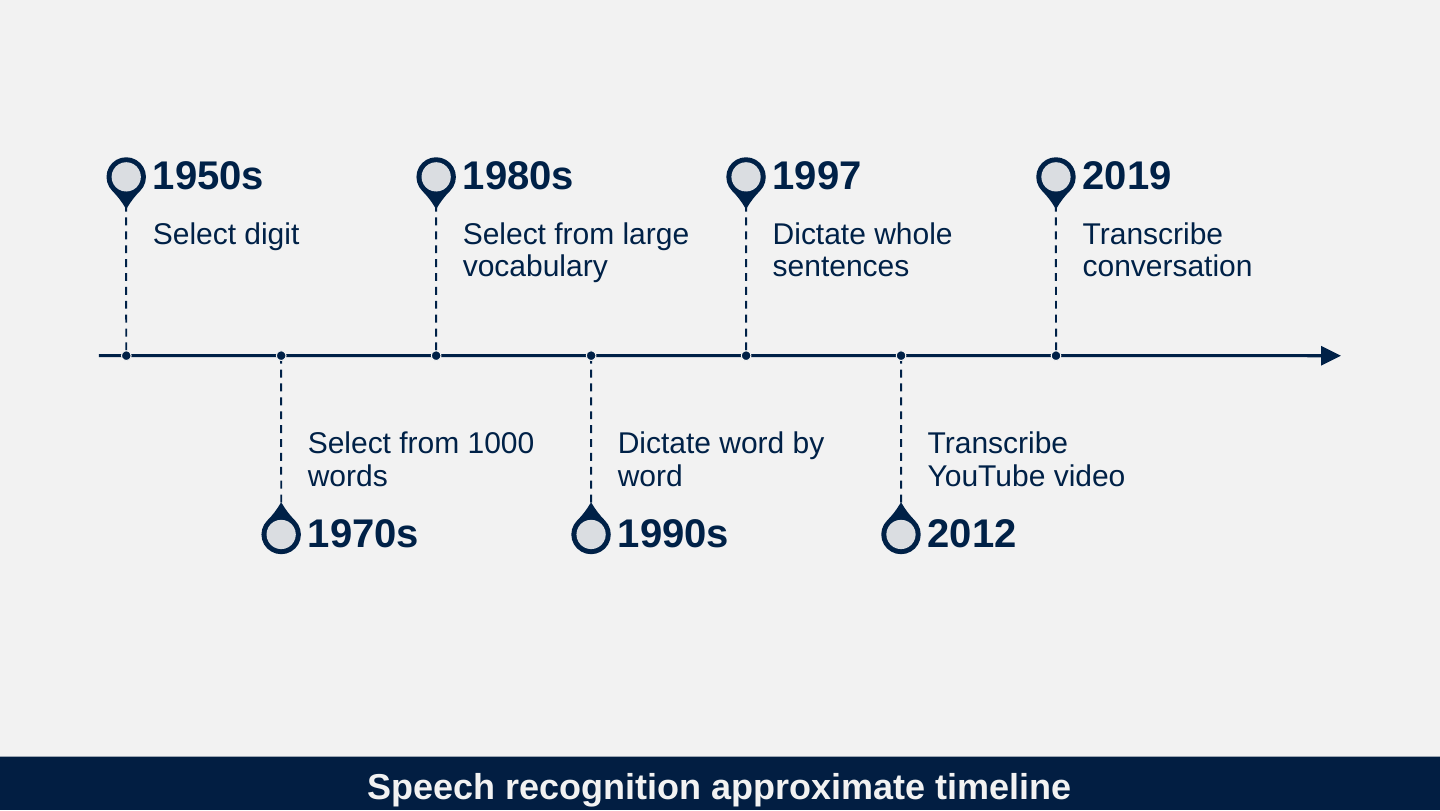
Speech recognition approximate timeline
- 1950s: Select digit
- 1970s: Select from 1000 words
- 1980s: Select from large vocabulary
- 1990s: Dictate word by word
- 1997: Dictate whole sentences
- 2012: Transcribe YouTube video
- 2019: Transcribe conversation
Slide 9: What is the actual job of speech recognition?
What is the actual job of speech recognition?
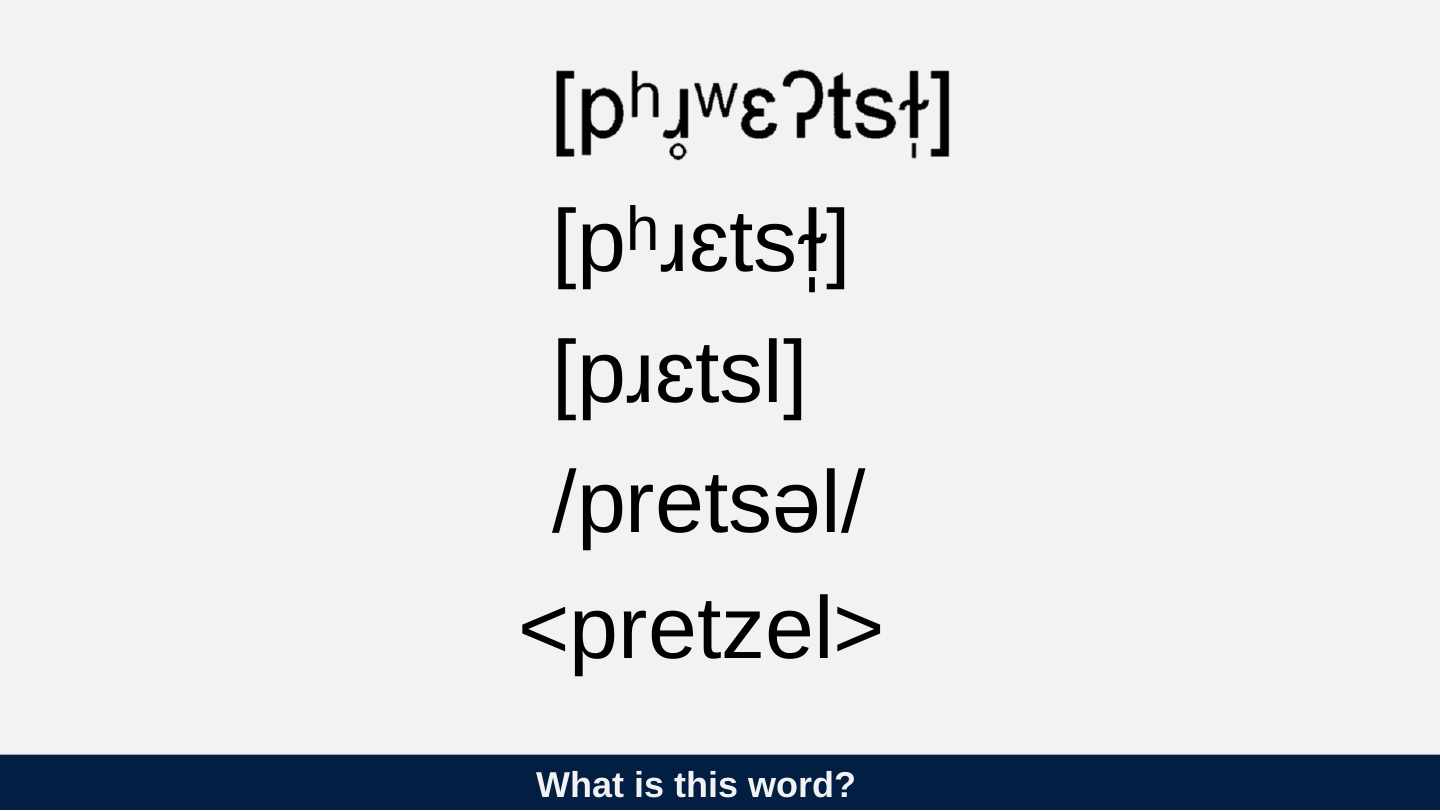
Slide 10: What is this word?
What is this word?

[pʰɹɛtsɫ̩]
[pɹɛtsl]
/pretsəl/
<pretzel>
Slide 11: What’s the problem
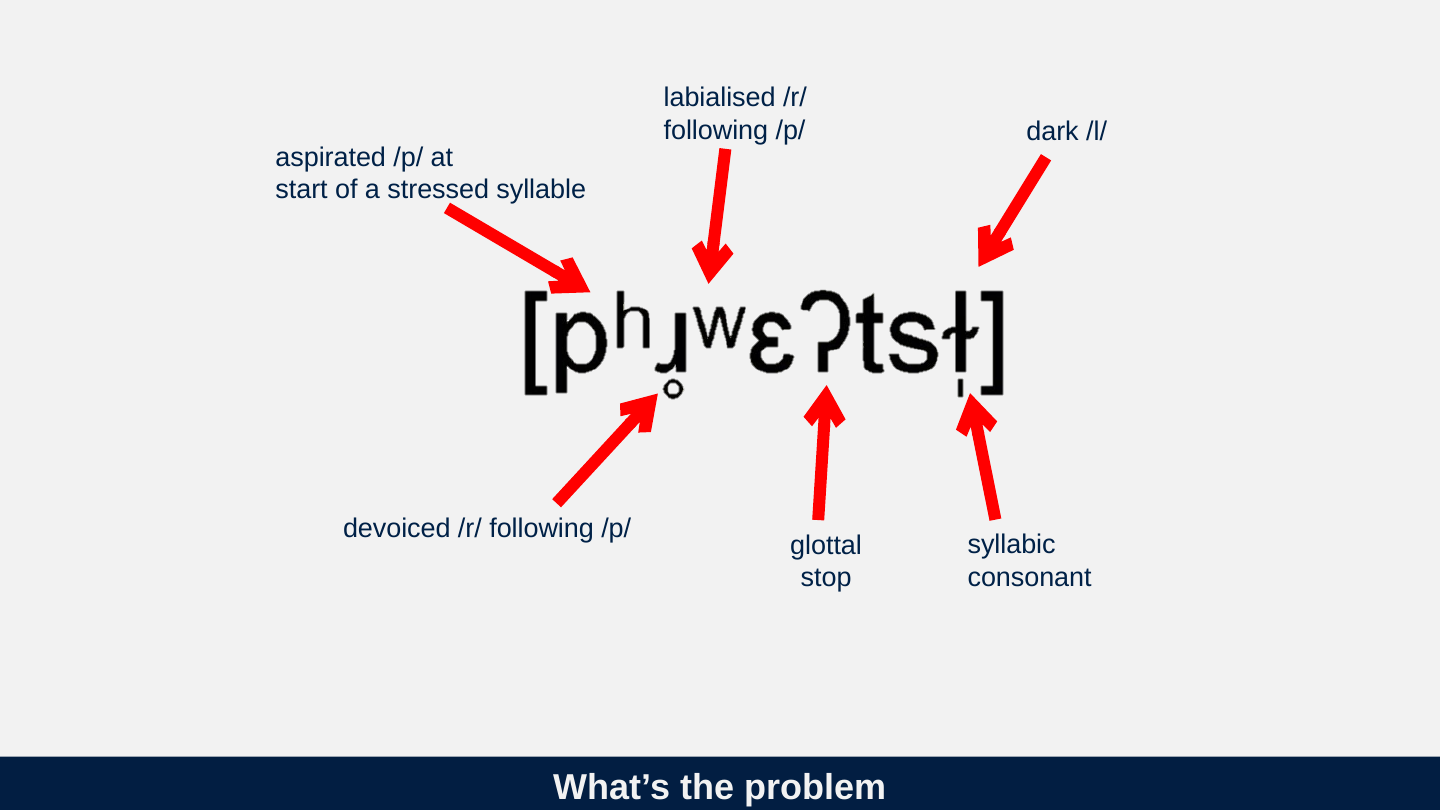
What’s the problem
- aspirated /p/ at start of a stressed syllable
- devoiced /r/ following /p/
- labialised /r/ following /p/
- dark /l/
- syllabic consonant
- glottal stop
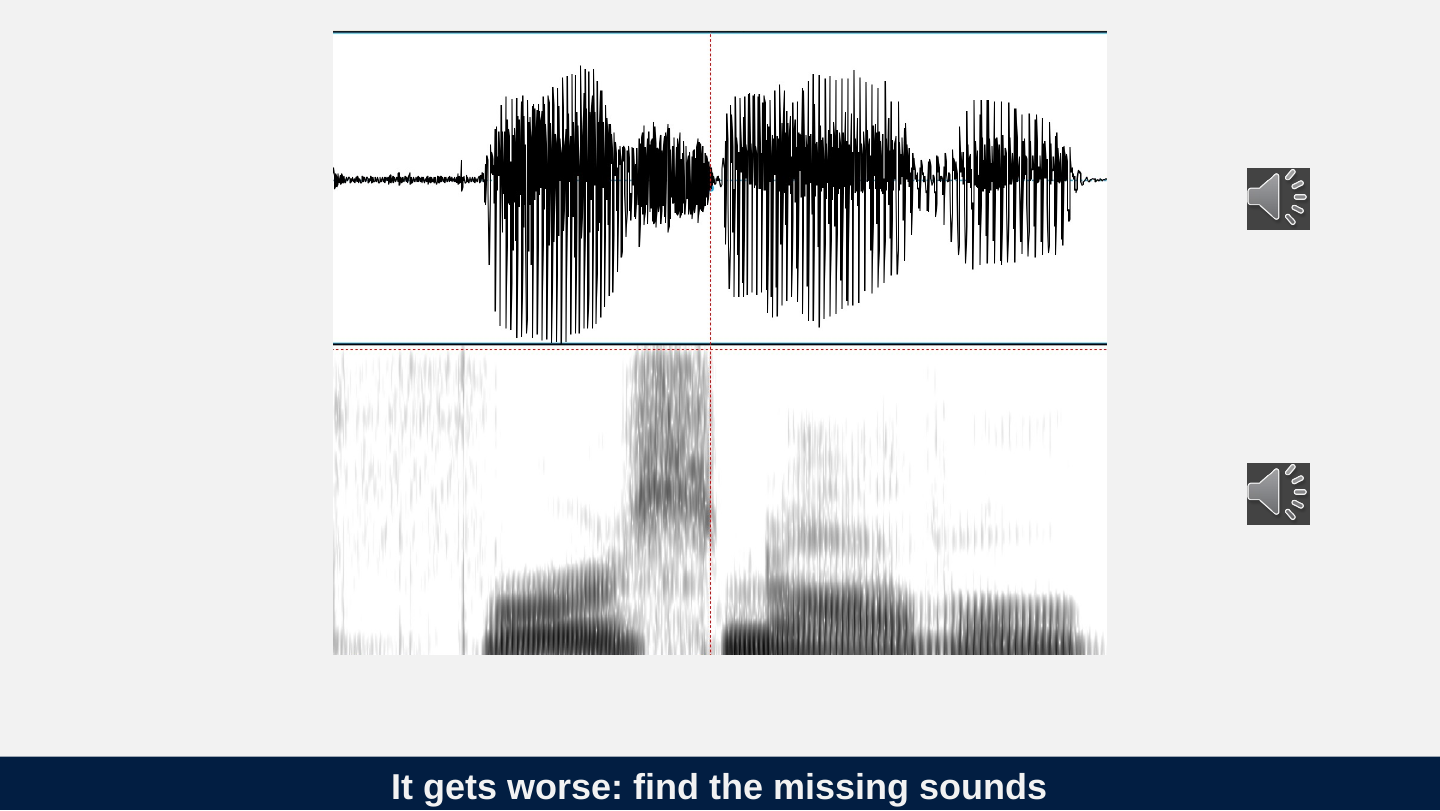
Slide 12: It gets worse: find the missing sounds
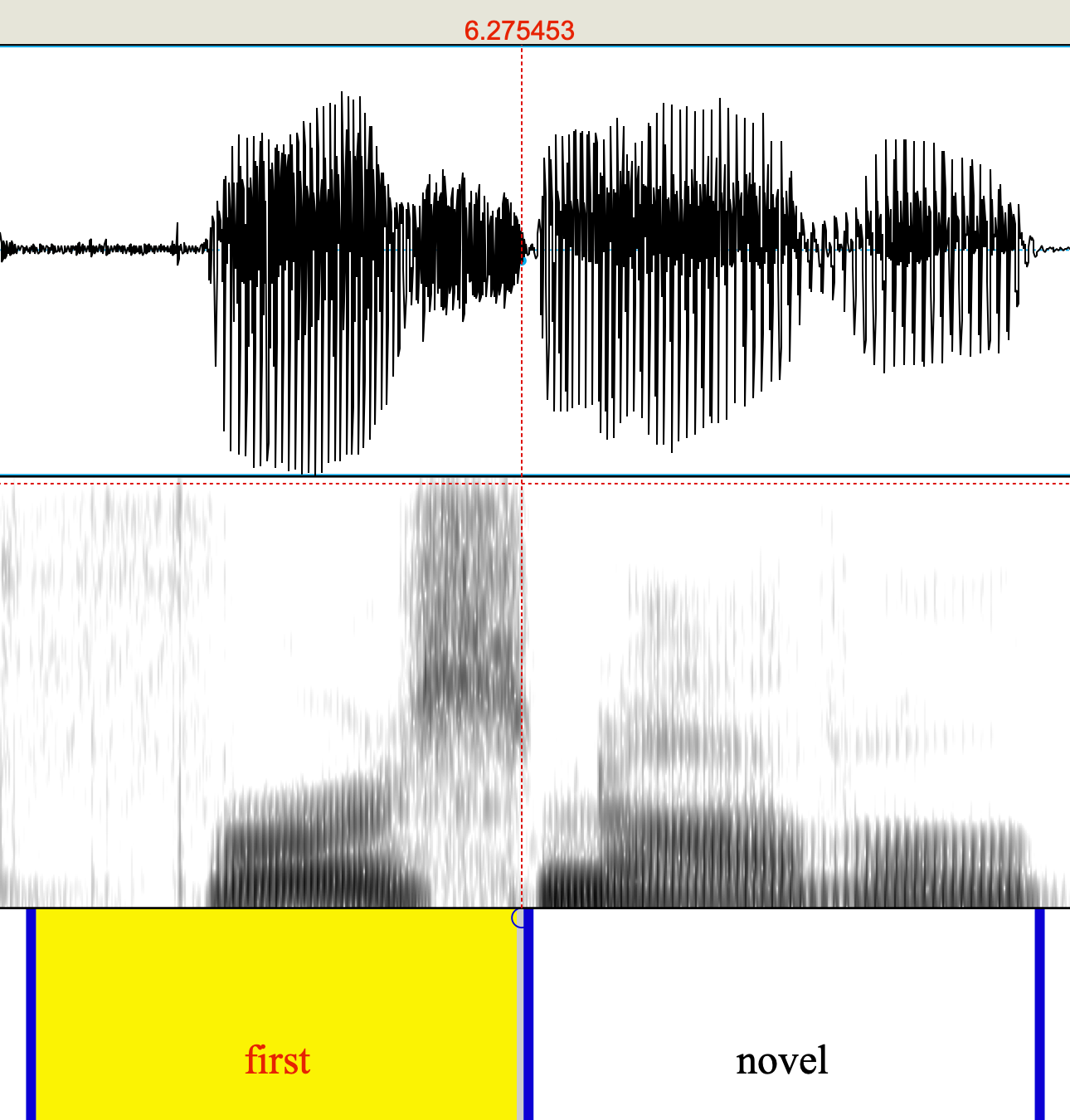
It gets worse: find the missing sounds
Slide 13: Course on speech recognition 1993
Course on speech recognition 1993
Faster computers won’t help improve speech recognition. We need a new approach.
Slide 14: Dragon Naturally Speaking released in 1997. Can recognise whole sentences. What happened?
Dragon Naturally Speaking released in 1997. Can recognise whole sentences. What happened?
Slide 15: How speech recognition does not work?
How speech recognition does not work?
Finding individual sounds (phonemes) in the speech and matching them to letters.
Slide 16: How speech recognition actually works?
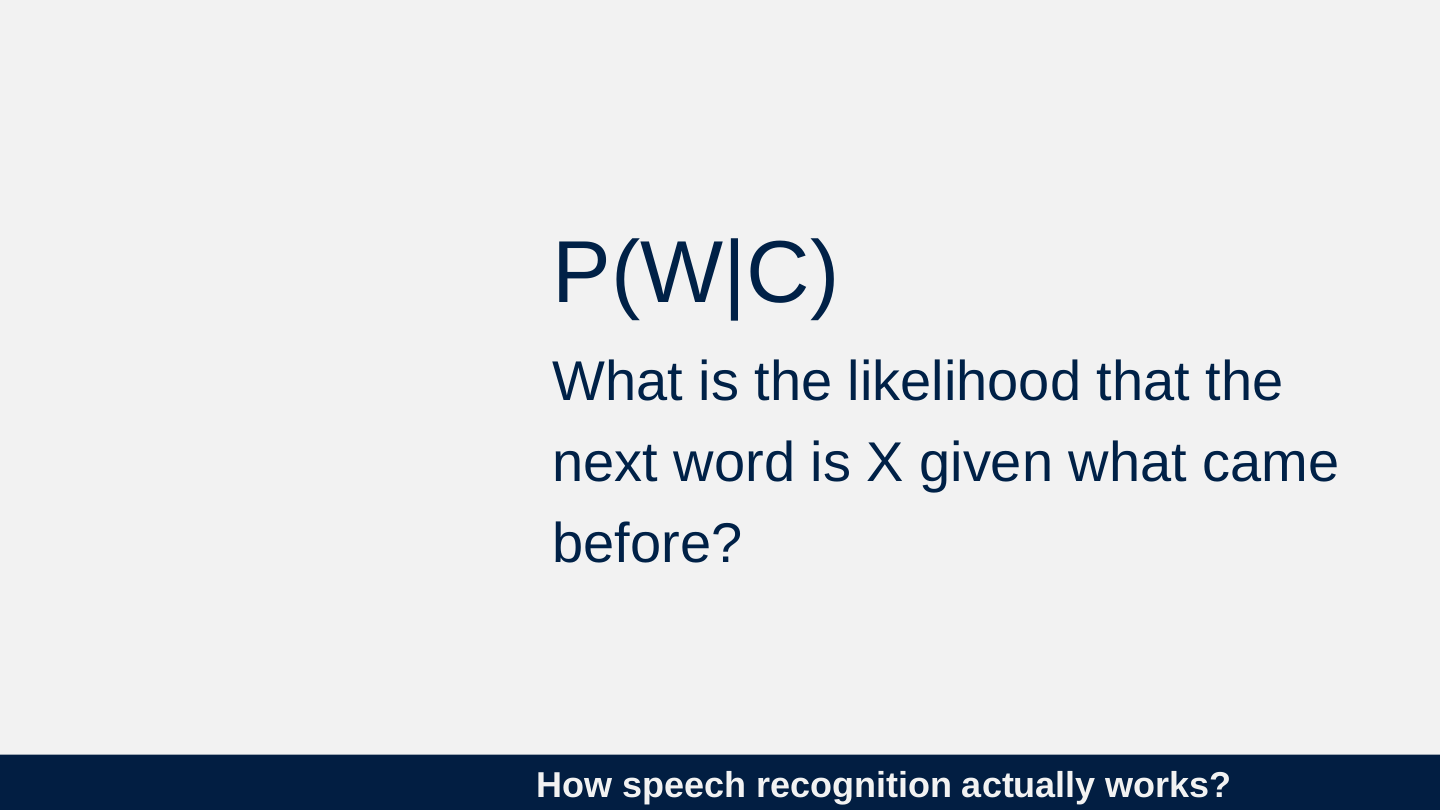
How speech recognition actually works?
P(W|C)
What is the likelihood that the next word is X given what came before?
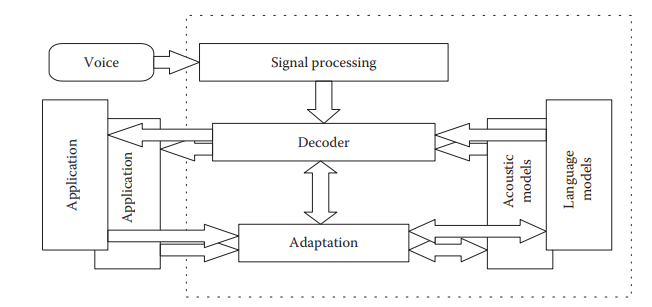
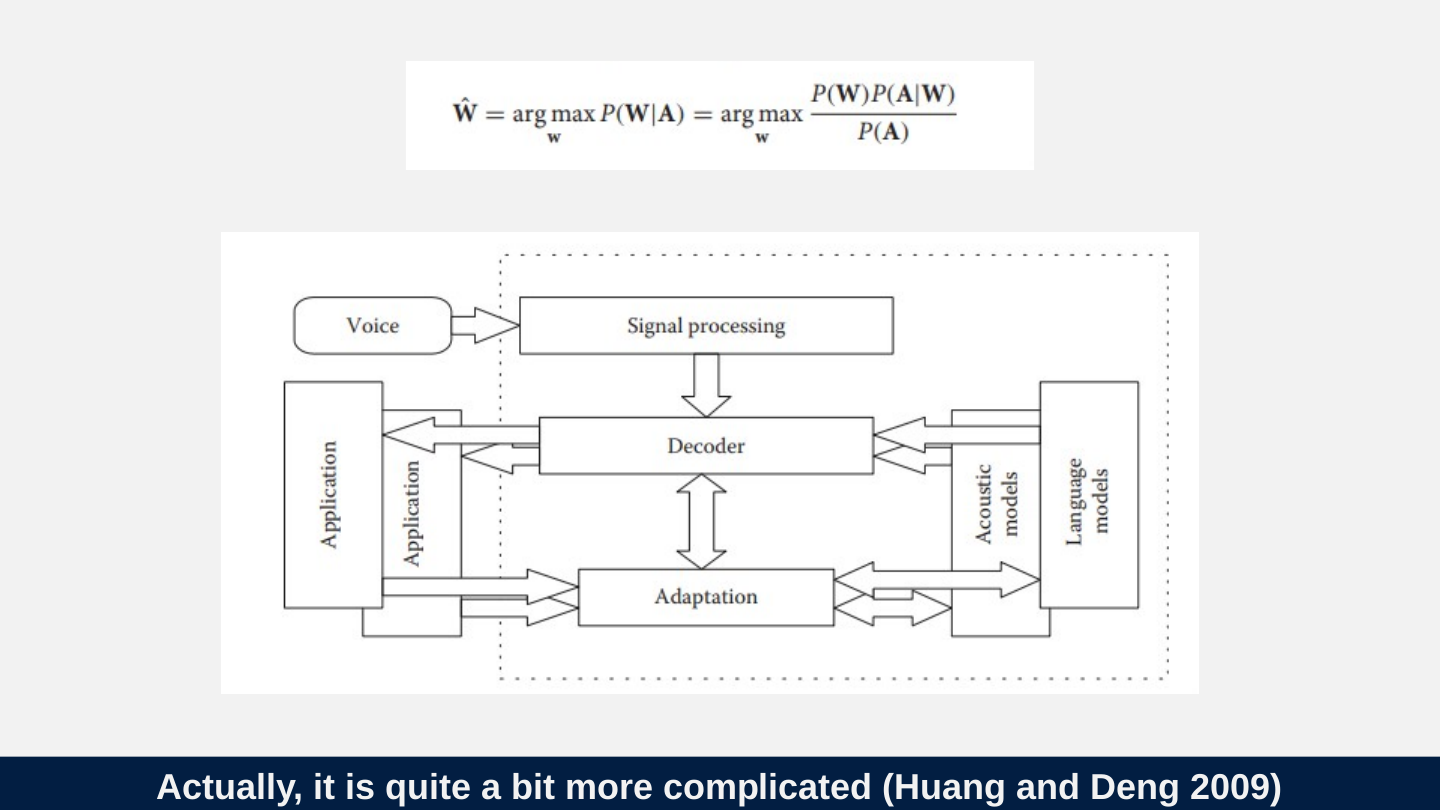
Slide 17: Actually, it is quite a bit more complicated (Huang and Deng 2009)
Actually, it is quite a bit more complicated (Huang and Deng 2009)

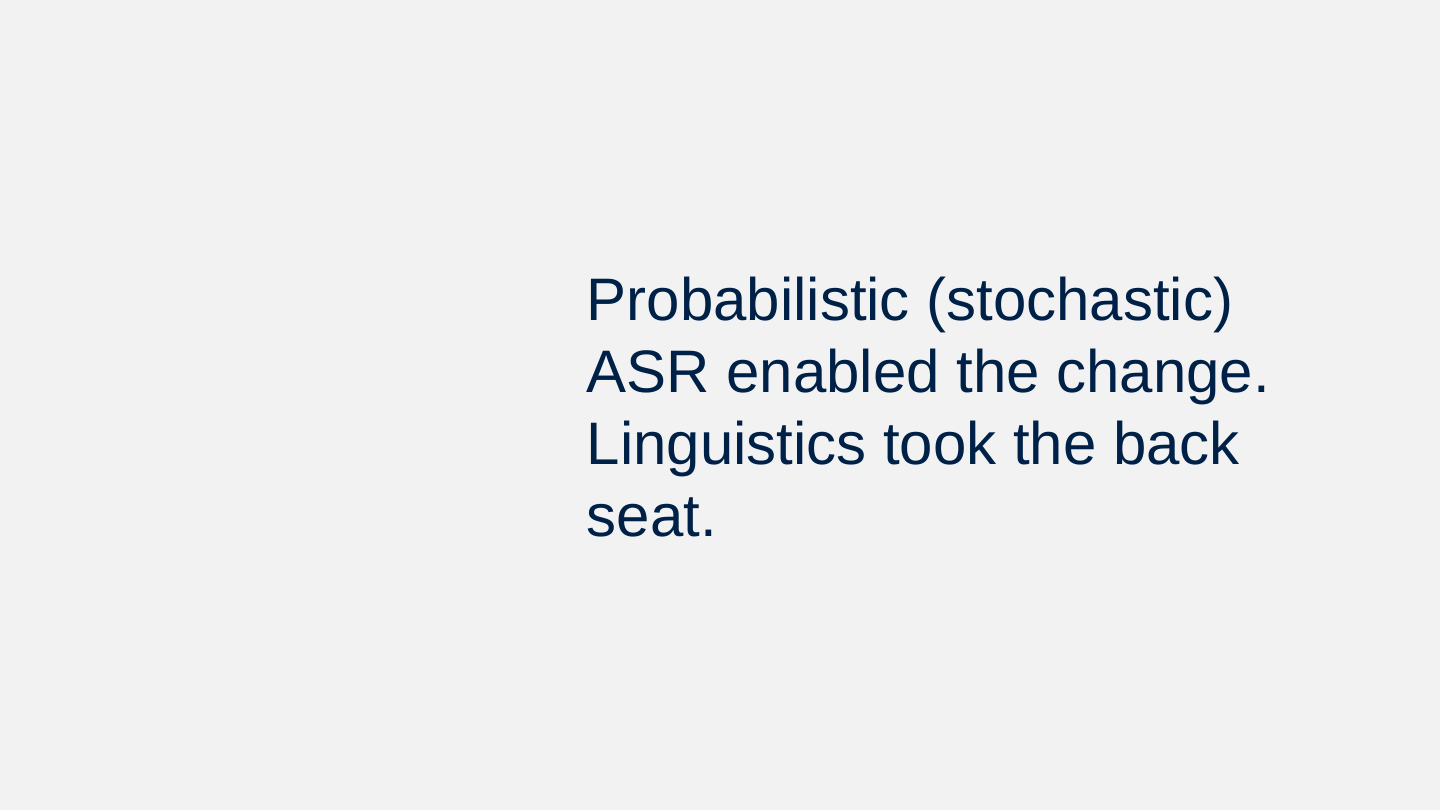
Slide 18: Probabilistic (stochastic) ASR enabled the change. Linguistics took the back seat.
Probabilistic (stochastic) ASR enabled the change. Linguistics took the back seat.
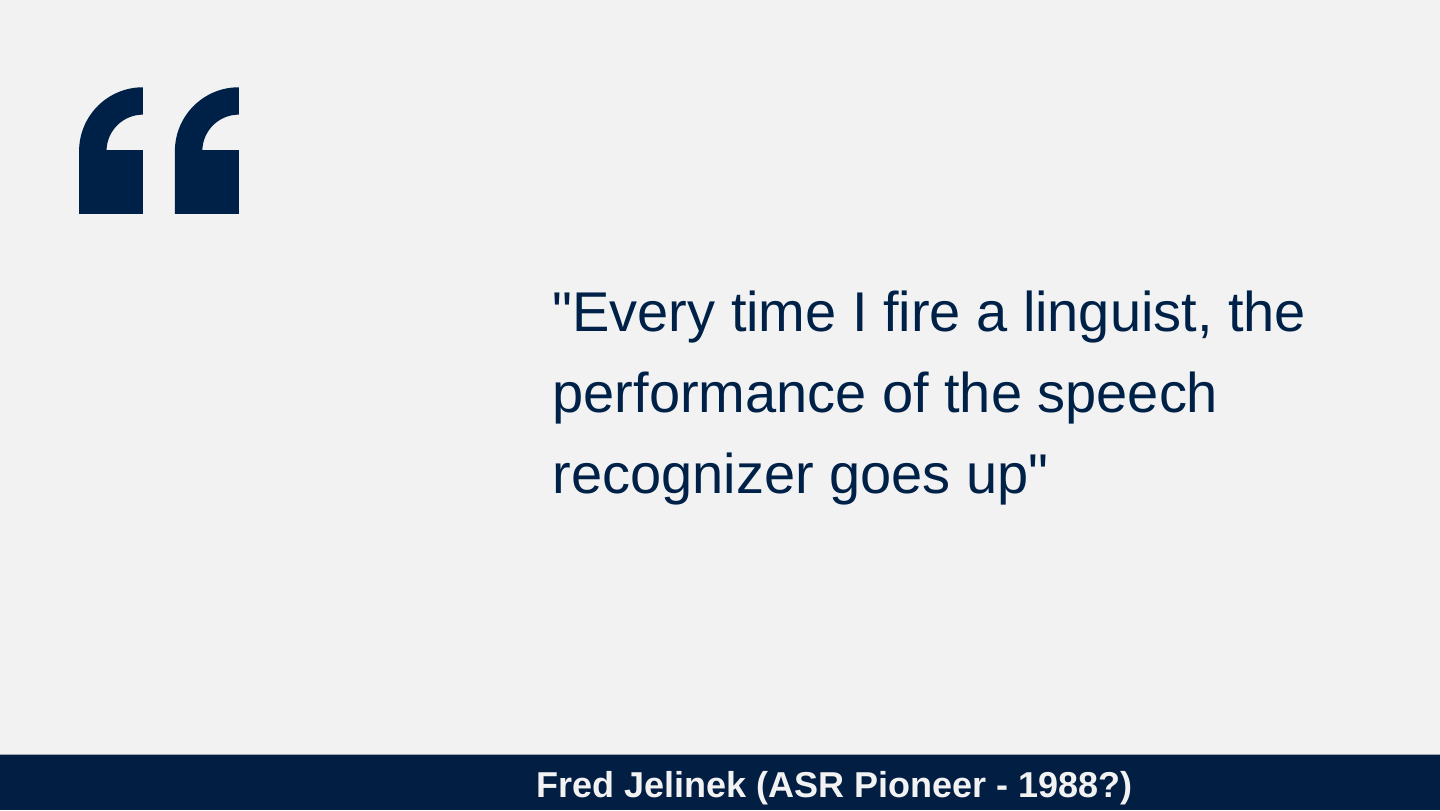
Slide 19: Fred Jelinek (ASR Pioneer - 1988?)
Fred Jelinek (ASR Pioneer - 1988?)
"Every time I fire a linguist, the performance of the speech recognizer goes up"
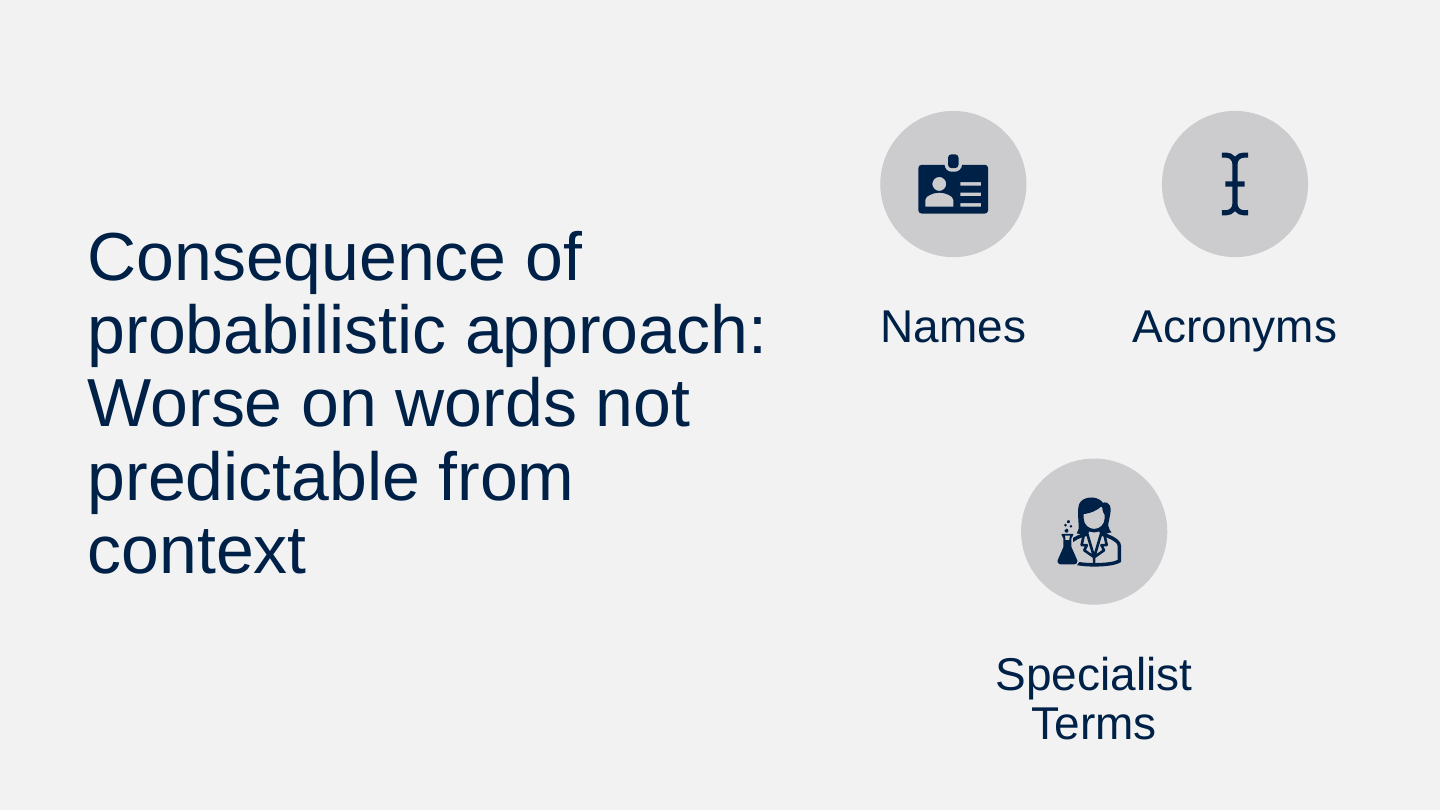
Slide 20: Consequence of probabilistic approach: Worse on words not predictable from context
Consequence of probabilistic approach: Worse on words not predictable from context
- Names
- Acronyms
- Specialist Terms
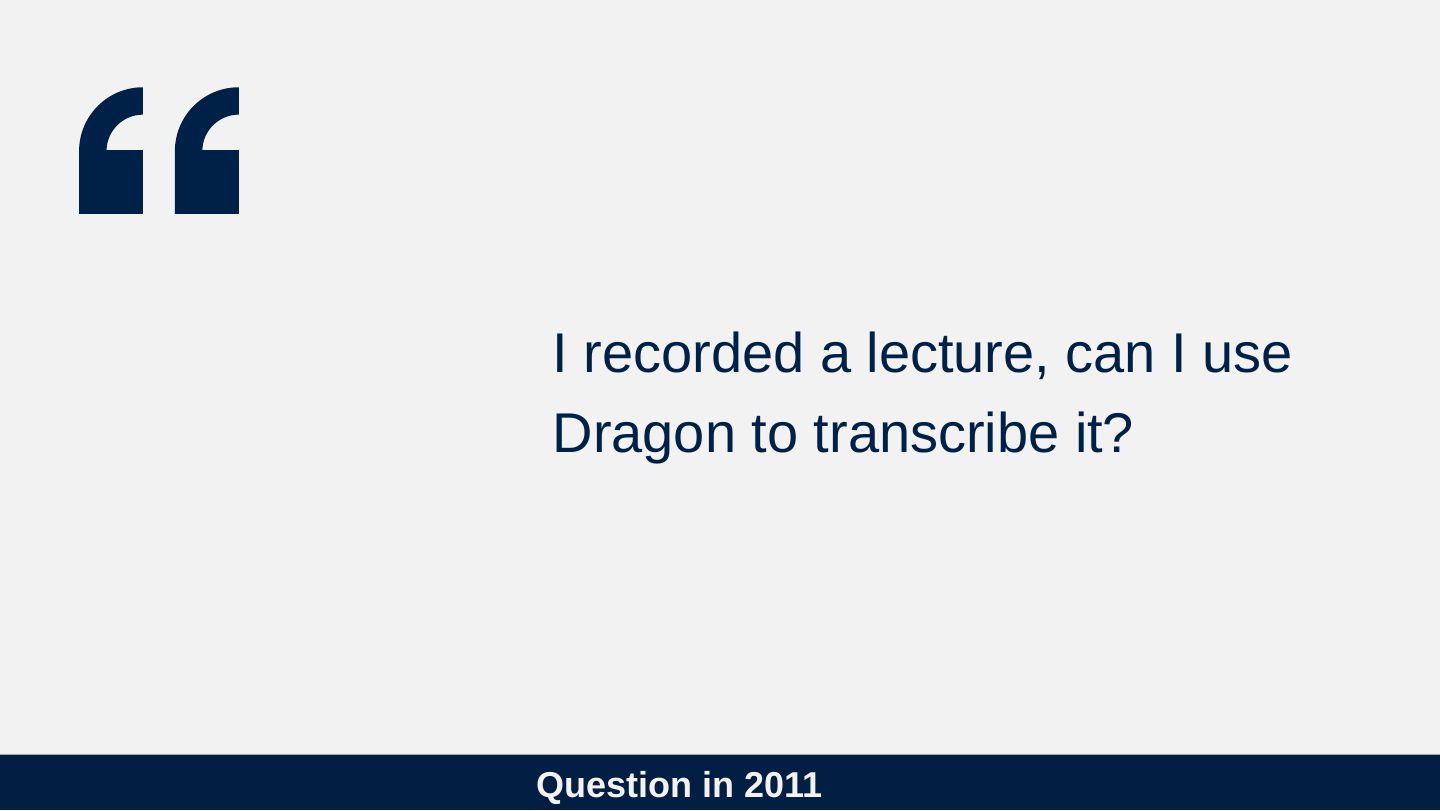
Slide 21: Question in 2011
Question in 2011
I recorded a lecture, can I use Dragon to transcribe it?
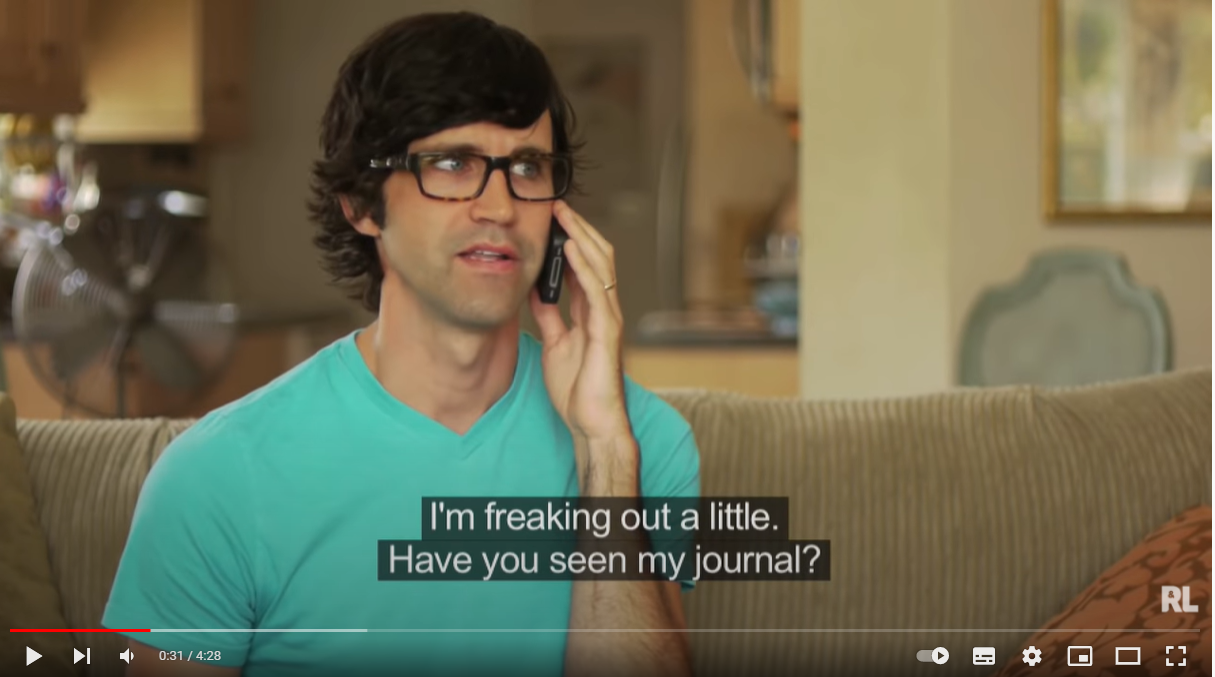
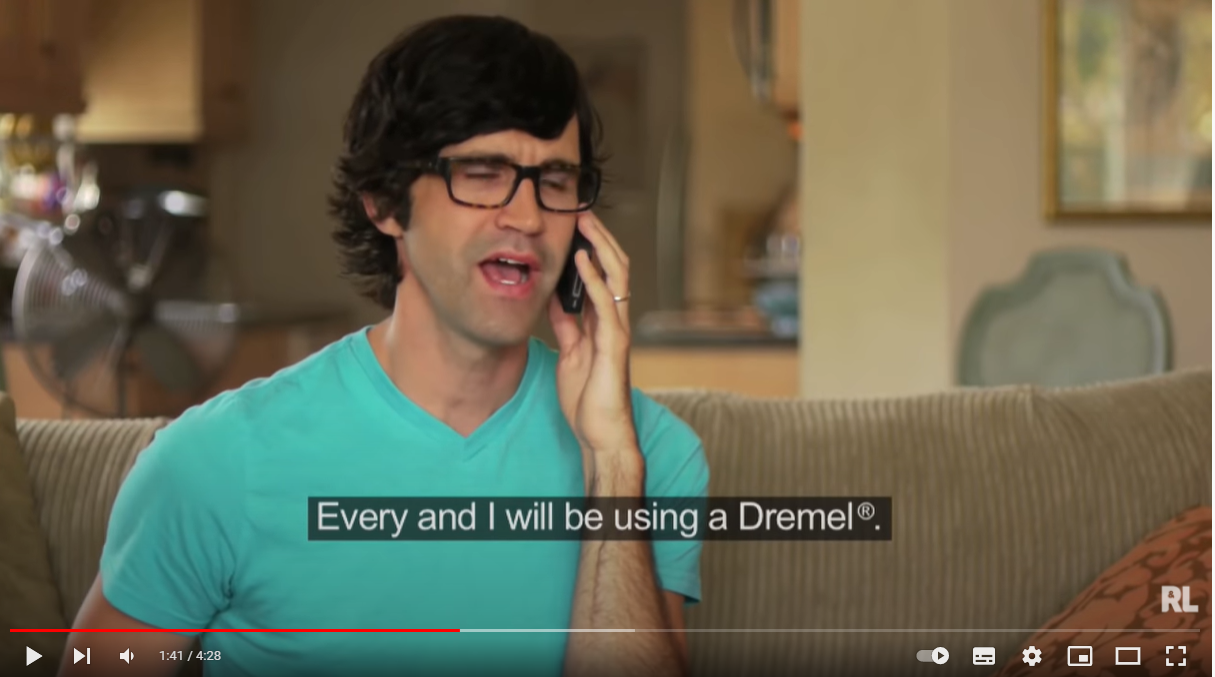
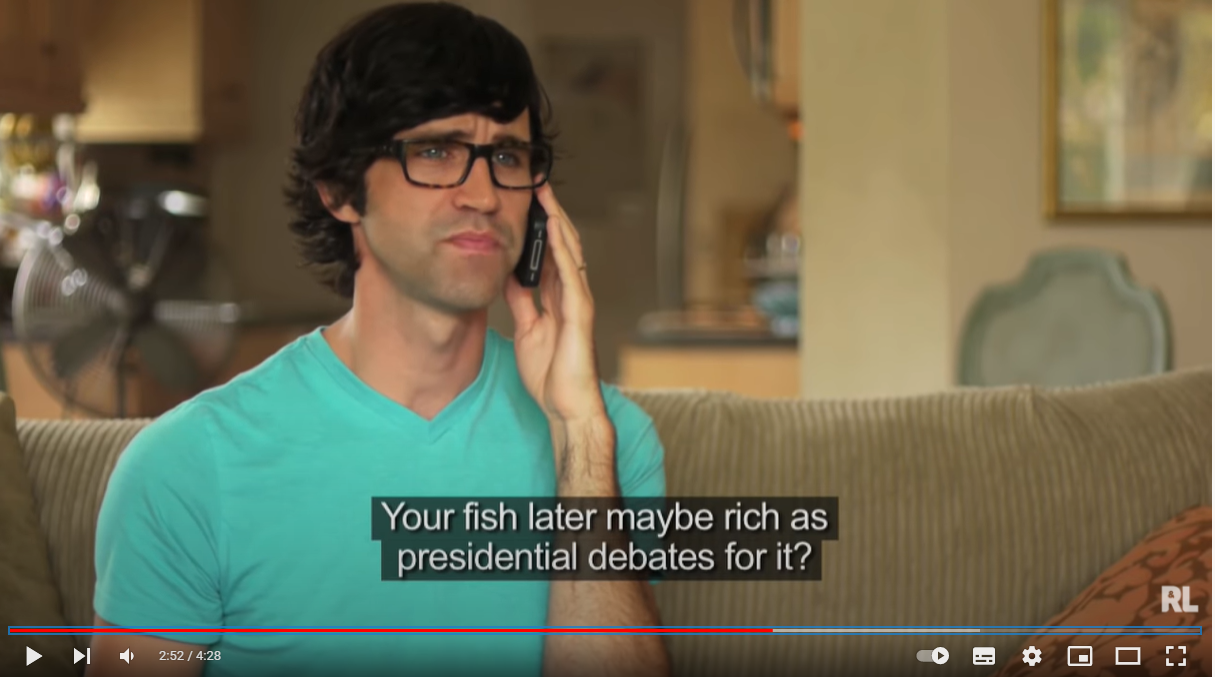
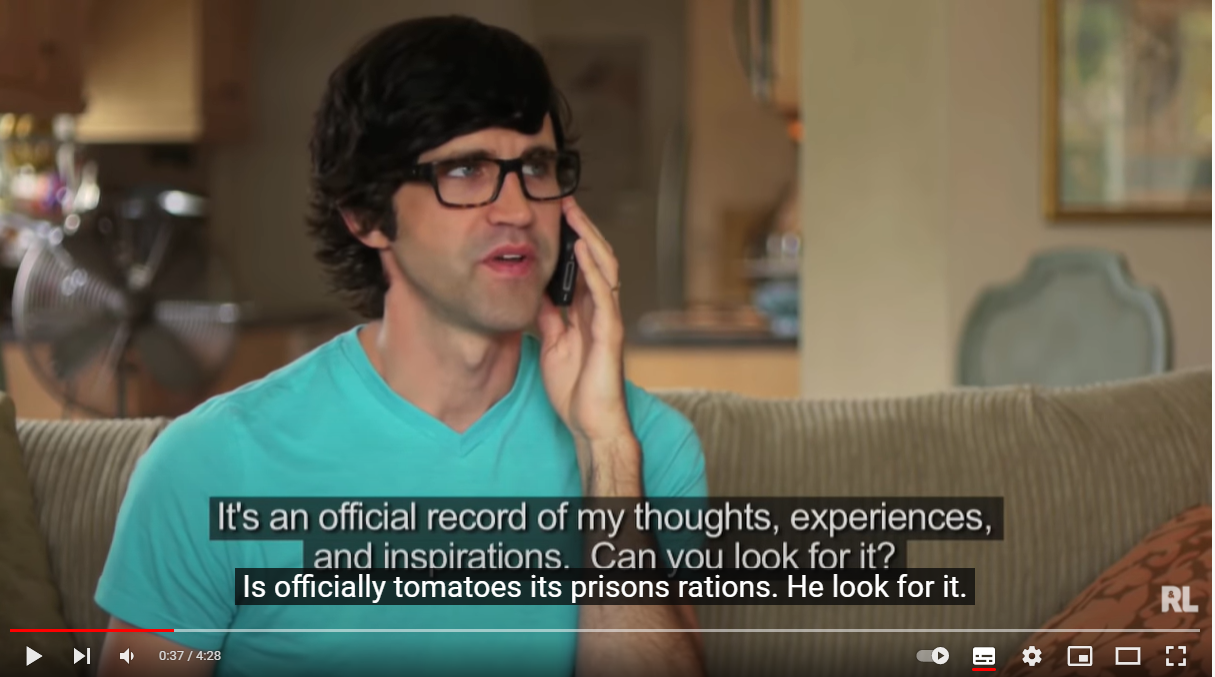
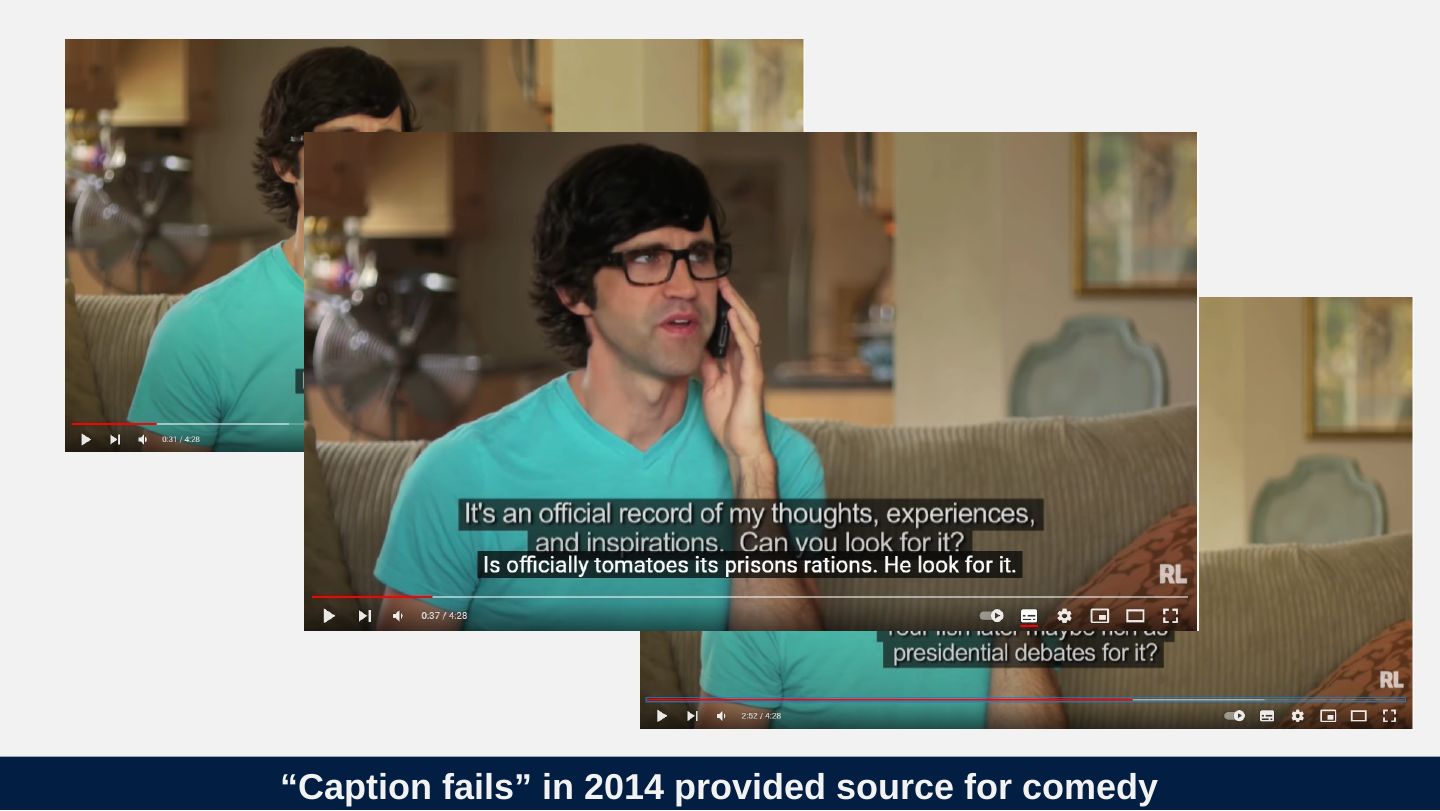
Slide 22: “Caption fails” in 2014 provided source for comedy
“Caption fails” in 2014 provided source for comedy
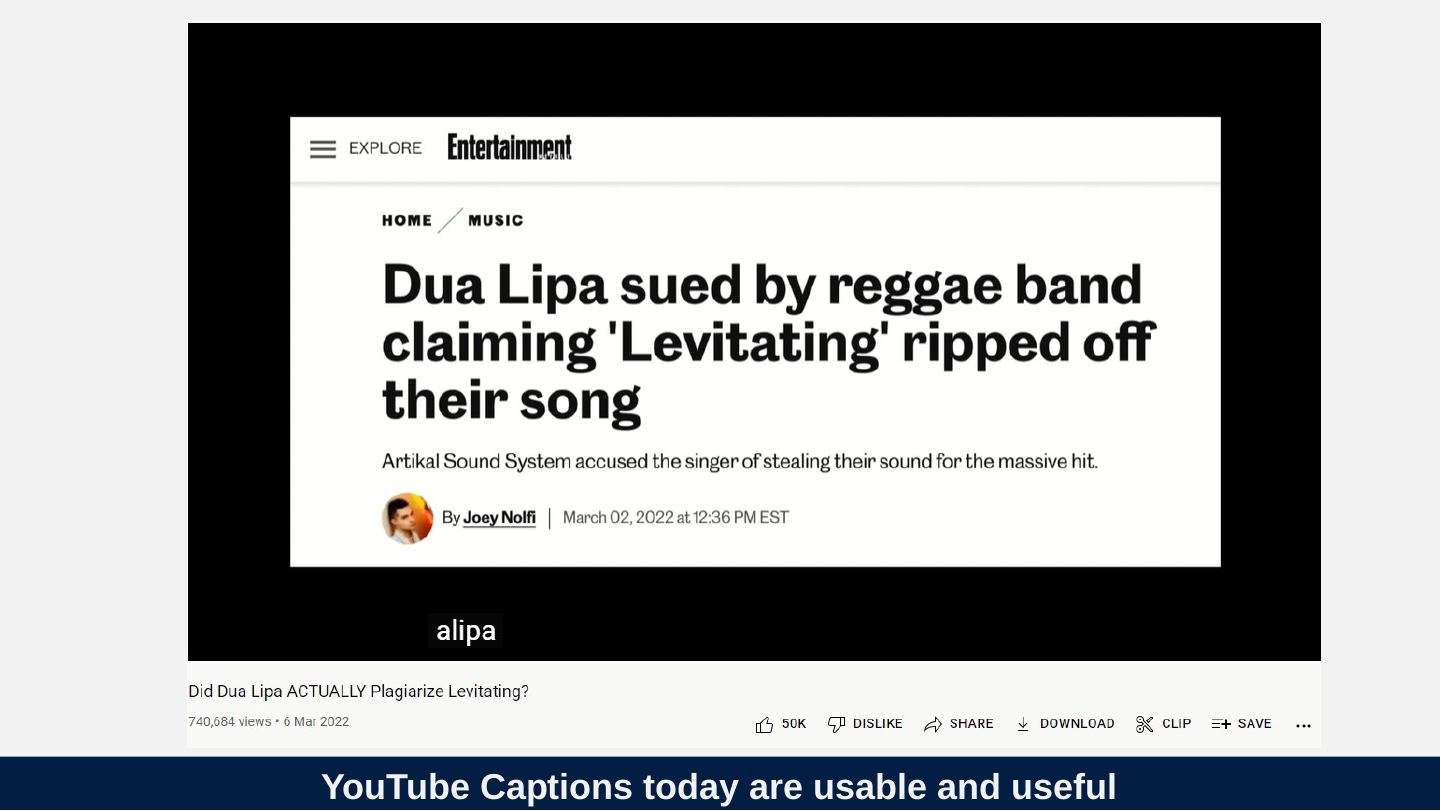
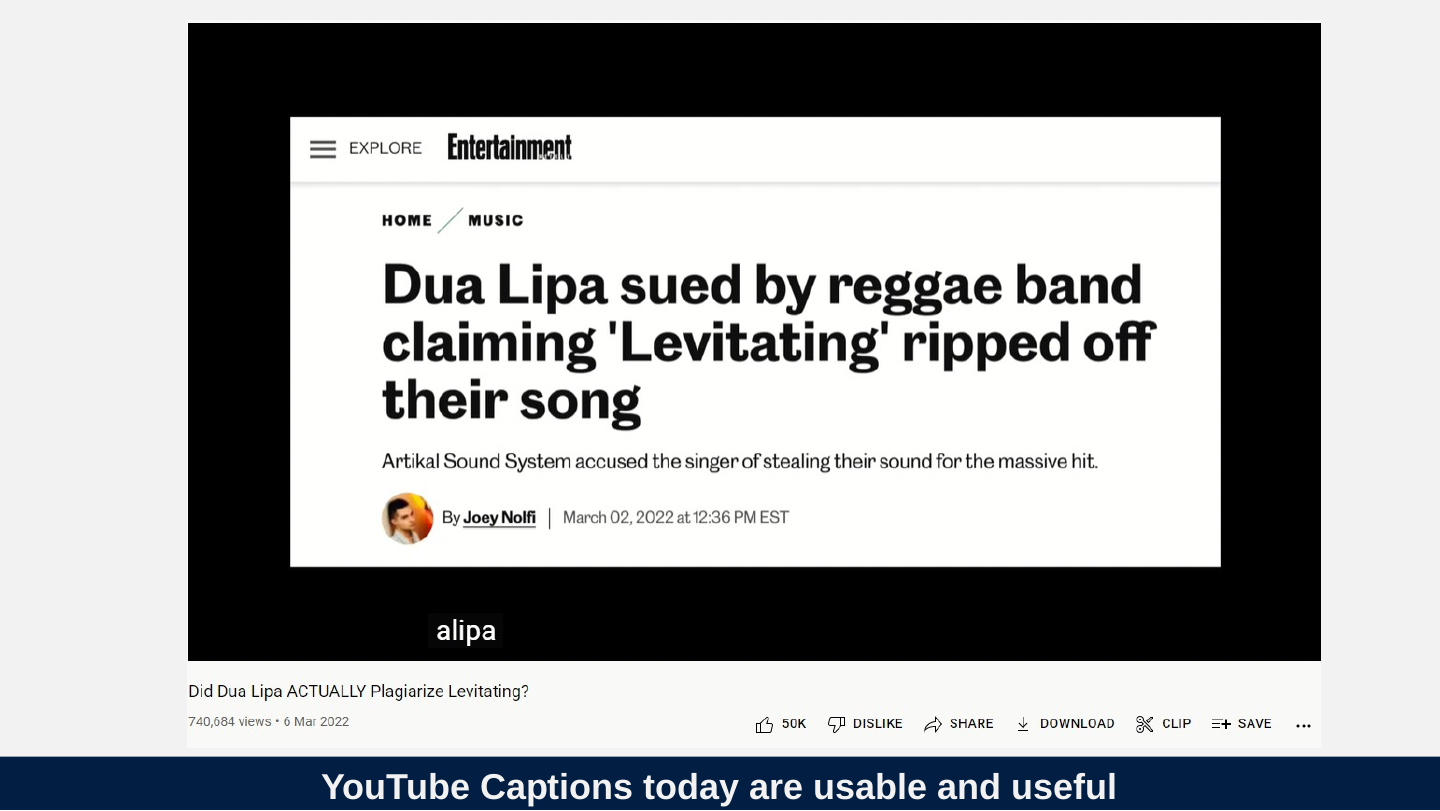
Slide 23: YouTube Captions today are usable and useful
YouTube Captions today are usable and useful
Slide 24: So what happened between 2014 and 2022?
So what happened between 2014 and 2022?
Slide 25: Ingredients of success
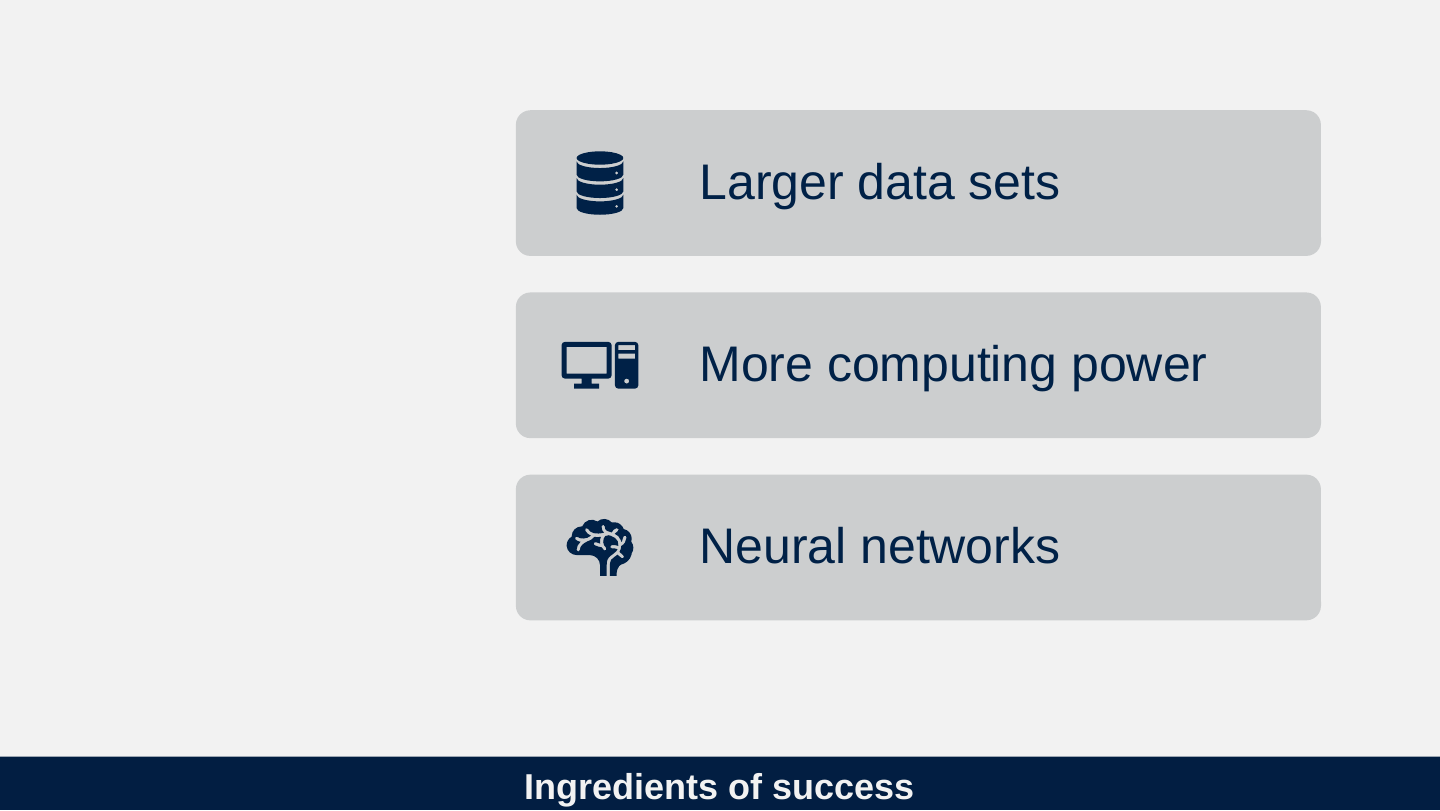
Ingredients of success
- Larger data sets
- More computing power
- Neural networks
Slide 26: Patrick Winston (2015) MIT Lecture 12a in AI course
Patrick Winston (2015) MIT Lecture 12a in AI course
It was in 2010, yes, that's right. It was in 2010. We were having our annual discussion about what we would dump from 6034 in order to make room for some other stuff. And we almost killed off neural nets. That might seem strange because our heads are stuffed with neurons. … But many of us felt that the neural models of the day weren't much in the way of faithful models of what actually goes on inside our heads. And besides that, nobody had ever made a neural net that was worth a darn for doing anything.
Slide 27: 2012 – ImageNet showed that Neural Networks are much better at computing the probabilities for complex data.
2012 – ImageNet showed that Neural Networks are much better at computing the probabilities for complex data.
Slide 28: Ok, we have neural nets, what does that mean?
Ok, we have neural nets, what does that mean?
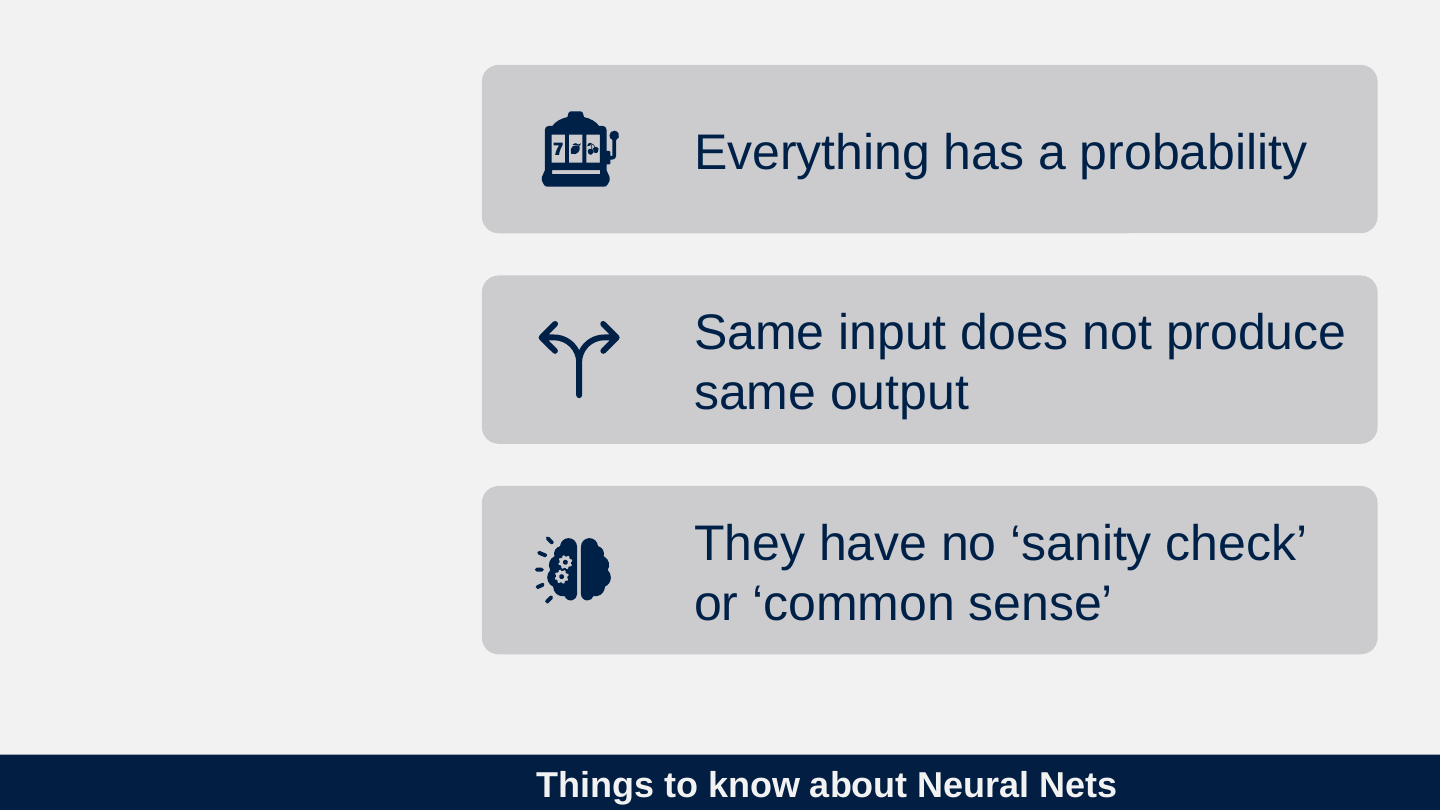
Slide 29: Things to know about Neural Nets
Things to know about Neural Nets
- Everything has a probability
- Same input does not produce same output
- They have no ‘sanity check’ or ‘common sense’
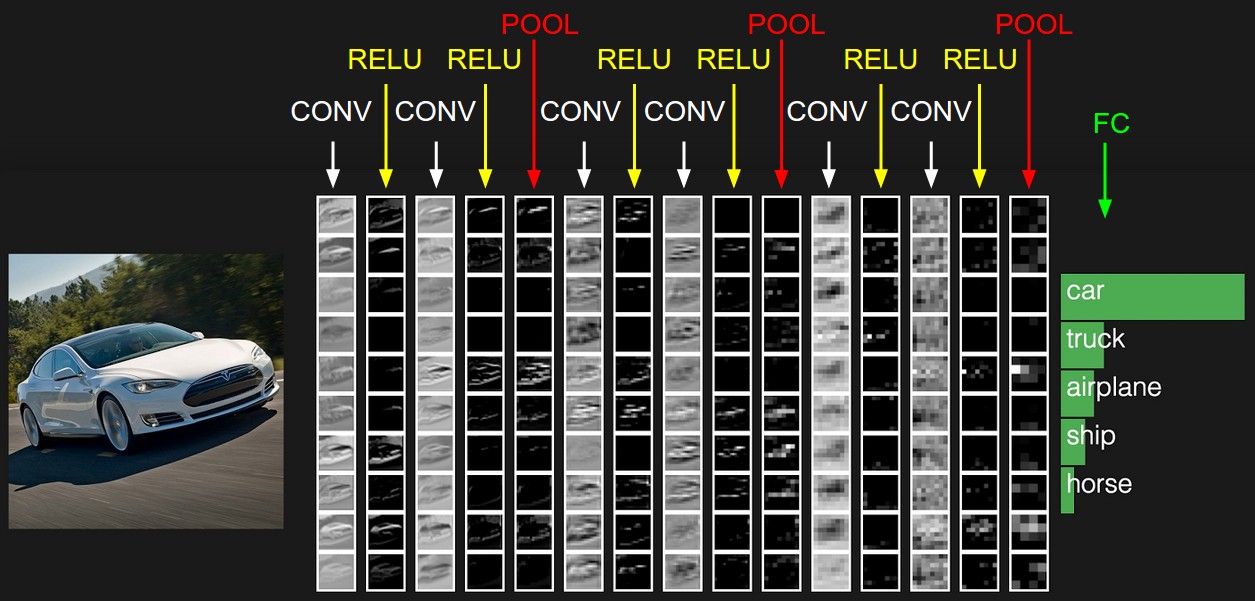
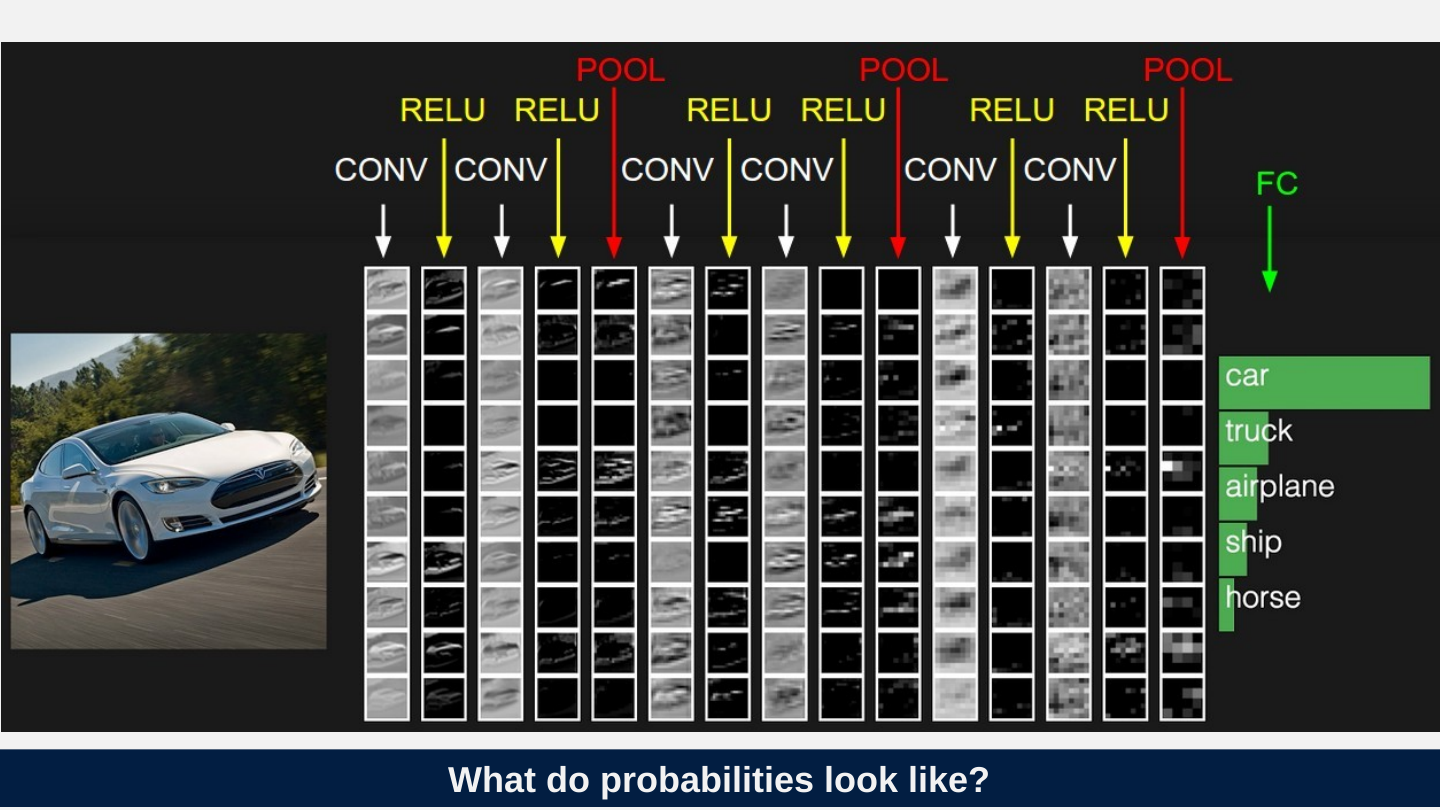
Slide 30: What do probabilities look like?
What do probabilities look like?
Slide 31: BERT Examples
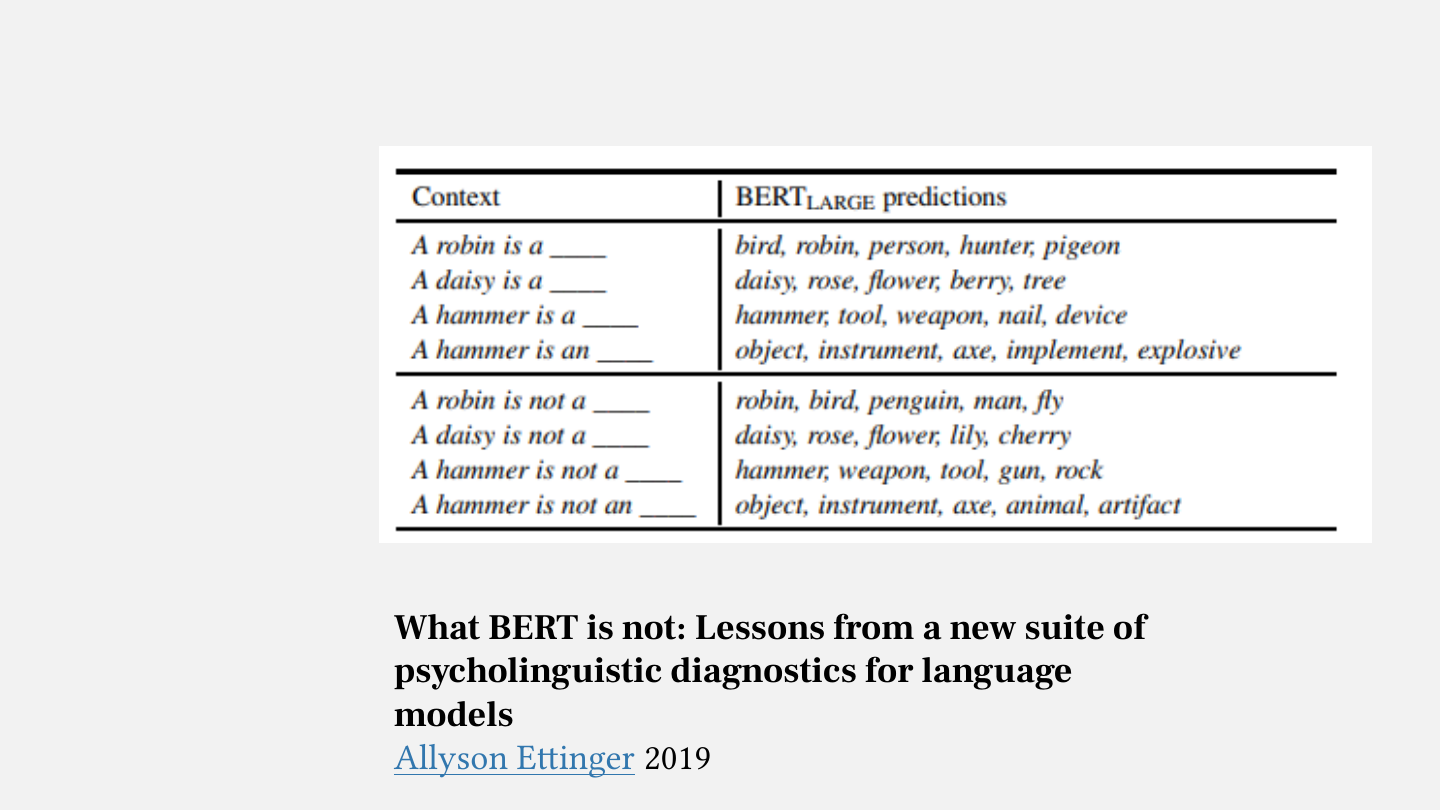
BERT Examples
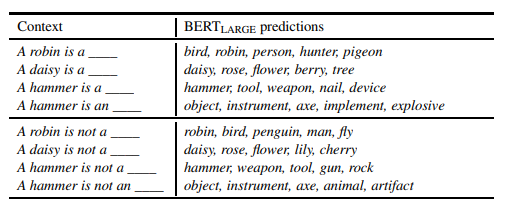
What BERT is not: Lessons from a new suite of psycholinguistic diagnostics for language models
Allyson Ettinger 2019
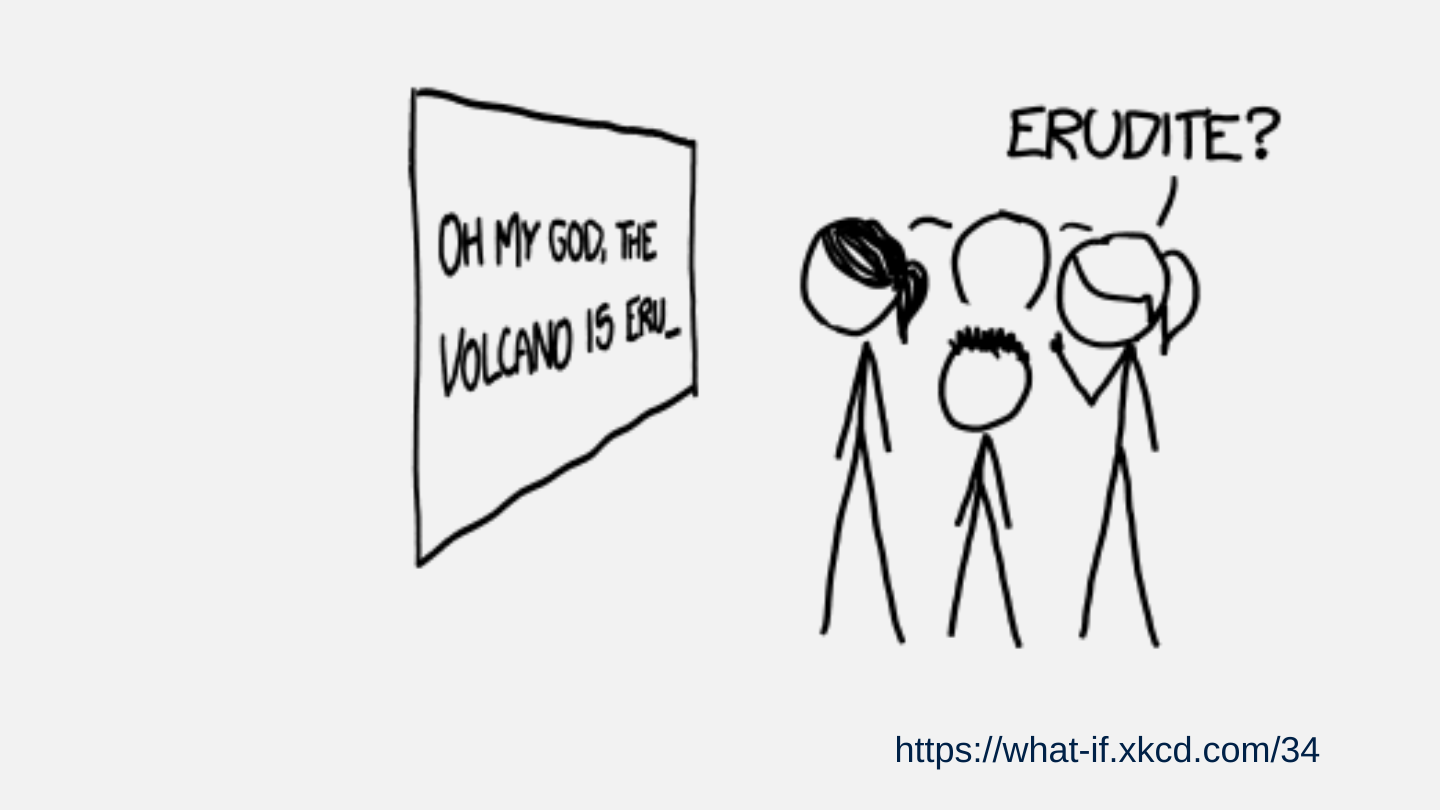
Slide 32: XKCD on prediction
XKCD on prediction

Slide 33: Output changes as more information is made available. (Not always for the better)
Output changes as more information is made available. (Not always for the better)
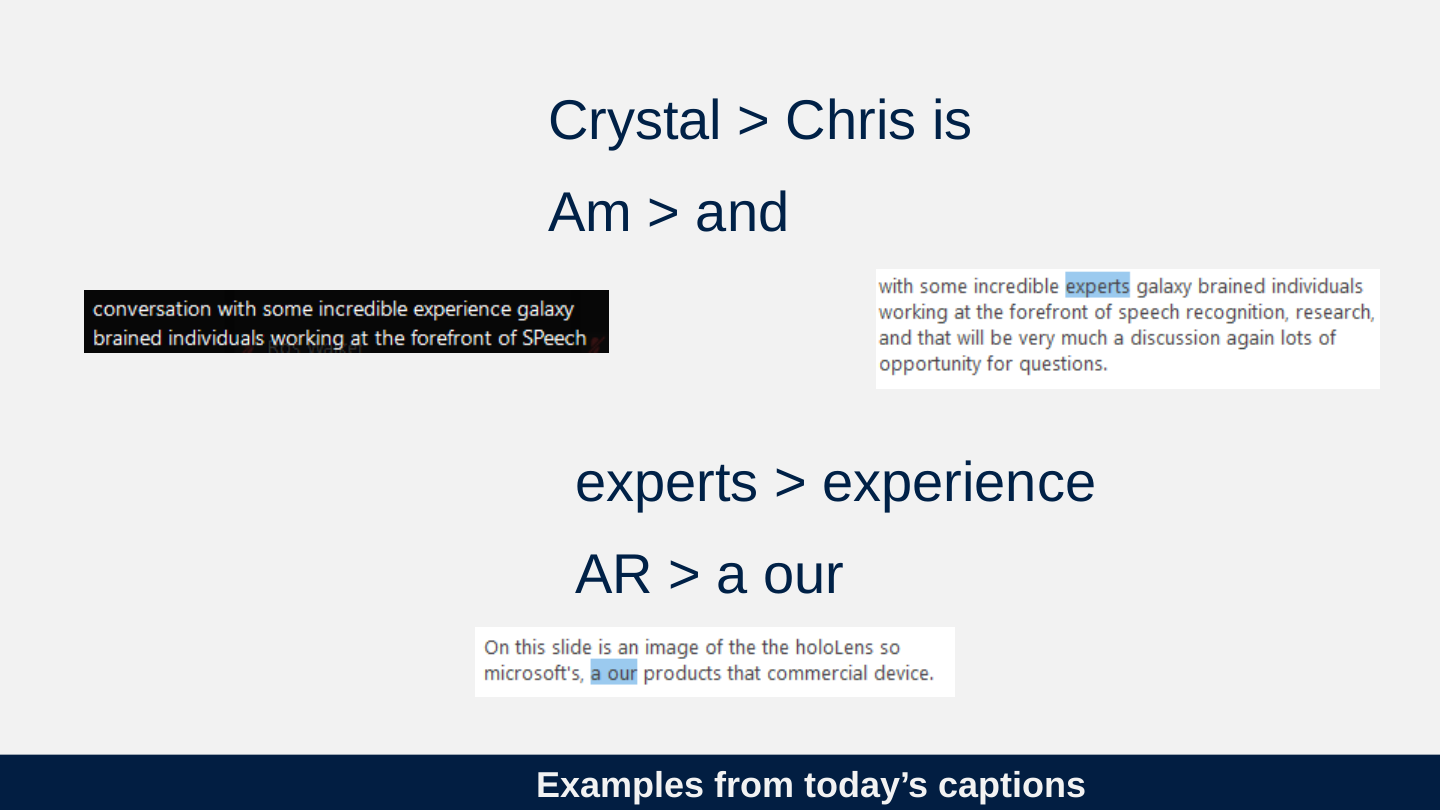
Slide 34: Examples from today’s captions
Examples from today’s captions
- Crystal > Chris is
- Am > and

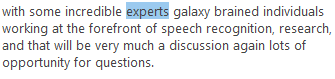
- experts > experience
- AR > a our

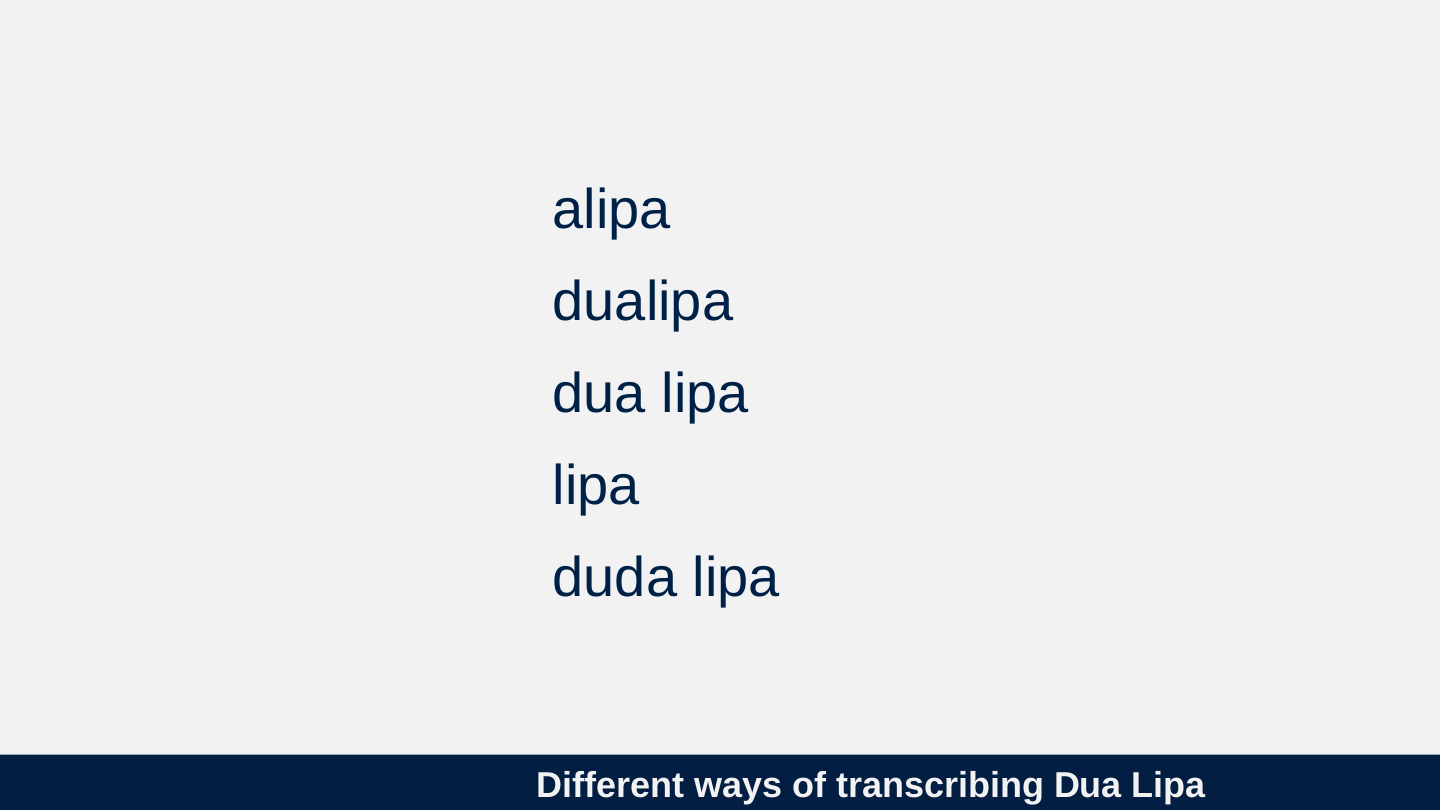
Slide 35: Different ways of transcribing Dua Lipa
Different ways of transcribing Dua Lipa
- alipa
- dualipa
- dua lipa
- lipa
- duda lipa
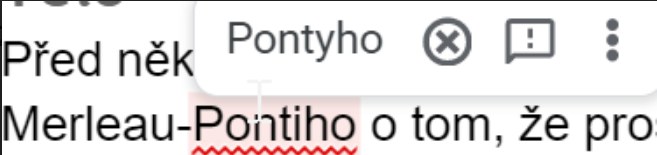
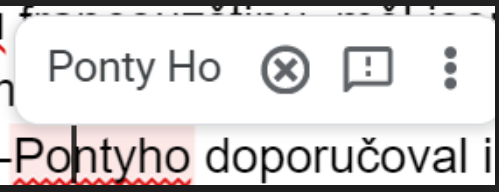
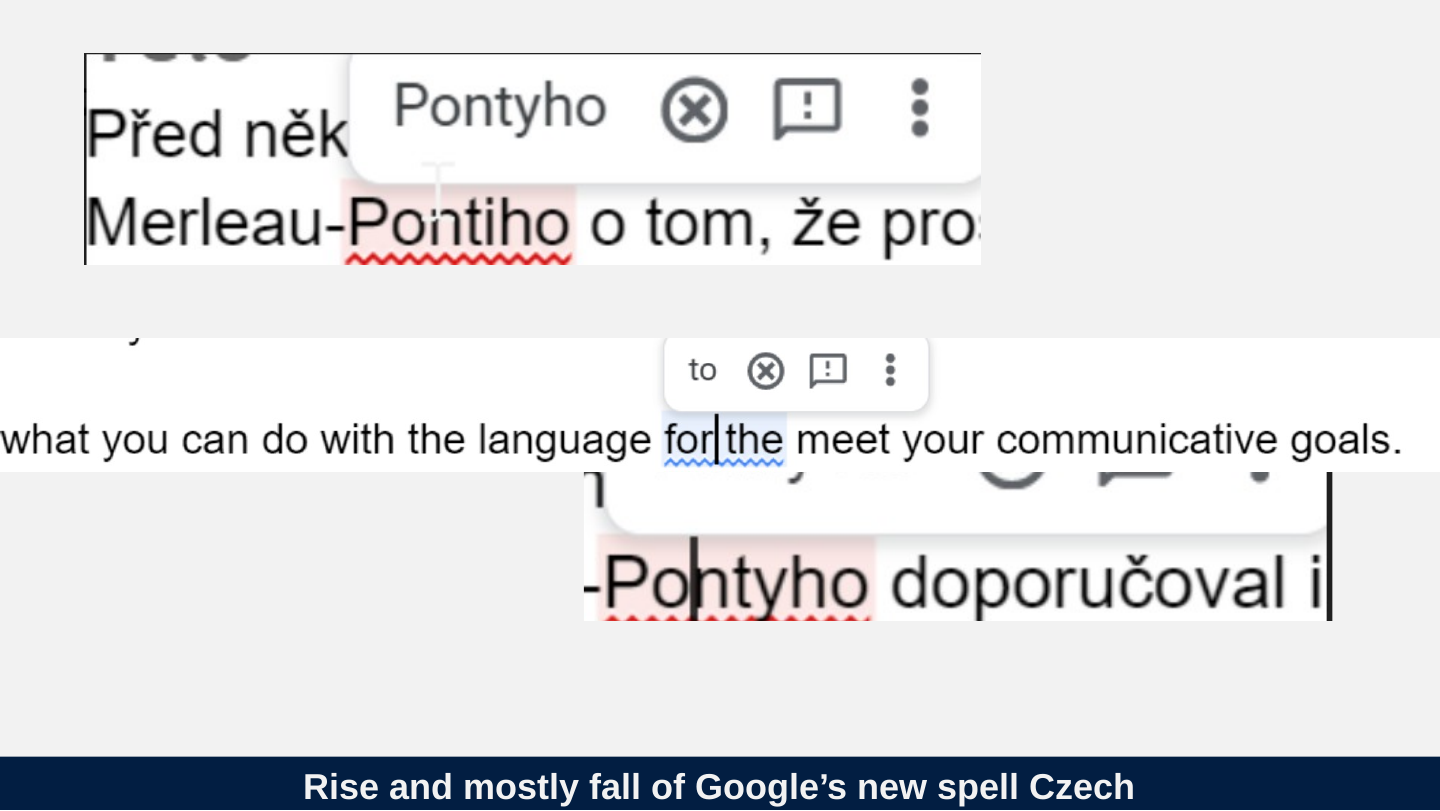
Slide 36: Rise and mostly fall of Google’s new spell Czech
Rise and mostly fall of Google’s new spell Czech

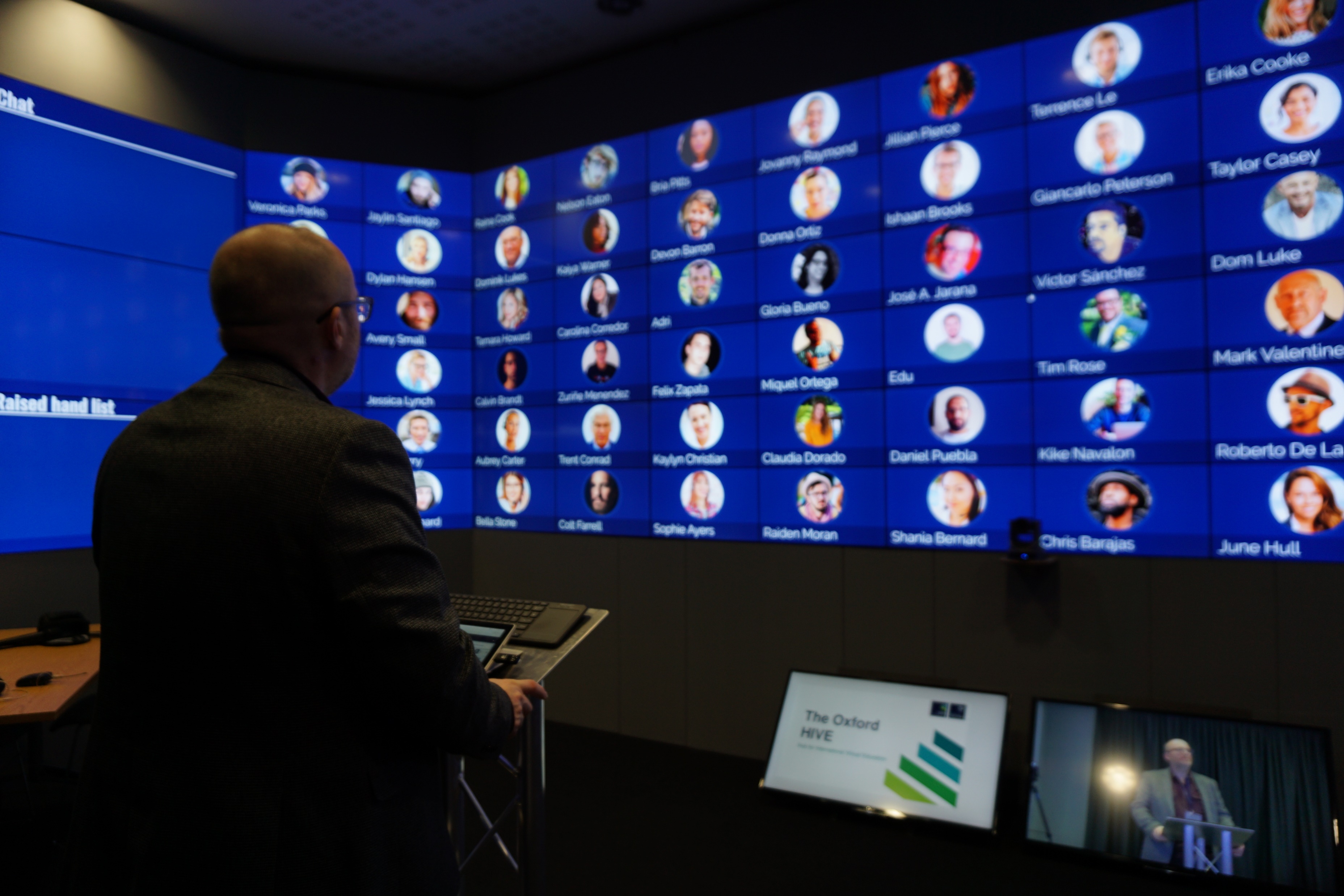
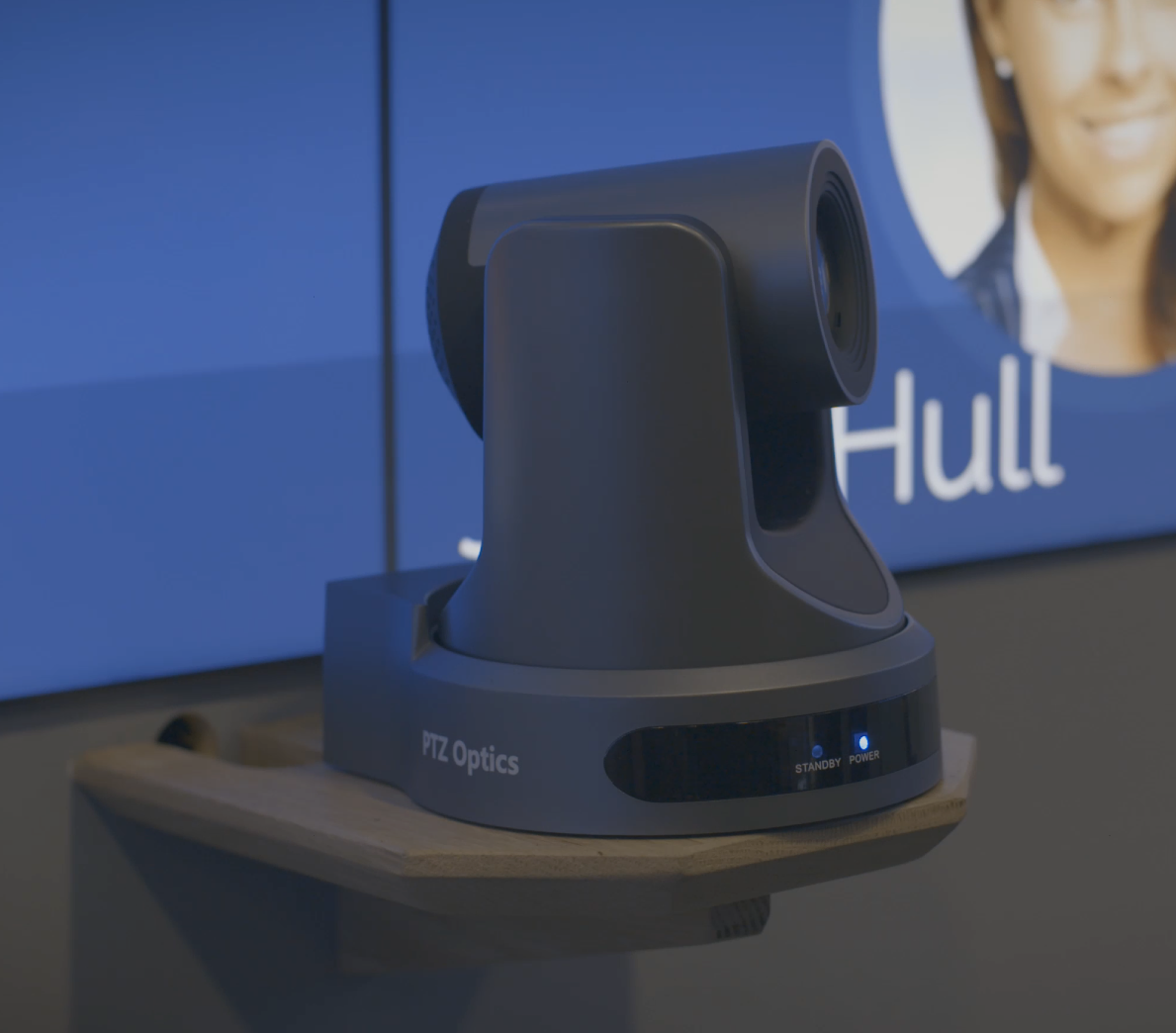
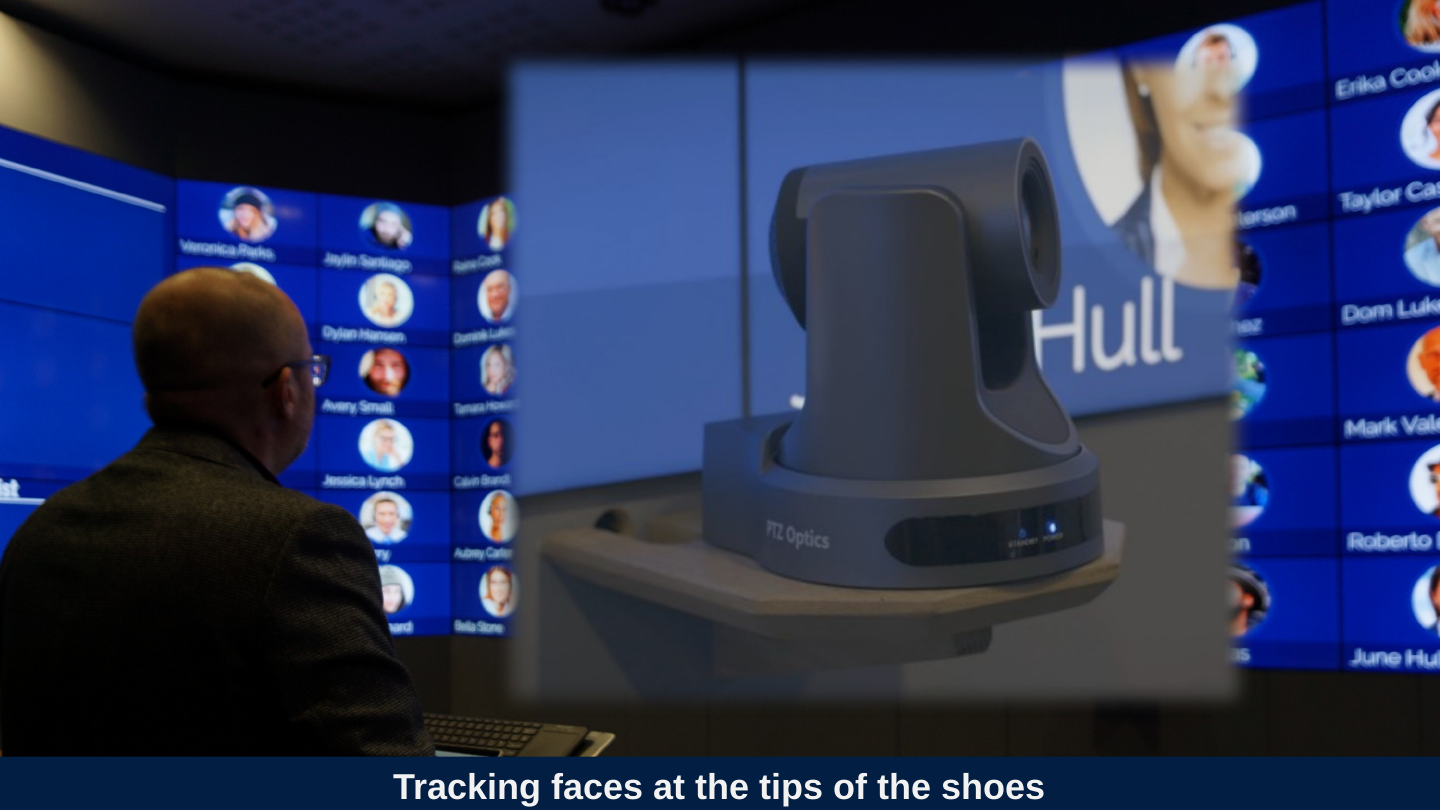
Slide 37: Tracking faces at the tips of the shoes
Tracking faces at the tips of the shoes
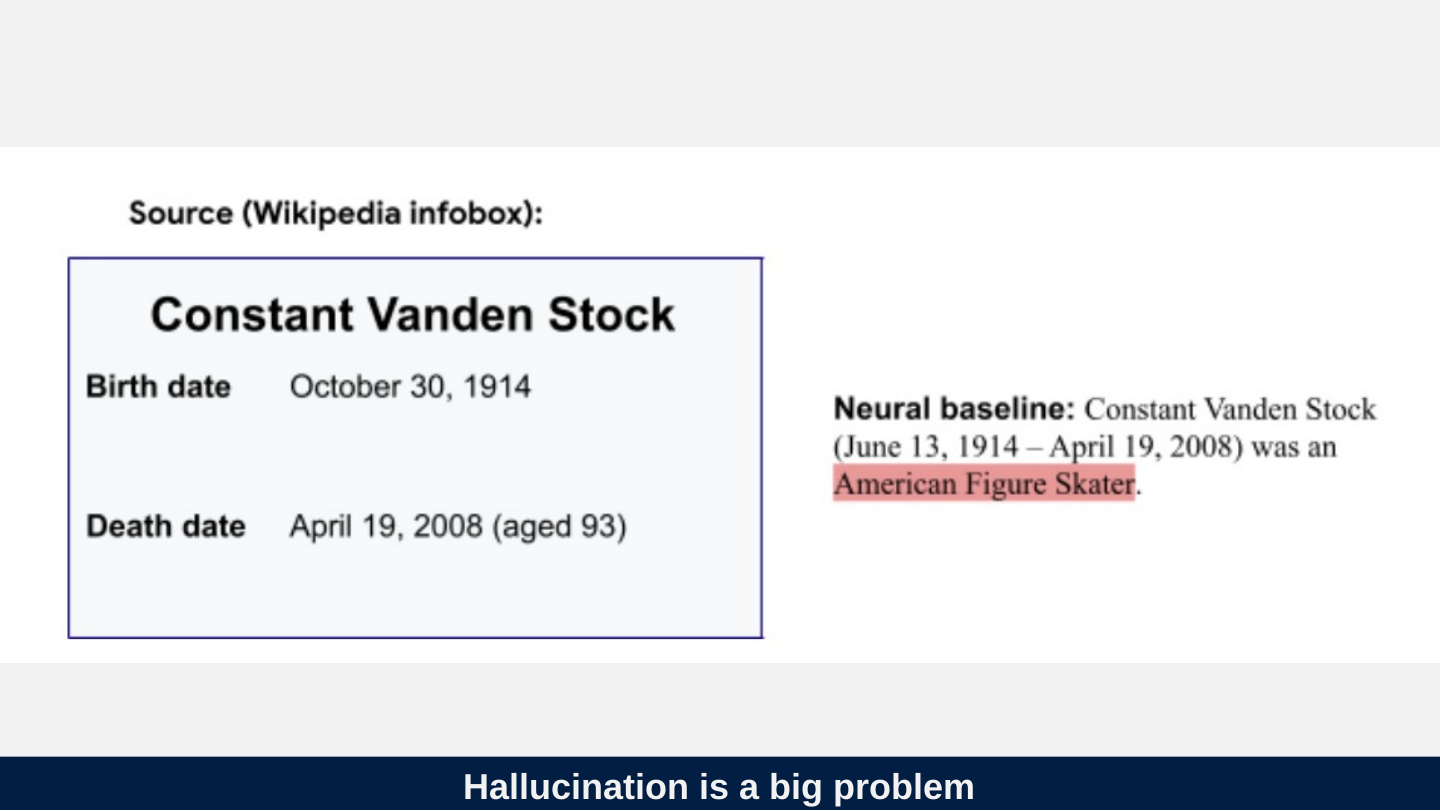
Slide 38: Hallucination is a big problem
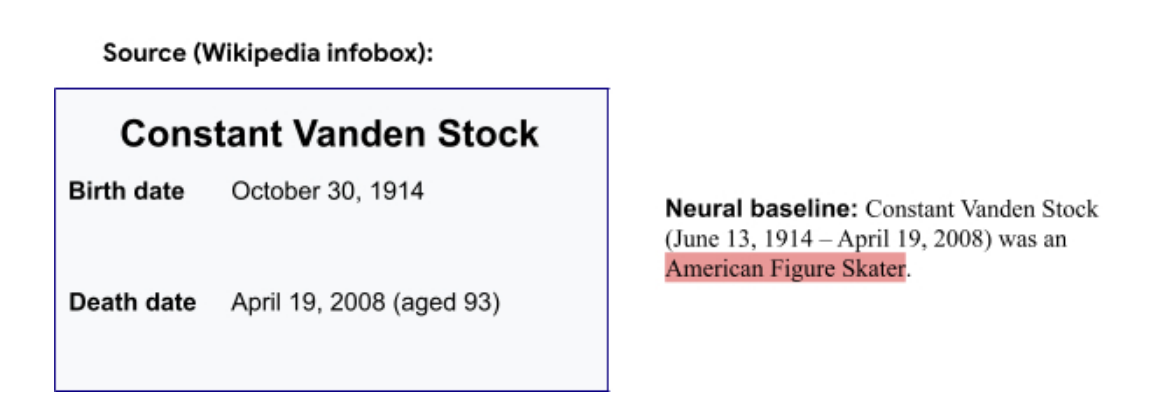
Hallucination is a big problem
Slide 39: Question asked by faculty member in 2021
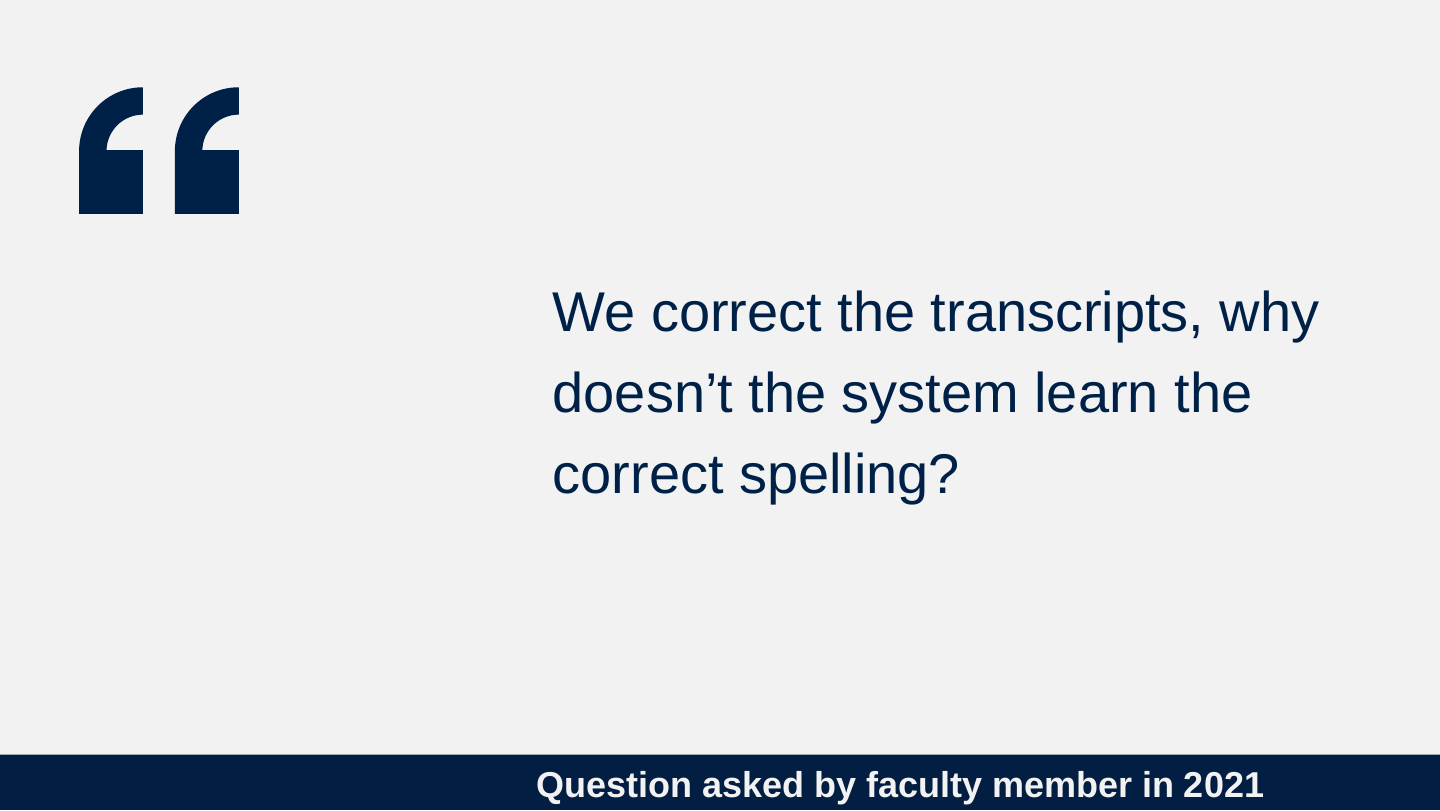
Question asked by faculty member in 2021
We correct the transcripts, why doesn’t the system learn the correct spelling?
Slide 40: Adding your own word list just tweaks the probabilities.
Adding your own word list just tweaks the probabilities.
Slide 41: Setting a genre setting tweaks the probabilities.
Setting a genre setting tweaks the probabilities.
Slide 42: Another thing to know about NN
Another thing to know about NN
Neural Nets use very large data sets and can take days or weeks to train.
Slide 43: Consequences of NN size
Consequences of NN size
- Speech recognition is often not done on device.
- Individual input often cannot adjust the quality (except in pre-training)
- Most applications use APIs from the big players
- Few open source/free options
Slide 44: Big players in the field
Big players in the field



- Microsoft (now also Nuance)
- Amazon

Slide 45: Interesting smaller companies
Interesting smaller companies




- Verbit.ai
- Carescribe.io (Caption.Ed)
- Otter.ai
- Rev.ai
Slide 46: Interesting applications
Interesting applications
- Descript
- Microsoft Reading Progress
- Microsoft Presentation Coach
Slide 47: What can we expect in the future
What can we expect in the future
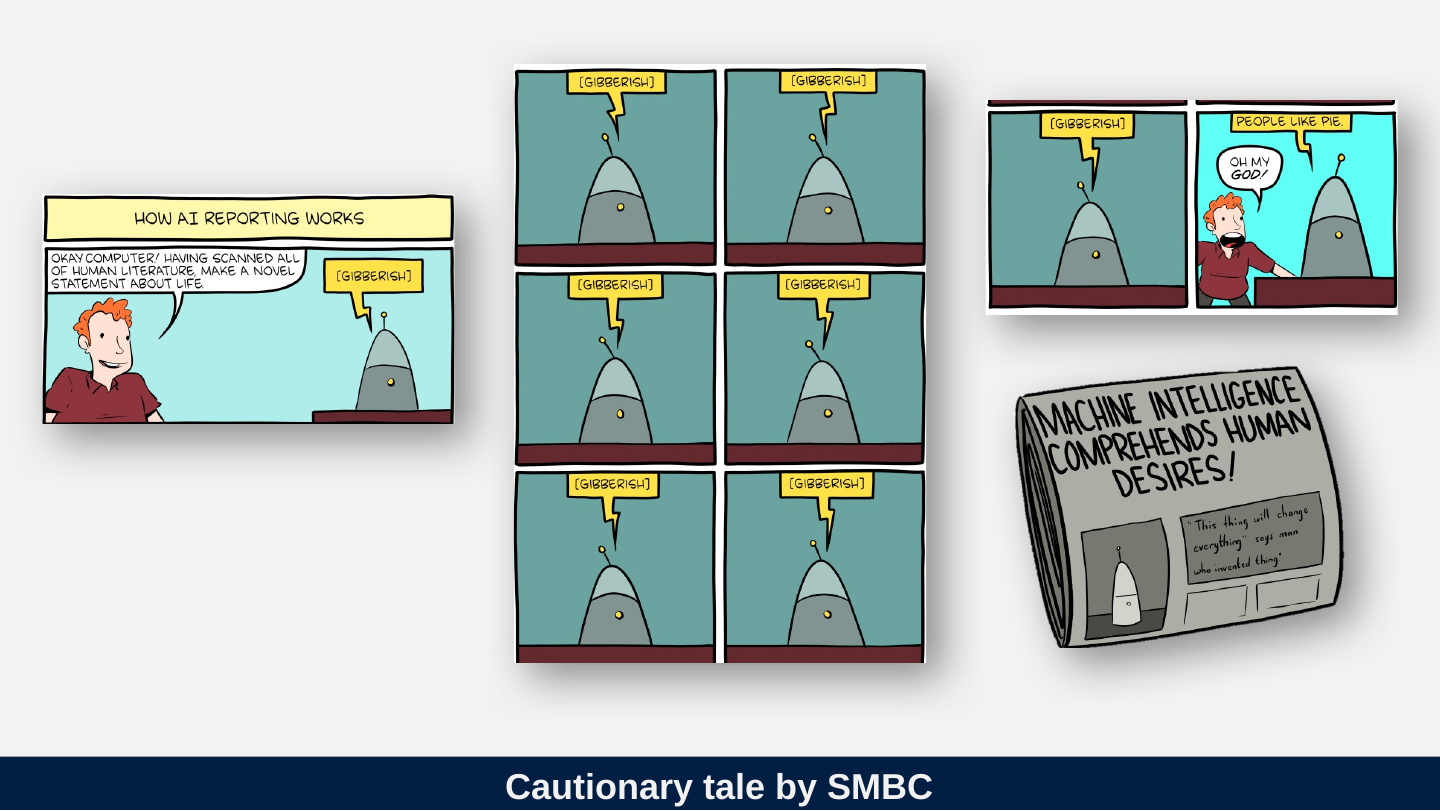
Slide 48: Cautionary tale by SMBC
Cautionary tale by SMBC
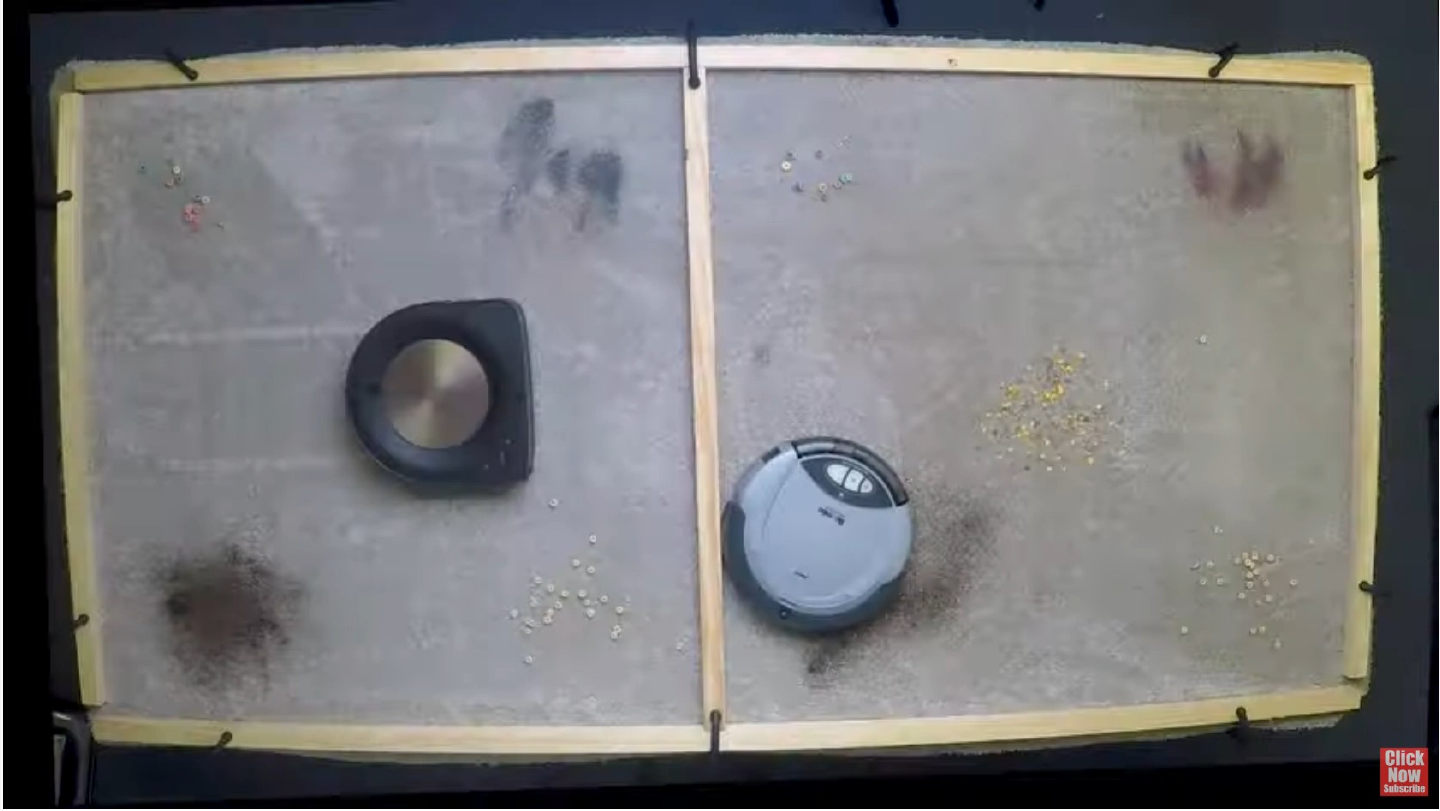
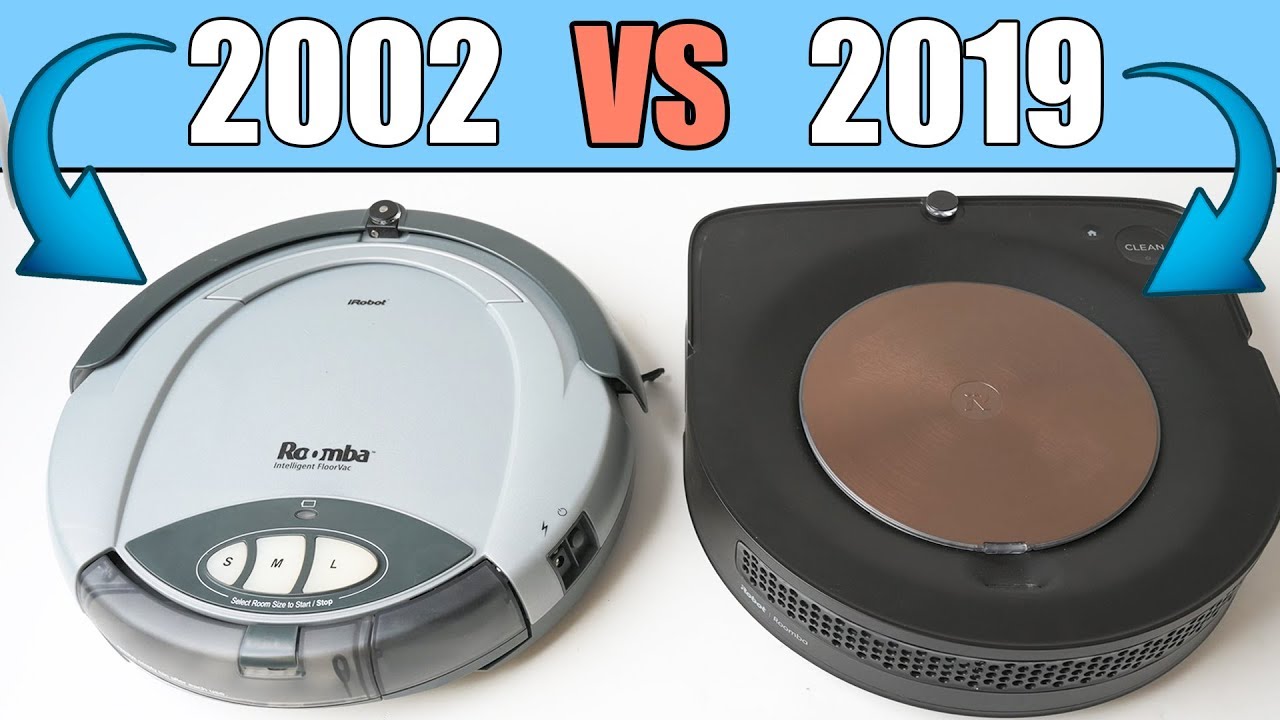
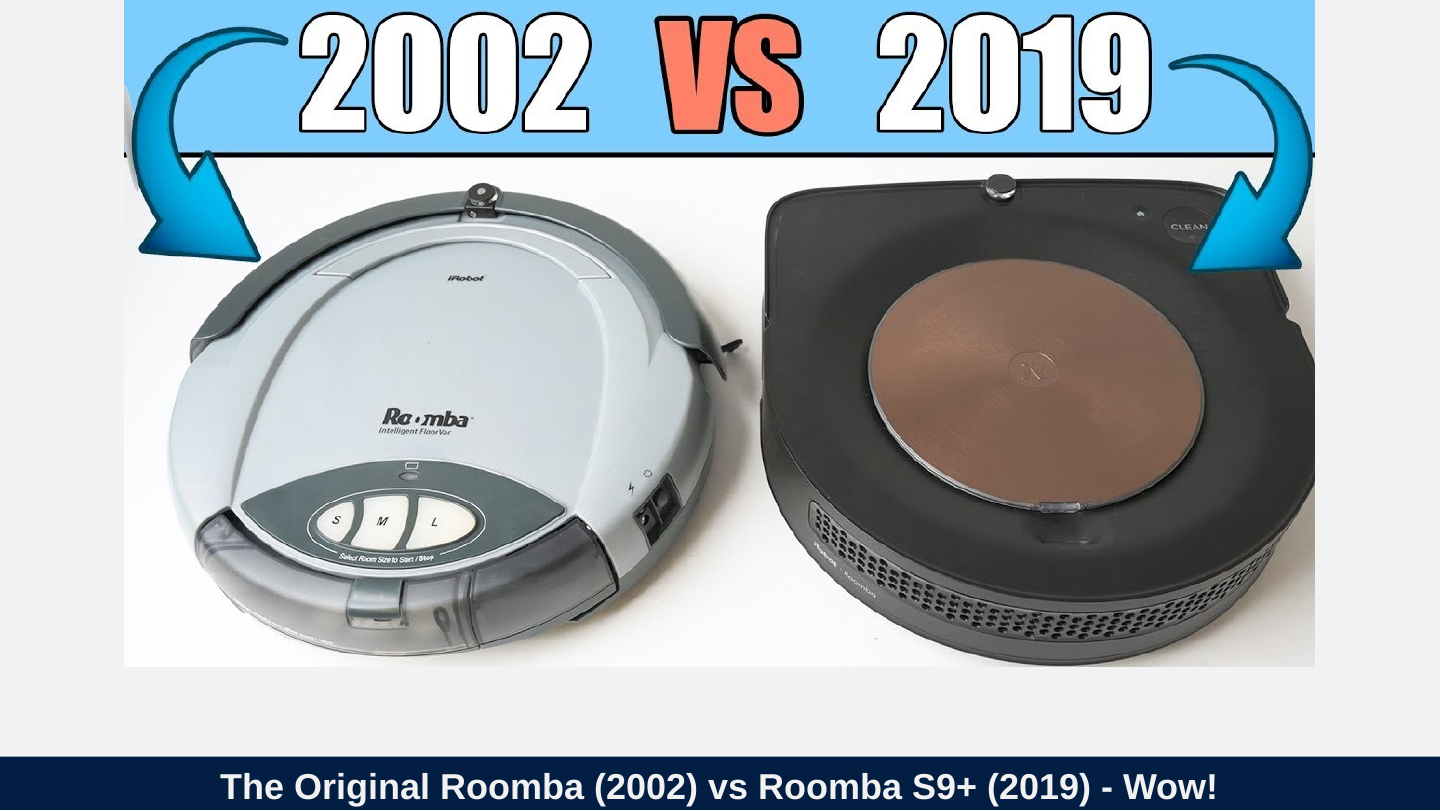
Slide 49: Which Roomba is which? Video comparing 1st and latest.
Which Roomba is which? Video comparing 1st and latest.
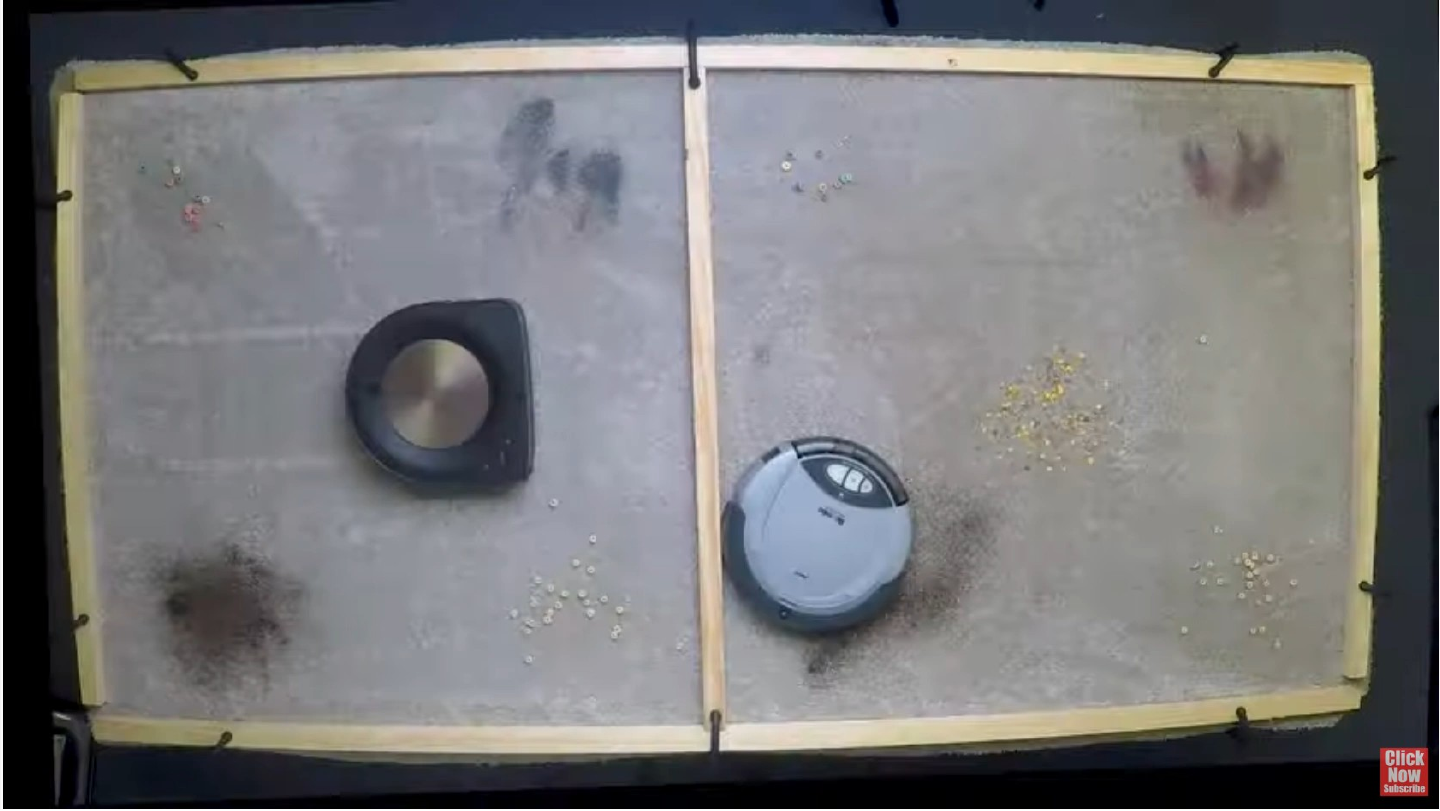
Slide 50: The Original Roomba (2002) vs Roomba S9+ (2019) - Wow!
The Original Roomba (2002) vs Roomba S9+ (2019) - Wow!
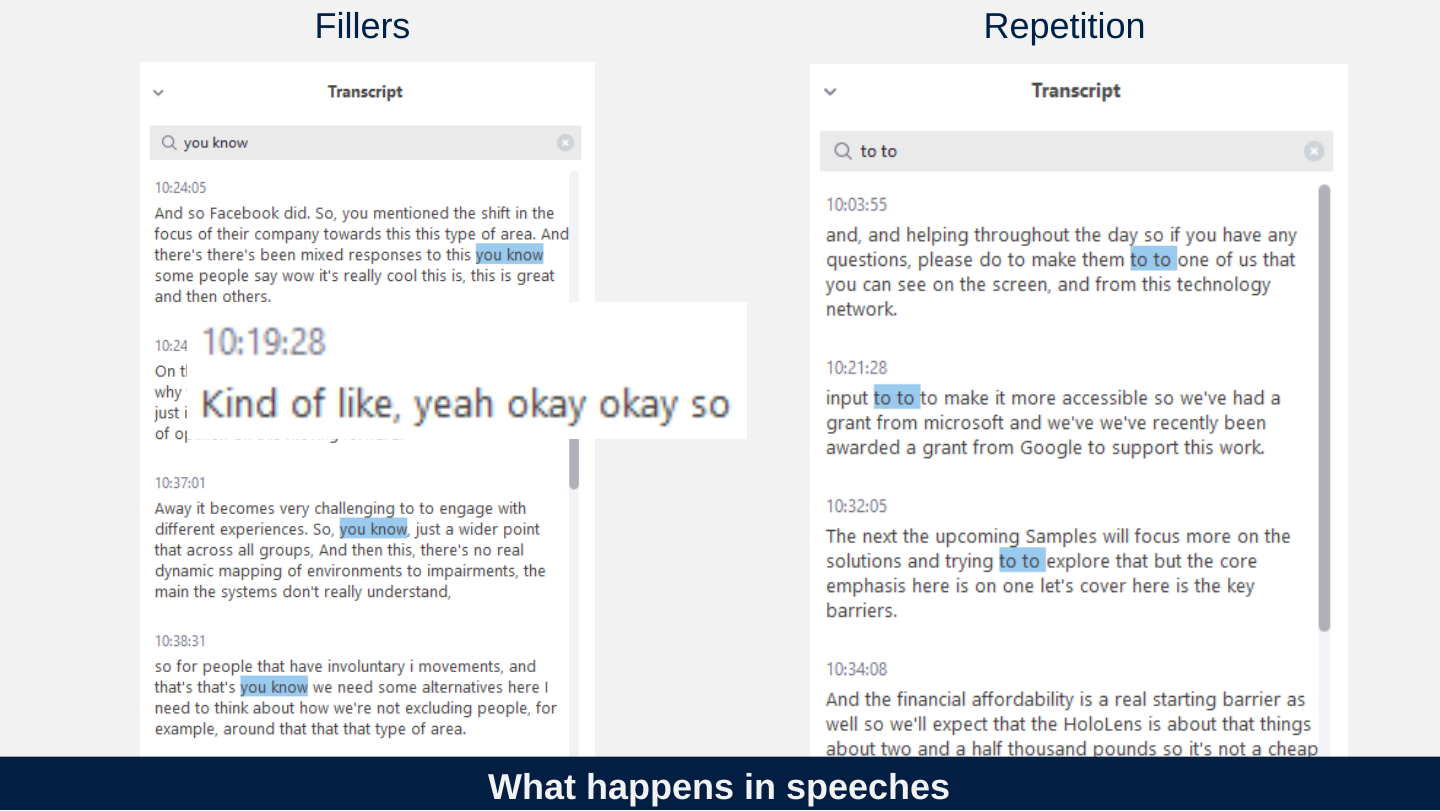
Slide 51: What happens in speeches
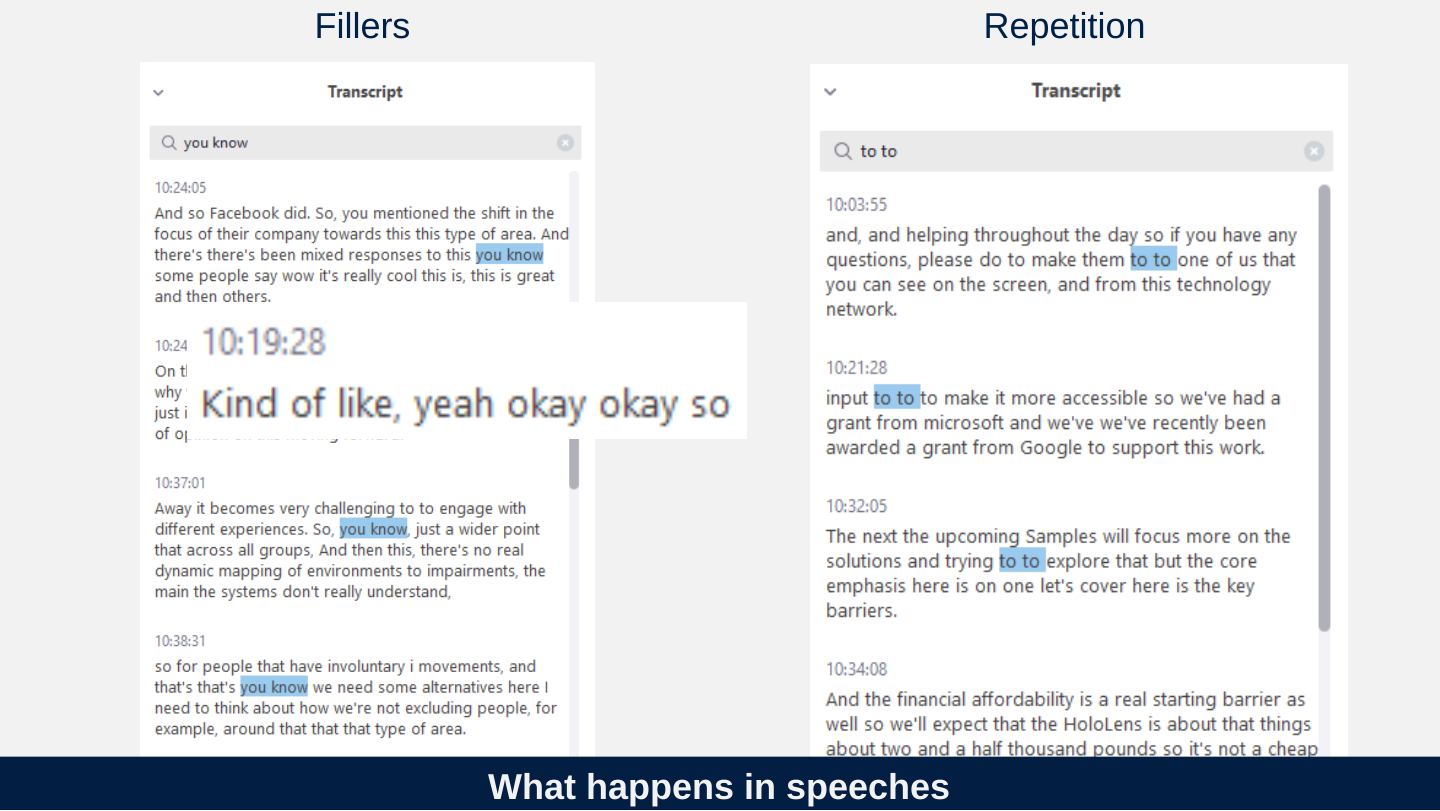
What happens in speeches
Fillers
Repetition
Slide 52: What does conversation actually look like?
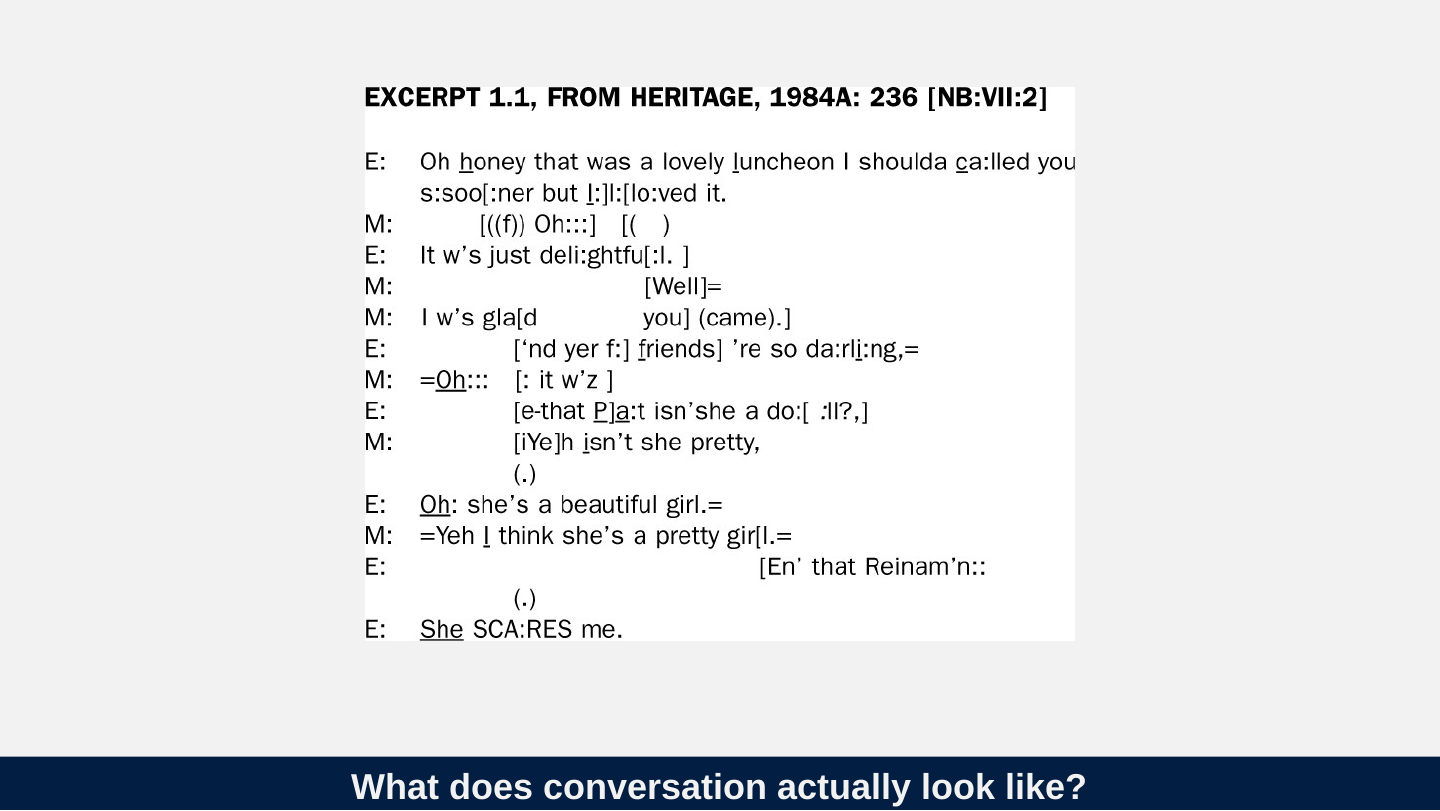
What does conversation actually look like?
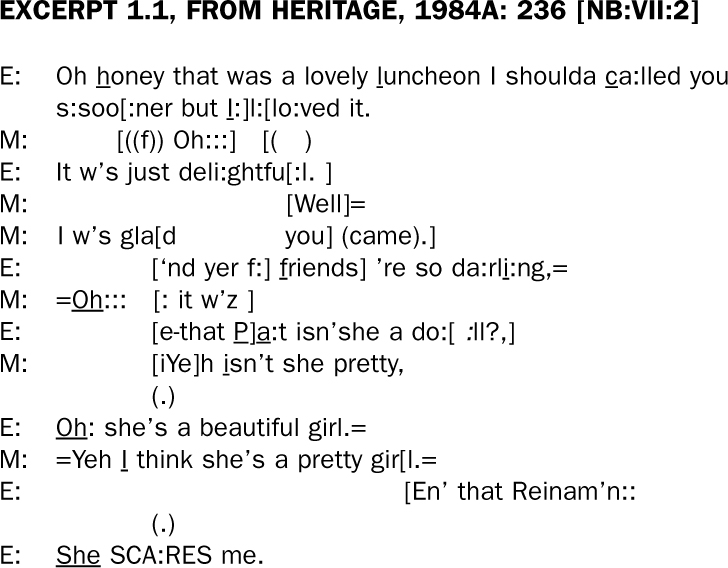
EXCERPT 1.1, FROM HERITAGE, 1984A: 236 [NB:VII:2]
E: Oh honey that was a lovely luncheon I shoulda ca:lled you s:soo[:ner but I:]l:[lo:ved it.
M: [((f)) Oh:::] [( )
E: It w’s just deli:ghtfu[:l. ]
M: [Well]=
M: I w’s gla[d you] (came).]
E: [‘nd yer f:] friends] ’re so da:rli:ng,=
M: =Oh::: [: it w’z ]
E: [e-that P]a:t isn’she a do:[ :ll?,]
M: [iYe]h isn’t she pretty,
(.)
E: Oh: she’s a beautiful girl.=
M: =Yeh I think she’s a pretty gir[l.=
E: [En’ that Reinam’n::
(.)
E: She SCA:RES me.
The image prints the excerpt on 16 lines, and each turn starts on the left under its speaker label. The overlapping turns are indented so that the overlapping words stand under each other, and some letters are underlined to mark stress. The turns above keep every character and symbol as printed. The column positions and the underlining are recorded in the two tables below, which count the printed lines from the top: line 2 is the second printed line of the first E turn, and lines 11 and 15 hold only a pause.
Underlined letters. Only the letters named are underlined; the colons that follow them are not.
| Line | Speaker | Word | Underlined letters |
|---|---|---|---|
| 1 | E | honey | h, the first letter |
| 1 | E | luncheon | l, the first letter |
| 1 | E | ca:lled | c, the first letter |
| 2 | E | the I before the colon in I:] | I |
| 7 | E | friends (the f of f:] is not underlined) | f, the first letter |
| 7 | E | da:rli:ng | i, the letter after rl |
| 8 | M | Oh, after the = | O and h |
| 9 | E | Pa:t | P and a, as two separate underlines with the ] between them |
| 10 | M | isn’t | i, the first letter |
| 12 | E | Oh: | O and h |
| 13 | M | I think | I |
| 16 | E | She | S, h and e |
Overlap brackets. Each position is the distance in pixels from the left edge of the image, which is 728 pixels wide; two brackets are described as lining up when they are within 6 pixels of each other.
| Lines | Brackets and what lines up |
|---|---|
| 2 and 3 | E [:ner but I:] and M [((f)) Oh:::] open at the same place (positions 122 and 119). M closes at 234, just after E’s underlined I and before E’s colon; E closes at 247, after that colon. |
| 2 and 3 | E [lo:ved it. and M [( ) open at the same place (266 and 265). Neither has a closing bracket in the image, so this overlap is left open. |
| 4 and 5 | E [:l. ] and M [Well]= open at the same place (288 and 289). E closes at 330 and M closes at 348, about one and a half characters to the right of E. |
| 4 and 6 | M you] on line 6 closes at 331, level with E’s closing bracket on line 4 (330); M’s closing bracket on line 5 (348) falls between them. |
| 6 to 10 | Five opening brackets stand in one column (154 to 157): M [d on line 6, E [‘nd on line 7, M [: on line 8, E [e-that on line 9 and M [iYe] on line 10. |
| 7 to 10 | The closing brackets on these lines are at 268 and 364 (E f:] and friends] on line 7), 252 (M w’z ] on line 8), 254 (E P] on line 9) and 198 (M [iYe] on line 10). Only the closers on lines 8 and 9 line up; line 7’s first closer is 14 pixels to their right and line 10’s is 54 pixels to their left. |
| 6 | M (came).] closes at 434; no bracket on the lines next to it lines up with it. |
| 9 | E do:[ :ll?,] opens at 451 and closes at 513; no bracket on lines 8 or 10 lines up with either. |
| 13 and 14 | M gir[l.= and E [En’ that Reinam’n:: open at the same place (402 and 407). Neither has a closing bracket in the image, so this last overlap is also left open. |
Slide 53: Possible futures?
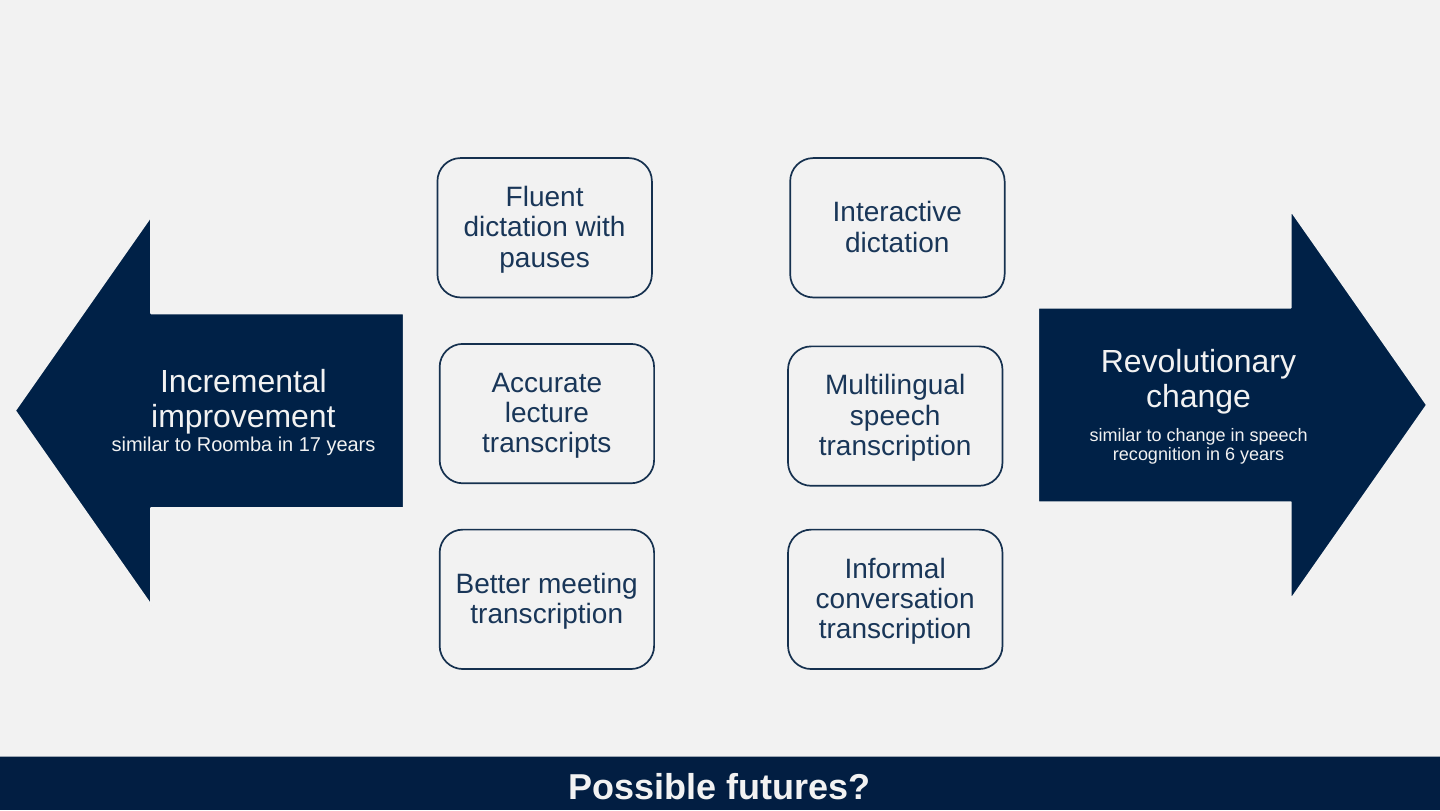
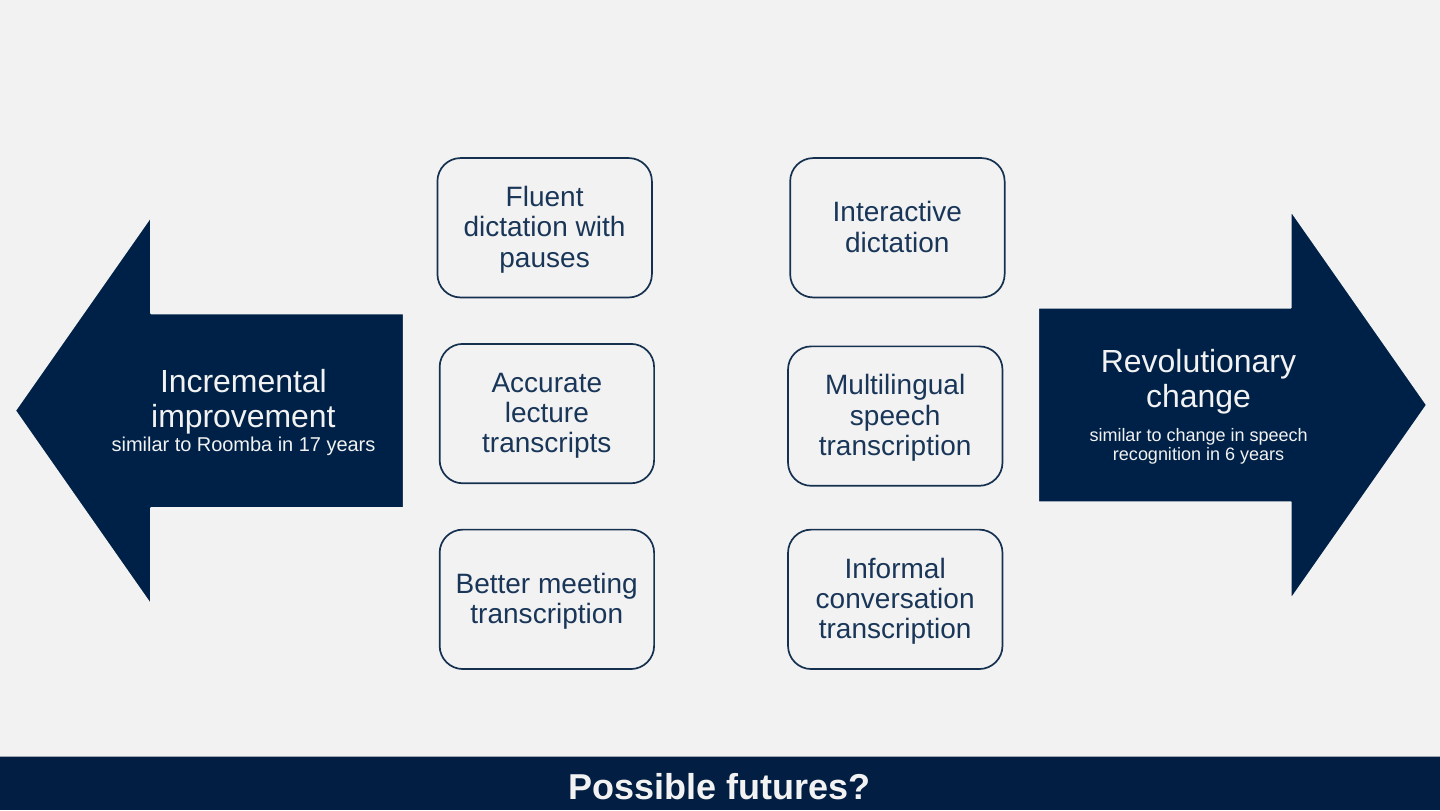
Possible futures?
Incremental improvement, similar to Roomba in 17 years
- Accurate lecture transcripts
- Fluent dictation with pauses
- Better meeting transcription
Revolutionary change, similar to change in speech recognition in 6 years
- Informal conversation transcription
- Interactive dictation
- Multilingual speech transcription
Slide 54: How should we think about accuracy?
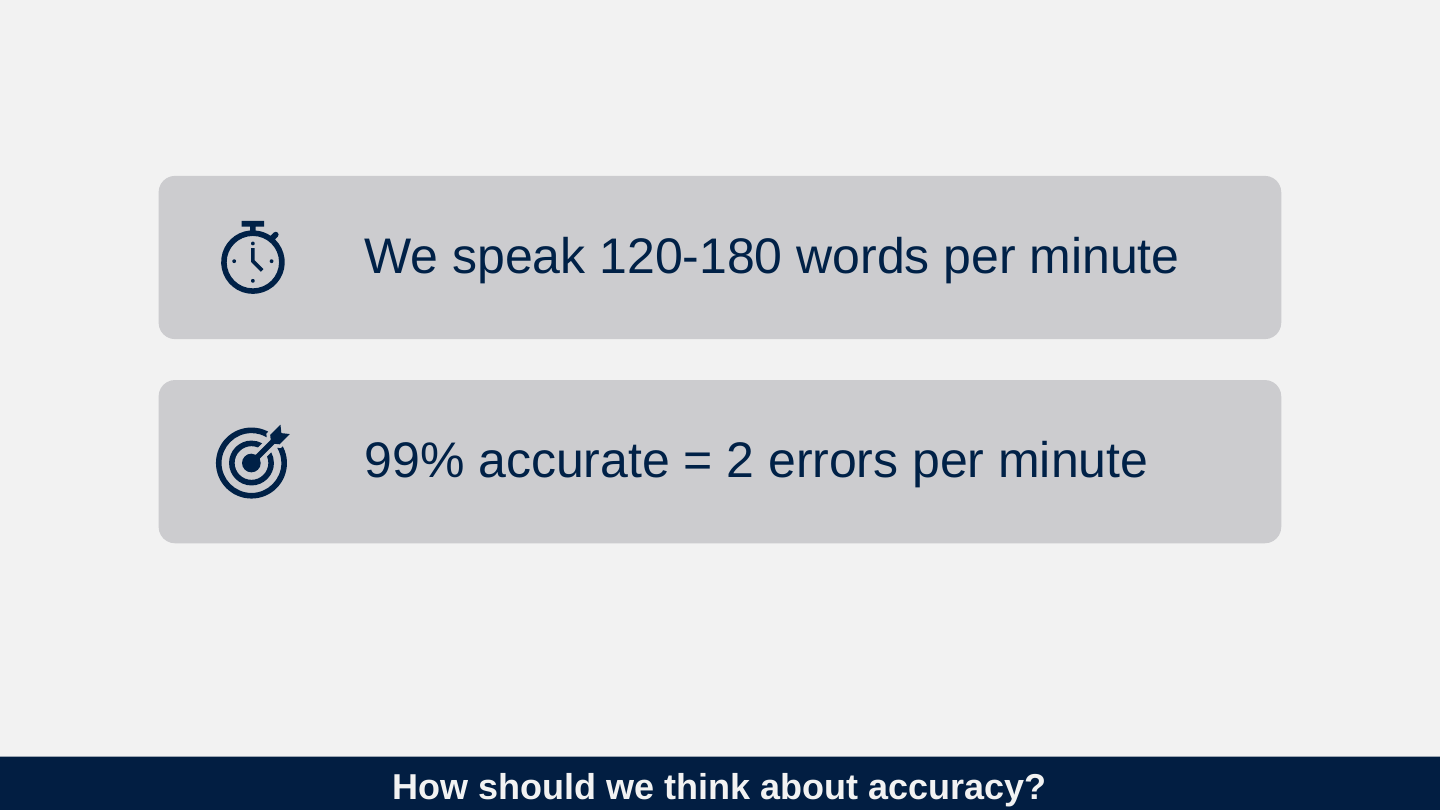
How should we think about accuracy?
- We speak 120-180 words per minute
- 99% accurate = 2 errors per minute
Slide 55: From Sept 2014 xkcd.com/1425
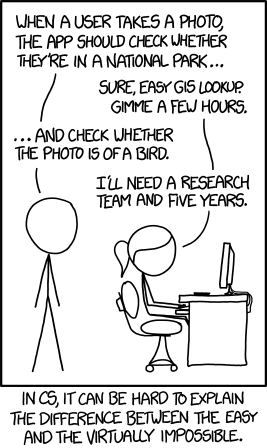
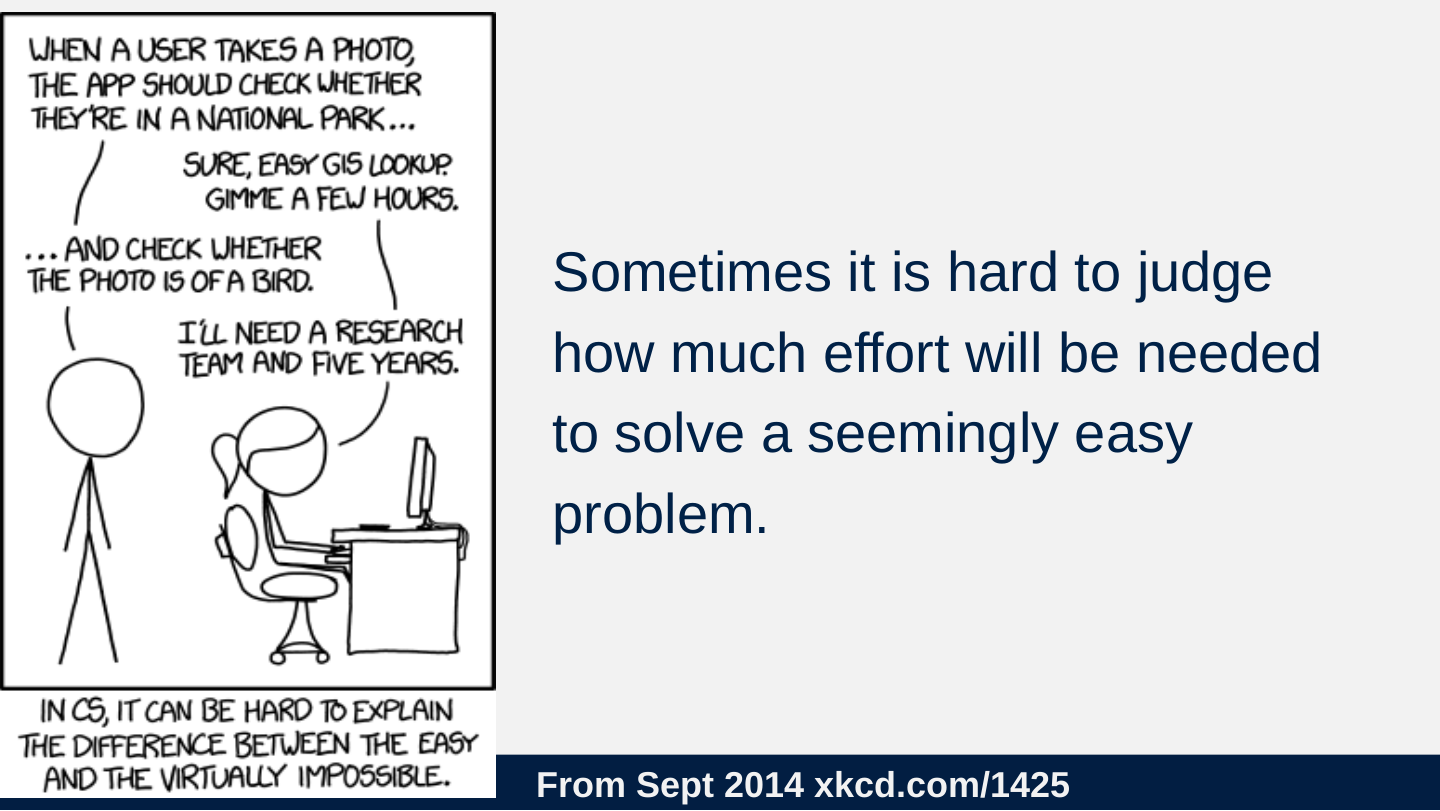
From Sept 2014 xkcd.com/1425
Sometimes it is hard to judge how much effort will be needed to solve a seemingly easy problem.
Slide 56: Wishlist (a few hours of coding)
Wishlist (a few hours of coding)
- Transcripts indicate level of confidence
- Benchmarks for lecture transcripts
- Better manual control of transcripts (like Descript)
Slide 57: Dreamlist (5 years and a research team)
Dreamlist (5 years and a research team)
- Multilingual transcription (identify change in language)
- Multimodal transcription (use information from video)
- Raw to readable transcript
Slide 58: Welcome to the panel
Welcome to the panel

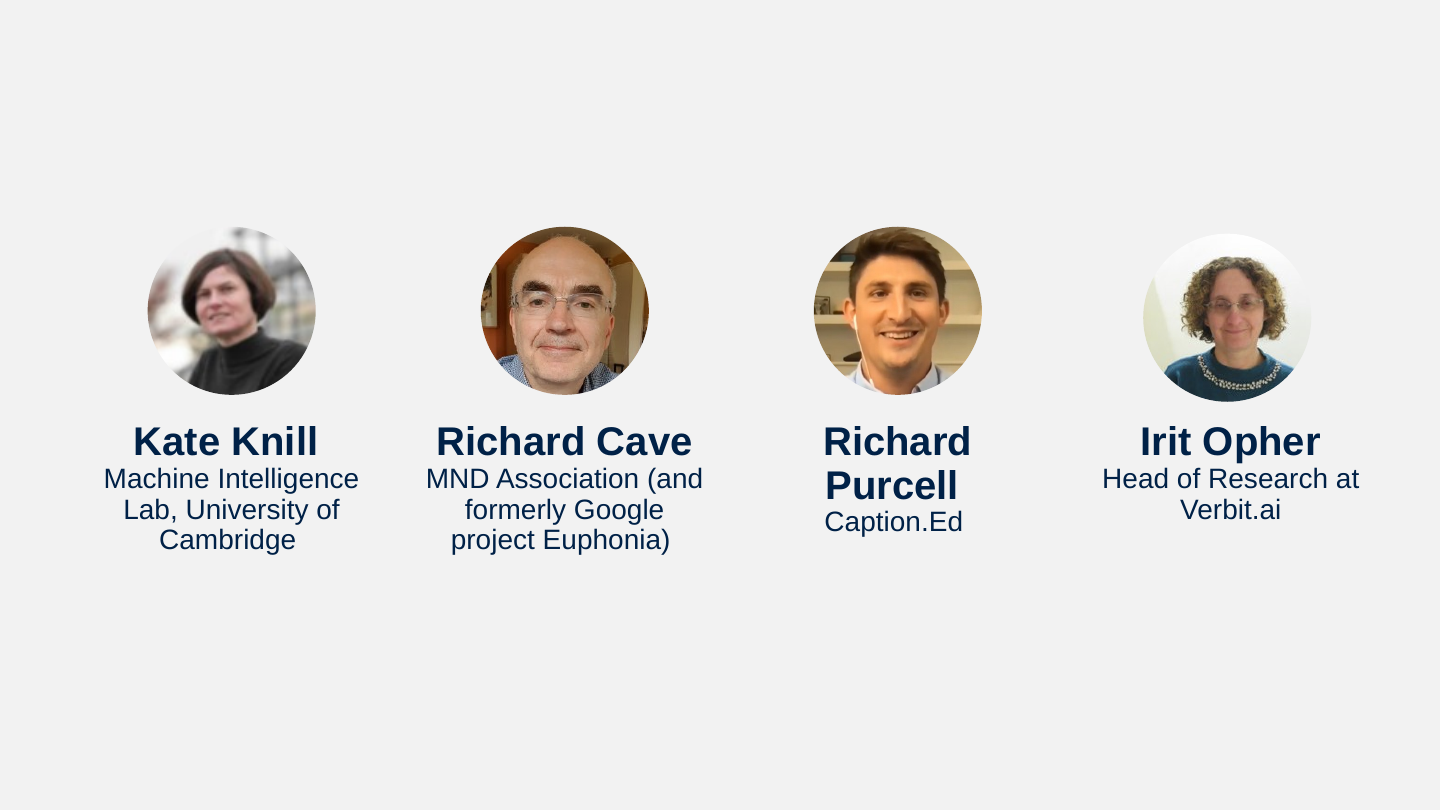
Slide 59: Panel
Panel
- Kate Knill, Machine Intelligence Lab, University of Cambridge
- Richard Cave, MND Association (and formerly Google project Euphonia)
- Richard Purcell, Caption.Ed
- Irit Opher, Head of Research at Verbit.ai
Slide 60: Questions
Questions
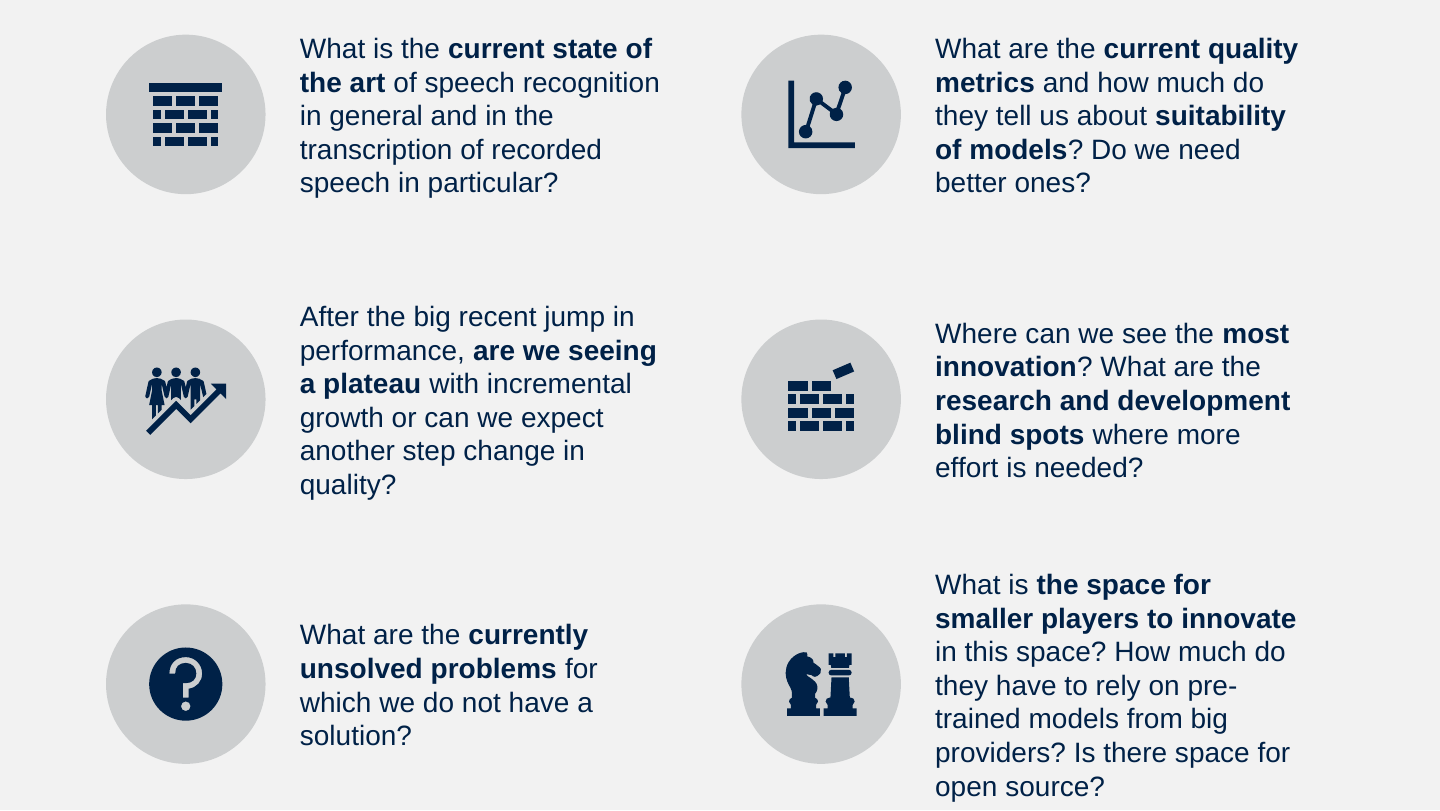
- What is the current state of the art of speech recognition in general and in the transcription of recorded speech in particular?
- What are the current quality metrics and how much do they tell us about suitability of models? Do we need better ones?
- After the big recent jump in performance, are we seeing a plateau with incremental growth or can we expect another step change in quality?
- Where can we see the most innovation? What are the research and development blind spots where more effort is needed?
- What are the currently unsolved problems for which we do not have a solution?
- What is the space for smaller players to innovate in this space? How much do they have to rely on pre-trained models from big providers? Is there space for open source?
Slide 61: Creative Commons License – CC BY
Creative Commons License – CC BY
This presentation is licensed under Creative Commons By Attribution license except where otherwise noted.
Icons and stock images from Microsoft Office 365 creative premium. They cannot be distributed separately from this document.