Supplementing Moodle with live and recorded webinars
- SlideShare title: Supplementing moodle with live and recorded webinars moodle moot2010
- Talk date: Not established
- SlideShare upload: 2010-04-14 (upload date, not the delivery date)
- Event: Not established
- Place: Not established
- Topics: Teaching & technology
- Language: en
- Slides in the original listing: 13
- Coverage: Full text of all 13 slides, each paired with its original slide image (slide N is section N).
- Original listing: https://www.slideshare.net/slideshow/supplementing-moodle-with-live-and-recorded-webinars-moodle-moot2010/3720501
- Cover image: https://slides.dominiklukes.net/readers/supplementing-moodle-with-live-and-recorded-webinars-moodle-moot2010/pages/page-01.png
- Reader data (JSON): https://slides.dominiklukes.net/readers/supplementing-moodle-with-live-and-recorded-webinars-moodle-moot2010/presentation.json
- TalkWeaver package (outline and images, ZIP): https://slides.dominiklukes.net/supplementing-moodle-with-live-and-recorded-webinars-moodle-moot2010/supplementing-moodle-with-live-and-recorded-webinars-moodle-moot2010-talkweaver.zip
- TalkWeaver outline: https://slides.dominiklukes.net/supplementing-moodle-with-live-and-recorded-webinars-moodle-moot2010/talkweaver/supplementing-moodle-with-live-and-recorded-webinars-moodle-moot2010-outline.md
- Markdown copy: https://slides.dominiklukes.net/supplementing-moodle-with-live-and-recorded-webinars-moodle-moot2010/index.md
Slide 1: Supplementing Moodle with live and recorded webinars
Supplementing Moodle with live and recorded webinars
training.dyslexiaaction.org.uk
Dominik Lukeš
Learning Technologist
Dyslexia Action

Slide 2: Blended e-learning
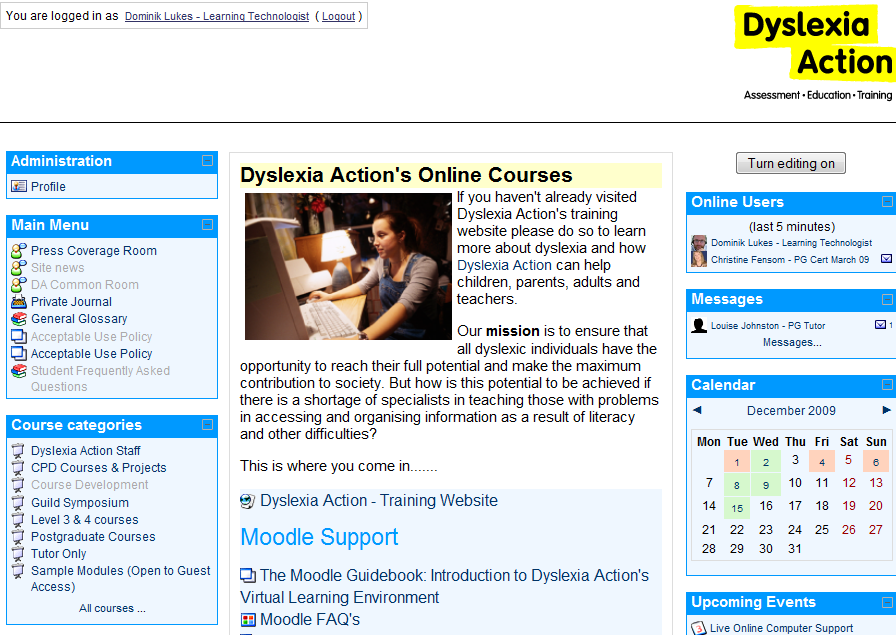
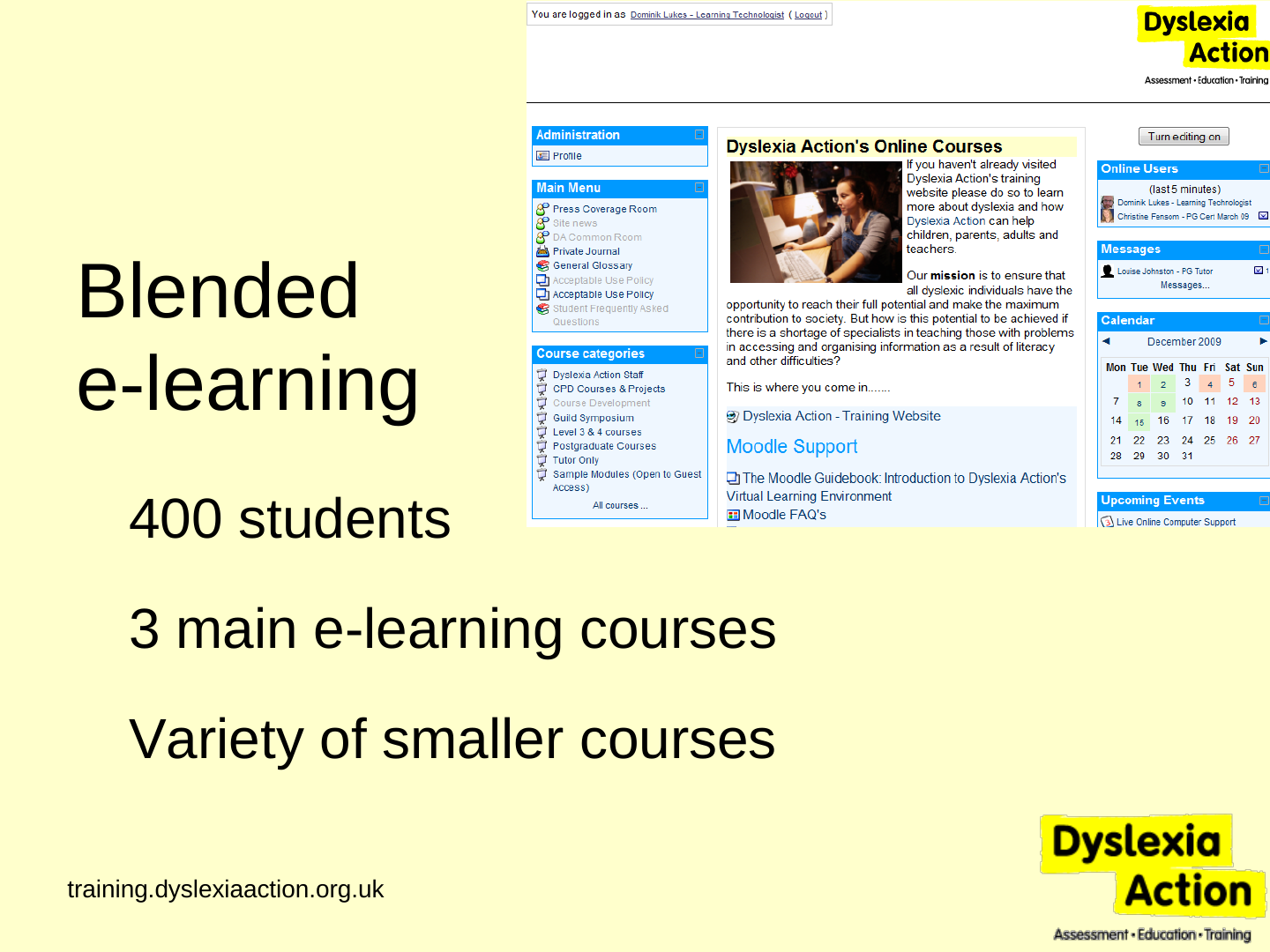
Blended e-learning
- 400 students
- 3 main e-learning courses
- Variety of smaller courses
Slide 3: Webinars?
Webinars?
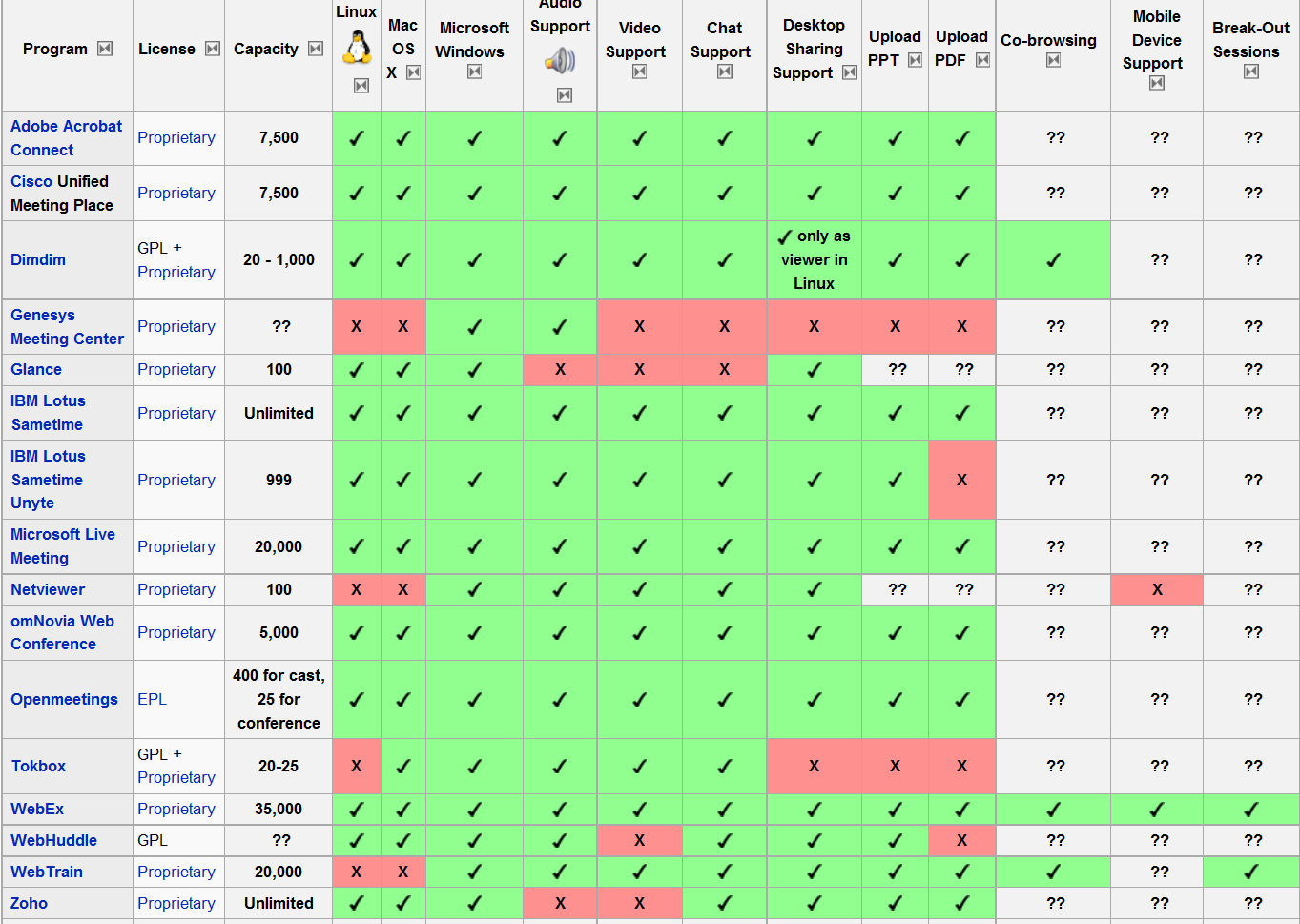
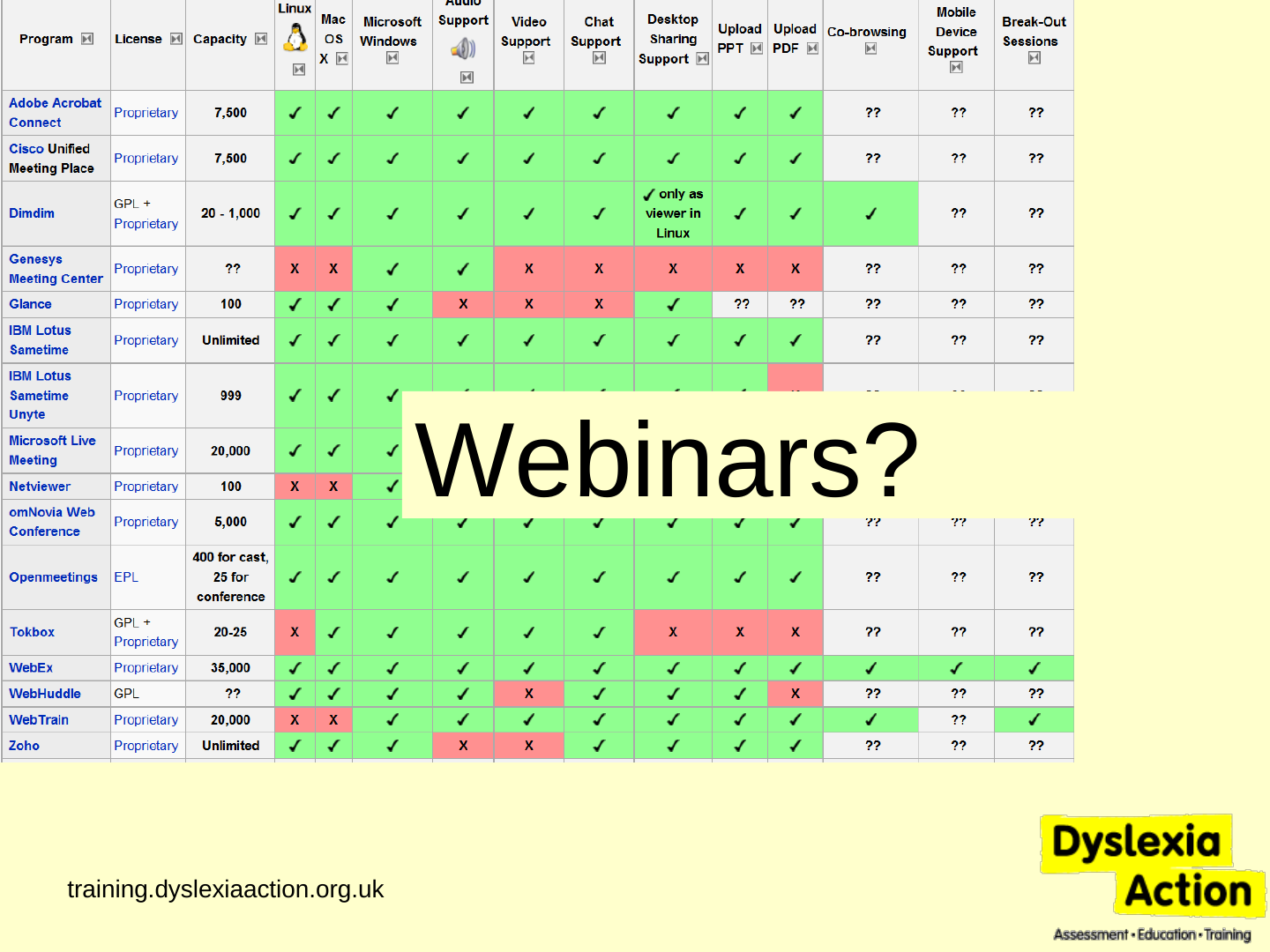
Source description: the table as printed on the slide, one row per programme. ✓ is a green tick, ✗ is a red X and ?? is “not known” as printed. The wording and figures are the slide’s own.
| Program | License | Capacity | Linux | Mac OS X | Microsoft Windows | Audio Support | Video Support | Chat Support | Desktop Sharing Support | Upload PPT | Upload PDF | Co-browsing | Mobile Device Support | Break-Out Sessions |
|---|---|---|---|---|---|---|---|---|---|---|---|---|---|---|
| Adobe Acrobat Connect | Proprietary | 7,500 | ✓ | ✓ | ✓ | ✓ | ✓ | ✓ | ✓ | ✓ | ✓ | ?? | ?? | ?? |
| Cisco Unified Meeting Place | Proprietary | 7,500 | ✓ | ✓ | ✓ | ✓ | ✓ | ✓ | ✓ | ✓ | ✓ | ?? | ?? | ?? |
| Dimdim | GPL + Proprietary | 20 - 1,000 | ✓ | ✓ | ✓ | ✓ | ✓ | ✓ | ✓ only as viewer in Linux | ✓ | ✓ | ✓ | ?? | ?? |
| Genesys Meeting Center | Proprietary | ?? | ✗ | ✗ | ✓ | ✓ | ✗ | ✗ | ✗ | ✗ | ✗ | ?? | ?? | ?? |
| Glance | Proprietary | 100 | ✓ | ✓ | ✓ | ✗ | ✗ | ✗ | ✓ | ?? | ?? | ?? | ?? | ?? |
| IBM Lotus Sametime | Proprietary | Unlimited | ✓ | ✓ | ✓ | ✓ | ✓ | ✓ | ✓ | ✓ | ✓ | ?? | ?? | ?? |
| IBM Lotus Sametime Unyte | Proprietary | 999 | ✓ | ✓ | ✓ | ✓ | ✓ | ✓ | ✓ | ✓ | ✗ | ?? | ?? | ?? |
| Microsoft Live Meeting | Proprietary | 20,000 | ✓ | ✓ | ✓ | ✓ | ✓ | ✓ | ✓ | ✓ | ✓ | ?? | ?? | ?? |
| Netviewer | Proprietary | 100 | ✗ | ✗ | ✓ | ✓ | ✓ | ✓ | ✓ | ?? | ?? | ?? | ✗ | ?? |
| omNovia Web Conference | Proprietary | 5,000 | ✓ | ✓ | ✓ | ✓ | ✓ | ✓ | ✓ | ✓ | ✓ | ?? | ?? | ?? |
| Openmeetings | EPL | 400 for cast, 25 for conference | ✓ | ✓ | ✓ | ✓ | ✓ | ✓ | ✓ | ✓ | ✓ | ?? | ?? | ?? |
| Tokbox | GPL + Proprietary | 20-25 | ✗ | ✓ | ✓ | ✓ | ✓ | ✓ | ✗ | ✗ | ✗ | ?? | ?? | ?? |
| WebEx | Proprietary | 35,000 | ✓ | ✓ | ✓ | ✓ | ✓ | ✓ | ✓ | ✓ | ✓ | ✓ | ✓ | ✓ |
| WebHuddle | GPL | ?? | ✓ | ✓ | ✓ | ✓ | ✗ | ✓ | ✓ | ✓ | ✗ | ?? | ?? | ?? |
| WebTrain | Proprietary | 20,000 | ✗ | ✗ | ✓ | ✓ | ✓ | ✓ | ✓ | ✓ | ✓ | ✓ | ?? | ✓ |
| Zoho | Proprietary | Unlimited | ✓ | ✓ | ✓ | ✗ | ✗ | ✓ | ✓ | ✓ | ✓ | ?? | ?? | ?? |
The table is cut off at its foot: a further row begins at the bottom edge of the image and is not legible.
Slide 4: Tried…
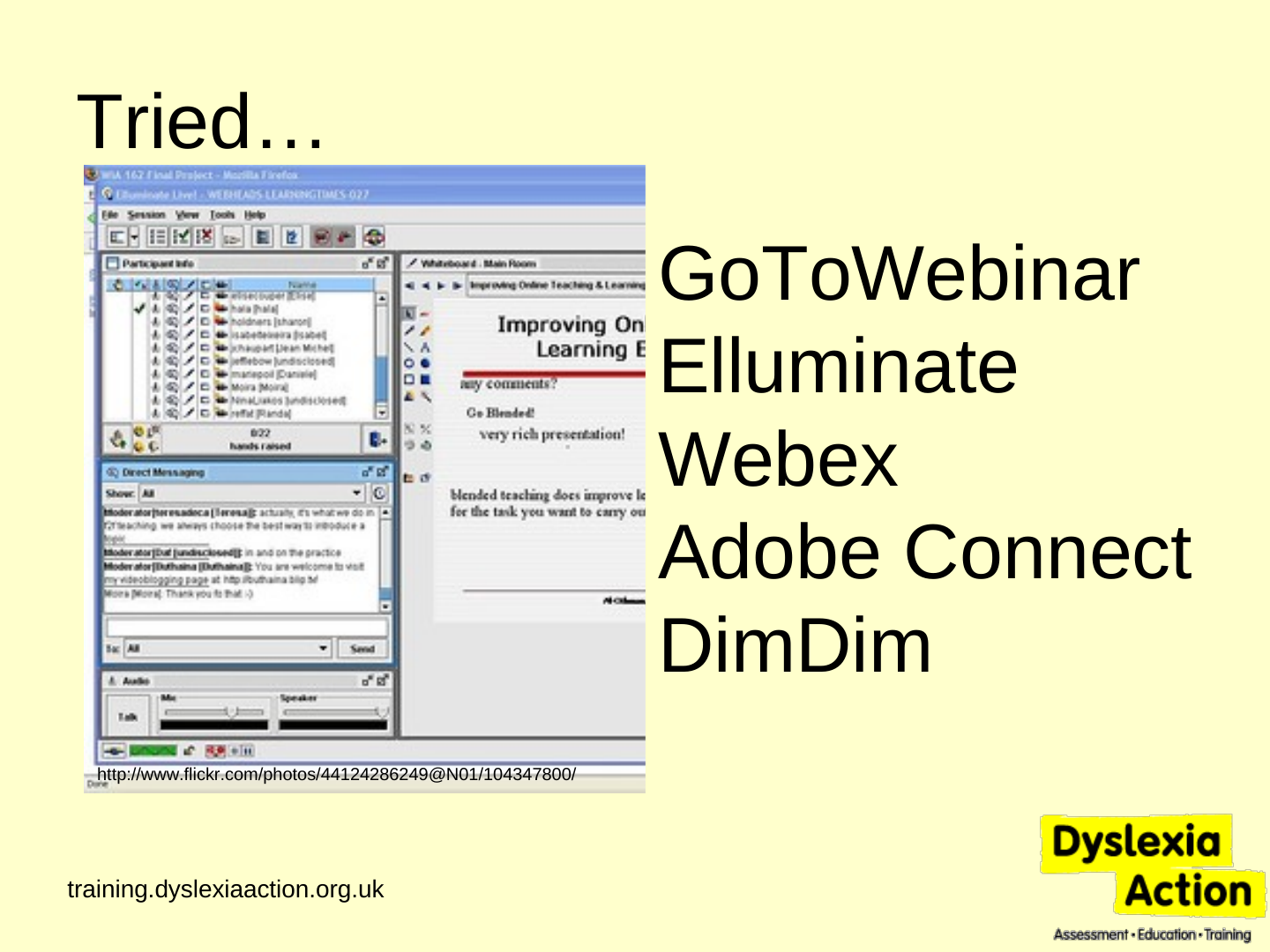
Tried…
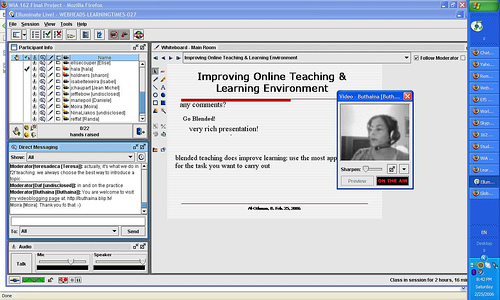
http://www.flickr.com/photos/44124286249@N01/104347800/
- GoToWebinar
- Elluminate
- Webex
- Adobe Connect
- DimDim
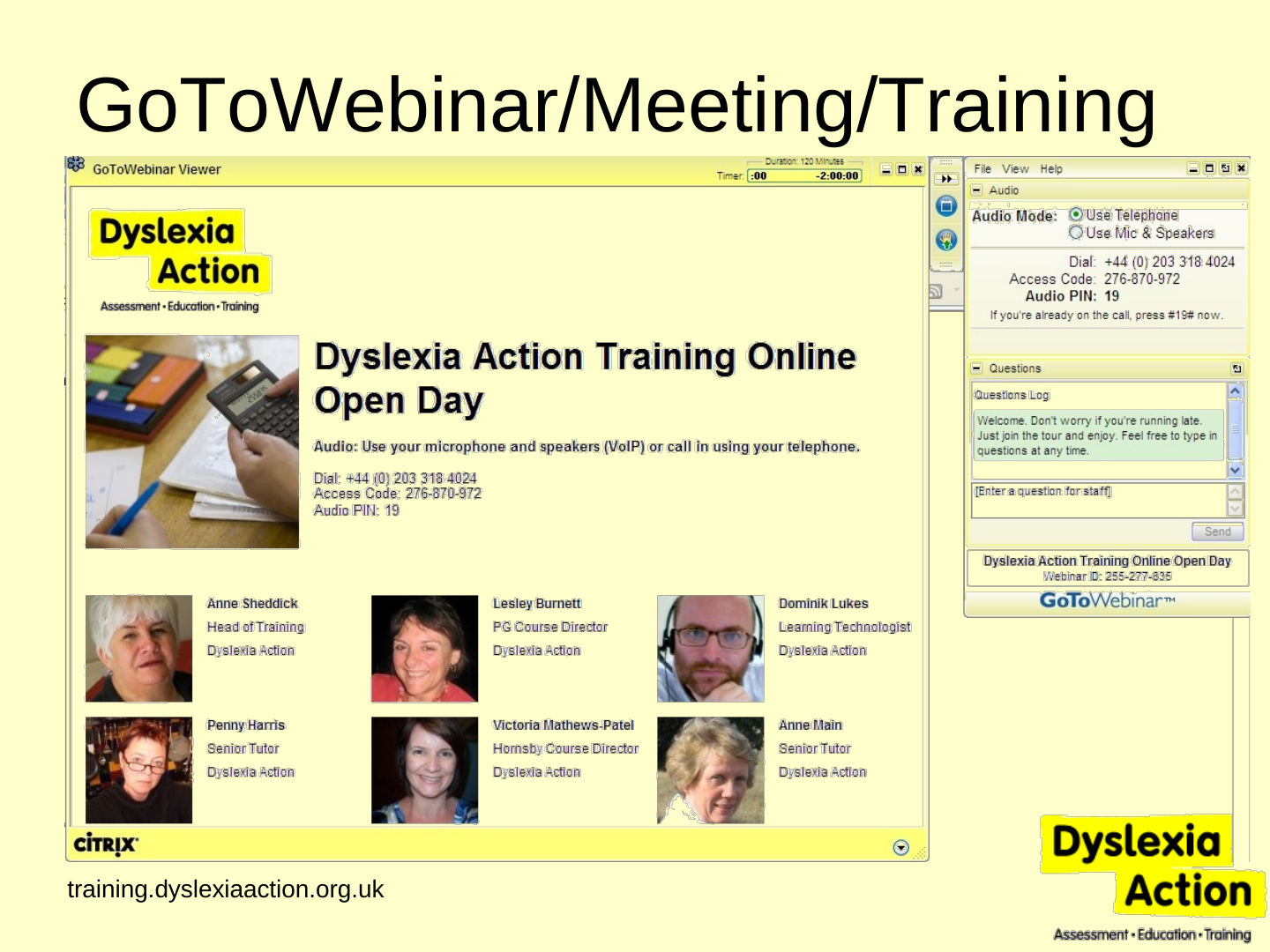
Slide 5: GoToWebinar/Meeting/Training
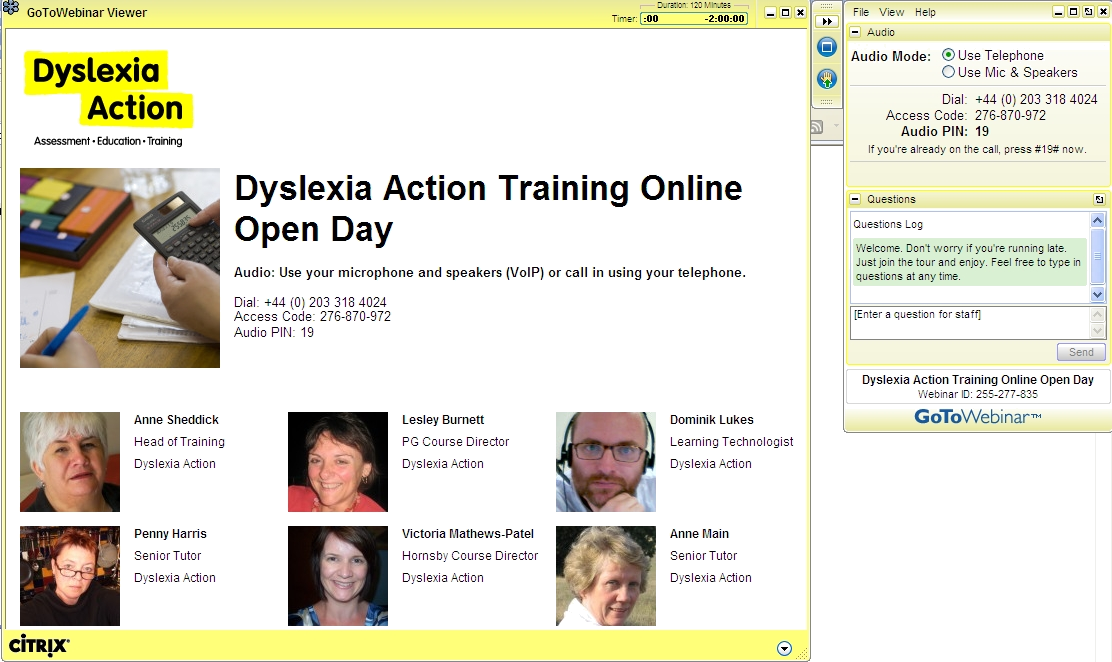
GoToWebinar/Meeting/Training
Slide 6: Why GoToWebinar?
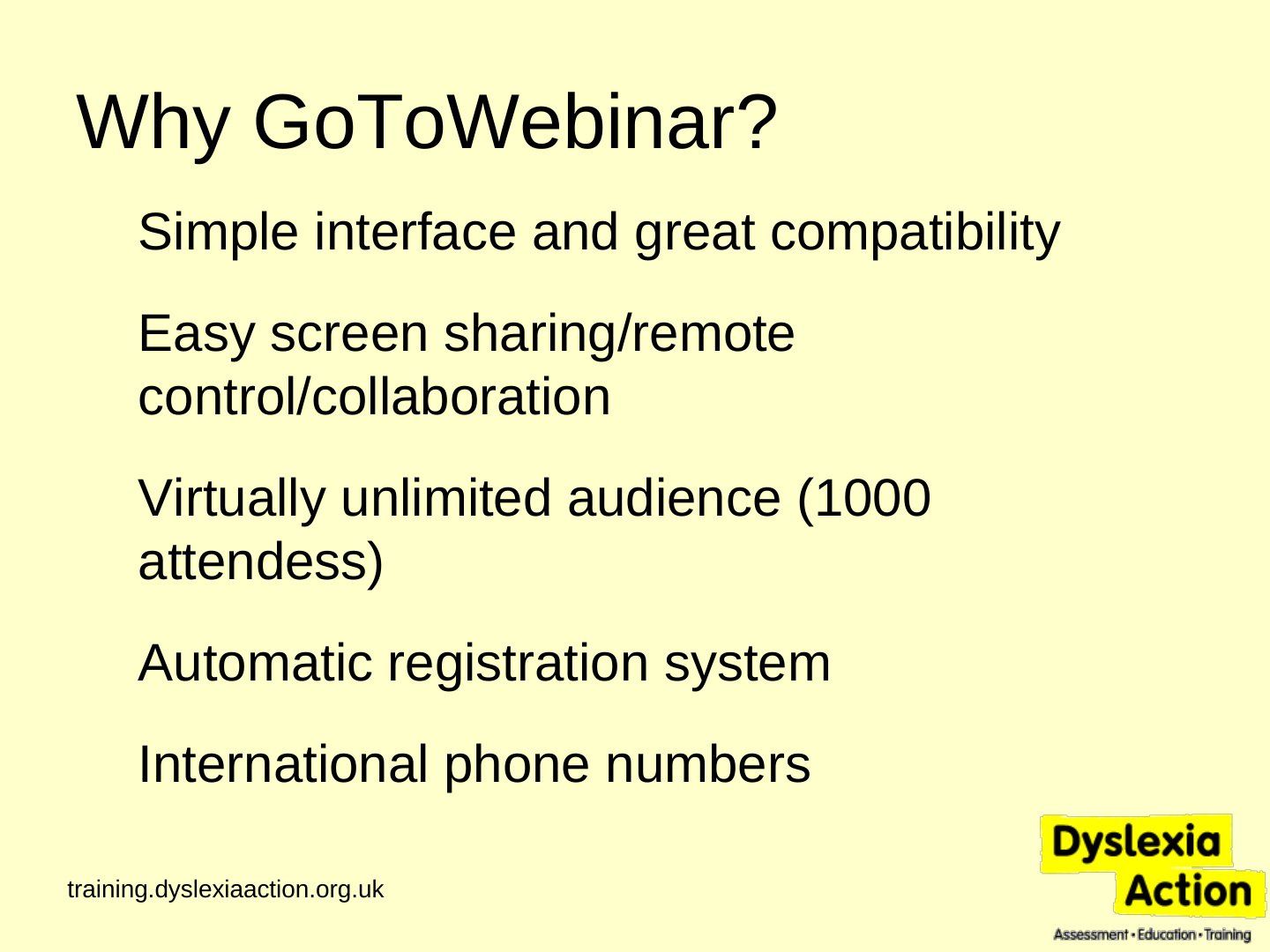
Why GoToWebinar?
- Simple interface and great compatibility
- Easy screen sharing/remote control/collaboration
- Virtually unlimited audience (1000 attendess)
- Automatic registration system
- International phone numbers
Slide 7: What’s missing in GoToWebinar?
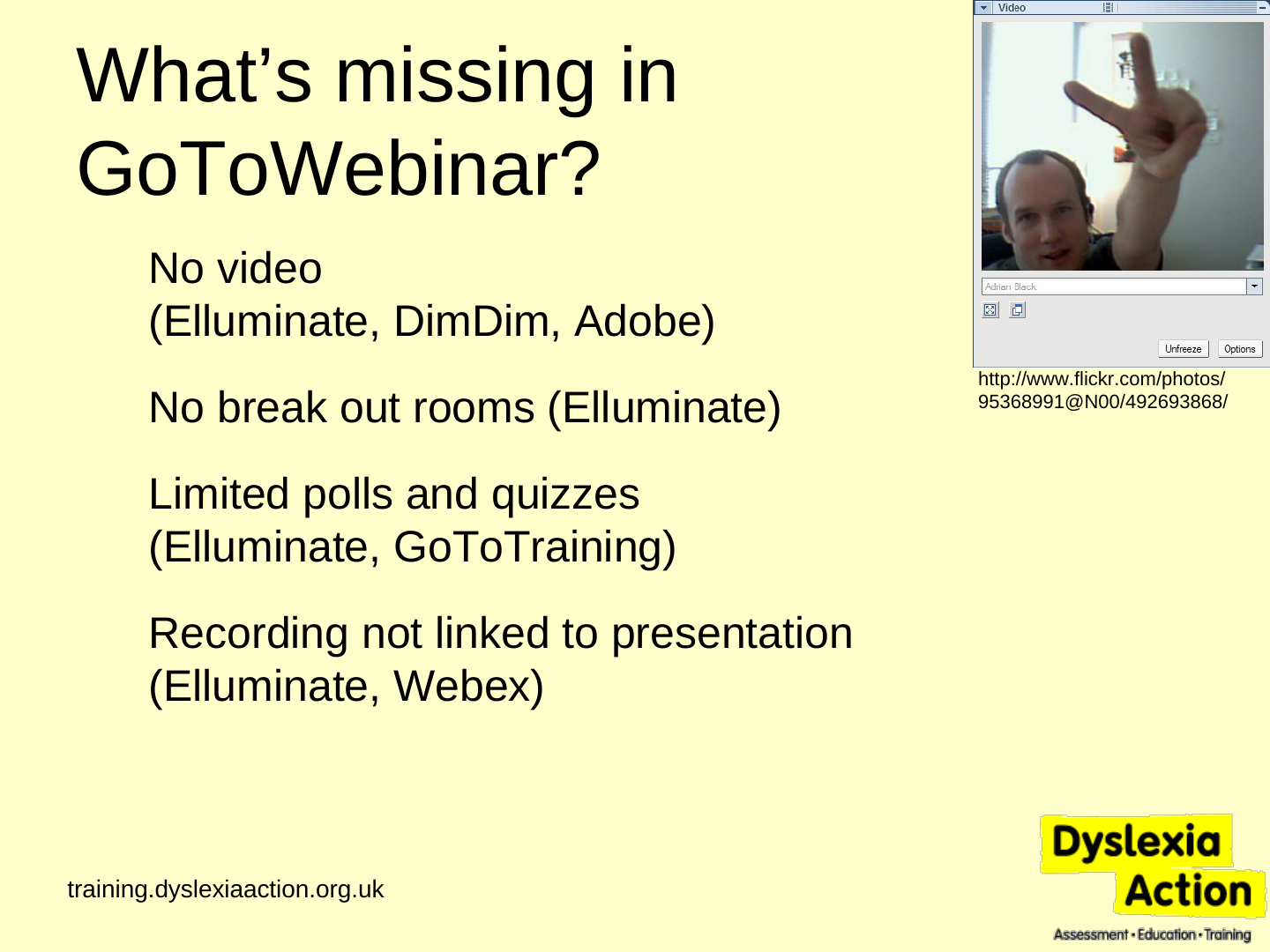
What’s missing in GoToWebinar?
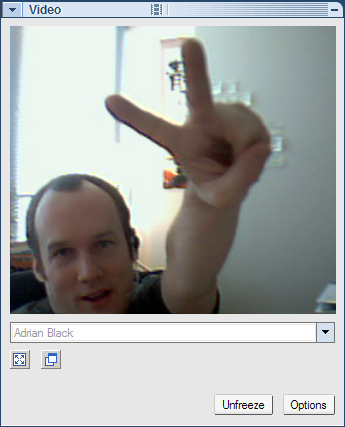
- No video (Elluminate, DimDim, Adobe)
- No break out rooms (Elluminate)
- Limited polls and quizzes (Elluminate, GoToTraining)
- Recording not linked to presentation (Elluminate, Webex)
Slide 8: What do we use this for?
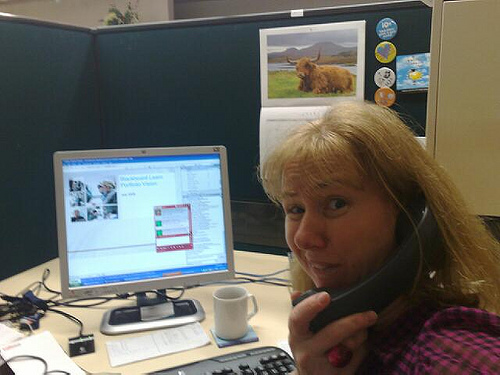
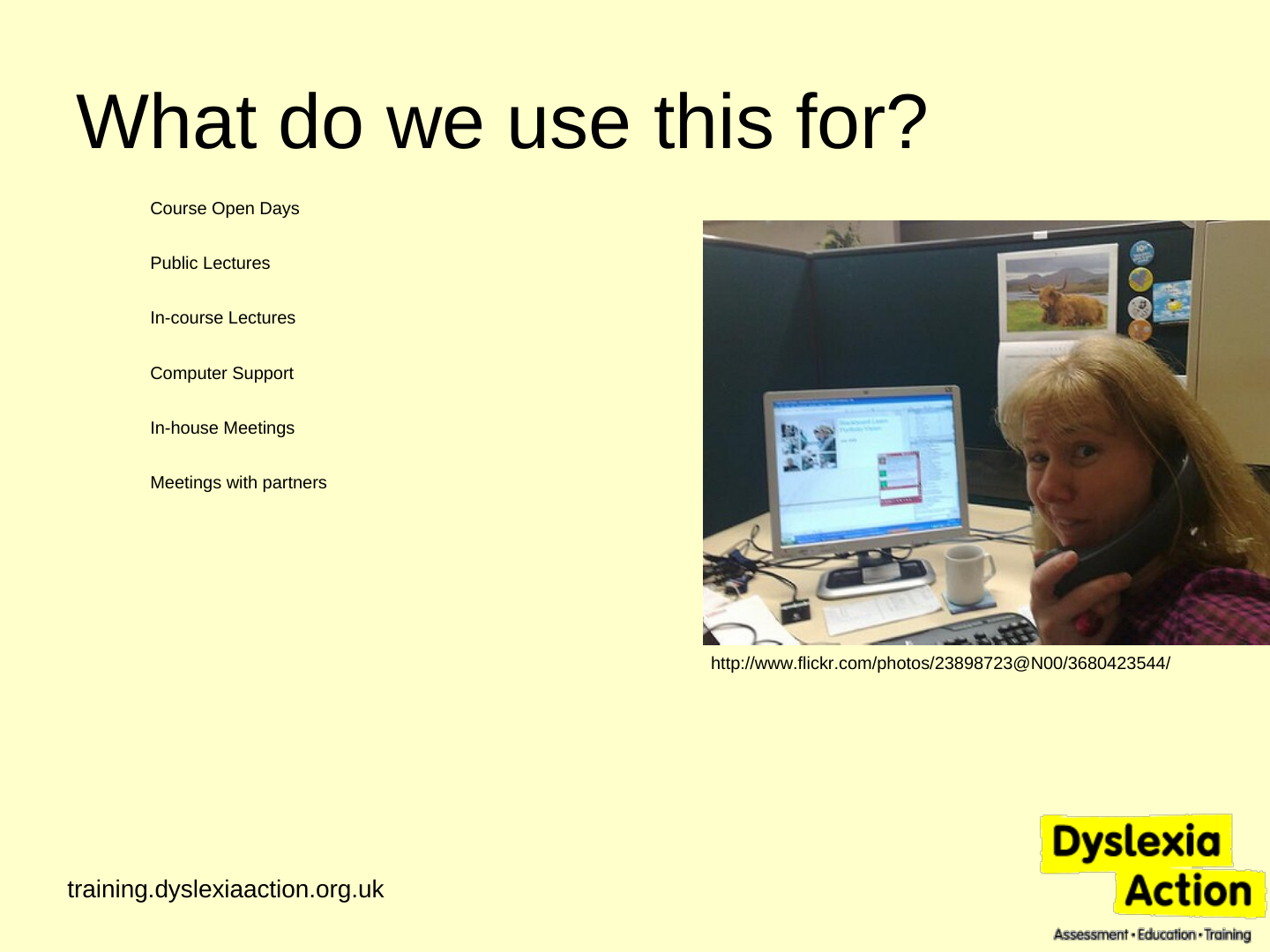
What do we use this for?
- Course Open Days
- Public Lectures
- In-course Lectures
- Computer Support
- In-house Meetings
- Meetings with partners
Slide 9: Lessons learned
Lessons learned
- It works
- It works just as well as in person meetings/lectures
- Test many times and have backup plan
- Explain interface
- Expect 30-50% attendance and 1% failure

Slide 10: Slide 10
“This is the first time I've participated in learning in this format- it's an amazing form of professional development. I've learned so much about Dyslexia - I've just finished full-time working in a small village school where training opportunities were limited by financial constraints and now that I am a supply teacher there will be even less opportunity to attend training courses. I think all LEAs should adopt this approach - thank you very much.”
— Webinar participant
Slide 11: Sharing recordings
Sharing recordings
- Drop.io
- Viddler.com, YouTube, etc.
- WebEx, Elluminate – special format for review
Slide 12: Where to try (attend)
Where to try (attend)
- GoToWebinar.com (Free 30-day trial, training webinars)
- LearnCentral.org (Free Elluminate non-profit webinars)
- DimDim.com (Free account for up to 20 attendees)
- Acrobat.com (Free web conference for up to 3 people)
Slide 13: Thank you! Join us for an online event…
Thank you! Join us for an online event…
training.dyslexiaaction.org.uk/webinars
…next: 22 Apr 2010, 7pm
Reading in Autism Spectrum Disorders