Supporting teachers to support students? A case of two guides on educational videos
- SlideShare title: Supporting Teachers to Support Students-Misaligned incentives, Media and Lear...
- Talk date: Not established
- SlideShare upload: 2022-06-03 (upload date, not the delivery date)
- Event: Not established
- Place: Not established
- Topics: Teaching & technology
- Language: en
- Slides in the original listing: 28
- Coverage: Full text of all 28 slides, each paired with its original slide image (slide N is section N).
- Original listing: https://www.slideshare.net/slideshow/supporting-teachers-to-support-studentsmisaligned-incentives-media-and-learning-2022/251913038
- Cover image: https://slides.dominiklukes.net/readers/supporting-teachers-to-support-studentsmisaligned-incentives-media-and-learning-2022/pages/page-01.png
- Reader data (JSON): https://slides.dominiklukes.net/readers/supporting-teachers-to-support-studentsmisaligned-incentives-media-and-learning-2022/presentation.json
- TalkWeaver package (outline and images, ZIP): https://slides.dominiklukes.net/supporting-teachers-to-support-studentsmisaligned-incentives-media-and-learning-2022/supporting-teachers-to-support-studentsmisaligned-incentives-media-and-learning-2022-talkweaver.zip
- TalkWeaver outline: https://slides.dominiklukes.net/supporting-teachers-to-support-studentsmisaligned-incentives-media-and-learning-2022/talkweaver/supporting-teachers-to-support-studentsmisaligned-incentives-media-and-learning-2022-outline.md
- Markdown copy: https://slides.dominiklukes.net/supporting-teachers-to-support-studentsmisaligned-incentives-media-and-learning-2022/index.md

Slide 1: Supporting teachers to support students? A case of two guides on educational videos
Supporting teachers to support students? A case of two guides on educational videos
[email protected] @techczech

Slide 2: Is it better to teach teachers how to teach, or students how to learn?
Is it better to teach teachers how to teach, or students how to learn?
Slide 3: Do students worry about the same things as lecturers?
Do students worry about the same things as lecturers?
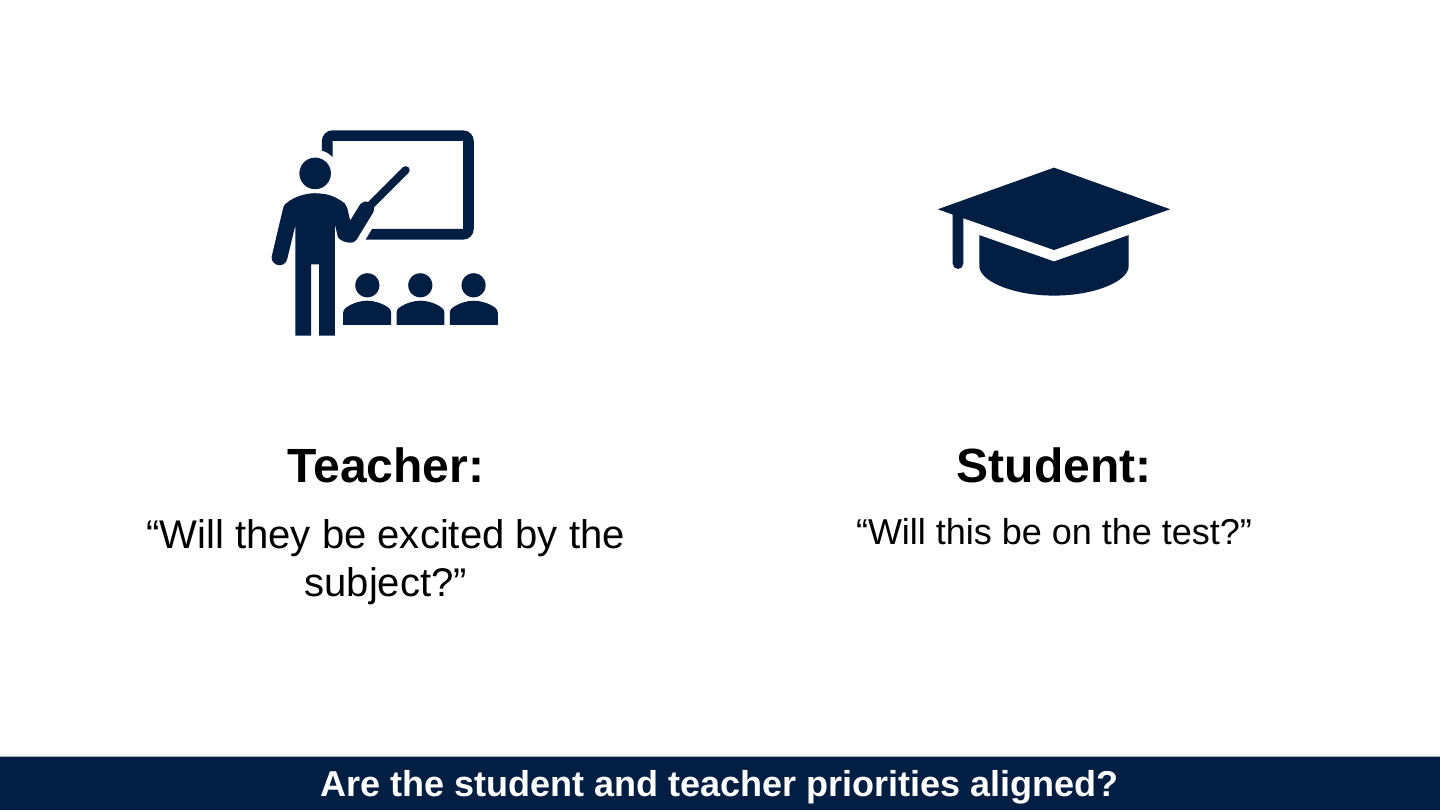
Slide 4: Are the student and teacher priorities aligned?
Are the student and teacher priorities aligned?
Teacher: “Will they be excited by the subject?”
Student: “Will this be on the test?”
Slide 5: Are the student and teacher priorities aligned?
Are the student and teacher priorities aligned?
Teacher: “How do I make my videos more engaging?”
Student: “How do I find the bit where the lecturer talks about what's on the test?”
Slide 6: The misalignment is the same when teachers are learning
The misalignment is the same when teachers are learning
Teacher trainer: “How do I convince teachers to incorporate 12 multimedia principles?”
Teacher: “How do I get this done quickly?”
Slide 7: Story of two guides
Story of two guides

Slide 8: Guide 1: For teachers
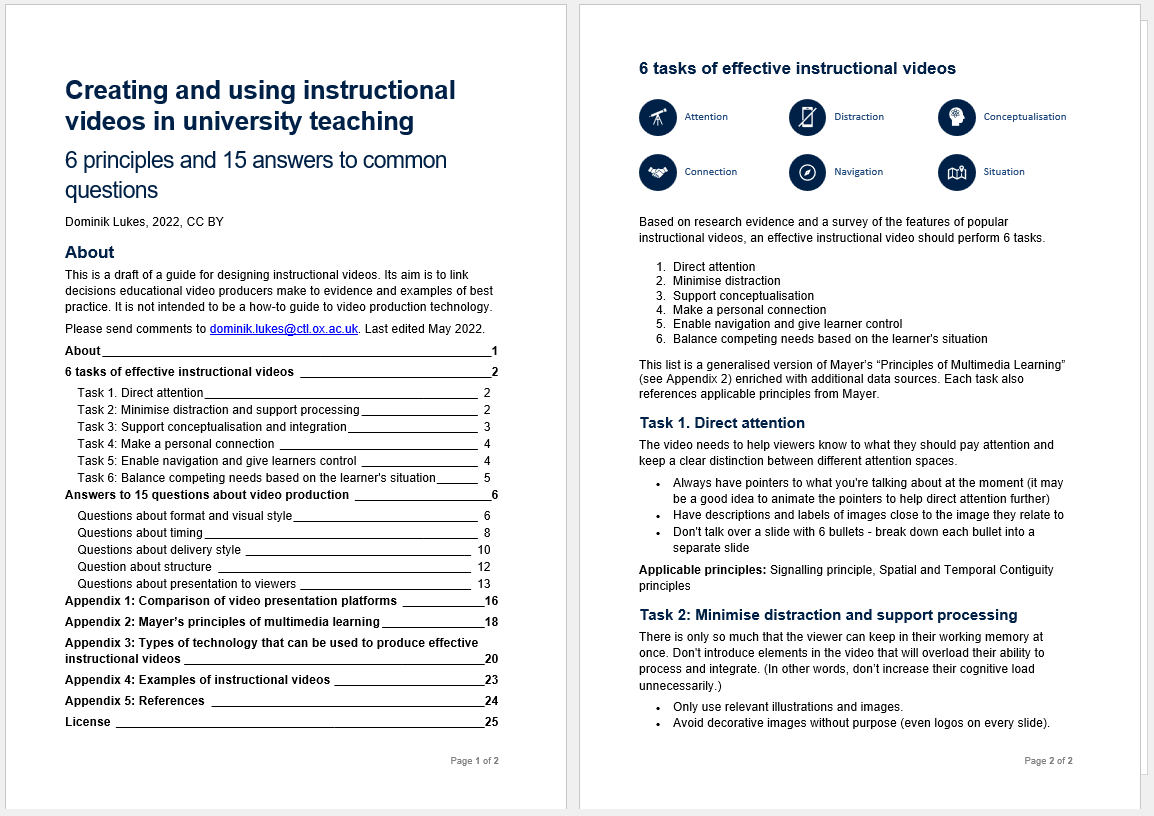
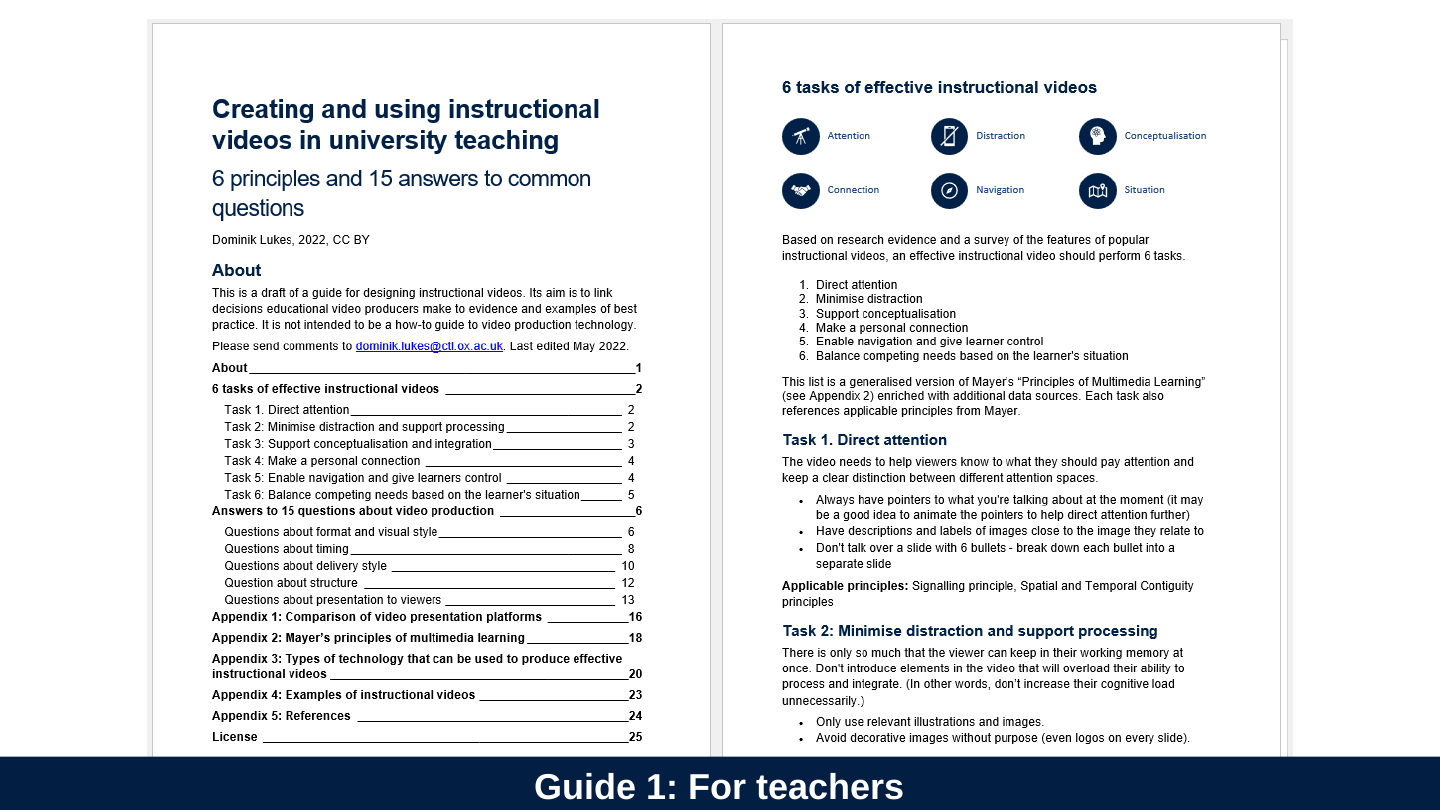
Guide 1: For teachers
Slide 9: 6 Tasks of Instructional Video
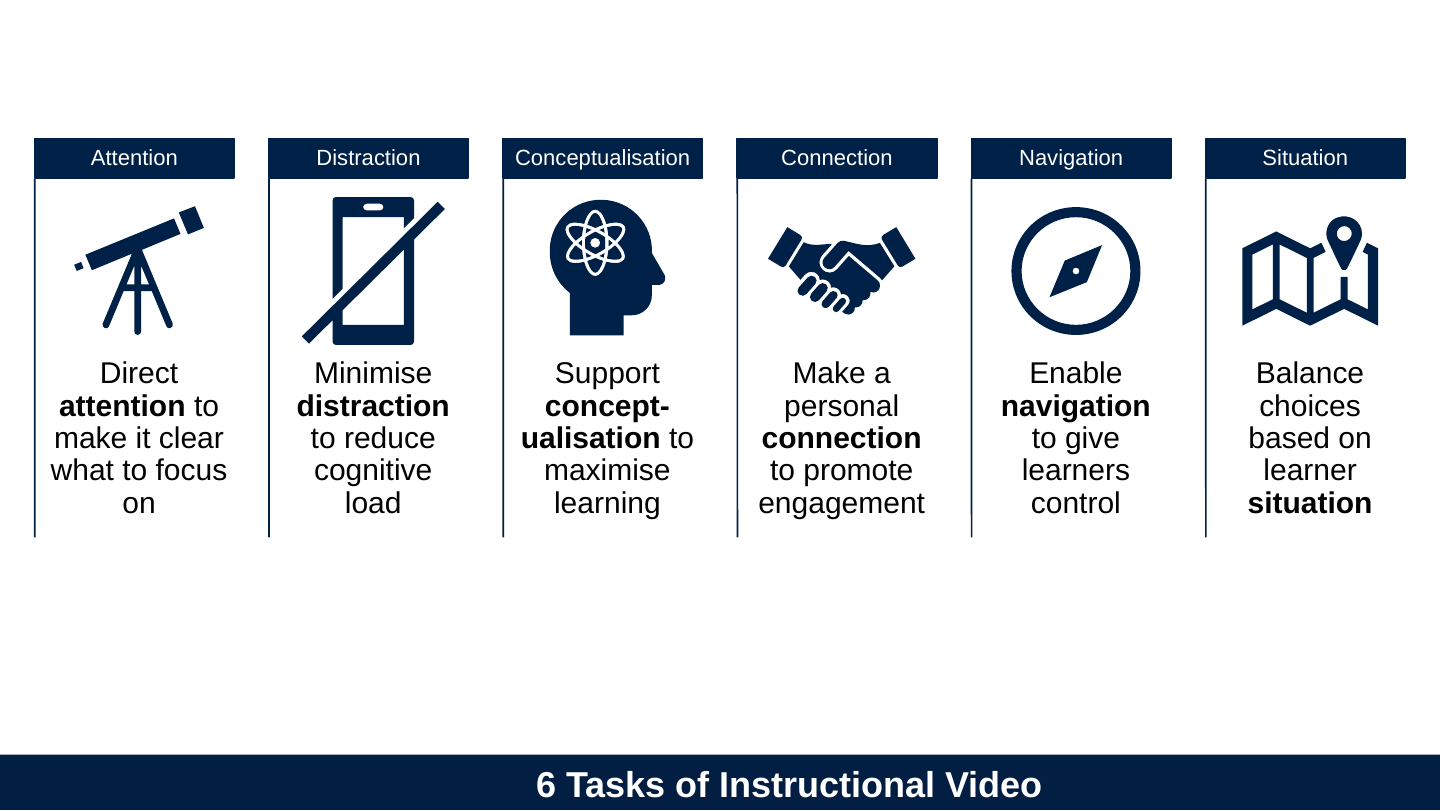
6 Tasks of Instructional Video
- Attention
- Direct attention to make it clear what to focus on
- Distraction
- Minimise distraction to reduce cognitive load
- Conceptualisation
- Support conceptualisation to maximise learning
- Connection
- Make a personal connection to promote engagement
- Navigation
- Enable navigation to give learners control
- Situation
- Balance choices based on learner situation
Slide 10: 12 Questions
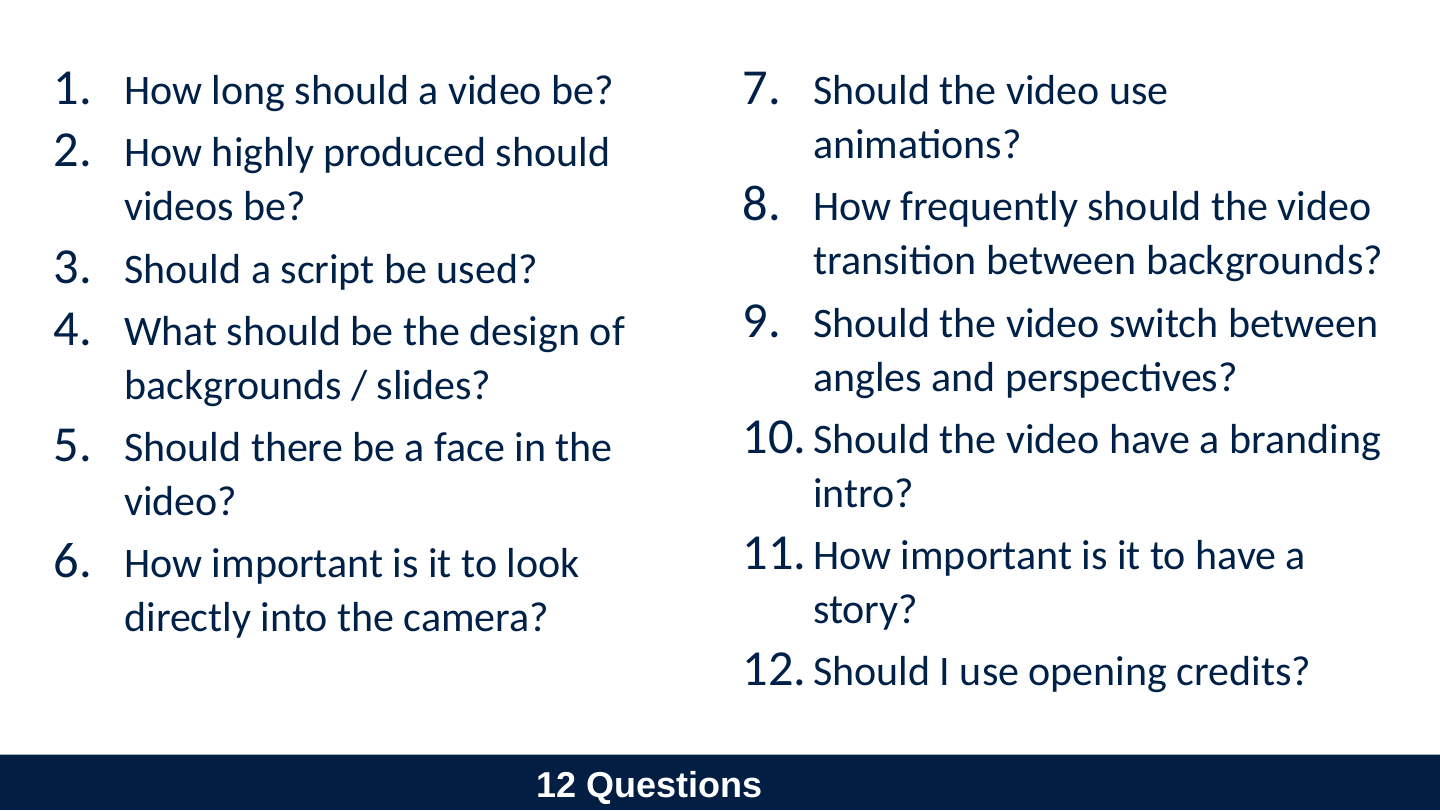
12 Questions
- How long should a video be?
- How highly produced should videos be?
- Should a script be used?
- What should be the design of backgrounds / slides?
- Should there be a face in the video?
- How important is it to look directly into the camera?
- Should the video use animations?
- How frequently should the video transition between backgrounds?
- Should the video switch between angles and perspectives?
- Should the video have a branding intro?
- How important is it to have a story?
- Should I use opening credits?
Slide 11: Guide 2: Students
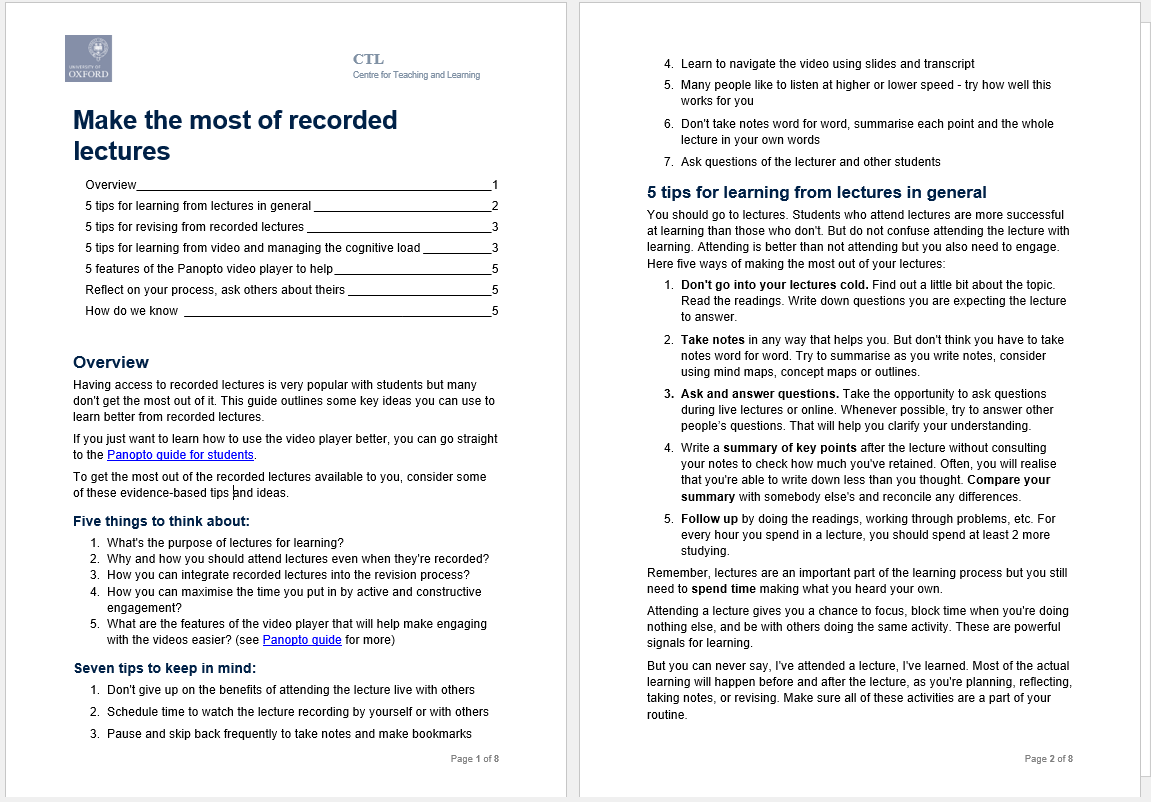
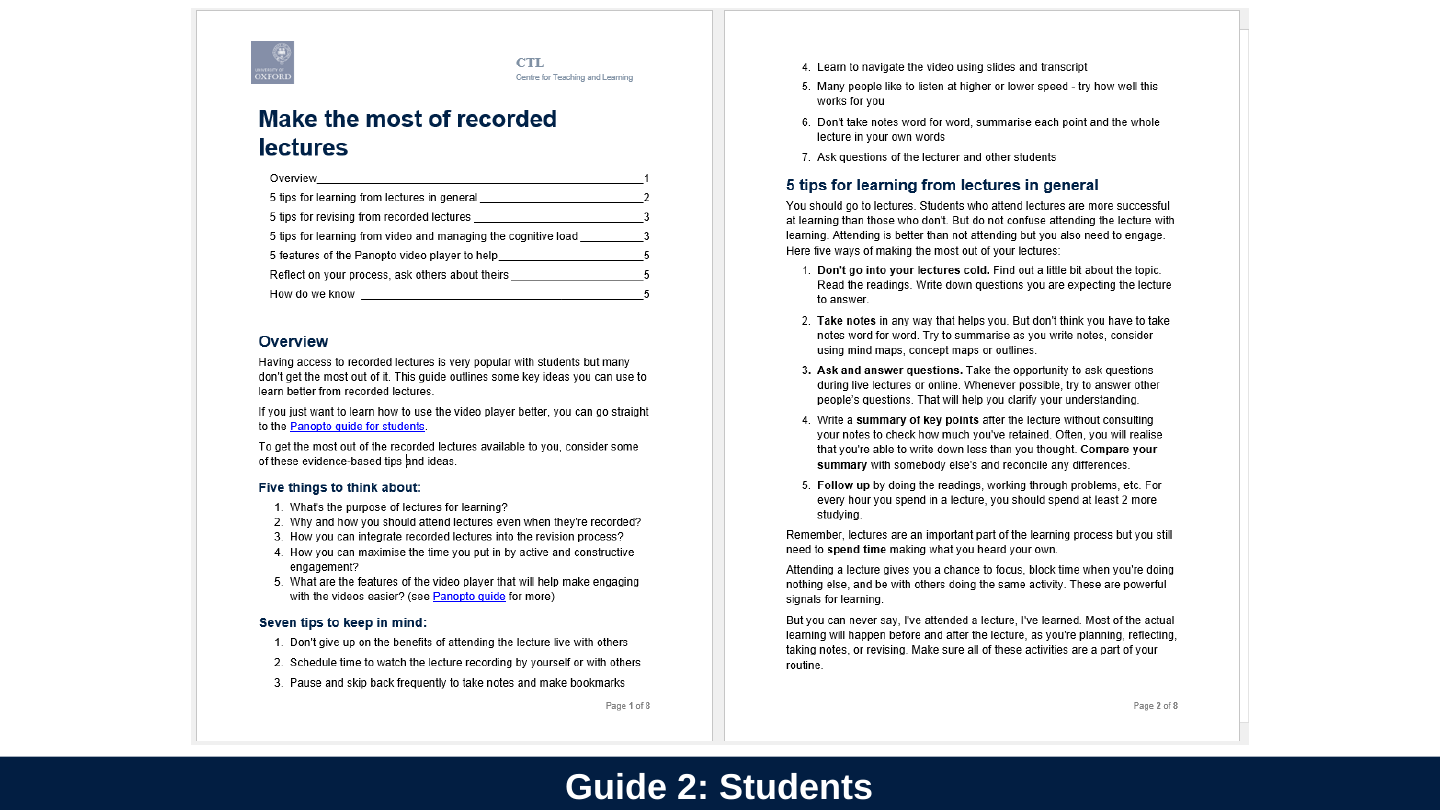
Guide 2: Students
Slide 12: 7 tips for students
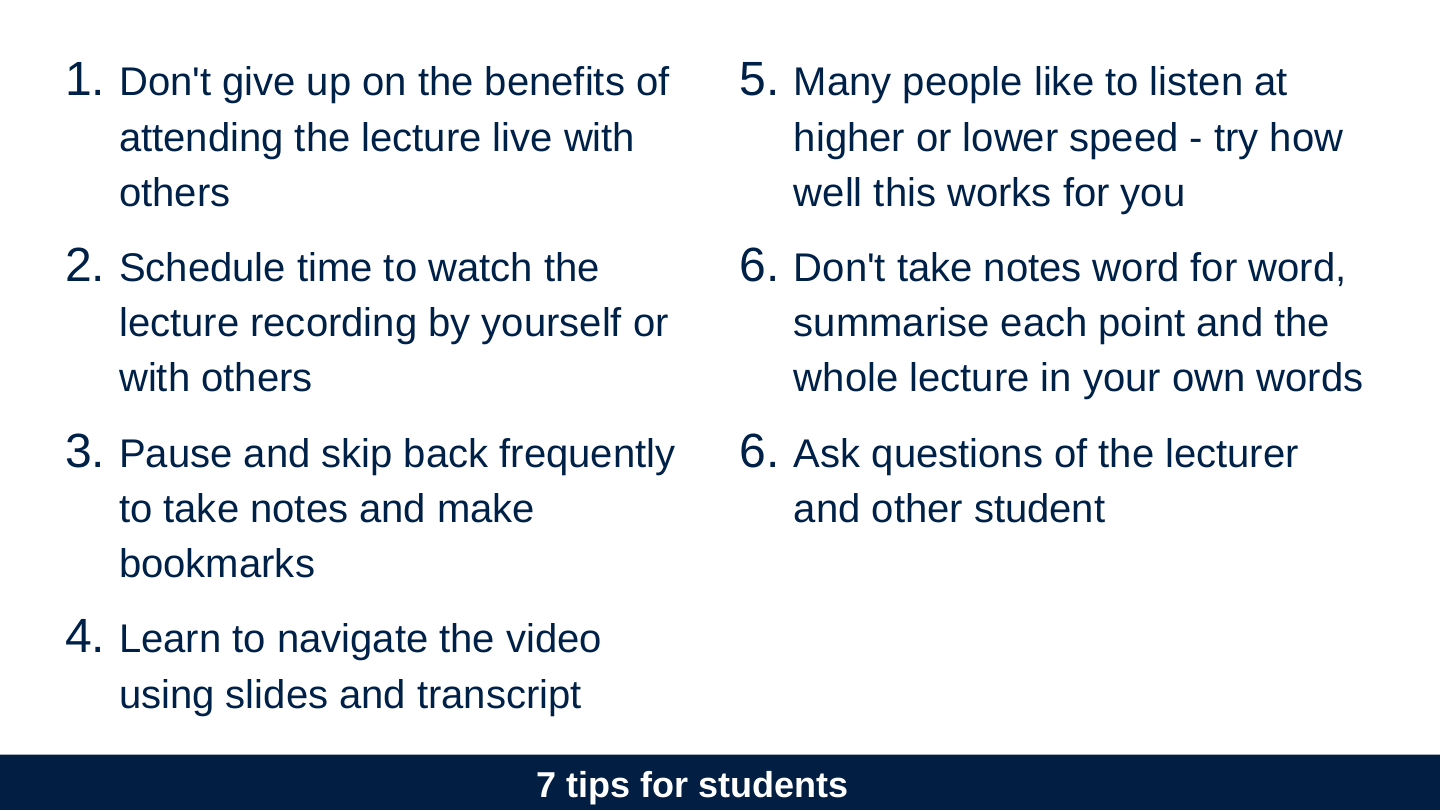
7 tips for students
- Don't give up on the benefits of attending the lecture live with others
- Schedule time to watch the lecture recording by yourself or with others
- Pause and skip back frequently to take notes and make bookmarks
- Learn to navigate the video using slides and transcript
- Many people like to listen at higher or lower speed - try how well this works for you
- Don't take notes word for word, summarise each point and the whole lecture in your own words
- Ask questions of the lecturer and other student
Slide 13: A student armed with good strategies and tools can learn from bad video.
A student armed with good strategies and tools can learn from bad video.
Slide 14: …or more generally…
…or more generally…
Slide 15: A good student can learn more from a bad teacher than a good teacher can teach a bad student.
A good student can learn more from a bad teacher than a good teacher can teach a bad student.
Slide 16: Why are there no questions for teachers about how students watch videos?
Why are there no questions for teachers about how students watch videos?
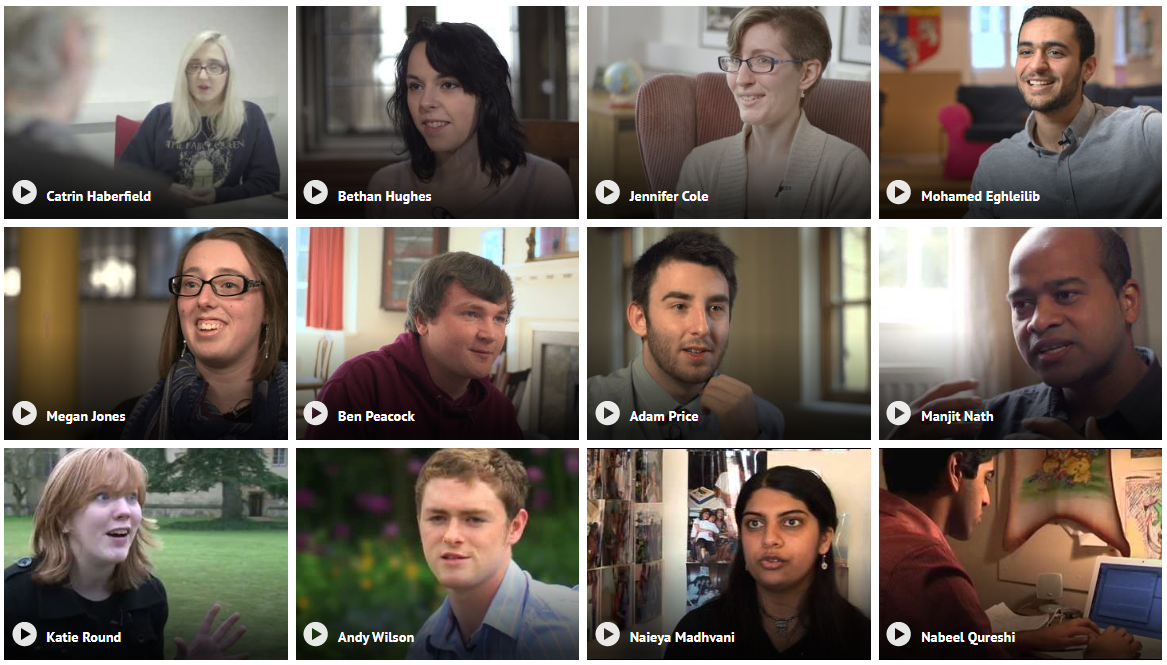
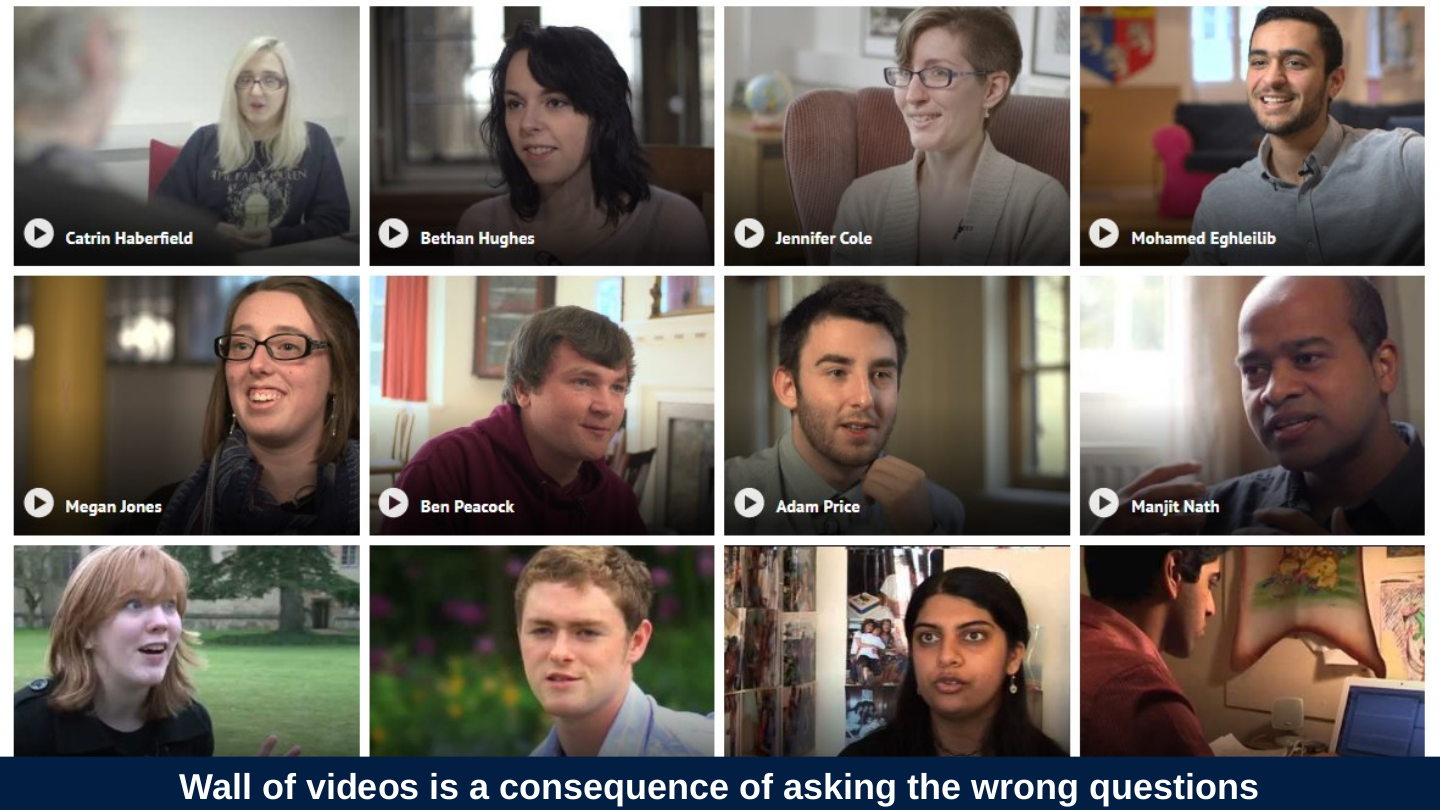
Slide 17: Wall of videos is a consequence of asking the wrong questions
Wall of videos is a consequence of asking the wrong questions
Slide 18: Focusing on the student perspective a recent course redesign
Focusing on the student perspective a recent course redesign
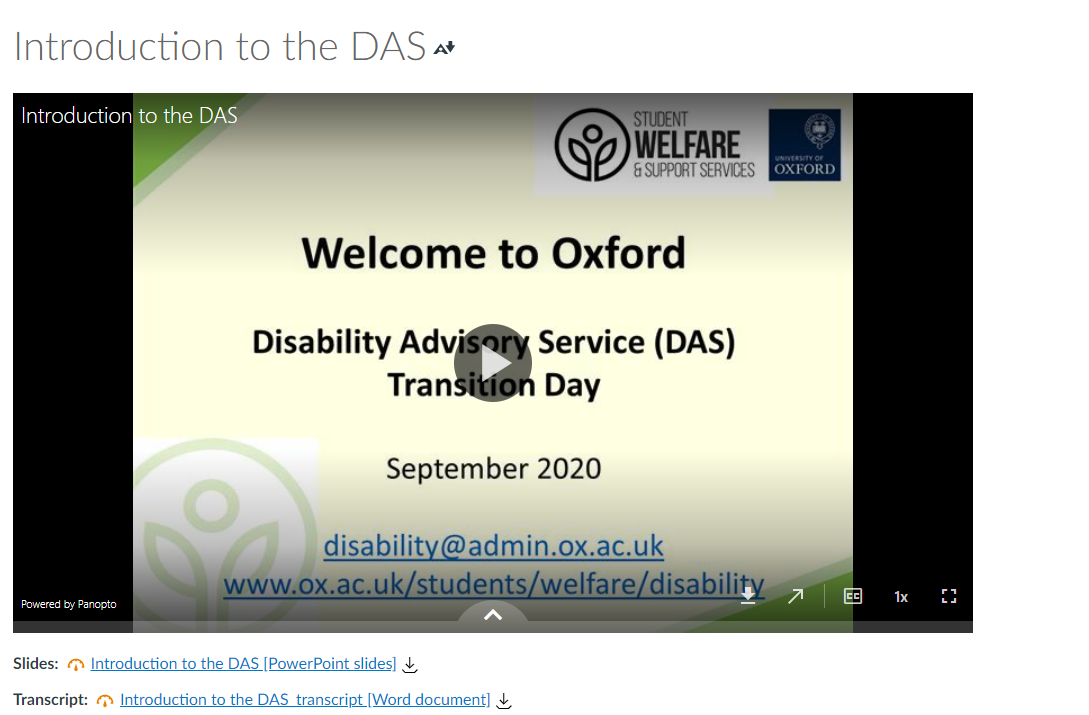
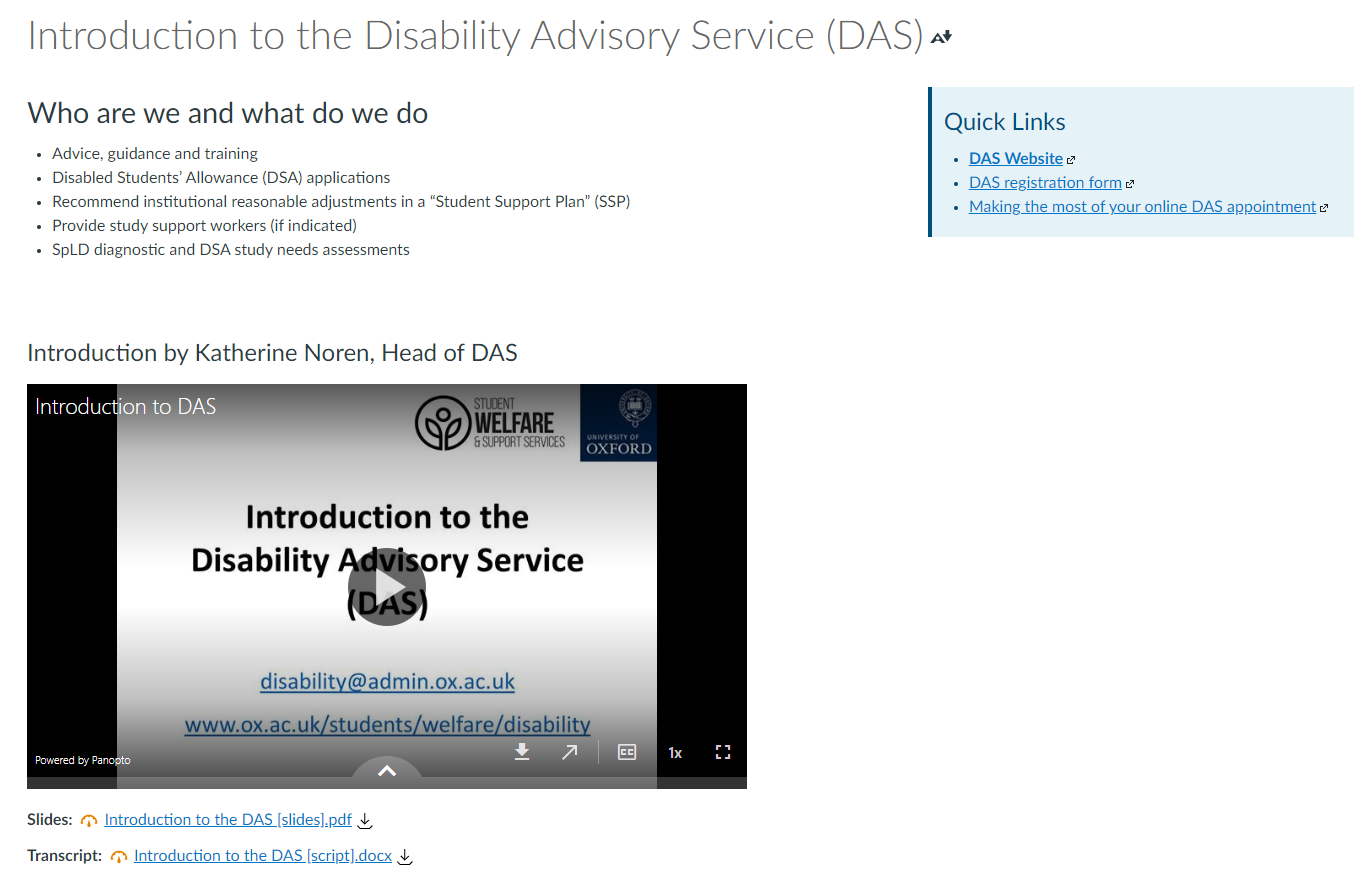
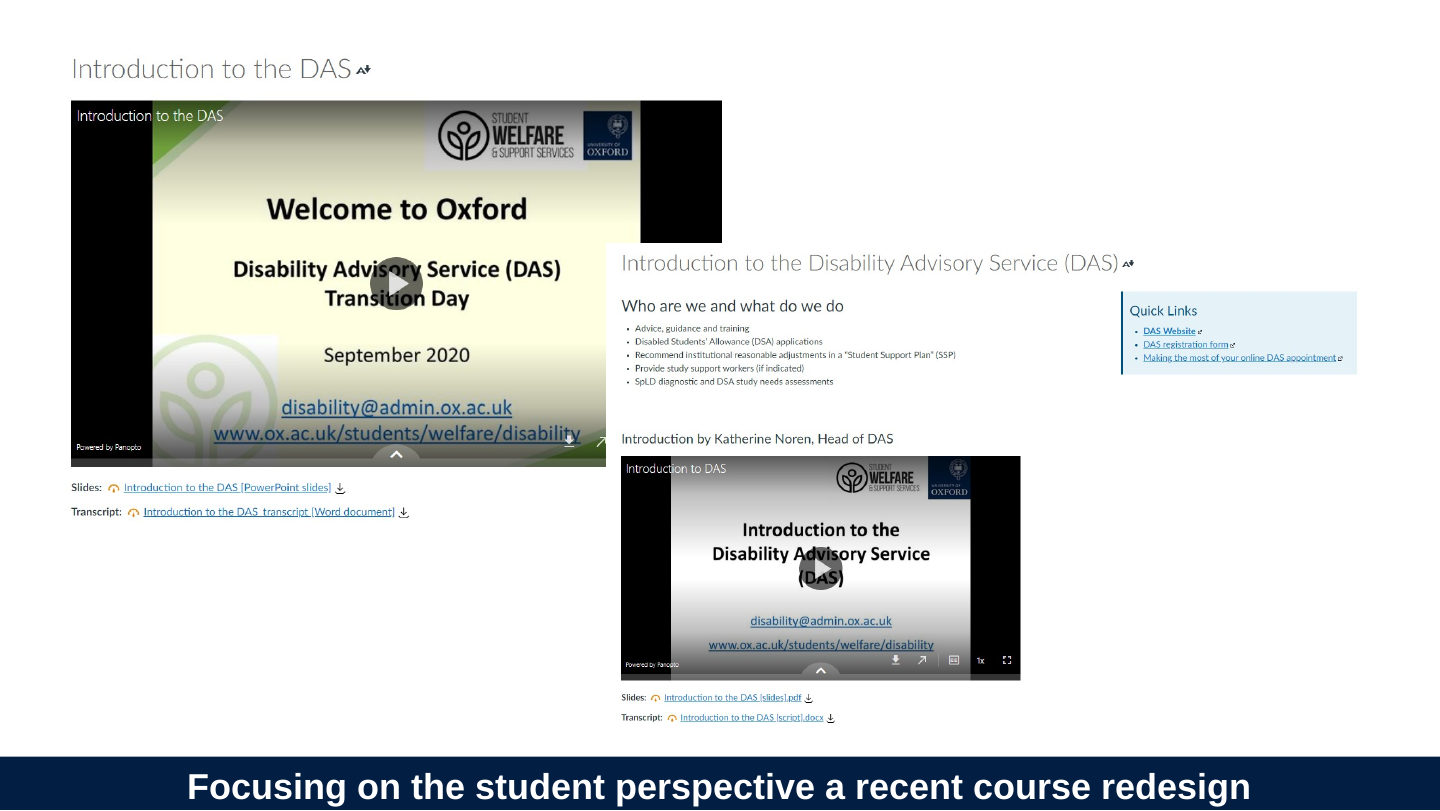
Slide 19: The students’ priority is to learn, not to watch the video! Help them make better decisions about which parts help them!
The students’ priority is to learn, not to watch the video! Help them make better decisions about which parts help them!
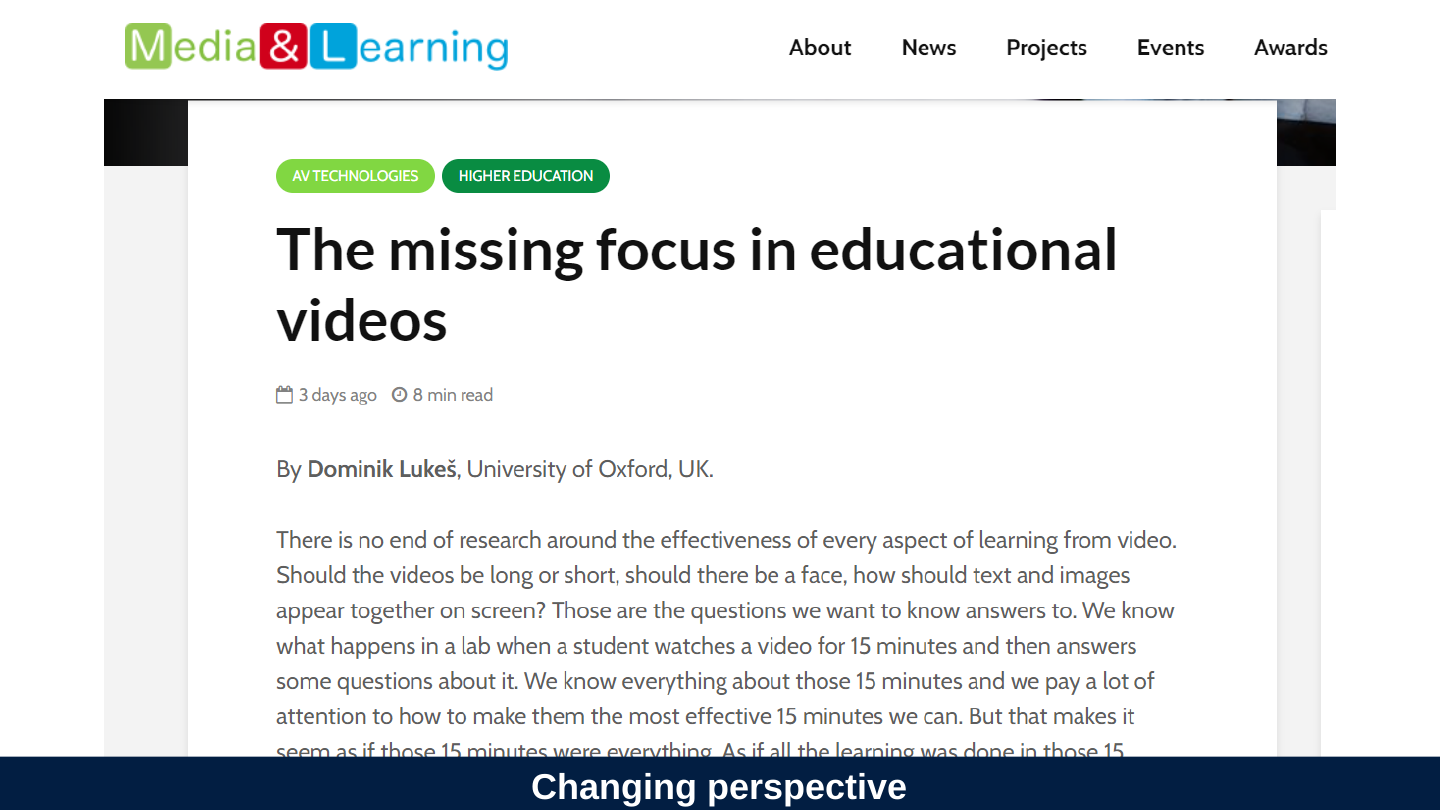
Slide 20: Changing perspective
Changing perspective
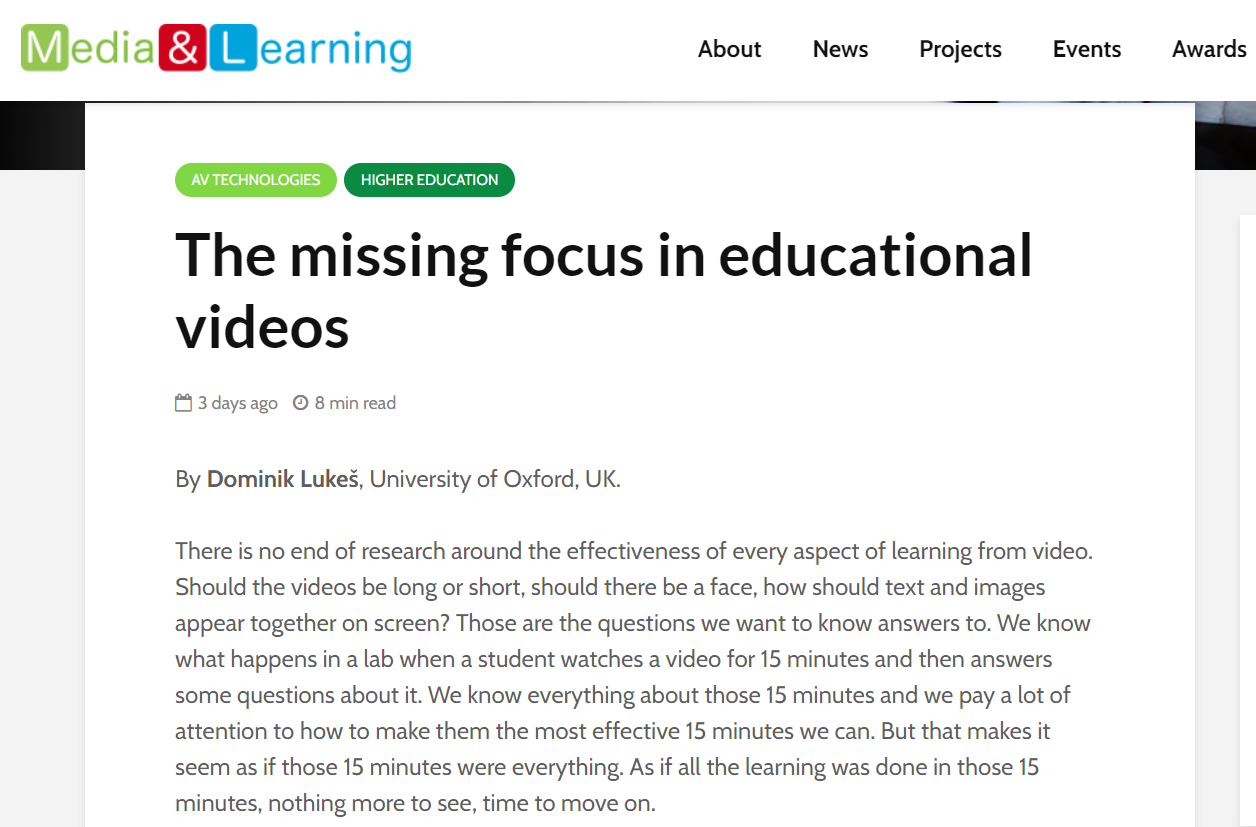
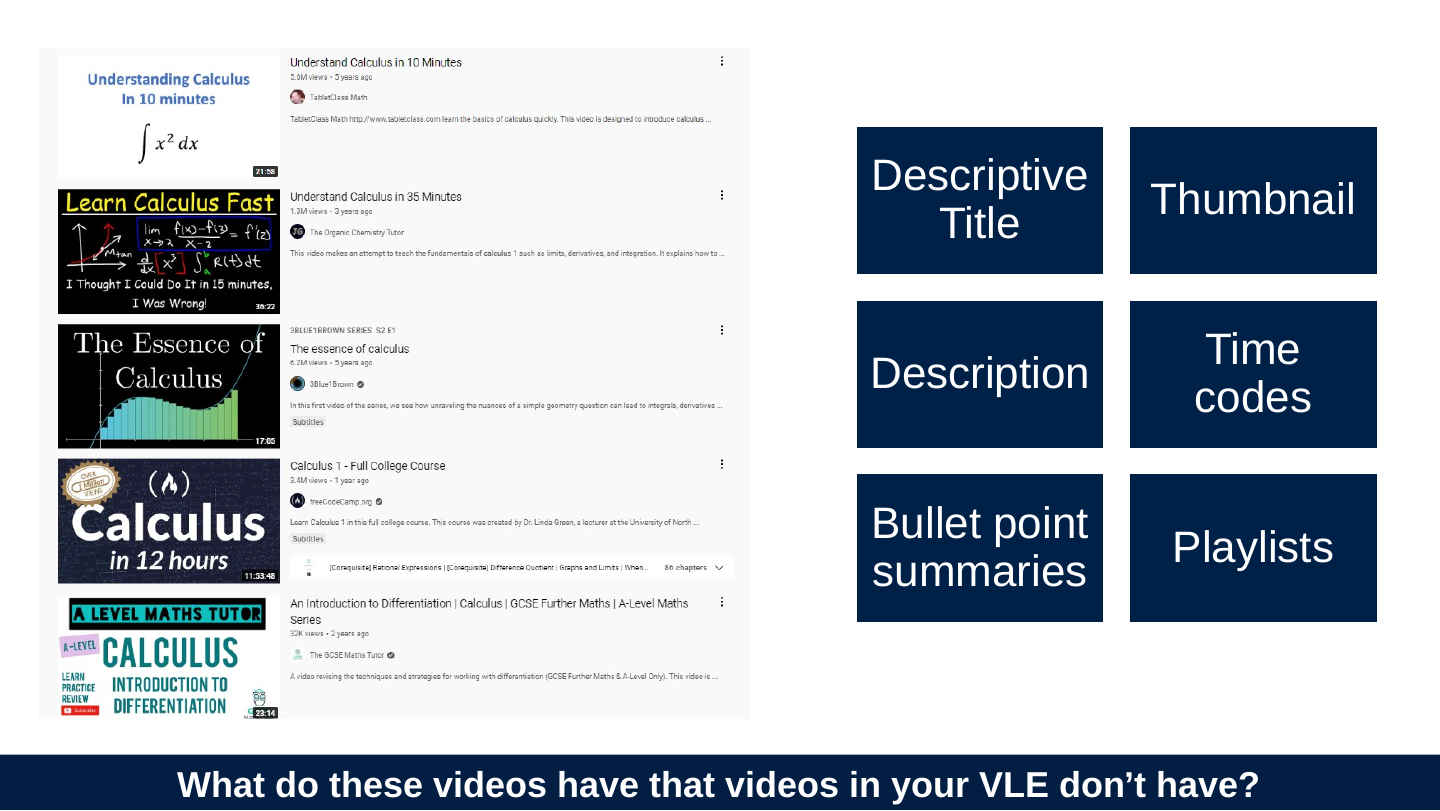
Slide 21: What do these videos have that videos in your VLE don’t have?
What do these videos have that videos in your VLE don’t have?

- Descriptive Title
- Thumbnail
- Description
- Time codes
- Bullet point summaries
- Playlists
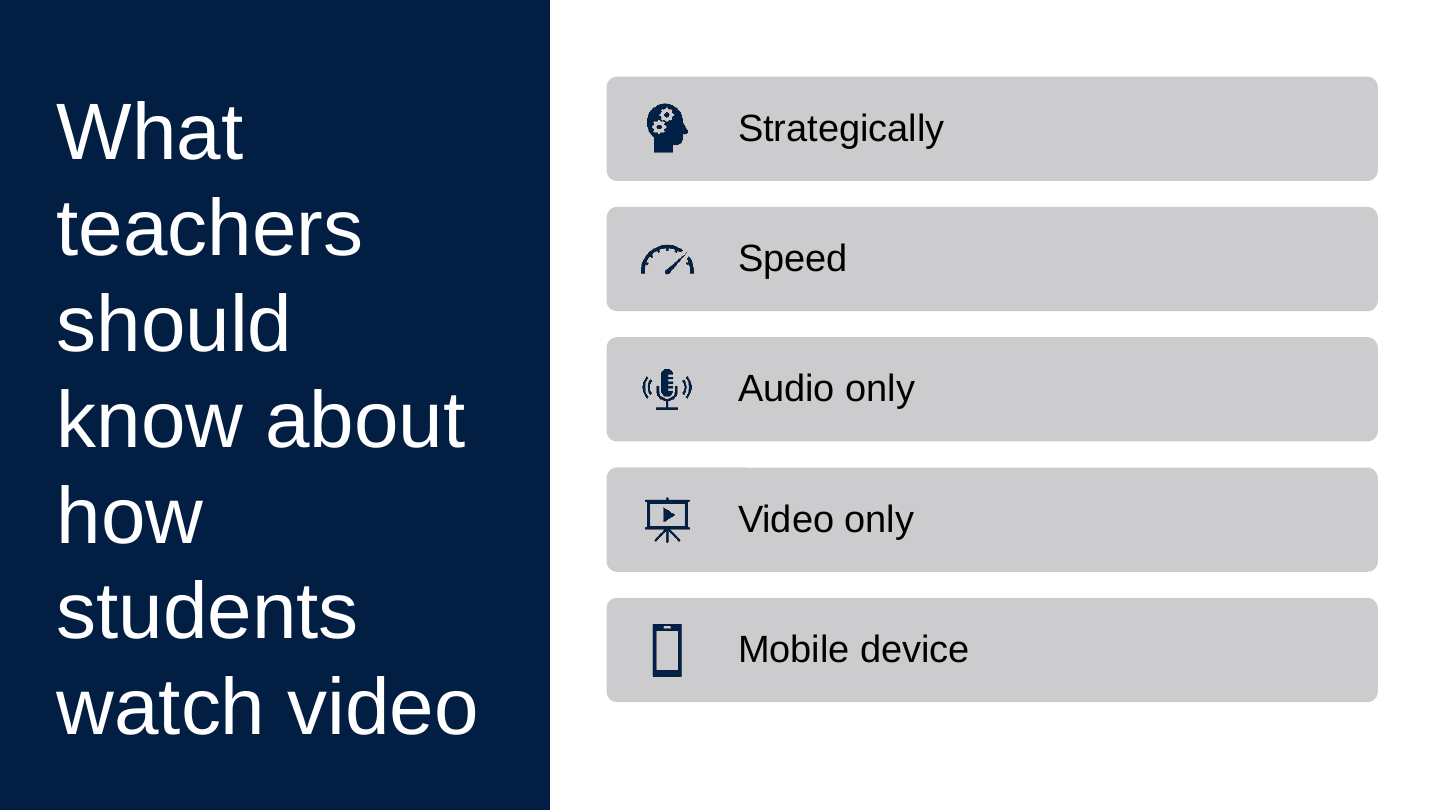
Slide 22: What teachers should know about how students watch video
What teachers should know about how students watch video
- Strategically
- Speed
- Audio only
- Video only
- Mobile device
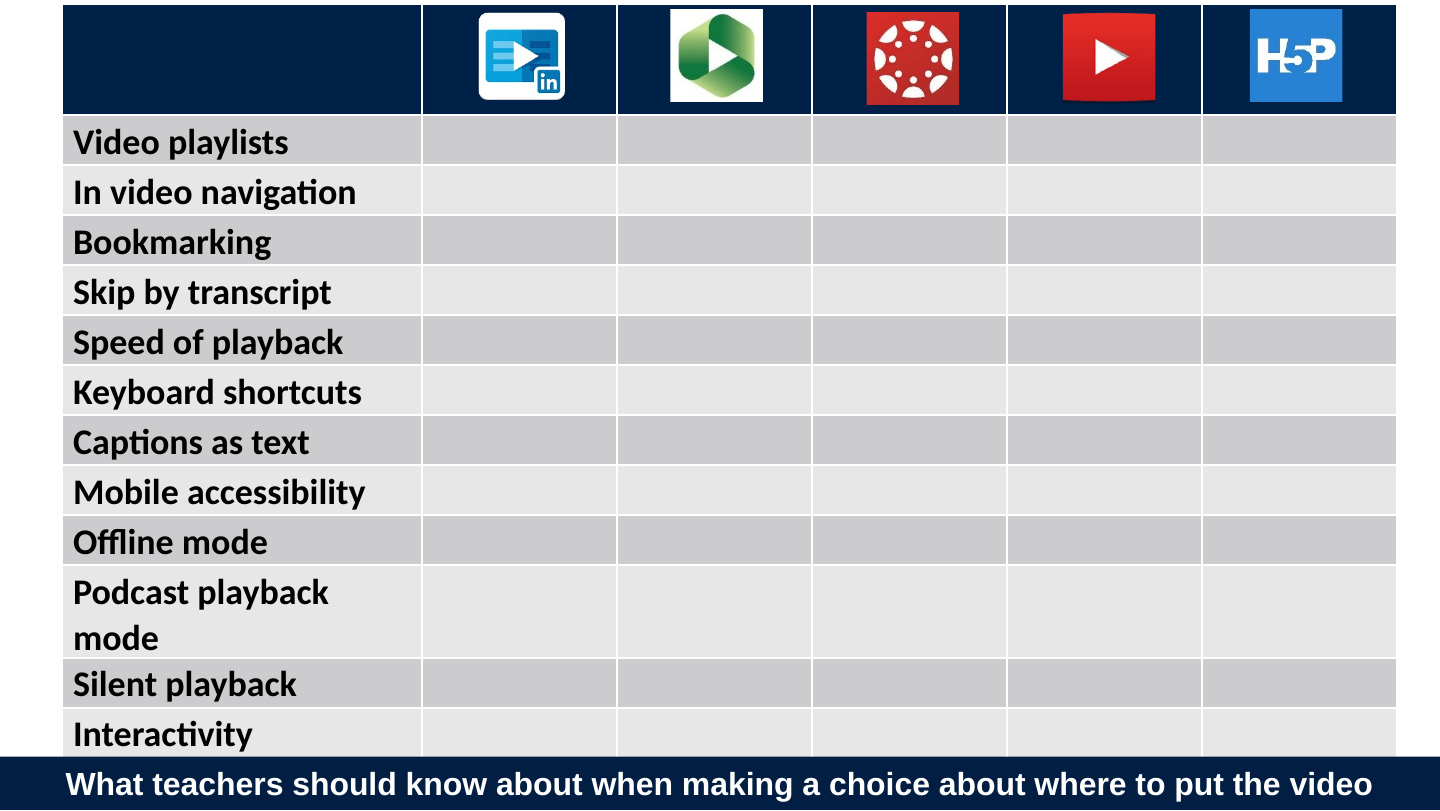
Slide 23: What teachers should know about when making a choice about where to put the video
What teachers should know about when making a choice about where to put the video
| Video logo with a LinkedIn “in” badge | Green play-button logo | Red circle-of-dots logo | Red play-button logo | H5P logo | |
|---|---|---|---|---|---|
| Video playlists | ⭐⭐⭐⭐⭐ | ⭐⭐⭐⭐⭐ | 👎 | ⭐⭐⭐⭐⭐ | ⭐⭐⭐⭐⭐ |
| In video navigation | ⭐⭐⭐⭐⭐ | ⭐⭐⭐⭐⭐ | 👎 | ⭐⭐⭐ | ⭐⭐⭐⭐⭐ |
| Bookmarking | ⭐⭐⭐⭐⭐ | ⭐⭐⭐⭐ | 👎 | ⭐⭐ | ⭐⭐⭐ |
| Skip by transcript | ⭐⭐⭐⭐⭐ | ⭐⭐⭐⭐⭐ | 👎 | ⭐⭐⭐⭐⭐ | 👎 |
| Speed of playback | ⭐⭐⭐⭐⭐ | ⭐⭐⭐⭐⭐ | 👎 | ⭐⭐⭐⭐⭐ | ⭐⭐⭐⭐⭐ |
| Keyboard shortcuts | ⭐⭐⭐⭐⭐ | ⭐⭐⭐⭐ | 👎 | ⭐⭐⭐⭐⭐ | ⭐⭐⭐ |
| Captions as text | ⭐⭐⭐⭐⭐ | ⭐⭐⭐⭐⭐ | 👎 | ⭐⭐⭐ | ⭐⭐⭐ |
| Mobile accessibility | ⭐⭐⭐⭐⭐ | ⭐⭐ | ⭐⭐⭐ | ⭐⭐⭐⭐ | ⭐⭐⭐ |
| Offline mode | ⭐⭐⭐⭐⭐ | ⭐⭐ | 👎 | ⭐⭐⭐ | 👎 |
| Podcast playback mode | ⭐⭐⭐⭐⭐ | ⭐⭐⭐ | 👎 | ⭐⭐⭐ | ⭐⭐ |
| Silent playback | ⭐⭐⭐ | ⭐⭐⭐ | 👎 | ⭐⭐⭐⭐⭐ | ⭐⭐ |
| Interactivity | ⭐⭐⭐ | ⭐⭐⭐ | 👎 | ⭐⭐ | ⭐⭐⭐⭐⭐ |
| Searchability | ⭐⭐⭐ | ⭐⭐⭐⭐⭐ | 👎 | ⭐⭐⭐ | ⭐⭐⭐⭐⭐ |
Slide 24: One more misaligned priority.
One more misaligned priority.
Slide 25: Can we align institutional priorities with student needs, as well?
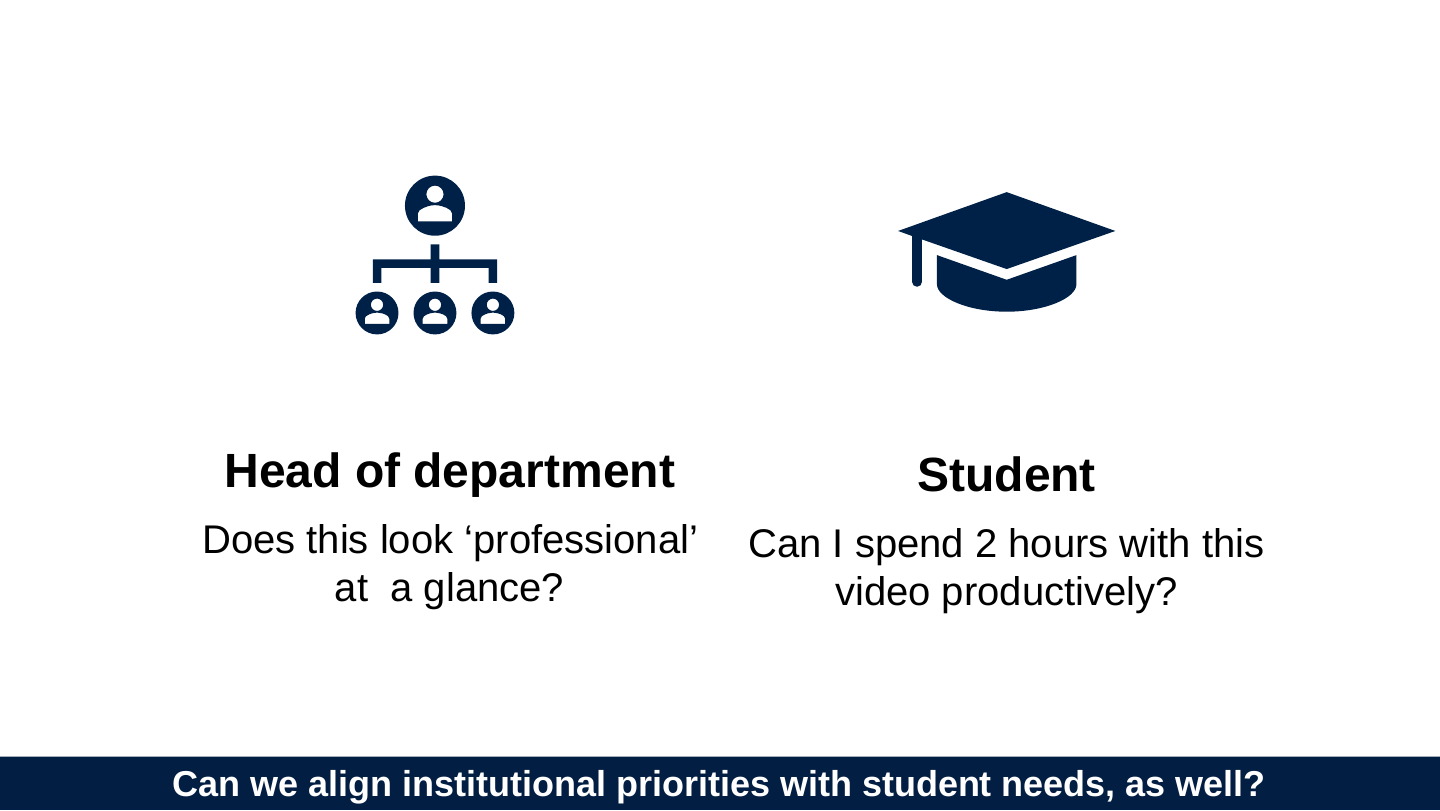
Can we align institutional priorities with student needs, as well?
Head of department: Does this look ‘professional’ at a glance?
Student: Can I spend 2 hours with this video productively?
Slide 26: This is a misalignment on what engaging means.
This is a misalignment on what engaging means.
Slide 27: Can we align on what we mean by engaging
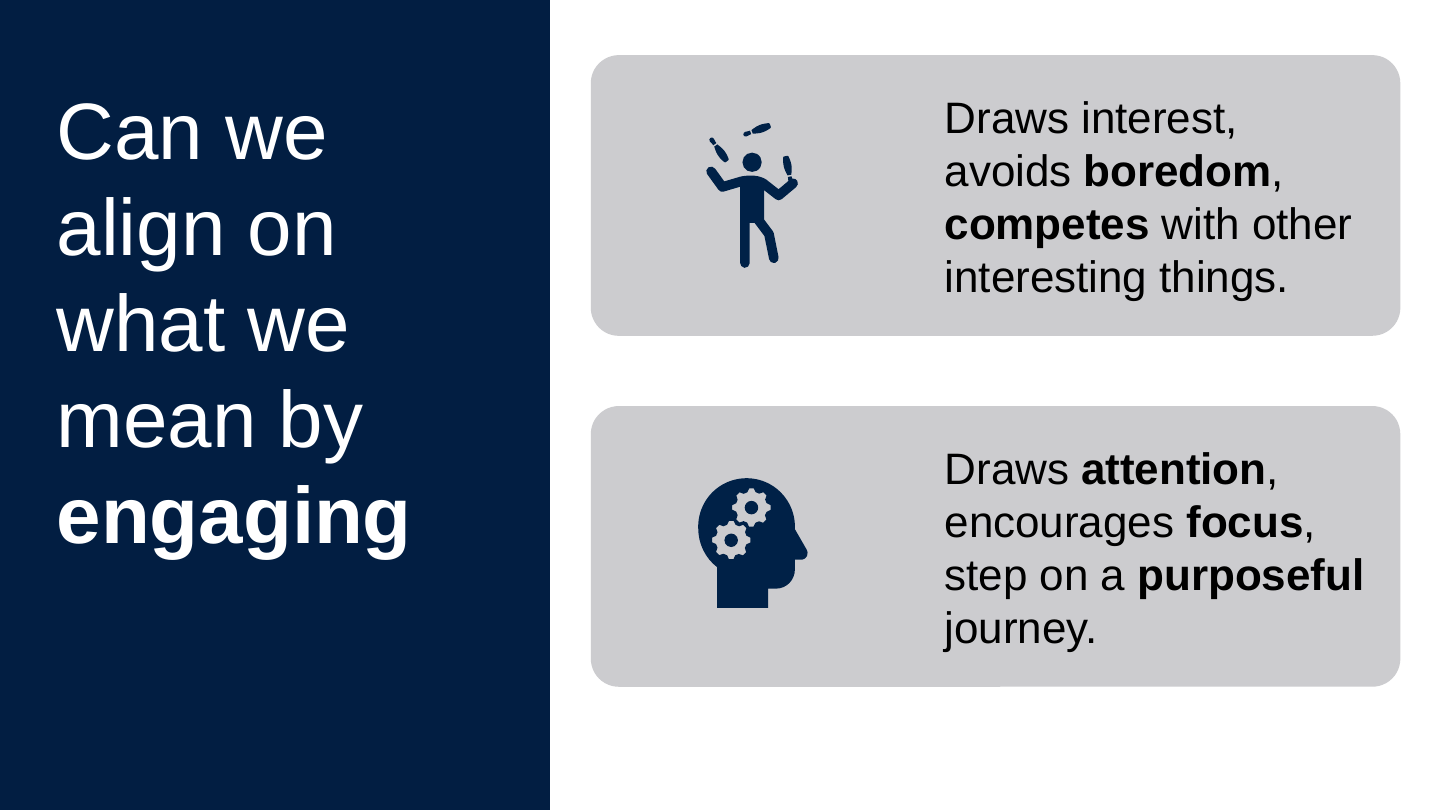
Can we align on what we mean by engaging
- Draws interest, avoids boredom, competes with other interesting things.
- Draws attention, encourages focus, step on a purposeful journey.
Slide 28: Thank you
Thank you
bit.ly/ox-acprod